This addon allows you to have more space in one block

This block is the core of this addon - you can access your space by rightclicking - you can add Small Space Interface to access import/export busses How to use
or Tutorial:
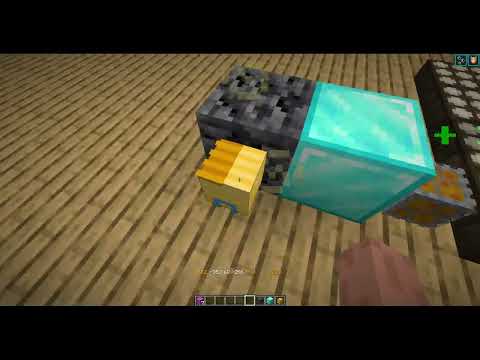


Steps:
- Put Sized Block in Block Assigner
- Place Sized Block to energy network and right click it
- Build Anythink you want
- For additional function you can go back by rightclicking gold block in your space and shift+rightclick with Small Space Interface on Sized Block to have import/export busses
This Block allows you to access import/export busses in your space How to use


- Shift+rightclick on Sized Block
- Right click Sized Block to load chunks
- Go back by rightclicking gold block in your space
- Put any item in input(left) and it will go to your space. Import/export bus will spawn in your space. In your space you can get your items in stone block and put items in magma block. That will put them back in Small Space Interface
This machine is used to assign id to Sized Block



A big thanks goes to https://minecraft-heads.com who kindly gave their permission to utilise heads they've procured within our addon.
