


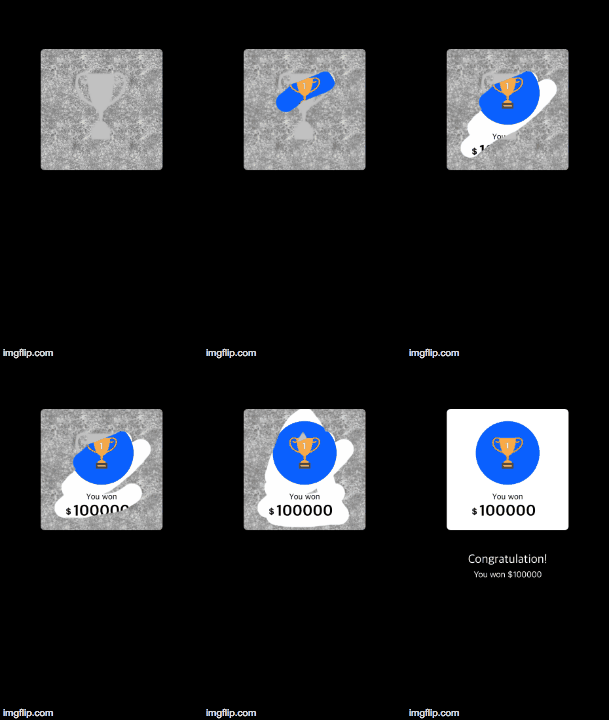
To run the example project, clone the repo, and run pod install from the Example directory first.
Swift 3.0+
Xcode 8.0+
SRScratchView is available through CocoaPods. To install it, simply add the following line to your Podfile:
pod 'SRScratchView'or add SAScratchView.swift file into your project directory.
Change class of your imageView to SRSrcatchView.
import SRScratchView

//Add delegate
class ViewController: UIViewController,SRScratchViewDelegate{

override func viewDidLoad() {
super.viewDidLoad()

self.scratchImageView.delegate = self

}


//delegate method
func scratchCardEraseProgress(eraseProgress: Float) {

//Here you will get erase progress in percentage

}
}//width of srcatch line
yourView.lineWidth = 40.0
//shape of scrach line
yourView.lineType = .squareSRScratchView is available under the MIT license. See the LICENSE file for more info.