Pollfish Flutter plugin, allows integration of Pollfish surveys into Flutter Android and iOS apps.
Pollfish is a mobile monetization platform delivering surveys instead of ads through mobile apps. Developers get paid per completed surveys through their apps.
Pollfish Flutter Plugin can be found on Dart Packages website. The source code and an example app can be found on Github.
- Android 16+ using Google Play Services
- iOS version 9.0+
Note: Apps designed for Children and Families program should not be using Pollfish SDK, since Pollfish does not collect responses from users less than 16 years old
Note: Pollfish iOS SDK utilizes Apple's Advertising ID (IDFA) to identify and retarget users with Pollfish surveys. As of iOS 14 you should initialize Pollfish Flutter plugin in iOS only if the relevant IDFA permission was granted by the user
- Sign Up for a Pollfish Publisher account, create a new app and grap it's API key
- Install and integrate Pollfish plugin and call the init function
- Set to Release mode and publish on app store
- Update your app's privacy policy
- Request your account to get verified from Pollfish Dashboard
Register as a Developer at www.pollfish.com
Login at www.pollfish.com and add a new app on Pollfish Dashboard. Copy the given API key for this app in order use it later on, in your init function in your app.
Add this to your package's pubspec.yaml file:
dependencies:
  flutter_pollfish: ^1.2.3
You can install then the package from the command line:
flutter packages get
You can import then in your Dart code the plugin, as below:
import 'package:flutter_pollfish/flutter_pollfish.dart';
When you initialize Pollfish you should pass the API Key of the app (from step 2) which is a mandatory param:
For example:
FlutterPollfish.instance.init(apiKey: 'YOUR_API_KEY')
During initialization you can pass different optional params:
- pollfishPosition: int - TOP_LEFT=0 , BOTTOM_LEFT=1, TOP_RIGHT=2, BOTTOM_RIGHT=3, MIDDLE_LEFT=4, MIDDLE_RIGHT=5 (defines the side of the Pollish panel, and position of Pollish indicator)
- indPadding: int - Sets padding (in dp) from the top or bottom according to Position of the indicator
- releaseMode: bool - Sets Pollfish SDK to Debug or Release mode. Use Developer mode to test your implementation with demo surveys
- rewardMode: bool - Initializes Pollfish in reward mode (used when implementing a Rewarded approach)
- requestUUID: String - Sets a unique id to identify a user. This param will be passed backthrough server-to-server callbacks
- offerwallMode: bool - Sets Pollfish to Offerwall mode
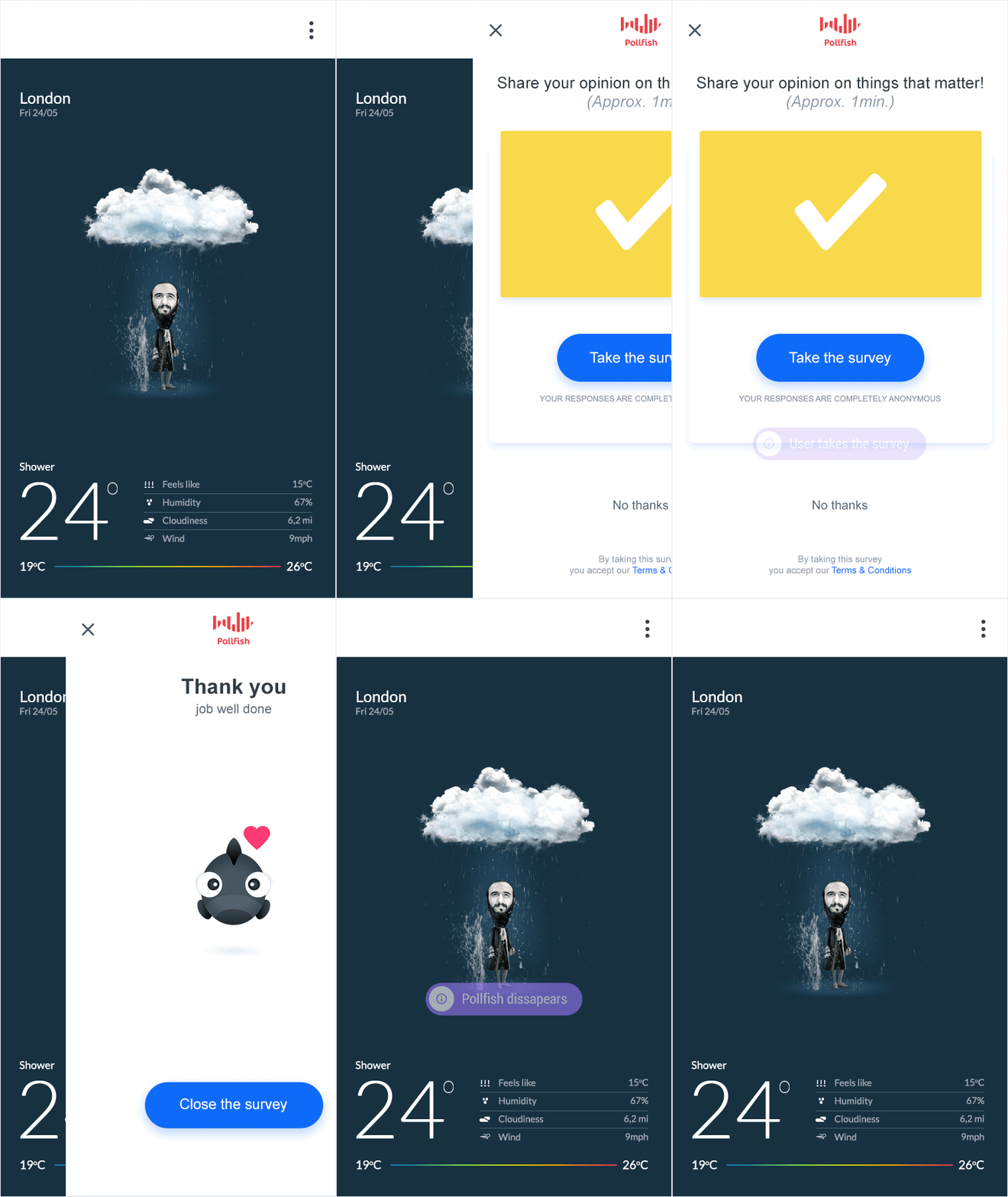
You can use Pollfish either in Debug or in Release mode.
- Debug mode is used to show to the developer how Pollfish will be shown through an app (useful during development and testing).
- Release mode is the mode to be used for a released app (start receiving paid surveys).
-
rewardMode = false is the standard way of using Pollfish in your apps. Using init function with reward mode disabled, enables controlling the behavior of Pollfish in an app from Pollfish panel.
-
rewardMode = true ignores Pollfish behavior from Pollfish panel. It always skips showing Pollfish indicator (small Pollfish icon) and always force open Pollfish view to app users. This method is usually used when app developers want to incentivize first somehow their users, before completing surveys to increase completion rates.
For example:
FlutterPollfish.instance.init(
     apiKey: 'YOUR_API_KEY',
     pollfishPosition: 5,
     indPadding: 40,
     rewardMode: false,
     releaseMode: true,
     requestUUID: 'USER_INTERNAL_ID',
     offerwallMode:false);
During the lifetime of a survey, publisher can manually show or hide survey panel by calling the following functions.
FlutterPollfish.instance.show();or
FlutterPollfish.instance.hide();Publishers can register and receive notifications on different events during the lifetime of a survey
Once a survey is received, Pollish Survey Received notification is fired to inform the publisher. The notification includes several info around the survey such as:
- CPA: money to be earned in USD cents
- LOI: length of the survey is minutes
- IR: incidence rate (conversion)
- Survey Class: survey provider (Pollish, Toluna, Cint etc)
- Reward Name: Reward name as specified on Pollfish Dashboard
- Reward Value: Reward value based on exchange rate as specified on Pollfish Dashboard
FlutterPollfish.instance.setPollfishReceivedSurveyListener(onPollfishSurveyReveived);

void onPollfishSurveyReveived(String result) => setState(() {

    List<String> surveyCharacteristics = result.split(',');

     if (surveyCharacteristics.length >= 6) {
       String  _logText =
          'Survey Received: - SurveyInfo with CPA: ${surveyCharacteristics[0]} and IR: ${surveyCharacteristics[1]} and LOI: ${surveyCharacteristics[2]} and SurveyClass: ${surveyCharacteristics[3]} and RewardName: ${surveyCharacteristics[4]}  and RewardValue: ${surveyCharacteristics[5]}';

    }
 });
Once a survey is completed, Pollish Survey Completed notification is fired to inform the publisher. The notification includes several info around the survey such as:
- CPA: money to be earned in USD cents
- LOI: length of the survey is minutes
- IR: incidence rate (conversion)
- Survey Class: survey provider (Pollish, Toluna, Cint etc)
FlutterPollfish.instance.setPollfishCompletedSurveyListener(onPollfishSurveyCompleted);

void onPollfishSurveyCompleted(String result) => setState(() {

    List<String> surveyCharacteristics = result.split(',');

     if (surveyCharacteristics.length >= 6) {
       String  _logText =
          'Survey Completed: - SurveyInfo with CPA: ${surveyCharacteristics[0]} and IR: ${surveyCharacteristics[1]} and LOI: ${surveyCharacteristics[2]} and SurveyClass: ${surveyCharacteristics[3]} and RewardName: ${surveyCharacteristics[4]}  and RewardValue: ${surveyCharacteristics[5]}';

    }
 });
A notification that informs that Pollfish Survey panel opened
FlutterPollfish.instance.setPollfishSurveyOpenedListener(onPollfishSurveyOpened);

void onPollfishSurveyOpened() => setState(() {

   String _logText = 'Survey Panel Open';
}
A notification that informs that Pollfish Survey panel closed
FlutterPollfish.instance.setPollfishSurveyClosedListener(onPollfishSurveyClosed);

void onPollfishSurveyClosed() => setState(() {

   String _logText = 'Survey Panel Closed';
}
A notification that informs that no survey is available for that user
FlutterPollfish.instance.setPollfishSurveyNotAvailableSurveyListener(onPollfishSurveyNotAvailable);

void onPollfishSurveyNotAvailable() => setState(() {

   String _logText = 'Survey Not Available';
}
A notification that informs that the user rejected the survey
FlutterPollfish.instance.setPollfishUserRejectedSurveyListener(onPollfishUserRejectedSurvey);

void onPollfishUserRejectedSurvey() => setState(() {

   String _logText = 'User Rejected Survey';
}
A notification that informs that the user got screened out from the survey
FlutterPollfish.instance.setPollfishUserNotEligibleListener(onPollfishUserNotEligible);

void onPollfishUserNotEligible() => setState(() {

   String _logText = 'User Not Eligible';
}
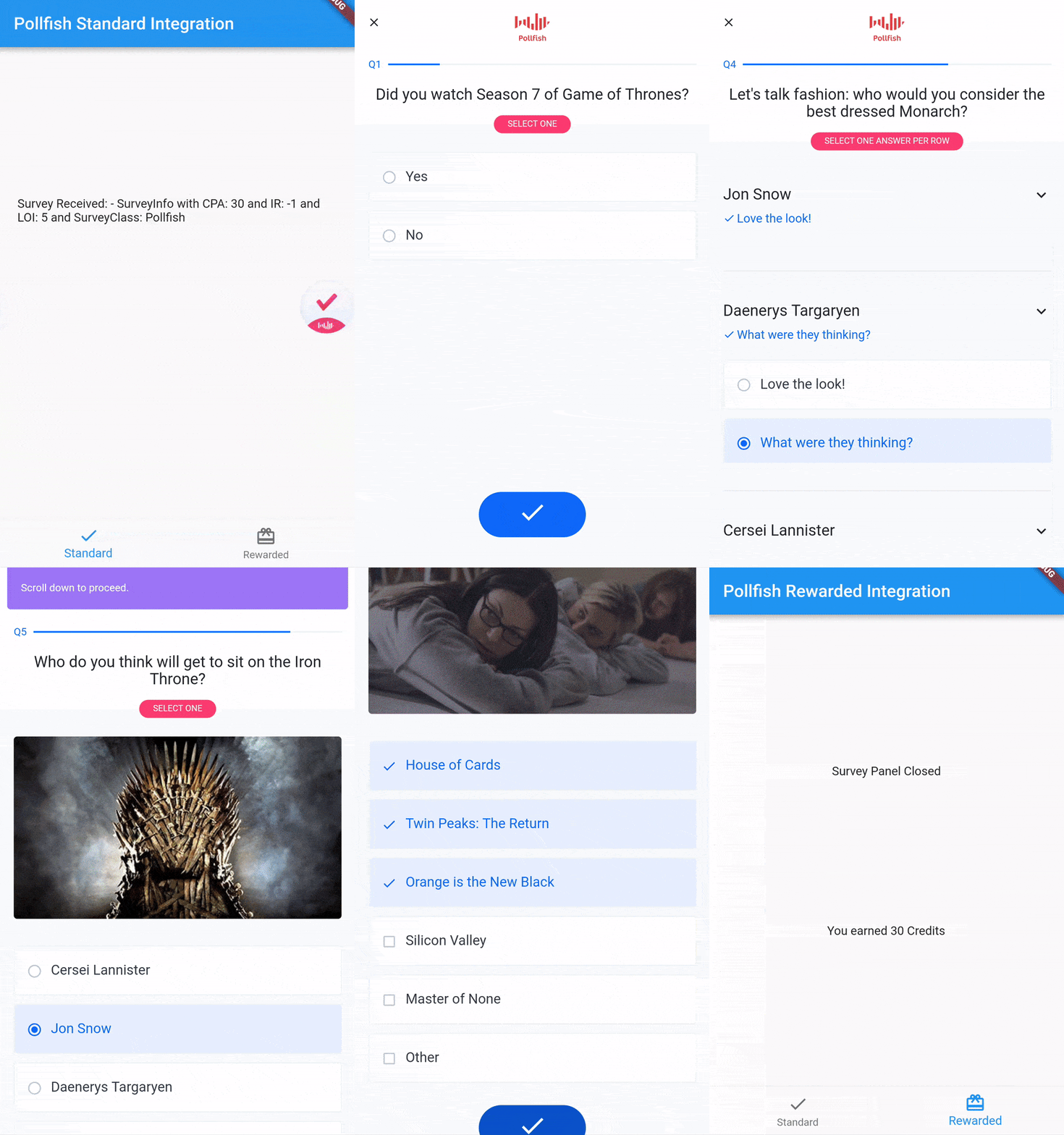
An example is provided on Github that demonstrates how a publisher can implement the rewarded and/or the Offerwall approach. Publisher has to initialize Pollish in reward mode = true and specify if Offerwall mode should be on. When a survey is received, the publisher can show a custom prompt, to incentivize user to participate to the survey. If the user clicks on the prompt, the publisher can call Pollish show to show the questioanniare. Upon survey completion, the publisher can reward the user.
This is just an initial version of the plugin. There are still some limitations:
- You cannot pass custom attributes during initialization
- No tests implemented yet
- Minimum iOS is 9.0 and minimum Android version is 16
If you would like to implement the Rewarded approach or just review an example in code, you can review the example app on Github.