This plugin provides a simple platform specific implementation of a alert whose text can be updated. It is useful to show progress for example. The alerts cannot be closed by the user by default. So far, the appearance and position are not changeable but follow the default behavior of the operating system. Compatible with Android, iOS and Mac.
| Android | iPhone |
|---|---|
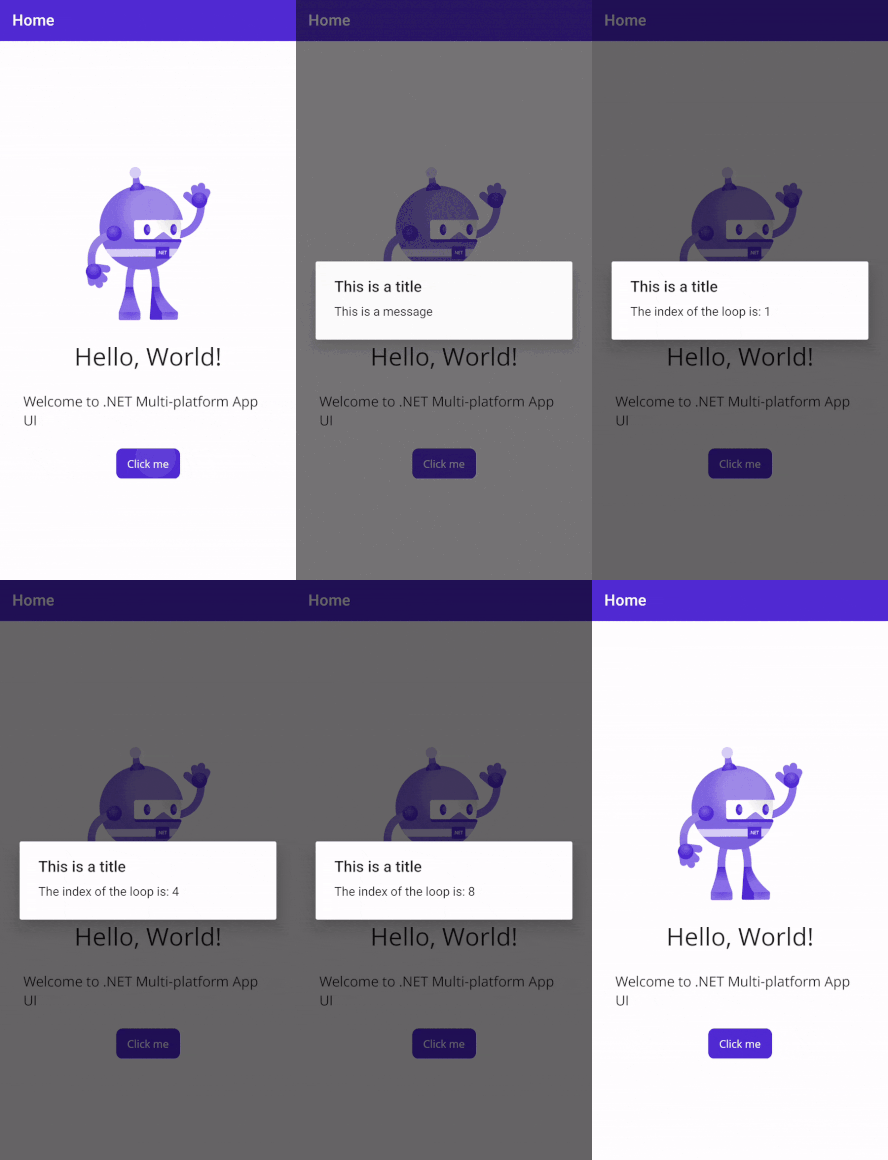 |
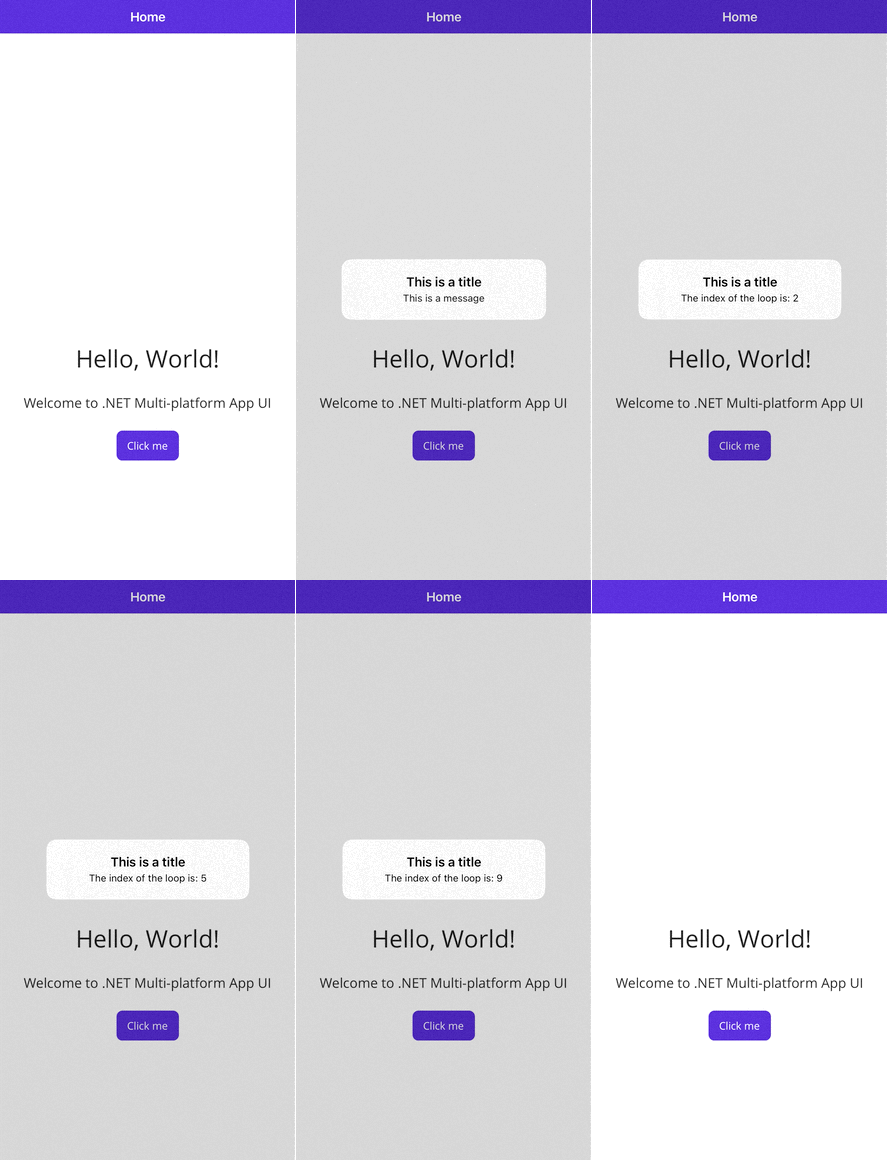 |
The plugin is available on NuGet.
- NuGet Official Releases:

Browse with the NuGet manager in your IDE to install them or run this command:
Install-Package Plugin.DynamicAlert
After installation the plugin can be used as follows:
public async Task UpdateDynamicAlertAsync()
    {
        // Creates a new alert with the specified title and message
        var alert = new DynamicAlert("Title", "Message");

        for(int i = 0; i < 10; i ++) {
            await Task.Delay(TimeSpan.FromSeconds(1));

            // Updates the alert with the new message
            alert.Update($"Title count": {i}");
        }

        // Remove the alert when you are done
        alert.Dismiss();
    }