-
Notifications
You must be signed in to change notification settings - Fork 0
Expand file tree
/
Copy paths01_intro_+_assignment.py
More file actions
160 lines (107 loc) · 4.1 KB
/
s01_intro_+_assignment.py
File metadata and controls
160 lines (107 loc) · 4.1 KB
1
2
3
4
5
6
7
8
9
10
11
12
13
14
15
16
17
18
19
20
21
22
23
24
25
26
27
28
29
30
31
32
33
34
35
36
37
38
39
40
41
42
43
44
45
46
47
48
49
50
51
52
53
54
55
56
57
58
59
60
61
62
63
64
65
66
67
68
69
70
71
72
73
74
75
76
77
78
79
80
81
82
83
84
85
86
87
88
89
90
91
92
93
94
95
96
97
98
99
100
101
102
103
104
105
106
107
108
109
110
111
112
113
114
115
116
117
118
119
120
121
122
123
124
125
126
127
128
129
130
131
132
133
134
135
136
137
138
139
140
141
142
143
144
145
146
147
148
149
150
151
152
153
154
155
156
157
158
159
160
# -*- coding: utf-8 -*-
"""S01 - Intro + Assignment.ipynb
Automatically generated by Colaboratory.
Original file is located at
https://colab.research.google.com/drive/1wQpAHpzgyKj-LQQhOuJxrHUMH16j4h8F
# Python Programming for Students of Economics
## Summer 2022
After you learn the basics, it's mostly about googling stuff!

## Programming Languages
* Compiled (C, C++, Fortran, Go, ...)
* Interpreted (Python, R, ...)
* Compiled into intermediate languages (Java, C#, ...)
* JIT Compiled (Julia, ...)
Distributions:
* Compiler / Interpreter
* IDE
* Selected libraries
* Other tools
Languages we will use:
* Python (mostly)
* R
* Julia
Methods to write and run code!
* write code in an editor and save, run in console
* do the above in an IDE (eg. spyder / RStudio)
* get into REPL, write and run there
* use the notebook method (Jupyter)
## Anaconda Python Distribution
Anaconda: https://www.anaconda.com/
Download https://www.anaconda.com/products/individual-d and Install
## Julia
Julia Language: https://julialang.org/
Download https://julialang.org/downloads/ and install
Enable using Julia in Jupyter:
```{Julia}
using Pkg
Pkg.add("IJulia")
```
## R
R Project: https://www.r-project.org/
Download https://cloud.r-project.org/bin/windows/base/ and Install
Enable using R in Jupyter:
```{r}
install.packages("IRkernel")
IRkernel::installspec()
```
# Some comparisons:
[VOX EU: Which programming language is best for economic research: Julia, Matlab, Python or R?](https://voxeu.org/article/which-programming-language-best-economic-research)
[Aruoba, S. B., & Fernández-Villaverde, J. (2015). A comparison of programming languages in macroeconomics. Journal of Economic Dynamics and Control, 58, 265-273.](https://sci-hub.se/10.1016/j.jedc.2015.05.009)
[Open Risk Manual: Overview of the Julia-Python-R Universe](https://www.openriskmanual.org/wiki/Overview_of_the_Julia-Python-R_Universe)
[Julia Language: Noteworthy Differences from other Languages](https://docs.julialang.org/en/v1/manual/noteworthy-differences/)
[QuantEcon Cheatsheets: MATLAB–Python–Julia cheatsheet](https://cheatsheets.quantecon.org/)
Notes on programming (will have more later):
The two main principles for coding and managing data are:
1. Make things easier for your future self
2. Don’t trust your future self
## References
[Numerical Python](https://www.apress.com/gp/book/9781484242452)
[W3Schools Python](https://www.w3schools.com/python/default.asp)
good sources:
* [Jesús Fernández-Villaverde Teachings](https://www.sas.upenn.edu/~jesusfv/teaching.html)
* [QuantEcon](https://quantecon.org/)
## Program as a series of _statements_
"""
print("Hellow world!")
print("This is a python code!")
print("The code for this program might be different in a lot of other languages!")
"""## Assignments
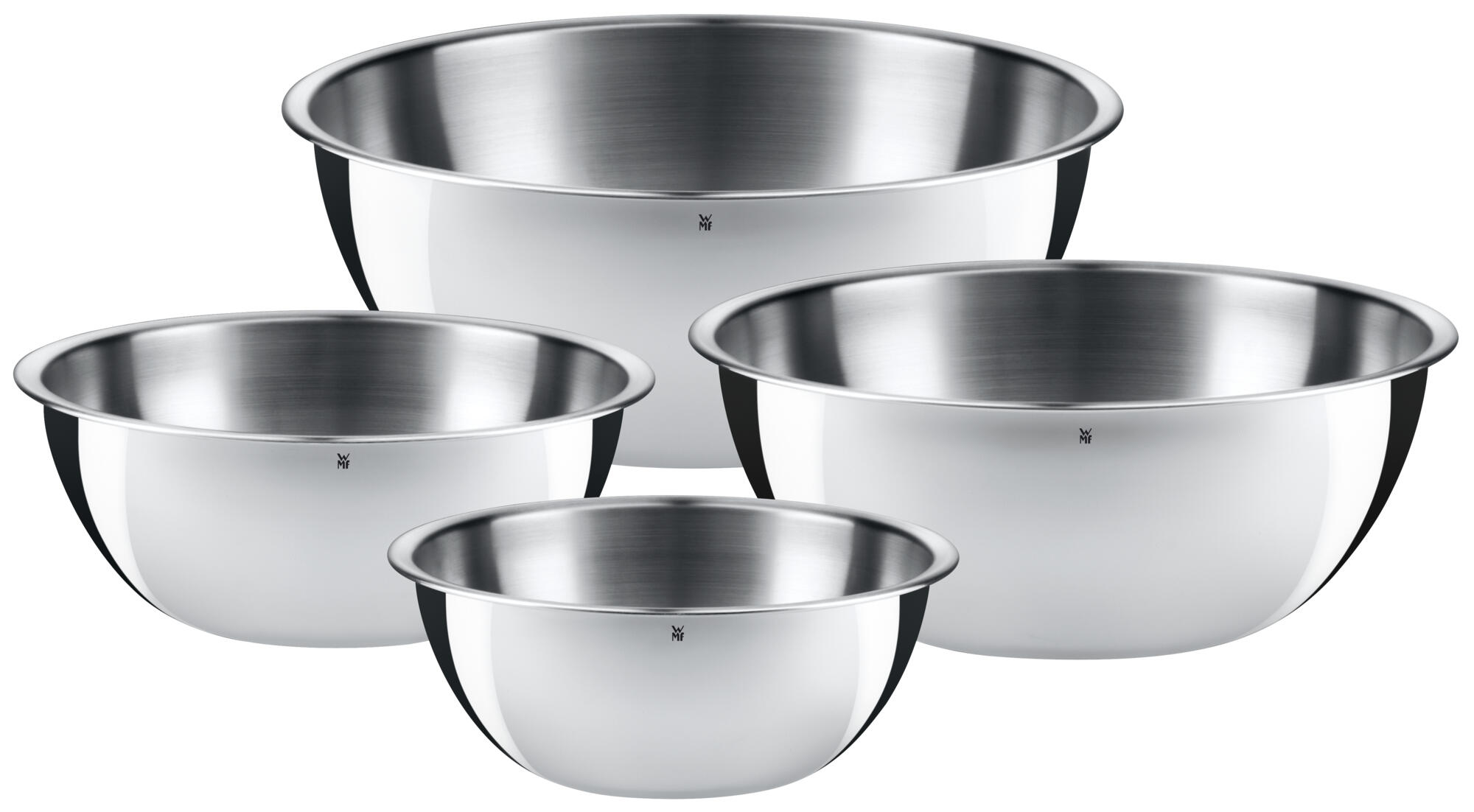
Think of variable as a kitchen bowl that keeps something in it. name of the variable is the label on the bowl!
Assignment is to pour stuff in a bowl (maybe from other bowls)!
"""
a = 1
b = 2
print(a)
a = a + 1
print(a)
# we use # sign for comments
# it means the rest of the line will not run
# b = 3
print(b) # you can use it after a sentence too!
"""**naming rules** (specific to python, each language has it's own rules):
* A variable name must start with a letter or the underscore character
* A variable name cannot start with a number
* A variable name can only contain alpha-numeric characters and underscores (A-z, 0-9, and _ )
* Variable names are case-sensitive (`age`, `Age` and `AGE` are three different variables)
"""
#Legal variable names:
myvar = "John"
my_var = "John"
_my_var = "John"
myVar = "John"
MYVAR = "John"
myvar2 = "John"
#Illegal variable names:
2myvar = "John"
my-var = "John"
my var = "John"
# Naming Conventions
variable_name = 3
VaribaleName = 5
variableName = 4
Student_ID = 4
StudentID = 86205022
print(Student_ID)