
Replies: 5 comments 4 replies

-
|
you were able to mod the keystrokes!? can you please explain to me how I would modify keystrokes.plist to change what keys trigger what notes/order of keys? Im trying to make my type to keyboard go like this, if you can help me figure out how to make custom mappings in the keystrokes.plist I will pay you or whoever figures it out 10$ PayPal friends and family, this is the current mapping I want to do, |
Beta Was this translation helpful? Give feedback.

-
|
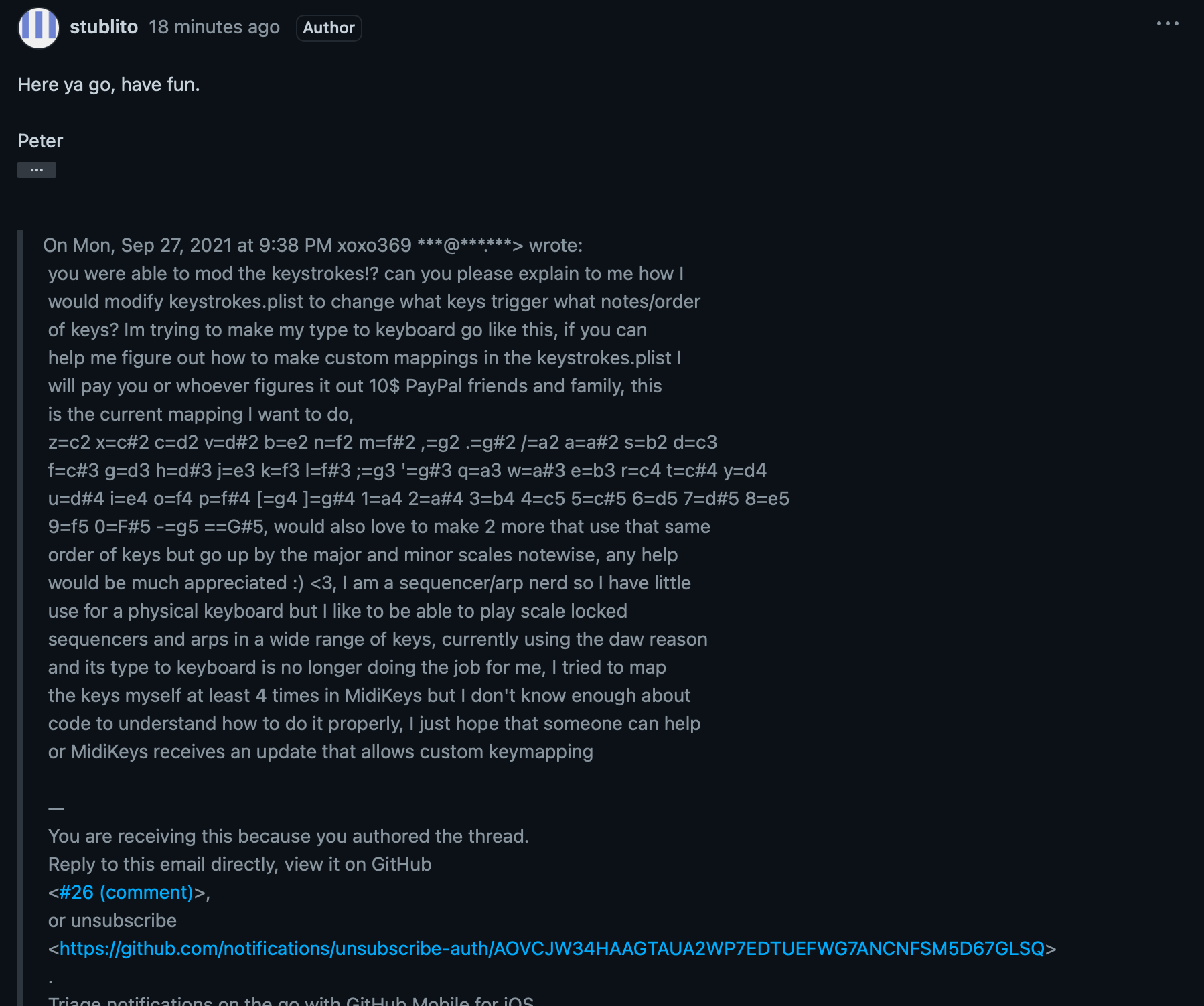
Here ya go, have fun.
Peter
…On Mon, Sep 27, 2021 at 9:38 PM xoxo369 ***@***.***> wrote:
you were able to mod the keystrokes!? can you please explain to me how I
would modify keystrokes.plist to change what keys trigger what notes/order
of keys? Im trying to make my type to keyboard go like this, if you can
help me figure out how to make custom mappings in the keystrokes.plist I
will pay you or whoever figures it out 10$ PayPal friends and family, this
is the current mapping I want to do,
z=c2 x=c#2 c=d2 v=d#2 b=e2 n=f2 m=f#2 ,=g2 .=g#2 /=a2 a=a#2 s=b2 d=c3
f=c#3 g=d3 h=d#3 j=e3 k=f3 l=f#3 ;=g3 '=g#3 q=a3 w=a#3 e=b3 r=c4 t=c#4 y=d4
u=d#4 i=e4 o=f4 p=f#4 [=g4 ]=g#4 1=a4 2=a#4 3=b4 4=c5 5=c#5 6=d5 7=d#5 8=e5
9=f5 0=F#5 -=g5 ==G#5, would also love to make 2 more that use that same
order of keys but go up by the major and minor scales notewise, any help
would be much appreciated :) <3, I am a sequencer/arp nerd so I have little
use for a physical keyboard but I like to be able to play scale locked
sequencers and arps in a wide range of keys, currently using the daw reason
and its type to keyboard is no longer doing the job for me, I tried to map
the keys myself at least 4 times in MidiKeys but I don't know enough about
code to understand how to do it properly, I just hope that someone can help
or MidiKeys receives an update that allows custom keymapping
—
You are receiving this because you authored the thread.
Reply to this email directly, view it on GitHub
<#26 (comment)>,
or unsubscribe
<https://github.com/notifications/unsubscribe-auth/AOVCJW34HAAGTAUA2WP7EDTUEFWG7ANCNFSM5D67GLSQ>
.
Triage notifications on the go with GitHub Mobile for iOS
<https://apps.apple.com/app/apple-store/id1477376905?ct=notification-email&mt=8&pt=524675>
or Android
<https://play.google.com/store/apps/details?id=com.github.android&referrer=utm_campaign%3Dnotification-email%26utm_medium%3Demail%26utm_source%3Dgithub>.
|
Beta Was this translation helpful? Give feedback.

-
|
here what goes? am I missing something? |
Beta Was this translation helpful? Give feedback.
-
|
read the how to
…Sent from my iPhone
On Sep 28, 2021, at 12:12 AM, xoxo369 ***@***.***> wrote:
here what goes? am I missing something?
—
You are receiving this because you authored the thread.
Reply to this email directly, view it on GitHub, or unsubscribe.
Triage notifications on the go with GitHub Mobile for iOS or Android.
|
Beta Was this translation helpful? Give feedback.
-
|
I don't see it though? |
Beta Was this translation helpful? Give feedback.
-
|
|
Beta Was this translation helpful? Give feedback.
-
|
Ahh I see the mail does not allow attachments:
------------------
HOW TO
1. Make a copy of MIDIKeys, rename MIDIKeysNumpad or similar.
2. Right Click on MidiKeysNumpad. - Show package contents, open Resources
folder;
2. Open Keymaps.plist using Textedit, Inspect the code. Note:
<array>
<integer>50</integer> <!-- ` -->
First line - 50 is the AppleScript Key code, <!— is comments - what keycap
is. But what note is it?
Now start the app MidiKeysNumpad. Use the left and right arrow keys to
move the letters into view.
You should be able to figure it out from here...
NOTE: You will need to make a different renamed copy of the app for each
different mapping.
NOTE: there is no way to disable the arrow keys :( if you hit one it will
move the keycaps and spoil things.
BUT: Under Keys Menu, select Global Hot Keys. Now you can hide MIDIkeys it
will run in the background YAY!
…-------------------
These are keycodes for the Mac Numpad, you can change them to what you
want. Copy/paste the last (6th) array chunk with this.
<array>
<integer>50</integer> <!-- ` -->
<integer>50</integer> <!-- ` -->
<integer>83</integer> <!-- 1 -->
<integer>89</integer> <!-- 7 -->
<integer>84</integer> <!-- 2 -->
<integer>91</integer> <!-- 8 -->
<integer>85</integer> <!-- 3 -->
<integer>86</integer> <!-- 4 -->
<integer>81</integer> <!-- = -->
<integer>87</integer> <!-- 5 -->
<integer>75</integer> <!-- / -->
<integer>88</integer> <!-- 6 -->
<integer>67</integer> <!-- * -->
<integer>92</integer> <!-- 9 -->
<integer>82</integer> <!-- 0 -->
<integer>69</integer> <!-- + -->
<integer>78</integer> <!-- - -->
<integer>65</integer> <!-- . -->
<integer>44</integer> <!-- ? -->
<integer>27</integer> <!-- - -->
<integer>33</integer> <!-- [ -->
<integer>30</integer> <!-- ] -->
<integer>71</integer> <!-- winnumlock -->
</array>
On Tue, Sep 28, 2021 at 12:26 AM xoxo369 ***@***.***> wrote:
[image: Screen Shot 2021-09-28 at 6 26 17 AM]
<https://user-images.githubusercontent.com/88885702/135070289-2c065c19-3be4-4d7b-8e27-043c091179ea.png>
—
You are receiving this because you authored the thread.
Reply to this email directly, view it on GitHub
<#26 (reply in thread)>,
or unsubscribe
<https://github.com/notifications/unsubscribe-auth/AOVCJW6IGE24BYR7H4EI3UTUEGJ53ANCNFSM5D67GLSQ>
.
Triage notifications on the go with GitHub Mobile for iOS
<https://apps.apple.com/app/apple-store/id1477376905?ct=notification-email&mt=8&pt=524675>
or Android
<https://play.google.com/store/apps/details?id=com.github.android&referrer=utm_campaign%3Dnotification-email%26utm_medium%3Demail%26utm_source%3Dgithub>.
|
Beta Was this translation helpful? Give feedback.
-
|
Brad Howes got back to me with an email and said the following, it worked for me so hopefully it can help with your CC mappings :) "In the Finder, go to the Applications folder and control-click on the MIDIKeys application. Select “Show Package Contents”. Open the folders “Contents" and then “Resources”. There you will see the KeyMaps.plist file you need to change. First, make a copy of it by control-clicking on it and selecting “Duplicate”. Now if you make a mistake you can always restore to the original content. You will need a text editor for the next part. Open the “KeyMaps.plist” file in your editor. It has a fairly simple format: Top-level contains pairs of and values, each one defining a named key map that you can see in the MIDIKeys Preferences pane in the “Keys” tab in the “Key map” popup button. In the app there are 4 separate maps. Simple, no? :) Mostly this is an exercise in making sure you do not make an error with the XML format that could cause the file to not be readable by the application. Also, there is the issue of knowing what key codes correspond to the keys you want. I recommend Key Codes app https://manytricks.com/keycodes/ I suggest you copy the first + entries in the top-level and paste it above the one you copied (the order shown in the preferences pane is in the order of the file, so your’s would be first if it is first in the file). Be sure you copy full lines, starting with the Full line and including all the way down to the line with the that is before the line with Reversed Full. Change the name of your copied entry to whatever you want. Note that as far as I know, there is no need to have multiple entries of “FirstMidiNote" like “Full” does. Perhaps it was easier to understand. As long as there are no gaps in your MIDI values, you can use just one map definition in the third level. Finally, start up the app and see if your keys work." |
Beta Was this translation helpful? Give feedback.
-
|
Kewl.
If you enable Global Hot Keys, the assigned key codes are "hijacked" and
will not "reach" any other app. But you can hide the app...
Super cool tip - I bought a bluetooth Numpad - the code I sent is for it.
Those key codes are all different than the main keyboard, so no
interference. So...
Boom - wireless MIDI controller. If your target app will not accept note
commands to do stuff, get MidiPipe and use it to... well, turn the note
info into practically anything. I have mine changing lighting presets...
Peter
…On Tue, Sep 28, 2021 at 1:50 PM xoxo369 ***@***.***> wrote:
Brad Howes got back to me with an email and said the following, it worked
for me so hopefully it can help with your CC mappings :)
"In the Finder, go to the Applications folder and control-click on the
MIDIKeys application. Select “Show Package Contents”. Open the folders
“Contents" and then “Resources”. There you will see the KeyMaps.plist file
you need to change. First, make a copy of it by control-clicking on it and
selecting “Duplicate”. Now if you make a mistake you can always restore to
the original content.
You will need a text editor for the next part. Open the “KeyMaps.plist”
file in your editor. It has a fairly simple format:
Top-level contains pairs of and values, each one defining a named key map
that you can see in the MIDIKeys Preferences pane in the “Keys” tab in the
“Key map” popup button. In the app there are 4 separate maps.
The next level is an array of entries. There is at least one entry, but
like the “Full” map which has 2, there can be more than 1.
The third level is the actual map definition:
FirstMidiNote: defines the MIDI note that will be assigned to the first
KeyCode in the map
KeyCodes: an of integer values, each one is a key code of the key to use.
Each key will emit the MIDI note that is 1 greater than the previous entry.
So if FirstMidiNote is 39, then the first key code listed will emit 39, and
the next key will emit 40.
Simple, no? :)
Mostly this is an exercise in making sure you do not make an error with
the XML format that could cause the file to not be readable by the
application. Also, there is the issue of knowing what key codes correspond
to the keys you want. I recommend Key Codes app
https://manytricks.com/keycodes/
Just press a key and make note of the key code value it shows.
I suggest you copy the first + entries in the top-level and paste it above
the one you copied (the order shown in the preferences pane is in the order
of the file, so your’s would be first if it is first in the file). Be sure
you copy full lines, starting with the Full line and including all the way
down to the line with the that is before the line with Reversed Full.
Change the name of your copied entry to whatever you want.
Note that as far as I know, there is no need to have multiple entries of
“FirstMidiNote" like “Full” does. Perhaps it was easier to understand. As
long as there are no gaps in your MIDI values, you can use just one map
definition in the third level.
Finally, start up the app and see if your keys work."
—
You are receiving this because you authored the thread.
Reply to this email directly, view it on GitHub
<#26 (reply in thread)>,
or unsubscribe
<https://github.com/notifications/unsubscribe-auth/AOVCJW7QPRQ4GVTSNN7ZYQ3UEJIDPANCNFSM5D67GLSQ>
.
Triage notifications on the go with GitHub Mobile for iOS
<https://apps.apple.com/app/apple-store/id1477376905?ct=notification-email&mt=8&pt=524675>
or Android
<https://play.google.com/store/apps/details?id=com.github.android&referrer=utm_campaign%3Dnotification-email%26utm_medium%3Demail%26utm_source%3Dgithub>.
|
Beta Was this translation helpful? Give feedback.


Uh oh!
There was an error while loading. Please reload this page.
-
Many music apps respond to CC's for changing patches. I currently use MidiKeys (running in the background) to convert keystrokes to MIDI notes, then another app (MidiPipe) to convert those notes to CCs. Should be a quick and simple mod to add a preference to output CCs instead of notes.
ALSO, I have hacked the keymap resource. For instance, I used a little bluetooth numpad as a wireless controller and mapped those key codes to notes (or hopefully CCs). Adding a table editor in the preferences would accomplish the same thing.
Both these mods together would make MidiKeys much more useful to working musos.
Peter
Beta Was this translation helpful? Give feedback.
All reactions