Describe the bug
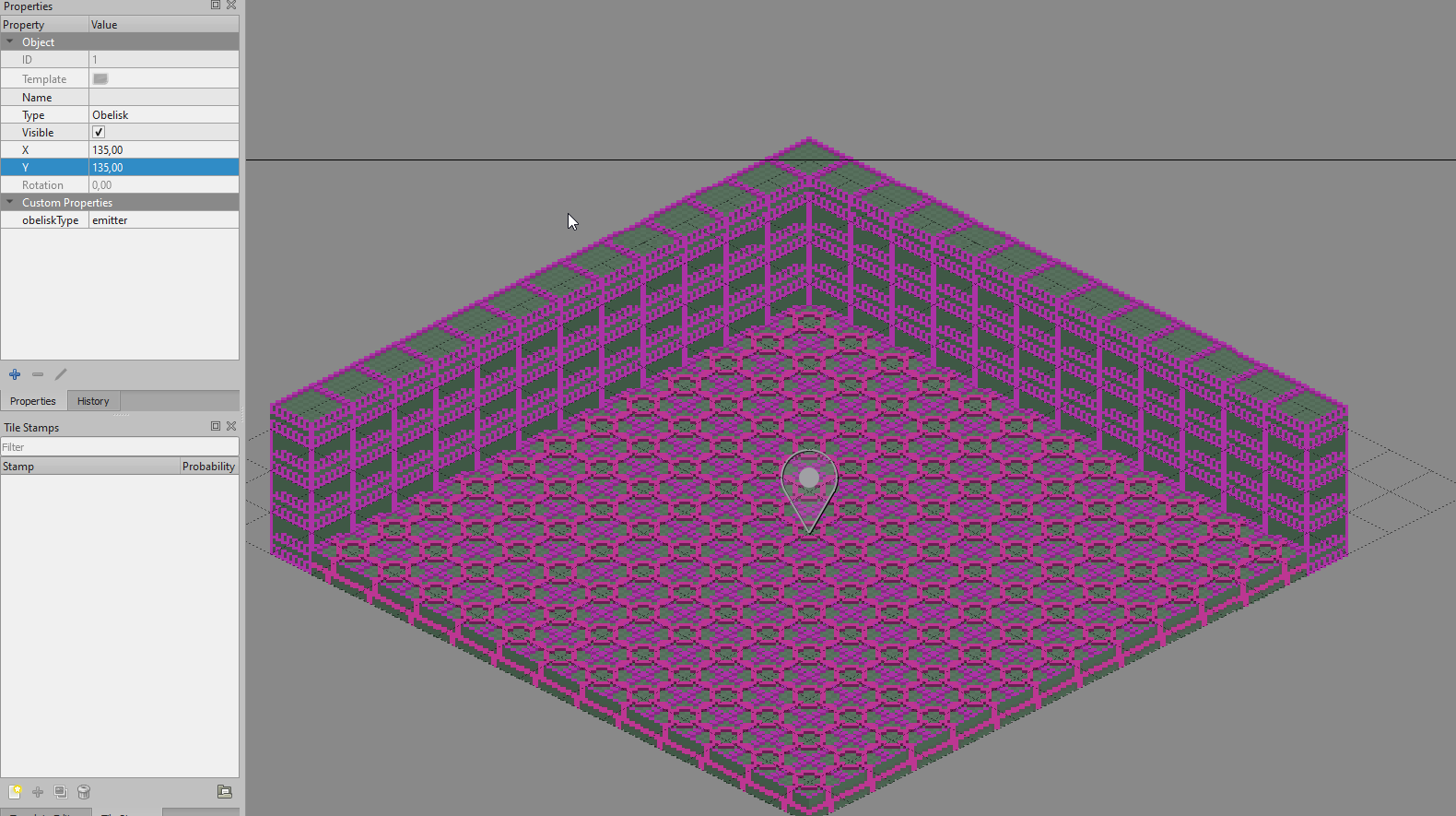
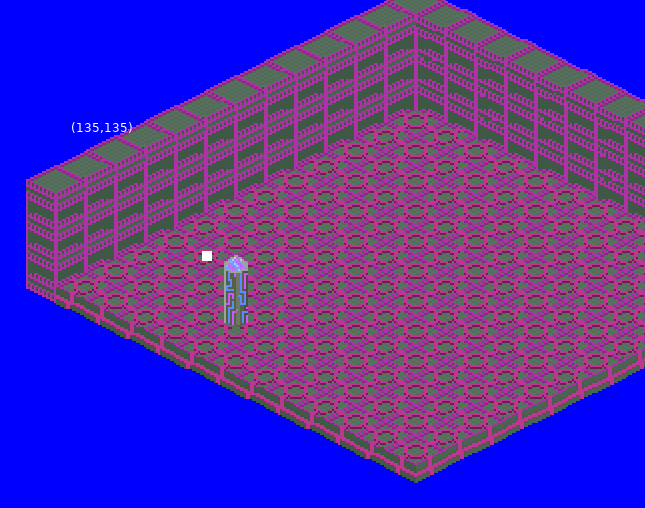
As the title says, the position of the objects aren't correct.
To Reproduce
Steps to reproduce the behavior:
- Create a 16x16 isometric map in Tiled, with tiles that measure 30*24px (w * h)
- Add an object point on the bottom centermost tile (15, 15), set it's name to "Test Object"
- Add a custom layer in your code,
- Set the draw function to draw a sprite that's 30 * 36px (w * h)
- See that it works on pixel coords (225, 225) from the exported lua from Tiled.
- Change the coords of the object point in Tiled to (135, 135).
- Export and run again.
- See that it doesn't line up properly.
** Example Code **
local layer = map:addCustomLayer("Layer", 3)

local obj

for k, object in pairs(map.objects) do
	if object.name == "Test Object" then
		obj = object
		break
	end
end

layer.obj = {
	sprite = love.graphics.newImage("sprite.png")
	x = obj.y,
	y = obj.x,
	ox = 0,
	oy = 0,
}

function layer:draw ()
	love.graphics.draw(
		self.obj.sprite,
		self.obj.x,
		self.obj.y,
		0,
		1,
		1,
		self.obj.ox,
		self.obj.oy
	)
end
Expected behavior
I expect the object to line up properly in the tile coords.
Screenshots
Tiled:
Game:
Version
STI 1.2.3.0

Describe the bug
As the title says, the position of the objects aren't correct.
To Reproduce
Steps to reproduce the behavior:
** Example Code **
Expected behavior
I expect the object to line up properly in the tile coords.
Screenshots
Tiled:

Game:

Version
STI 1.2.3.0