curl -L -J -O https://github.com/making/nexus-boshrelease/releases/download/0.4.0/nexus.yml
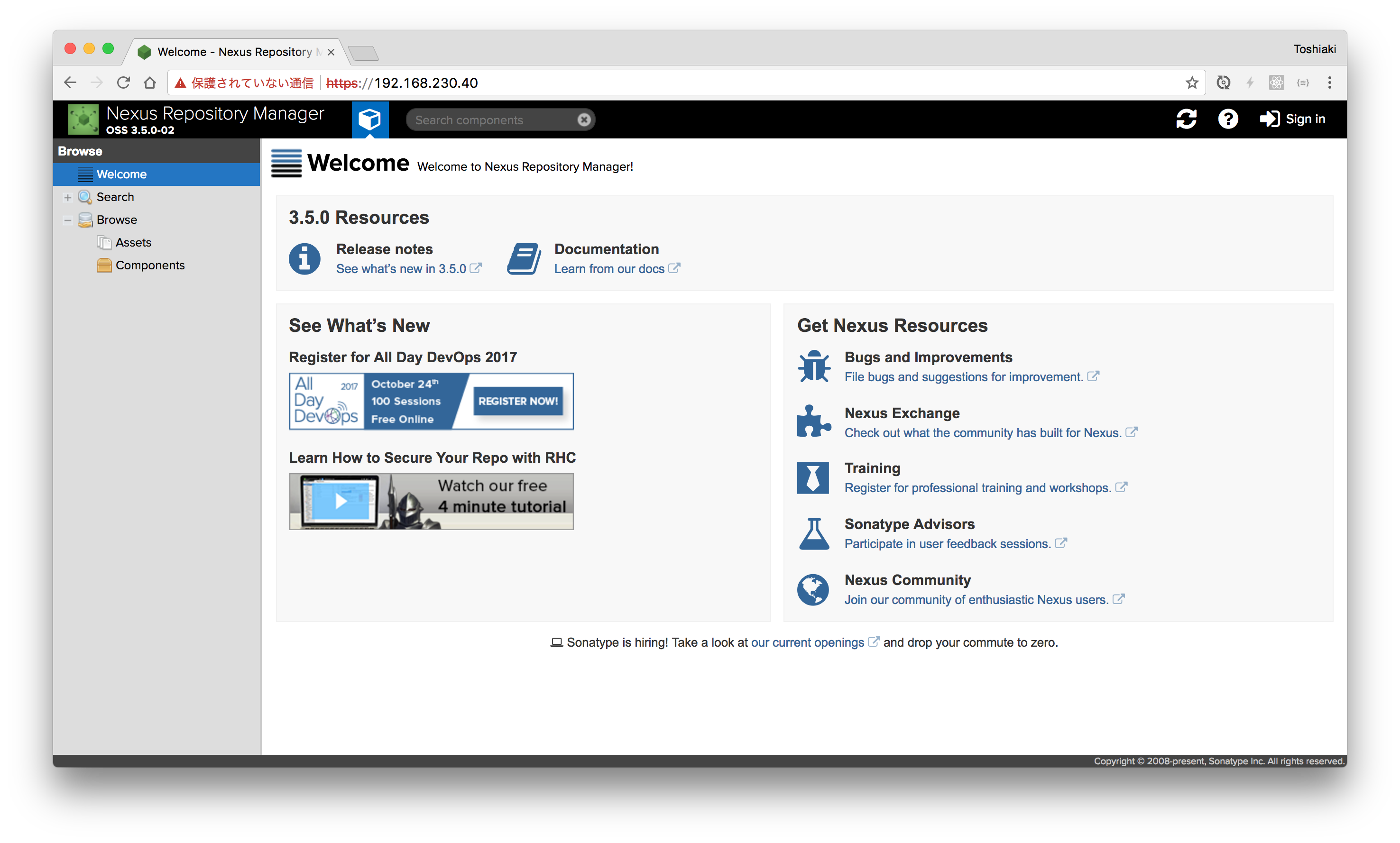
bosh create-env nexus.yml -v internal_ip=192.168.230.40  --vars-store ./creds.yml
admin:admin123
---
resources:
- name: repo
  type: git
  source:
    uri: https://github.com/making/hello-servlet.git
- name: cf
  type: cf
  source:
    api: ((cf-api))
    username: ((cf-username))
    password: ((cf-password))
    organization: ((cf-org))
    space: ((cf-space))
    skip_cert_check: true
jobs:
- name: unit-test
  plan:
  - get: repo
    trigger: true
  - task: mvn-test
    config:
      platform: linux
      image_resource:
        type: docker-image
        source:
          repository: maven
      inputs:
      - name: repo
      caches:
      - path: repo/m2
      run:
        path: bash
        args:
        - -c
        - |
          set -e
          cd repo
          rm -rf ~/.m2
          ln -fs $(pwd)/m2 ~/.m2
          mvn test
- name: upload-to-nexus-snapshots
  plan:
  - get: repo
    passed:
    - unit-test
    trigger: true
  - task: mvn-deploy
    params: &NEXUS_SNAPSHOT
      NEXUS_URL: ((nexus-snapshot-url))
      NEXUS_USERNAME: ((nexus-username))
      NEXUS_PASSWORD: ((nexus-password))
    config:
      platform: linux
      image_resource:
        type: docker-image
        source:
          repository: maven
      inputs:
      - name: repo
      outputs:
      - name: build
      caches:
      - path: repo/m2
      run:
        path: bash
        args:
        - -c
        - |
          set -e
          cd repo
          rm -rf ~/.m2
          ln -fs $(pwd)/m2 ~/.m2
          cat > settings.xml <<EOF
          <settings>
            <servers>
              <server>
                 <id>repo</id>
                 <username>${NEXUS_USERNAME}</username>
                 <password>${NEXUS_PASSWORD}</password>
              </server>
            </servers>
          </settings>
          EOF
          mvn deploy -s settings.xml -DskipTests=true -DaltDeploymentRepository=repo::default::${NEXUS_URL} -Dmaven.wagon.http.ssl.insecure=true -D maven.wagon.http.ssl.ignore.validity.dates=true
- name: deploy
  plan:
  - get: repo
    passed:
    - upload-to-nexus-snapshots
    trigger: true
  - task: download-artifact
    params:
      <<: *NEXUS_SNAPSHOT
    config:
      platform: linux
      image_resource:
        type: docker-image
        source:
          repository: maven
      inputs:
      - name: repo
      outputs:
      - name: build
      run:
        path: bash
        args:
        - -c
        - |
          set -e
          cd repo
          GROUP_ID=`grep '<groupId>' pom.xml | head -1  | sed -r 's/[ \f\n\r\t]+//g' | sed  -r 's|<.?groupId>||g'`
          ARTIFACT_ID=`grep '<artifactId>' pom.xml | head -1  | sed -r 's/[ \f\n\r\t]+//g' | sed  -r 's|<.?artifactId>||g'`
          VERSION=`grep '<version>' pom.xml | head -1  | sed -r 's/[ \f\n\r\t]+//g' | sed  -r 's|<.?version>||g'`
          URL=${NEXUS_URL}/`echo ${GROUP_ID} | sed 's|\.|/|g'`/${ARTIFACT_ID}/${VERSION}
          SNAPSHOT=`curl -k -s ${URL}/maven-metadata.xml | grep '<snapshotVersions>' -A 3 | grep 'value' | tr -d ' ' | tr -d '</value>'`
          echo "Download ${URL}/${ARTIFACT_ID}-${SNAPSHOT}.war"
          curl -k -u ${NEXUS_USERNAME}:${NEXUS_PASSWORD} -L -J -O ${URL}/${ARTIFACT_ID}-${SNAPSHOT}.war
          mv *.war ../build/ROOT.war
  - put: cf
    params:
      manifest: repo/manifest.yml
      path: build/ROOT.war
      current_app_name: hello-servlet
注意 アプリケーションのURLが重複しないように、
current_app_name: hello-servletのhello-servletをhello-servlet-自分のアカウント名に変更してください。
credentials.yml
---
cf-api: https://api.run.pivotal.io
cf-username: xxxxxx
cf-password: xxxxxx
cf-org: xxxxxx
cf-space: xxxxxx
nexus-snapshot-url: https://192.168.230.40/repository/maven-snapshots/
nexus-username: admin
nexus-password: admin123
fly -t ws set-pipeline -p hello-servlet -c pipeline.yml -l credentials.yml
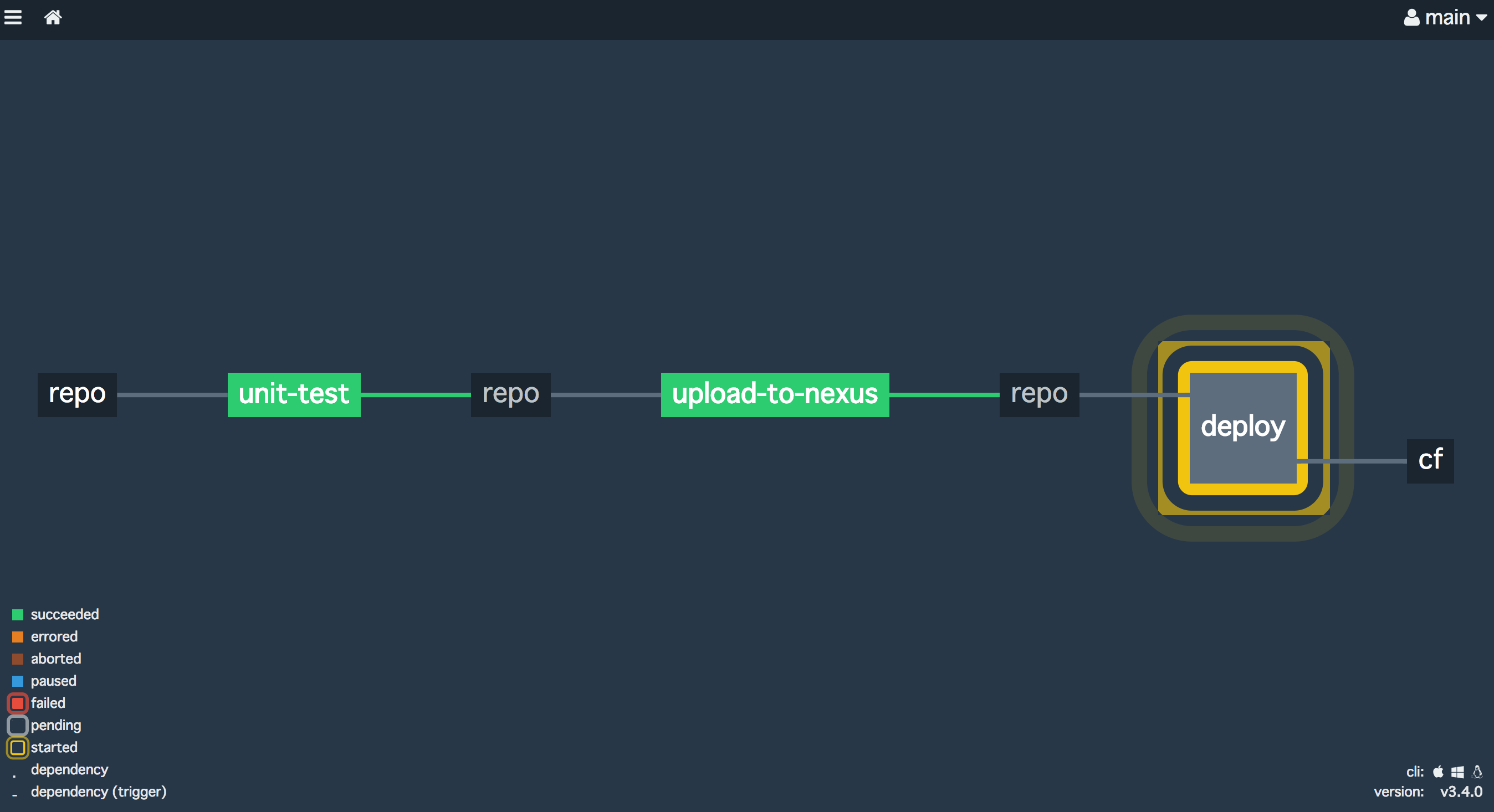
fly -t ws trigger-job -j hello-servlet/deploy --watch