Hypixel Skyblock Mod for Minecraft 1.17.x + 1.18.x + 1.19.x + 1.20.x
open config with modmenu /skyblocker config
Skyblocker has a variety of configurations. Mod Menu .
Mod Menu - Skyblocker config
General
Config option
Description
Update Notification
Get notified when there is a new update
View backpack preview without holding shift
Preview on hover
Health, Mana, Defence & XP Bars
Item List
Config option
Description
Enable Item List
Acitvate recipe viewer
Item Tooltip
Customize Item tooltip
Hitboxes
Config option
Description
Enable 1.8 farmland hitbox
Change hitbox to the 1.8 one
Enable 1.8 lever hitbox
Change hitbox to the 1.8 one
Locations
Dungeons
Config option
Description
Croseus Helper
Gray out chests that have already been opened
Enable Map
Map
Solve Three Weirdos Puzzle
Solver usefull in Dungeons
Solve Blaze Puzzle
Solver usefull in Dungeons
Solve Trivia Puzzle
Solver usefull in Dungeons
Terminal
Config option
Description
Solve Selectect Colored
Solver usefull in Dungeons 7
Solve Click In Order
Solver usefull in Dungeons 7
Solve Starts With
Solver usefull in Dungeons 7
Dwarven Mines
Config option
Description
Enable Drill Fuel
Drill icon
Solve Fetchur
Solver usefull in Mines
Solve Puzzler Puzzle
Solver usefull in Mines
Dwarven Hud
Commision Hud
Quick Navigation
Config option
Description
Enable Quick Navigation
Enable Quicknav
Button 1-12
Config option
Description
Render
To show the tab
Item name
The name of the item e.g. iron_boots
NBT
NBT tag of the item e.g. custom head id on skull item
UI Title
Title of the tab
Click event
The command that is executed when you click the tab
Messages
Config option
Description
Hide Ability Cooldown
Disable,Filter or Move to action bar
Hide Heal Messages
Disable,Filter or Move to action bar
Hide AOTE Messages
Disable,Filter or Move to action bar
Hide Implosion Message
Disable,Filter or Move to action bar
Hide Molten Wave Message
Disable,Filter or Move to action bar
Hide Ads from Public Chat
Disable,Filter or Move to action bar
Hide Teleport Pad Messages
Disable,Filter or Move to action bar
Hide Combo Messages
Disable,Filter or Move to action bar
Hide Autopet Messages
Disable,Filter or Move to action bar
Hide Mana Consumption Messages from Action Bar
Activate or deactivate
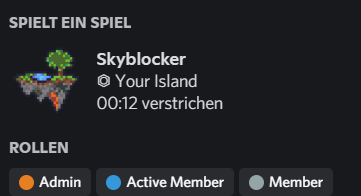
Discord Rich Presence
Config option
Description
Enable
Activate Discord Rich Presence
Skyblock Info
Choose between Location,Purse and Bits
Cycle Skyblock Info
Cycles between the three options
Custom Message
Show a custom message
Click #Gallery for images to this mod
open
Bars: Health and absorption, Mana, Defense, XP (moving fancy bars)
Hide Messages: Ability Cooldown, Heal, AOTE, Implosion, Molten Wave, Teleport Pad Messages
Dungeon Minimap
Dungeon Secrets
Starred Mob Glow
Dungeon Puzzle Solver:
Three Weirdos
Blaze
Tic Tac Toe
Croesus
Terminal:
Order
Coloured Items
Item Name
Dwarven Mines Solver: Fetchur, Puzzler
Barn Solver: Treasure Hunter, Hungry Hiker
Experiments Solvers
Slayer helper:
Vampire : Effigy Waypoints, Healing Melon Indicator, Twinclaws Ice Indicator, Steak Stake Indicator
Drill Fuel and Pickonimbus 2000 in Item Durability Bar
Hotbar Slot Lock Keybind (Select the hotbar slot you want to lock/unlock and press the lockbutton)
Price tooltip: npc, motes, bazaar (avg, lbin), ah, museum
reparty: write /rp to reparty + auto rejoin
Wiki Lookup: press f4 to open the wiki page about the held item
Discord Rich Presence: Allows user to show either their Piggy, Bits, or location. Along with a custom message
Quicknav: fast navigate between pets, armor, enderchest, skill, collection, crafting, enchant, envil, warp dungeon,
warp hub
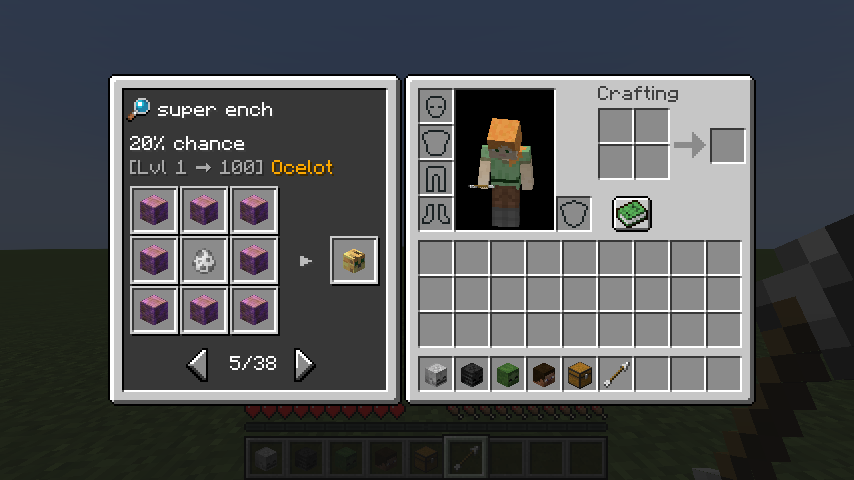
Recipe book: in the vanilla recipe book all skyblock items are listed, and you can see the recipe of the item
Backpack preview: after you clicked your backpack or enderchest once you can hover over the backpack or enderchest and
hold shift to preview
Update notification
Commission HUD: Dwarven Mines quests
1.8 hitbox for lever and farmland
Custom Tab HUD + Fully configureable with ressourcepack
Roughly enough items (REI) and Emi Support
Fishing Helper + sound notification
Mirrorverse Waypoints
Attribute Shard Info Display
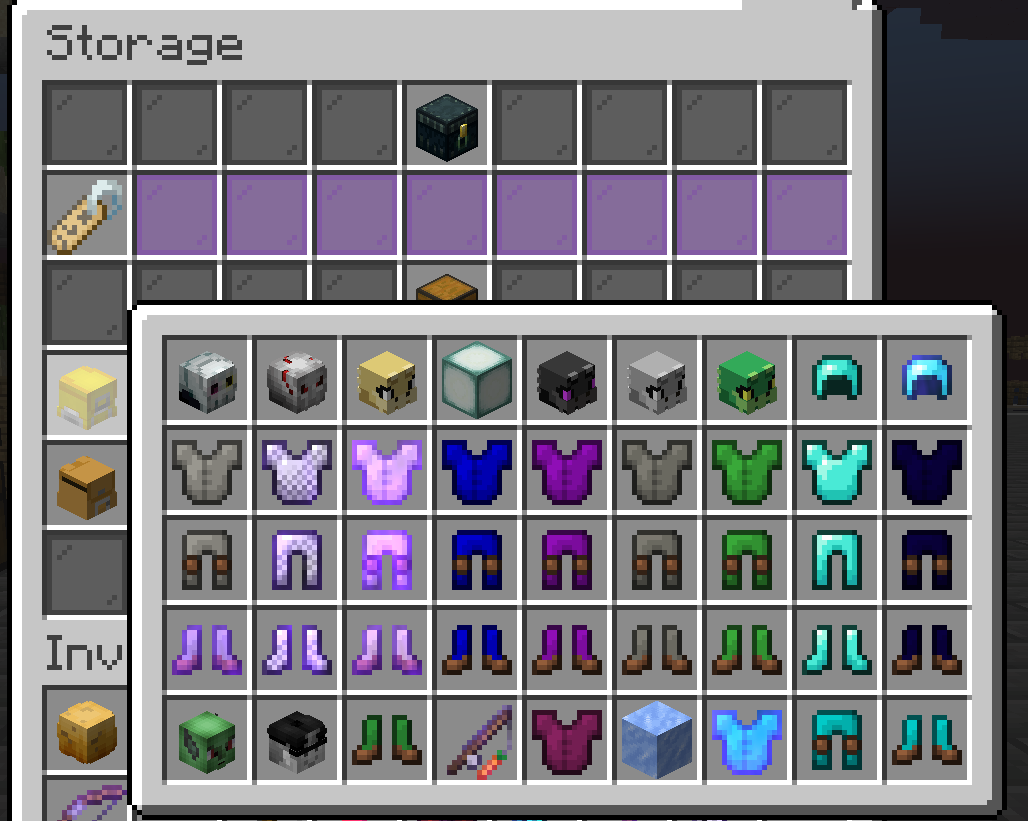
Item and Armour customisation:
Item Renaming
Custom Armour Dye Colours
Custom Armour Trims
OptiFabric Compatibility
Rare Drop Special Effects! Dungeon chest
Dungeon Chest Profit Calculator
Hide Status Effect Overlay
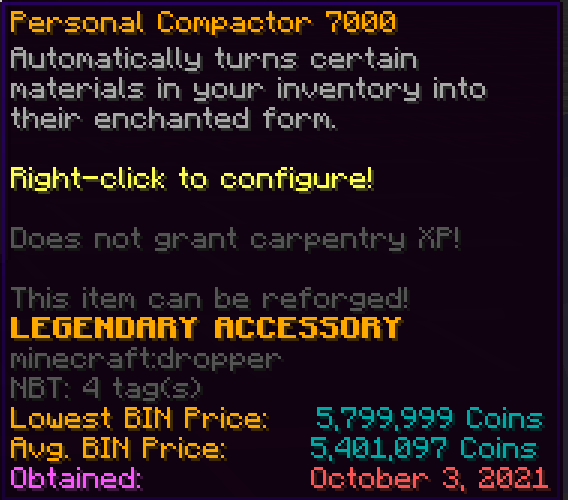
Personal Compactor/Deletor preview
Hide fake players in social interactions screen
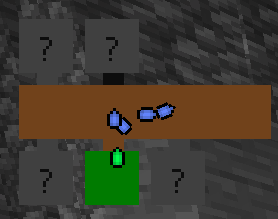
hidden relic helper
open
Here is a tutorial how to install it easy with a launcher.Download the Skyblocker Modpack .
Drag and drop the .mrpack file into a Custom MC Launcher like MultiMC or Prism Launcher and start the new instance.
Kinetic Hosting Affiliate - 15% off your first month Looking for an affordable and reliable hosting platform for your Minecraft server? Look no further than Kinetic Hosting! As an affiliate partner with Kinetic Hosting, we highly recommend their service. They offer fast and reliable servers with the largest range of supported modpacks.
As a special offer for our audience, you can use the discount code "Skyblocker" during checkout to get 15% off your first month
So what are you waiting for? Click on the link

 Mod Menu - Skyblocker config