The following instructions will help you to get ready for ReactJS academy bootcamp:
- Install a package manager
- Install the text editor used by ReactJS developers
- Install
NodeJSandcreate-react-app - Pimp your Terminal
- Up-to-date browser with React Developer Tools: Chrome or Firefox
You can use the editor of your choice but all the coaches are using VSCode.
Install it with brew or download it manually on the official website
$ brew cask install visual-studio-codeInside VSCode, press ⌘+P, and enter:
ext install vscode-language-babel
Congratulations! You can install your first extention, it should be the top result.
https://github.com/creationix/nvm
curl -o- https://raw.githubusercontent.com/creationix/nvm/v0.34.0/install.sh | bash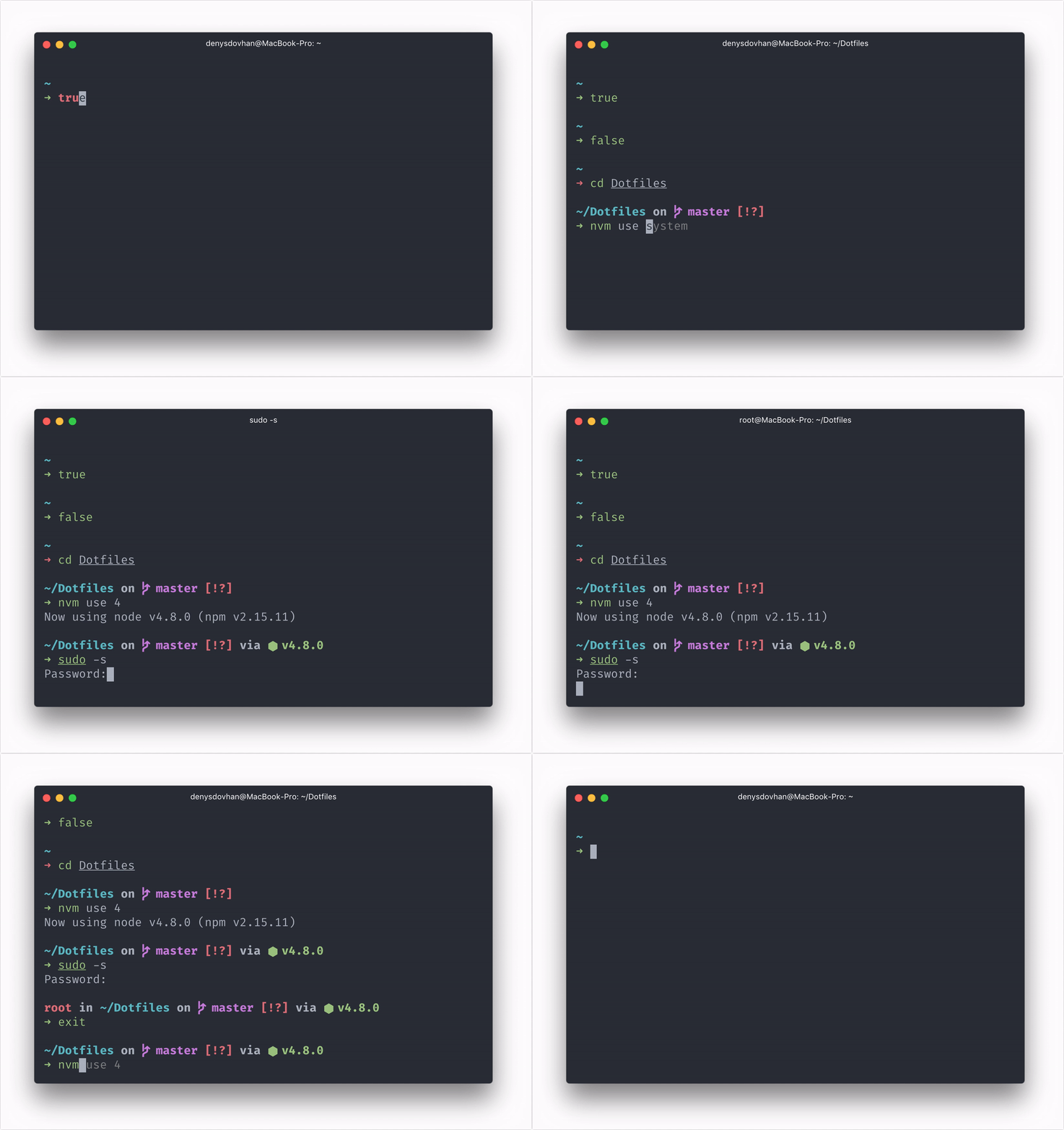
npm install -g spaceship-promptDone. This command should link spaceship.zsh as prompt_spaceship_setup to your $fpath and set prompt spaceship in .zshrc. Just reload your terminal.
> System Preferences > Keyboard > Keyboard
Set Key Repeat to fast and Delay Until Repeat to short.

> System Preferences > Keyboard > Shortcuts
Set the radio button to All controls.

When you get a dialog you can:
Enterto confirmSpaceto cancelTabto select your option
Would mind please to add a picture to your Slack Profile? Or better create a gravatar profile to sync-up all your picture accross the internet with your best selfie 🤳
It’ll help the coaches to remember the names. We are a few coaches and we’d love to remember all your names 😉
Happy hacking!