
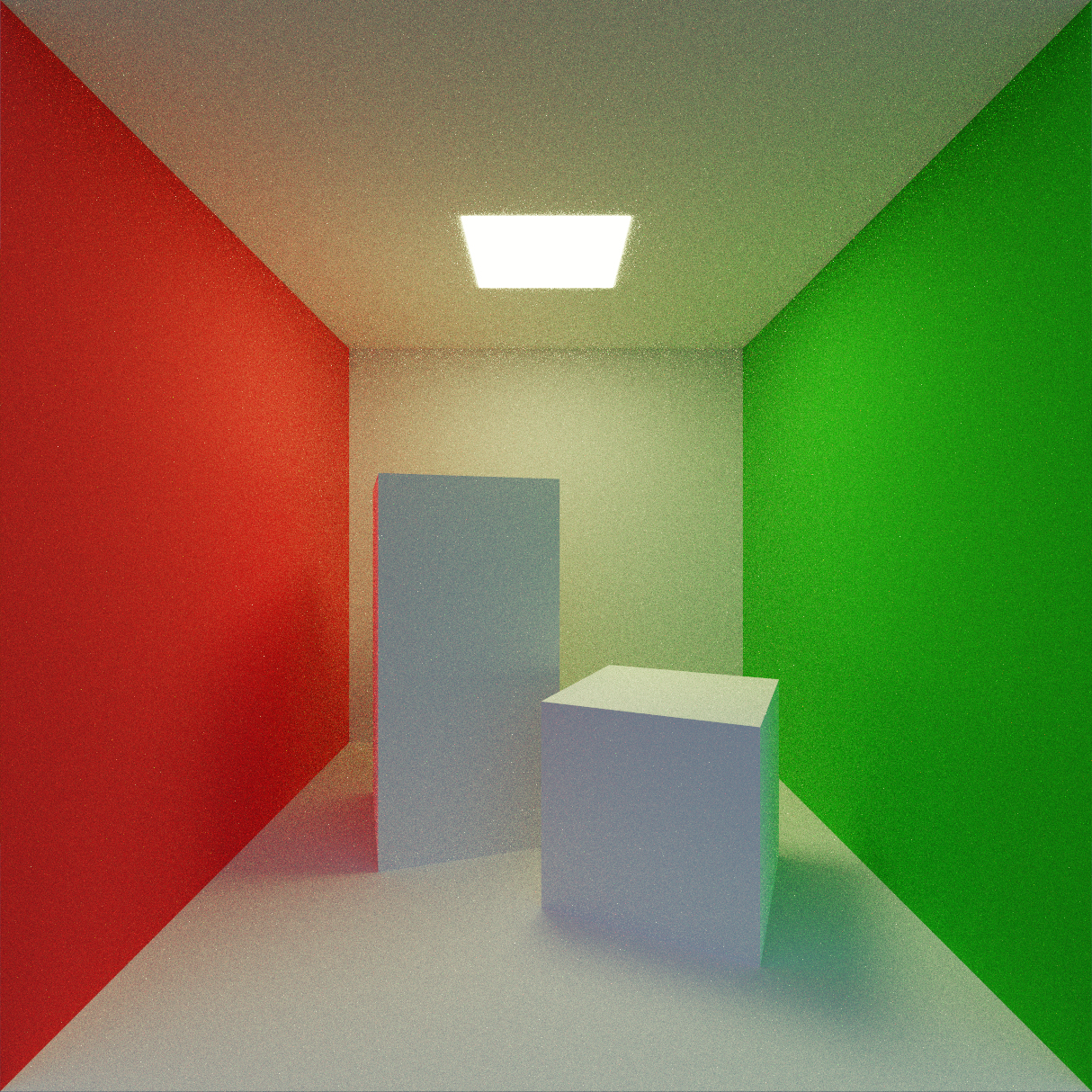

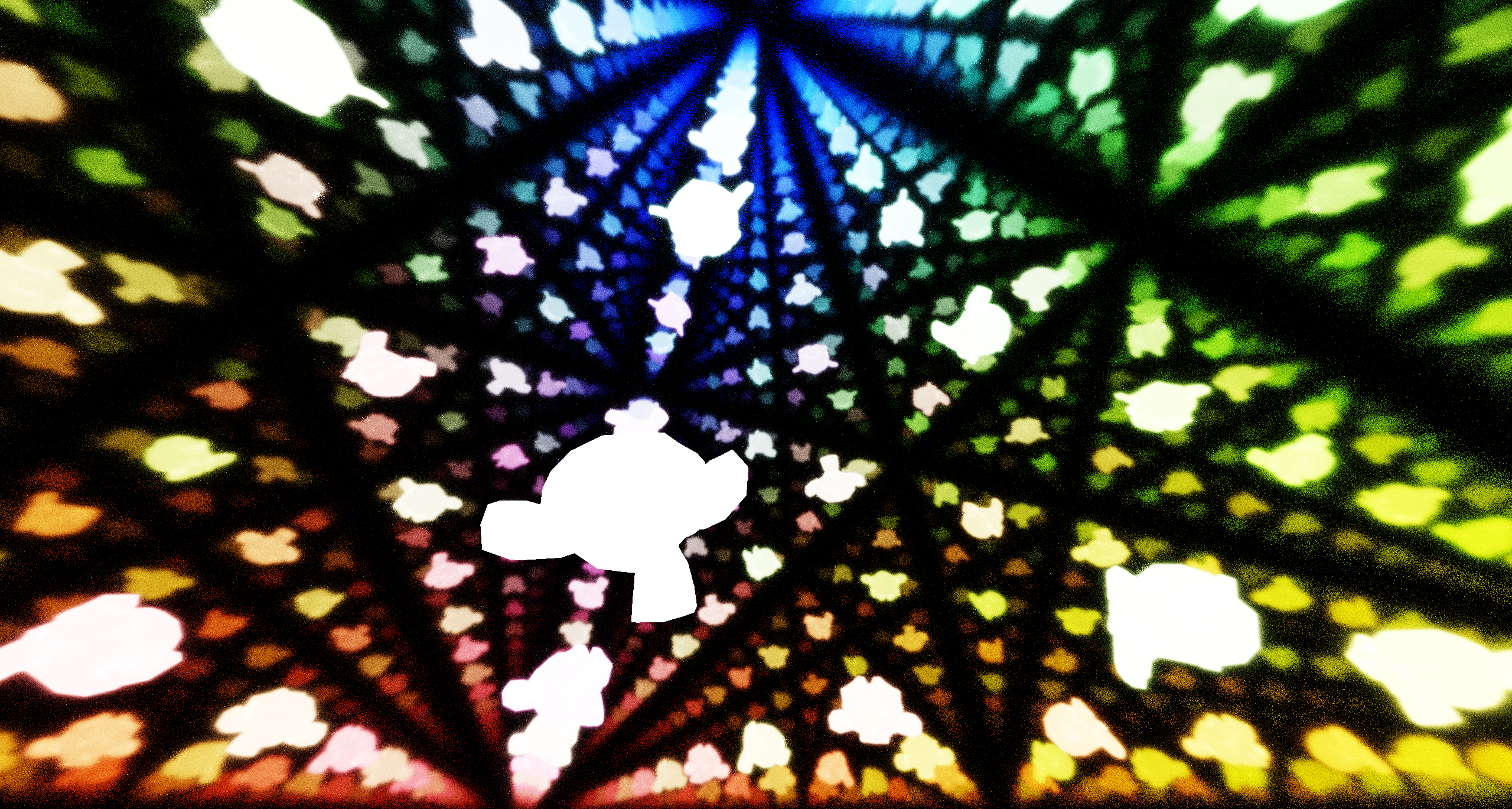
A demo real-time 3D path tracer built with WebGPU (wgpu) and Rust. Runs natively on Windows, macOS, and Linux, and in web browsers from the same codebase.
- Renders 3D scenes loaded from glTF 2.0 (.glb) files
- Uses a WGSL compute shader for tracing light paths
- Handles first-person camera controls with keyboard and mouse input
- Runs from the same Rust codebase natively and on the web (via WebAssembly)
Current Status: This is a basic path tracer skeleton. It only supports basic scenes (transparent materials are not implemented yet).
Install Rust and clone this repository:
git clone https://github.com/0dpe/path-tracer.git
cd path-tracerSimply run:
cargo rrControls: Left click the window, then use WASD + Left Shift/Space to move, mouse to look around. Press Esc or click again to release the cursor.
Install wasm-pack and build:
cargo install wasm-pack
wasm-pack build --target web
To start a server on localhost, use Python's built-in server python -m http.server or install simple-http-server, and then start hosting:
cargo install simple-http-server
simple-http-server
Open a browser, go to http://localhost:8000, and click on index.html. Same controls as on native.
Note
Requires a browser with WebGPU support (Chrome 113+, Safari 26+, Firefox 145+).
path-tracer/
├── assets/              # .glb scene files
├── benches/             # Benchmarks
├── doc/                 # Images for the documentation
├── pkg/                 # Auto-generated by wasm-pack
├── src/
│   ├── render/          # WebGPU setup, shaders, scene loading
│   ├── lib.rs           # Window management and event loop
│   └── main.rs          # Native entry point
├── Cargo.toml           # Dependencies, features, benches
└── index.html           # Webpage
cargo c: Run Clippy for linting.cargo t: Run withtestingfeature enabled, allowing more debug information to be outputted during running (which may significantly worsen performance). Broken on macOS due to issue with Tracy, see Wumpf/wgpu-profiler.testingfeature is only supported on native, since debug output files are saved to disk, indebug_output/(which is gitignored). If there are errors during build related to C++, it's often because build tools are missing; one option is to install them through Build Tools for Visual Studio. Profiling with Tracy is supported:- Download Tracy.
- Have the Tracy profiler open while path-tracer is running. path-tracer-app should appear under the discovered clients.
cargo bench --bench desired_bench -- desired_function: Run a benchmark.desired_benchis a filename inbenches/, anddesired_functionis the ID of abench_function. Criterion is used; view the detailed benchmark reports attarget/criterion/report/index.html.cargo doc --open --document-private-items --target wasm32-unknown-unknown: Generate and view the documentation.