This is a modified version of the original Auto-Editor, designed to provide a user-friendly graphical interface for editing videos using the Auto-Editor CLI tool. Auto-Editor automatically edits video and audio by analyzing a variety of methods, most notably audio loudness. Before doing the real editing, you first cut out the "dead space" which is typically silence. This is known as a "first pass". Cutting these is a boring task, especially if the video is very long. This is where, Auto-Editor steps in.
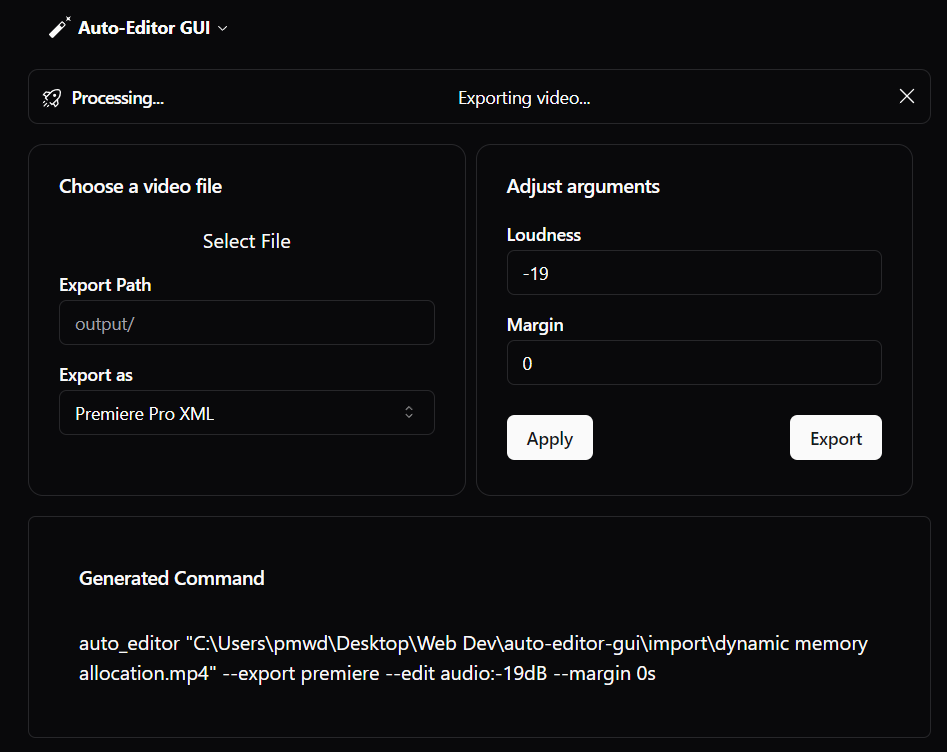
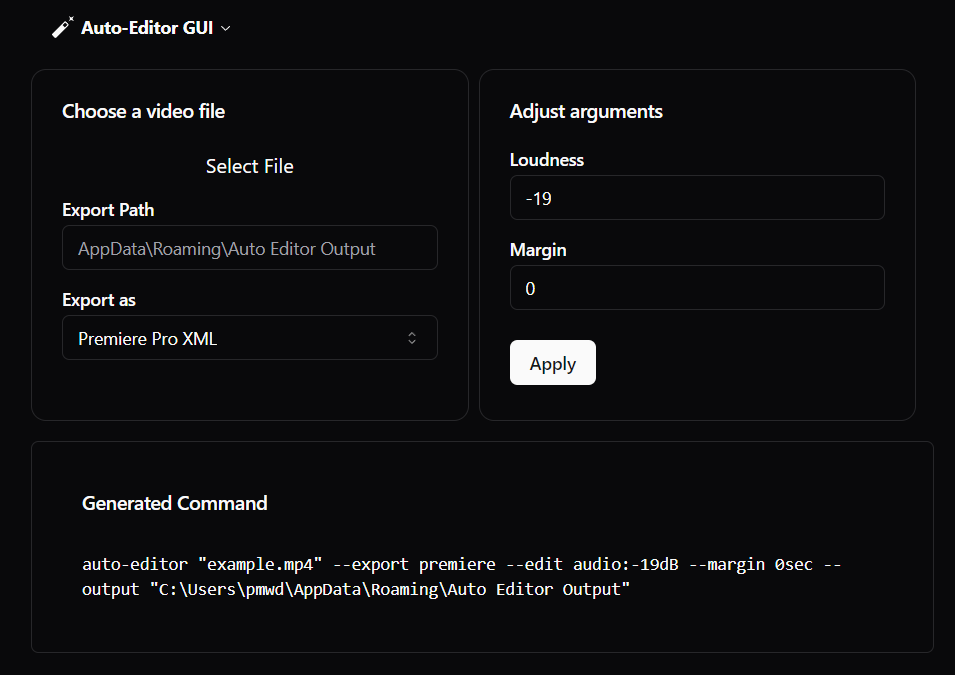

- GUI Implementation: Integrated a React-based graphical user interface to simplify video editing tasks. 🎨
- File Selection: Added functionality for users to easily select video files through a file input instead of using command-line prompts. 📂
- Alert Feature: New alerts are displayed within the UI to show important messages or errors, enhancing user interaction and feedback.
⚠️ - Enhanced User Experience: Improved the layout and design using Tailwind CSS and Shadcn for a modern look and feel. ✨
- User-friendly interface for video editing. 🎬
- Easy selection of video files. 🖱️
- Modern UI components with Tailwind CSS. 🛠️
- Built-in dark mode for comfortable viewing. 🌒
- Alert notifications for errors and important messages. 🚨
auto-editor-gui/
├── frontend/                # Contains the React application
│   ├── src/                # Source files for the React app
│   ├── public/             # Public assets
│   ├── package.json        # Dependencies for the frontend
│   └── ...
├── create-folder.js        # Script to create the output folder if it doesn't exist
├── main.ts                 # Main Electron process file
├── tsconfig.json           # TypeScript configuration
└── package.json            # Dependencies for the entire project
Ensure you have the following installed:
- Node.js (>= 14.x)
- Electron (for building the app; we'll integrate this later as a dependency)
- Auto-Editor CLI (installed via
pip) - Python (required for the Auto-Editor CLI)
-
Clone this repository:
git clone https://github.com/Aderon3D/auto-editor-gui.git cd auto-editor-gui -
Install the Auto-Editor CLI:
pip install . -
Install dependencies for the root directory:
npm install
-
Navigate to the
frontendfolder and install dependencies and start localhost:cd frontend npm install npm run dev -
Navigate back to the root directory and run the electron app:
cd ..
npm run start
Contributions are welcome! If you have suggestions or improvements, feel free to submit a pull request. 💡
- Thanks to the original developers of Auto-Editor for creating the CLI tool. ❤️
- Inspired by the community and developers contributing to open-source projects. 🌍