
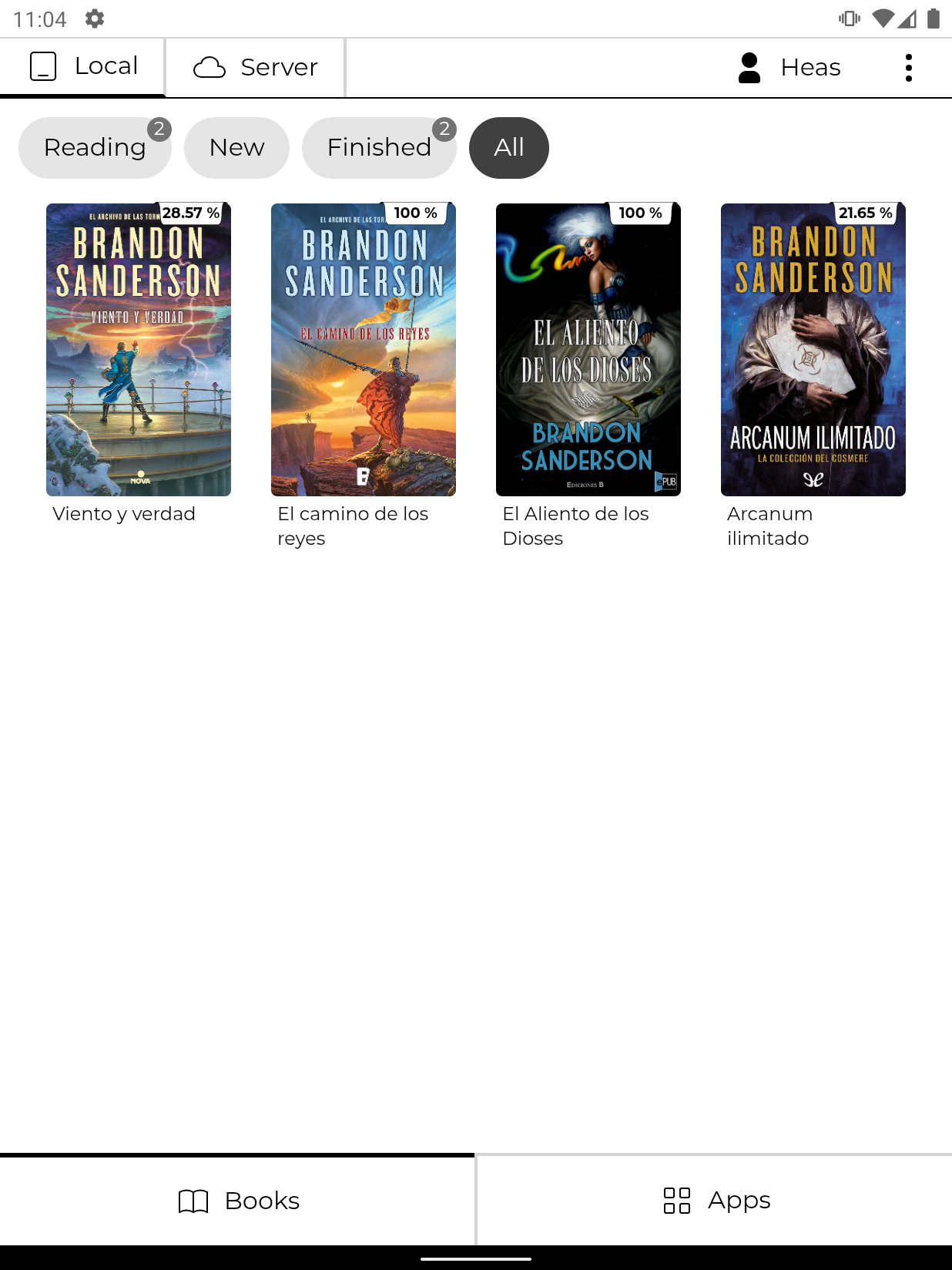
BookHeaven Reader is part of the BookHeaven "ecosystem", which aims to provide a very convenient way to manage and read your ebook library.
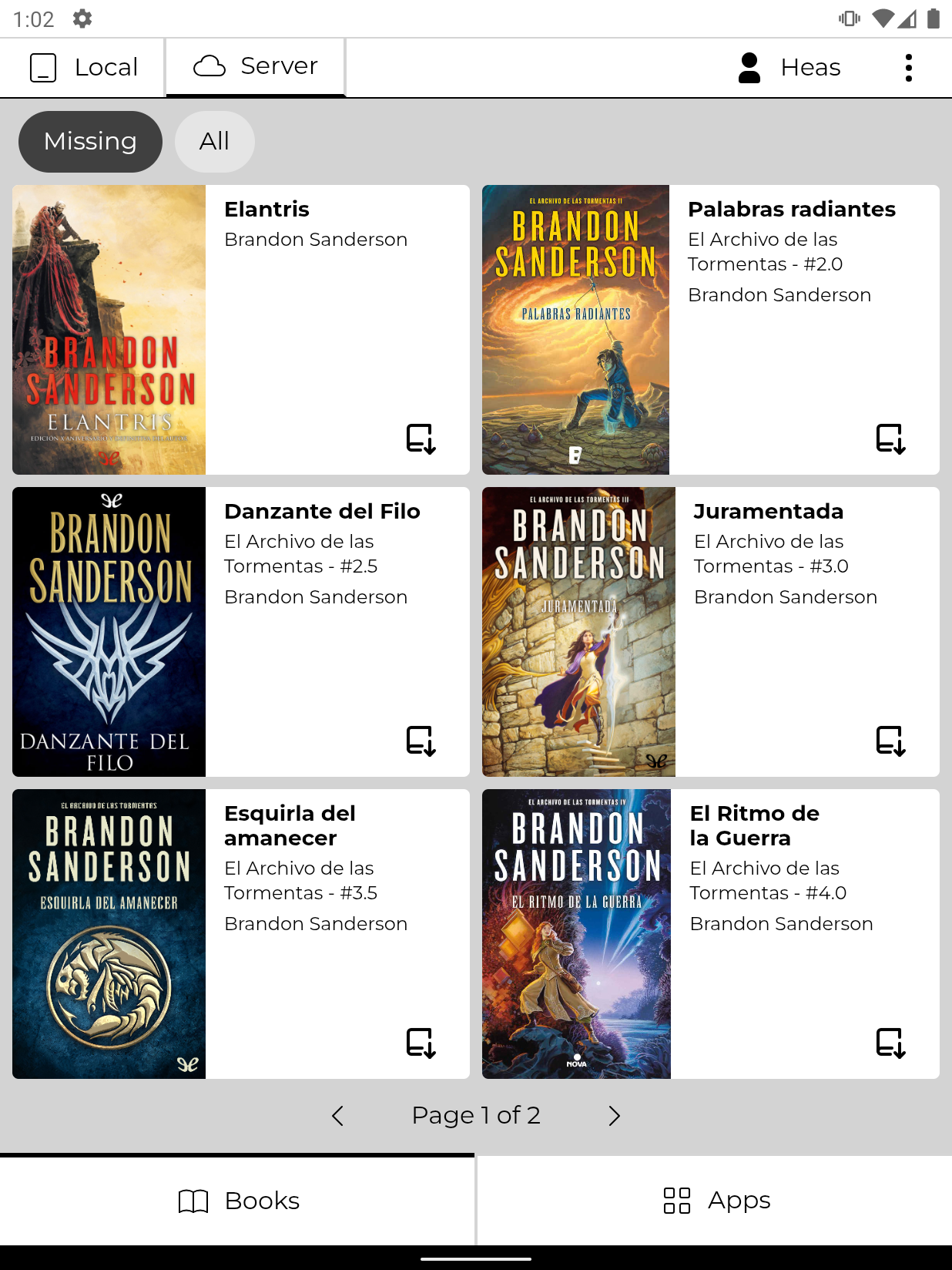
It's an Android app optimized for e-ink displays that connects to your BookHeaven Server instance to download and read your ebooks.
- You might need to update the WebView implementation of your device for the UI to render properly (pretty easy, more on the troubleshooting section below)
- It won't work as standalone, it needs to connect to a Server instance to get the books (not planned, but might happen eventually)
- Single page layout only (again, not planned, but might add better support for landscape eventually)
- No dictionary, no notes nor highlights
- Supports epub and PDF files only
Note
If you haven't setup the Server yet, check out this quick guide to get started!
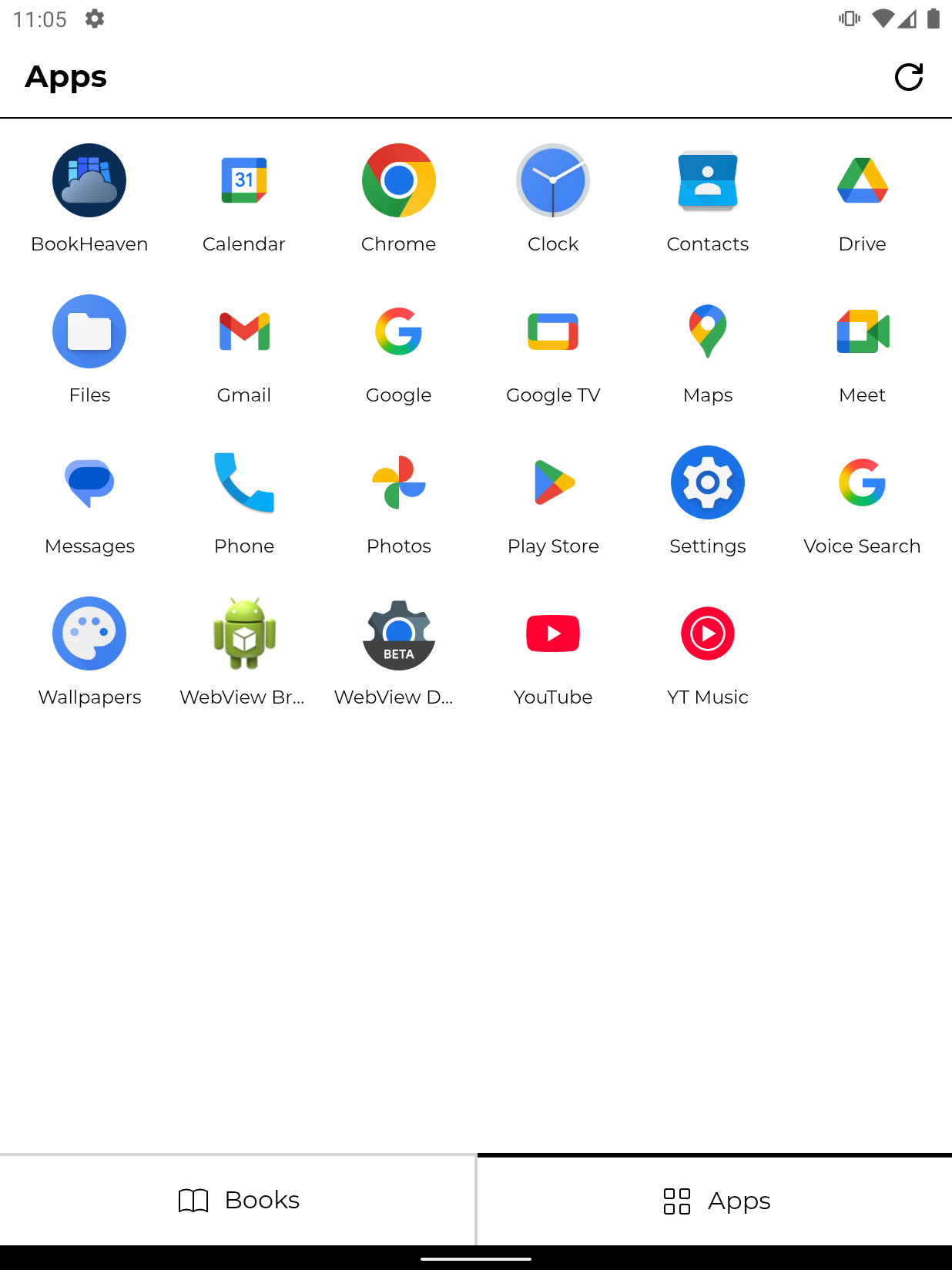
- 🚀 Can replace your launcher since it includes a basic but functional app drawer.
- 🖼️ Can also be set as screensaver (Daydream) to show the cover of the book you are reading when the device enters standby mode.
- ☁️ Easily connect to your Server to download books, sync progress and backup your settings (no internet connection required for regular use).
- 🕛 It will track your reading progress (date started, last read, % read, elapsed time, etc)
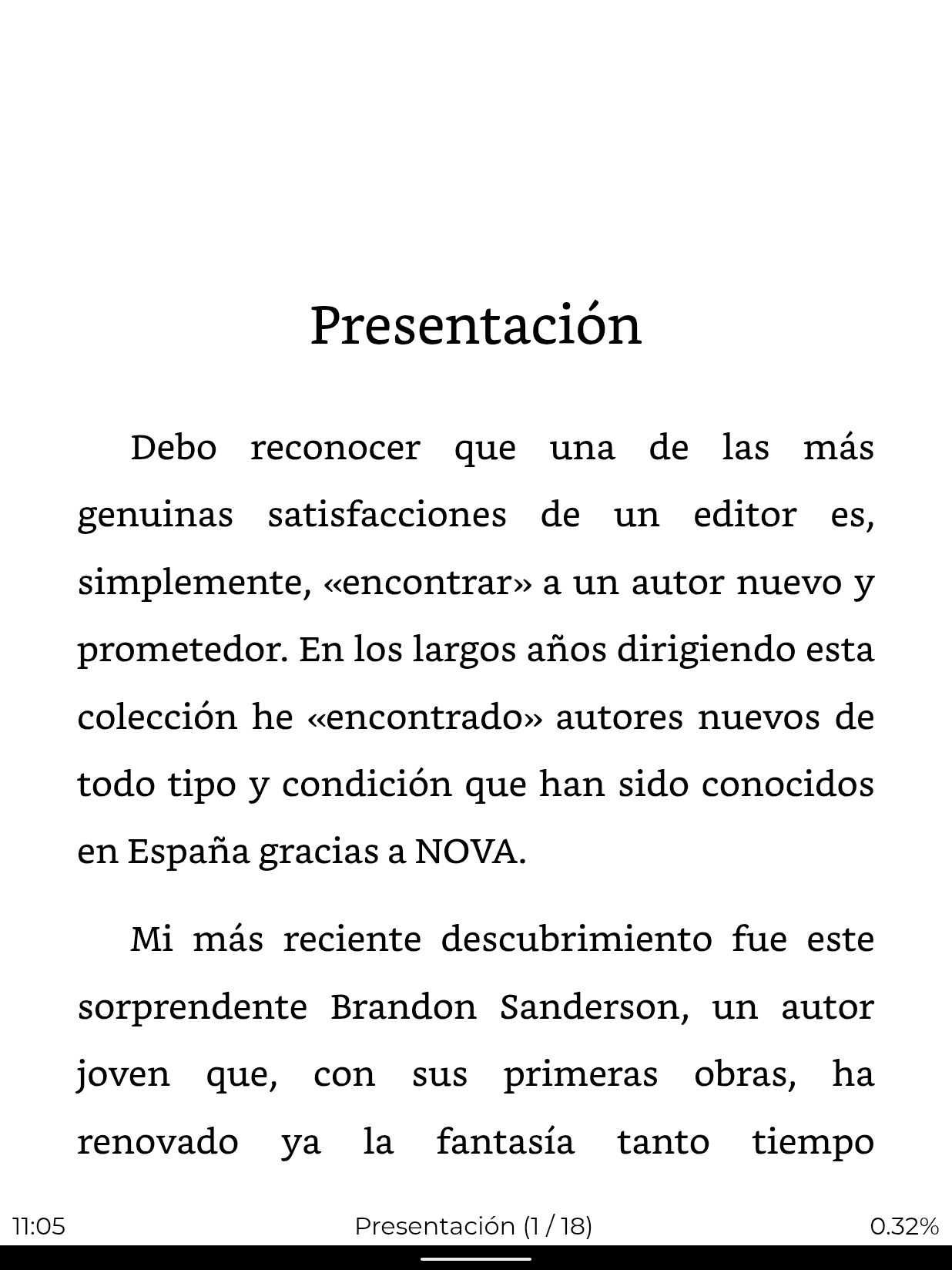
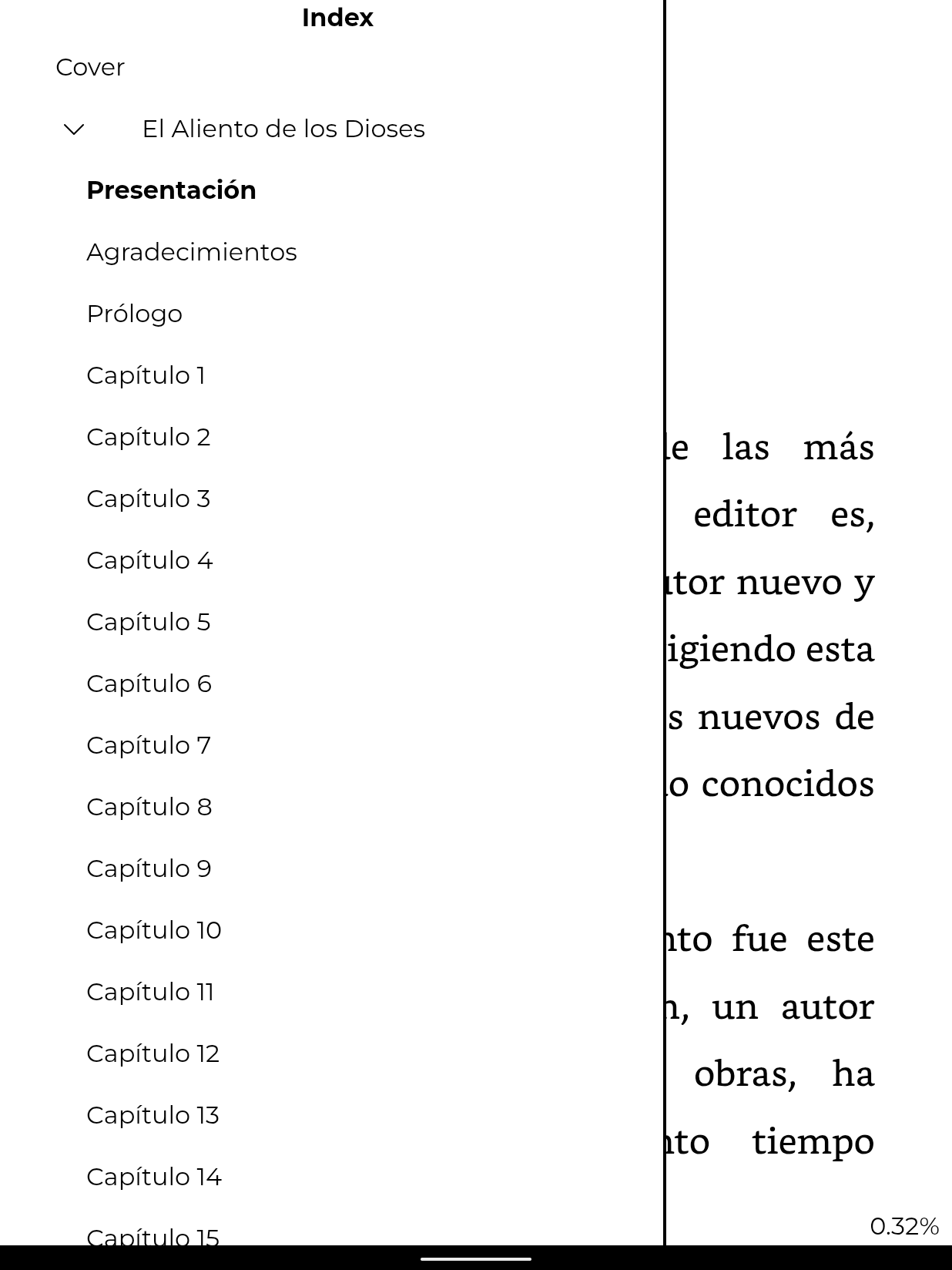
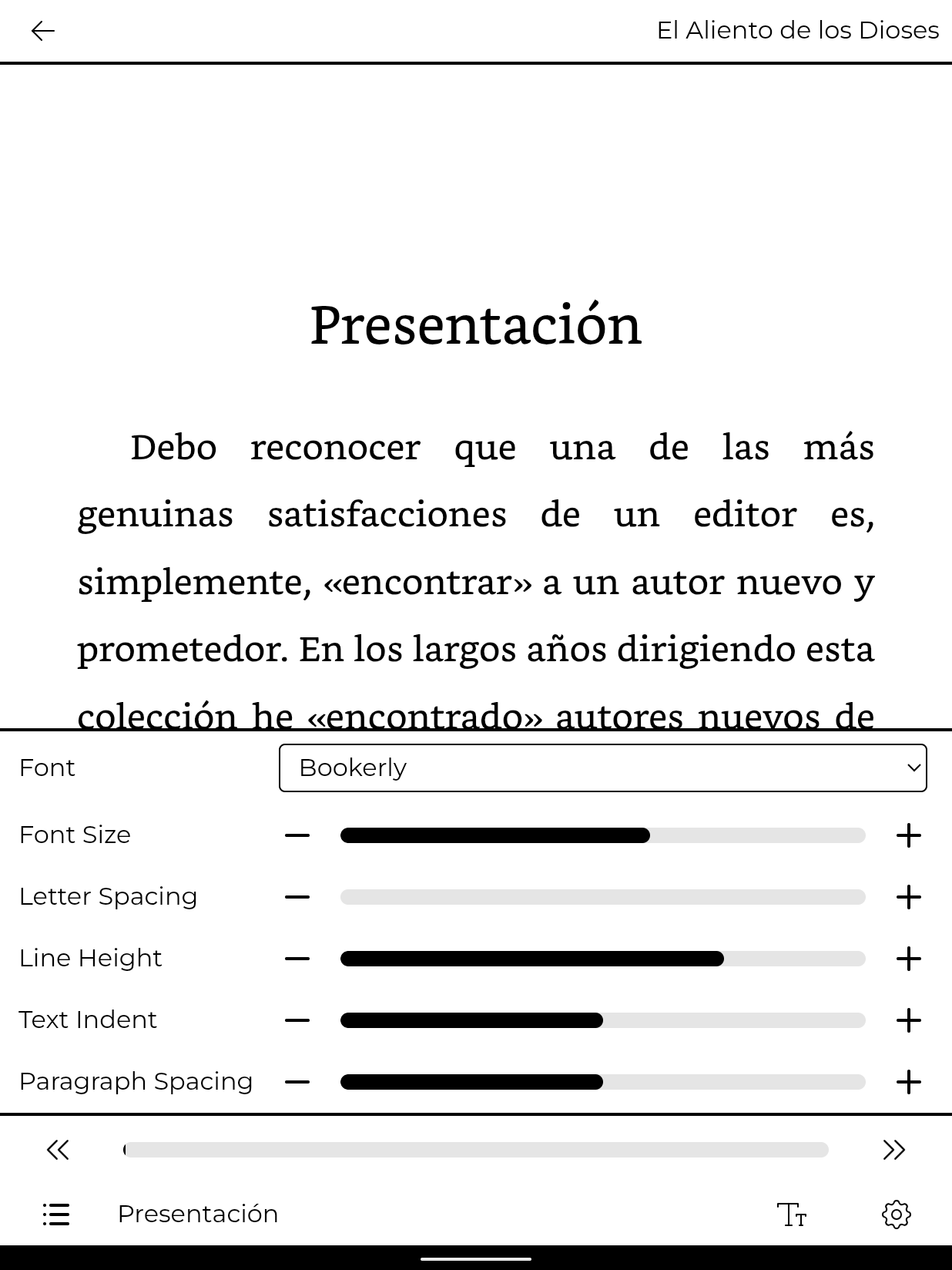
- 📖 Very customizable (font size, line height, page margins, paragraph spacing, indent, etc)
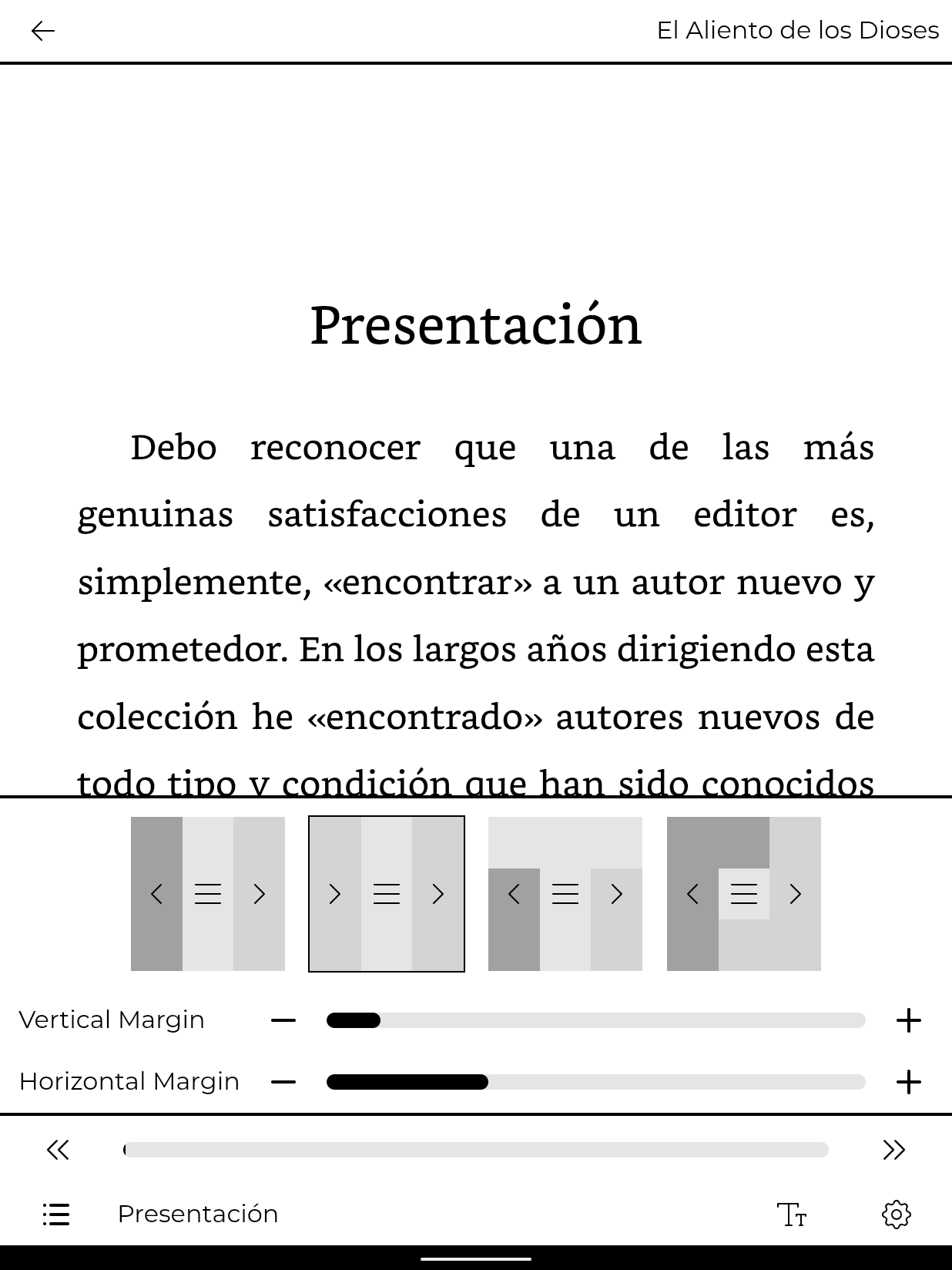
- ✋ Provides a few tactile navigation layouts to choose from and physical buttons should work as well (Only tested with Meebook M7)
- 💥 The images can be zoomed in and panned! 💥
- Android 10+
- English
- Spanish (features might release without translation for a while, but I'll try to keep up)
The app is web based and it uses technologies that might bee too modern for the included WebView implementation of your Android device. Luckily, it's very likely that you'll be able to replace it with an updated one from the Play Store. Steps might vary for your device, but overall this is what you need to do:
- Go to the Play Store, search for "Android System Webview" and install it
Note
Many versions will be listed. Ideally you want the one that's just called "Android System Webview", but for me only "Dev", "Canary" and "Beta" show up.
I use the Beta version personally and it works just fine.
If you want the actual stable release, which might not show up, you can go to the Play Store from your pc and install it to your device from there.
Here's the link: https://play.google.com/store/apps/details?id=com.google.android.webview
- Enable the developer settings if you haven't already
- Look for WebView Implementation, and change it to the one you just downloaded
Note
If it doesn't show up, or doesn't allow you to change it, try restarting, or try going to Apps > Show System apps and disable the included WebView, then restart and check again.
- Restart your device to apply the change
- Profit
|
|
|
|
|
|
|
- Blazor.ContextMenu (https://github.com/stavroskasidis/BlazorContextMenu)
- BlazorPanzoom (https://github.com/shaigem/BlazorPanzoom)