- Install the software" ReflectArrayDesigner_Installer.exe (Look to your right side under releases)
- The element library* consists of the patch, double layer and patch ring elements
- The feed library consists of the different horn antennas for use in your reflectarray design
- The libraries are all designed by me, please only use it for your own research purposes
Do not click on the "Element Library" & "Feed Library" button, because I have removed the library from my google drive already, hence I have provided you the option to download from this github
- Click on the "Element Phase Path" button, and choose the "SquarePatch.csv" file from the element library
- Next press the design button
- After design is complete, the reflectarray characteristics will light up as shown below, this will allow you to understand your design better


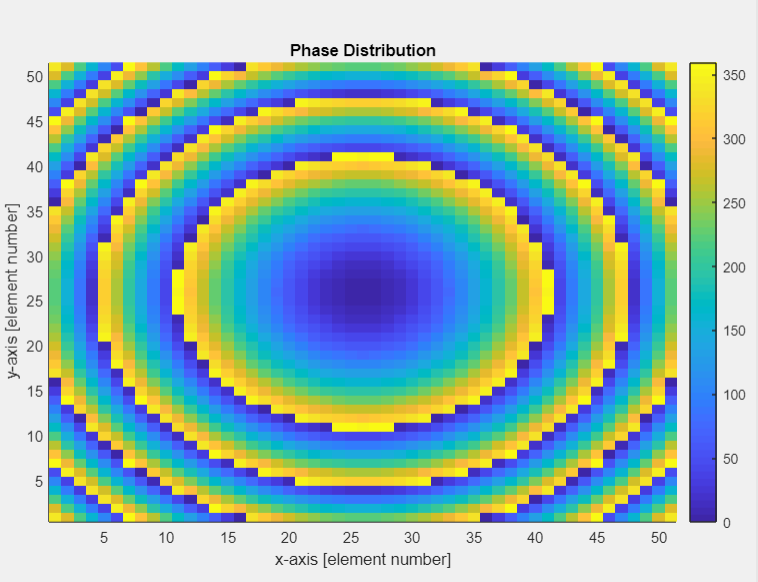
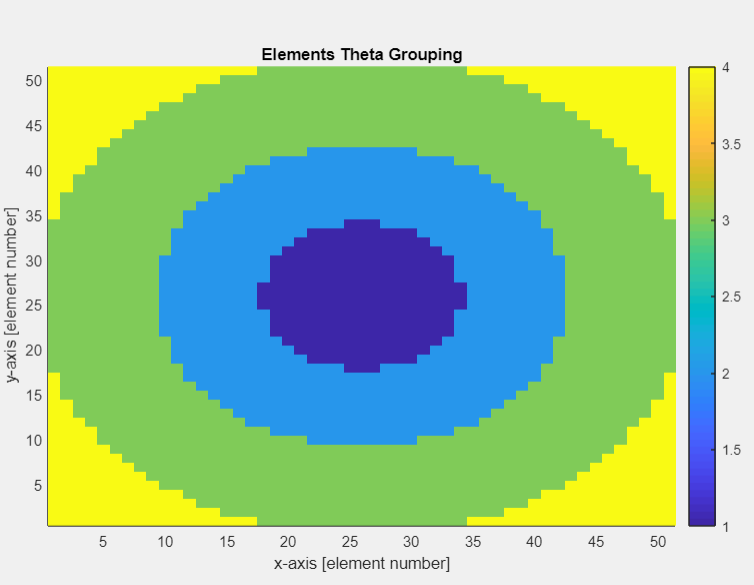
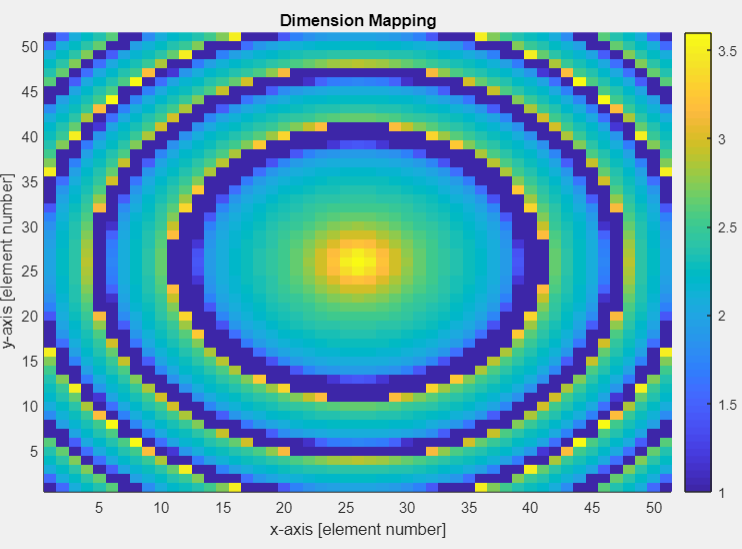
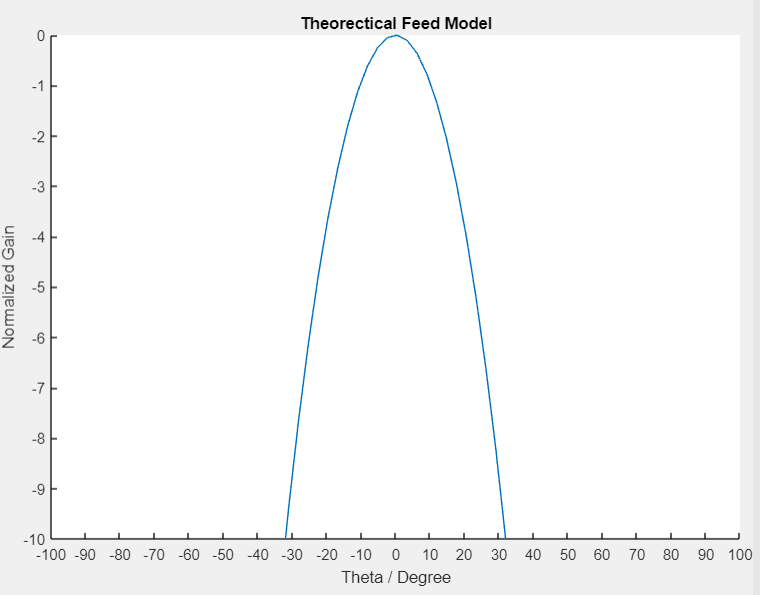
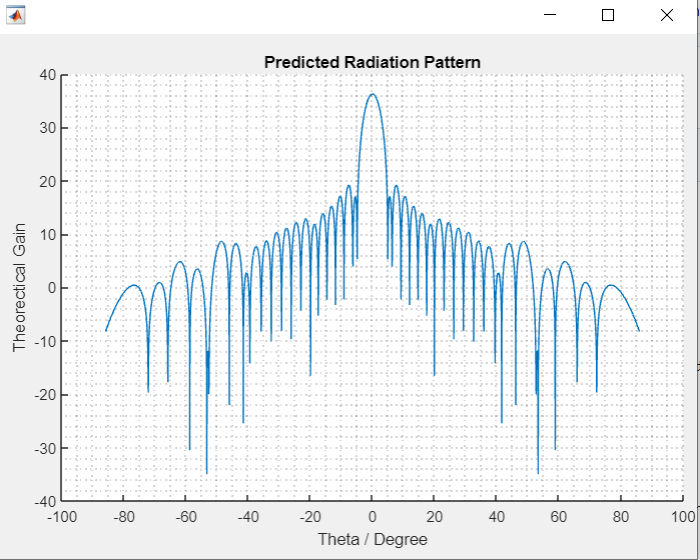
- Click on the "Generate" button to generate the DXF file (You will need AutoCAD to convert SCR to DXF)
- Toggle to MCR if you want MCR file, work natively with CST, so you do not need AutoCAD for this option
- Note that please press generate on the correct tab based on the files you are putting in, Square Patch csv & Square Patch tab, Layer csv to Layer tab
- A new folder "OneStopRA" will be generated, containing the scripts
- Aperture Efficiency Calculator provides user a convenient place the reflectarray efficiency after they have done the simulation in CST
Thats all
Please do not distribute the software without my permission, Thank you :)
P.S. I have only published the 28GHz elements and no longer working on or maintaining this project or any reflectarray related research
Please cite the following:
@software{Xue_Wen_Tan_Reflectarray_Designer_Software,
author = {Xue Wen Tan},
license = {MIT},
title = {{Reflectarray Designer Software}},
url = {https://github.com/Chen-XueWen/Reflectarray-Designer-Software}
}