| Download | FAQ | Tutorial | Bot Link | Support Server |
|---|
Minecraft Server Controller allows you to control your Minecraft Server within Discord with our Bot.

- Start / Stop / ReStart / Kill Minecraft Server.
- Console Commands Send console commands to the Minecraft Server
- CPU, RAM Info Get CPU, RAM, DISK Usage within Discord without touching your PC
- Get Player Names Get Minecraft Server Player Names who are all in the Server

GUI Version -
GUI V2.0Coming soon... CLI Version -CLI V1.9.0
You dont need to install any Third Party Library or Software to use this Software
| Commands | Info |
|---|---|
| m!start | To Start the Server |
| m!stop | To Stop the Server |
| m!restart | To ReStart the Server |
| m!kill | To Kill the Server |
| m!console | To Get Console Logs |
| m!status | To Get Status Info |
| m!setup | To Change Configs |
| m!version | To View Configs |
| m!quit | To Stop all Process |
| ScreenShots |
|---|
| MSC-GUI |
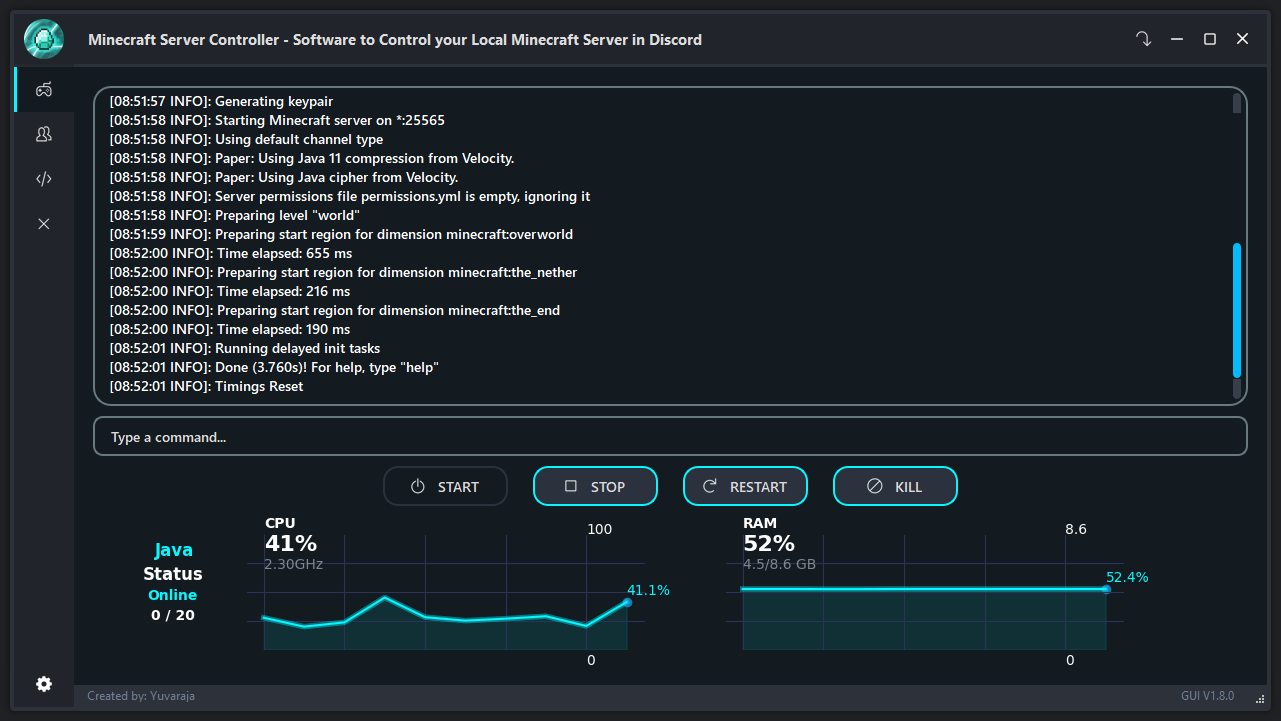 |
| MSC-CLI |
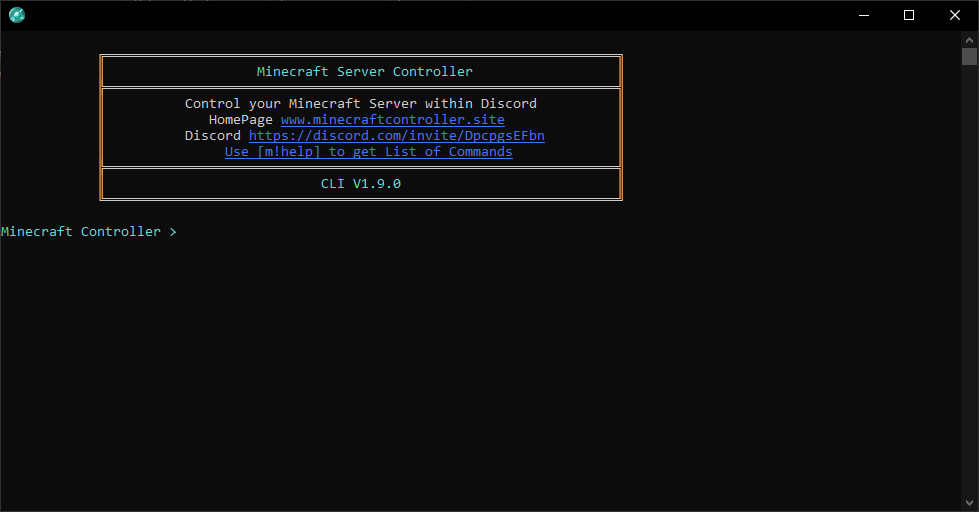 |