Minecraft Application for managing servers
This application was developed using a React front end and an express back end.
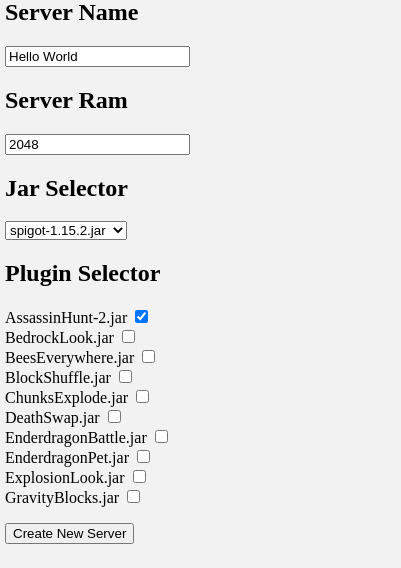
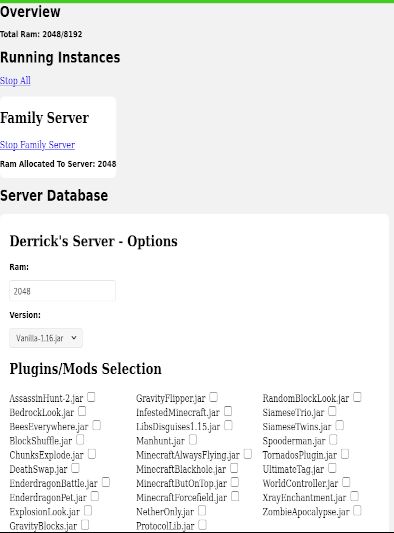
The manager is a tool to simplify and automate some of the redundant tasks of modifying servers frequently. It's very simple to drag and drop minecraft versions, plugins/mods, and worlds, and select them as dropdown options.
- This Project requires Nodejs which can be found here
- Basic understanding of commandline tools
- A minecraft server jar to create your first server
git clone https://github.com/Dunemask/Minecraft-Server-Manager.git
cd Minecraft-Server-Manager
npm install
npm start
cd Minecraft-Server-Manager
npm install
npm start
-
Quit out of the commandline and close the application.
-
Download a spigot, forge or vanilla minecraft server jar and drop it into the folder "Minecraft-Server-Manager" -> "server-manager" -> "jars"
-
Reopen a command prompt and run
npm start
- Open a browser and go to localhost:3000
- Automatic update of resource folders
- Admin Settings Page Frontend
- Seemless server integration
Source Code: Minecraft-Server-Manager