This repo contains various python OSC helper scripts that I made for VRChat, mostly stuff that interacts with the new chatbox api!
For additional feedback or help feel free to ask me on Mastodon
All these scripts require python3 and use pip for dependency management unless otherwise specified.
Be sure to enable OSC in your VRChat radial menu before using these scripts!
If you want a quick video tutorial on how to use these scripts, check this video I made!
This script attempts to auto-transcribe your microphone audio into chat bubbles using the Google Web Search Speech API (via the SpeechRecognition package) -- It's considered a prototype and has some issues, but is kinda neat!
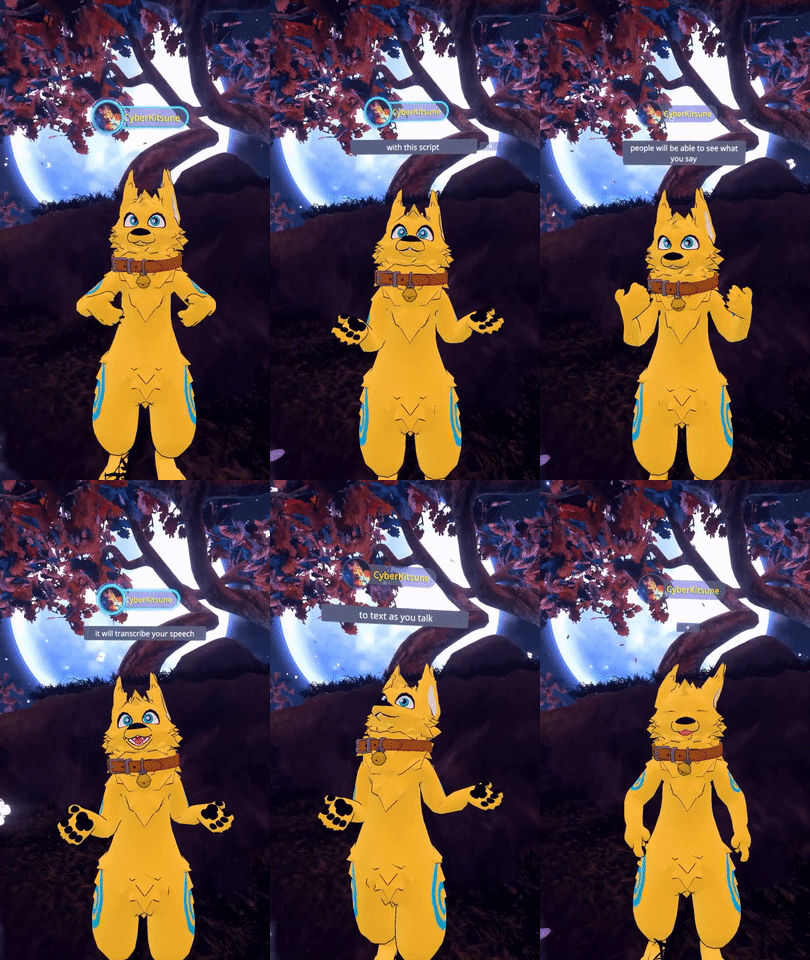
If you're on windows, try double-clicking VRCSubs.exe in the folder!
The script should start listening to you right away and will send chatbox messages as you speak!
You don't need any avatar-specific setup to use VRCSubs! But if you'd like you can add some additional paramaters to make controlling it easier. For more information check out: VRCSubs OSC Avatar Toggle Setup
Some options can be configured in VRCSubs/Tools/Config.yml -- Just edit that file and check the comments to see what the options are!
There is a prototype live translation function in VRCSubs. It's considered a prototype and the output may not always be very useful, but if you with to try it adjust the options EnableTranslation and TranslateTo in VRCSubs/Config.yml!
-
Make the hacky audio-chunking I use cut off words less - Consider alternative Speech-to-text API
- Support swaping listened to / translated language via OSC input
- Make a self-updating standalone exe
- Support OSCQuery when it's out
-
Communicate VRC mic mute status - Support non-default mic / better handle mic switching
-
Support VRC's chatbox rate-limit -
Add gif of this in action to this README
This script broadcasts what you're currently listening to your chatbox, grabbing the data from the Windows MediaManager API.
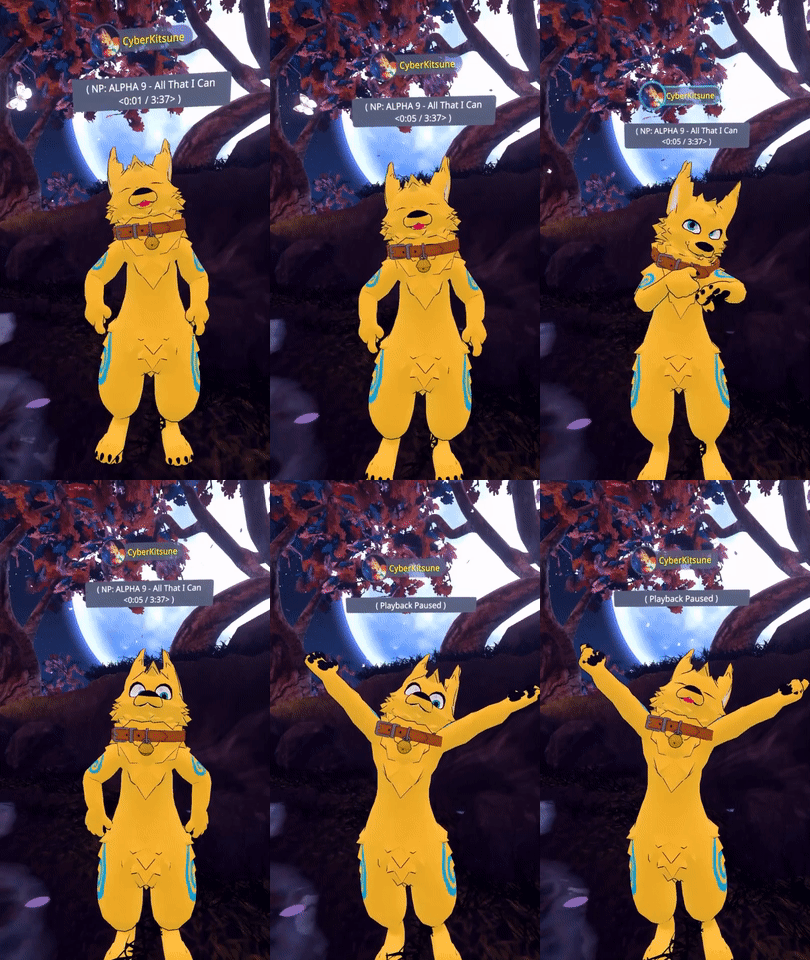
If you're on windows, try double-clicking VRCNowPlaying.exe in the folder!
Now, listen to some music and watch your chatbox!
Some options can be configured in VRCNowPlaying/Tools/Config.yml -- Just edit that file and check the comments to see what the options are!
-
Support customizing output format via yml -
Gif of this working - Anything else?