
Syndra is an early-stage 3D game engine with a focus on real-time rendering. The default renderer is now Vulkan 1.4 (dynamic rendering + synchronization2), with OpenGL kept as a fallback backend.
Syndra is my bachelor's thesis project, where I wanted to study how to build 3D game engines. The purpose of this project is not to make 3D games; rather, my primary motivation for making Syndra is to test and learn new algorithms and techniques used mainly in graphics and real-time rendering.
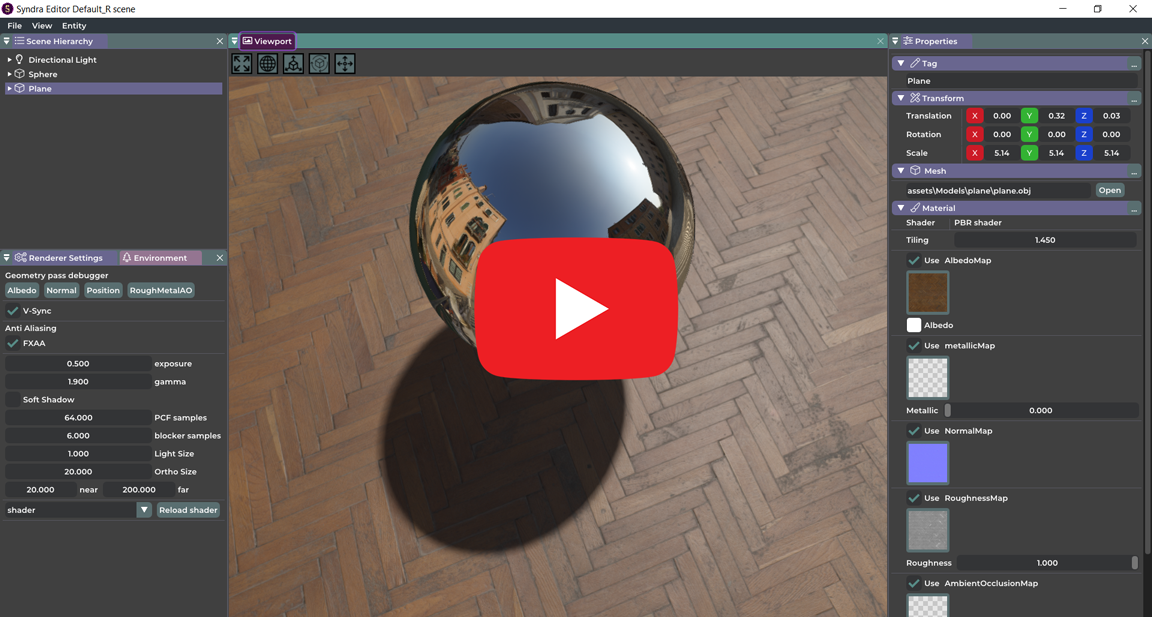
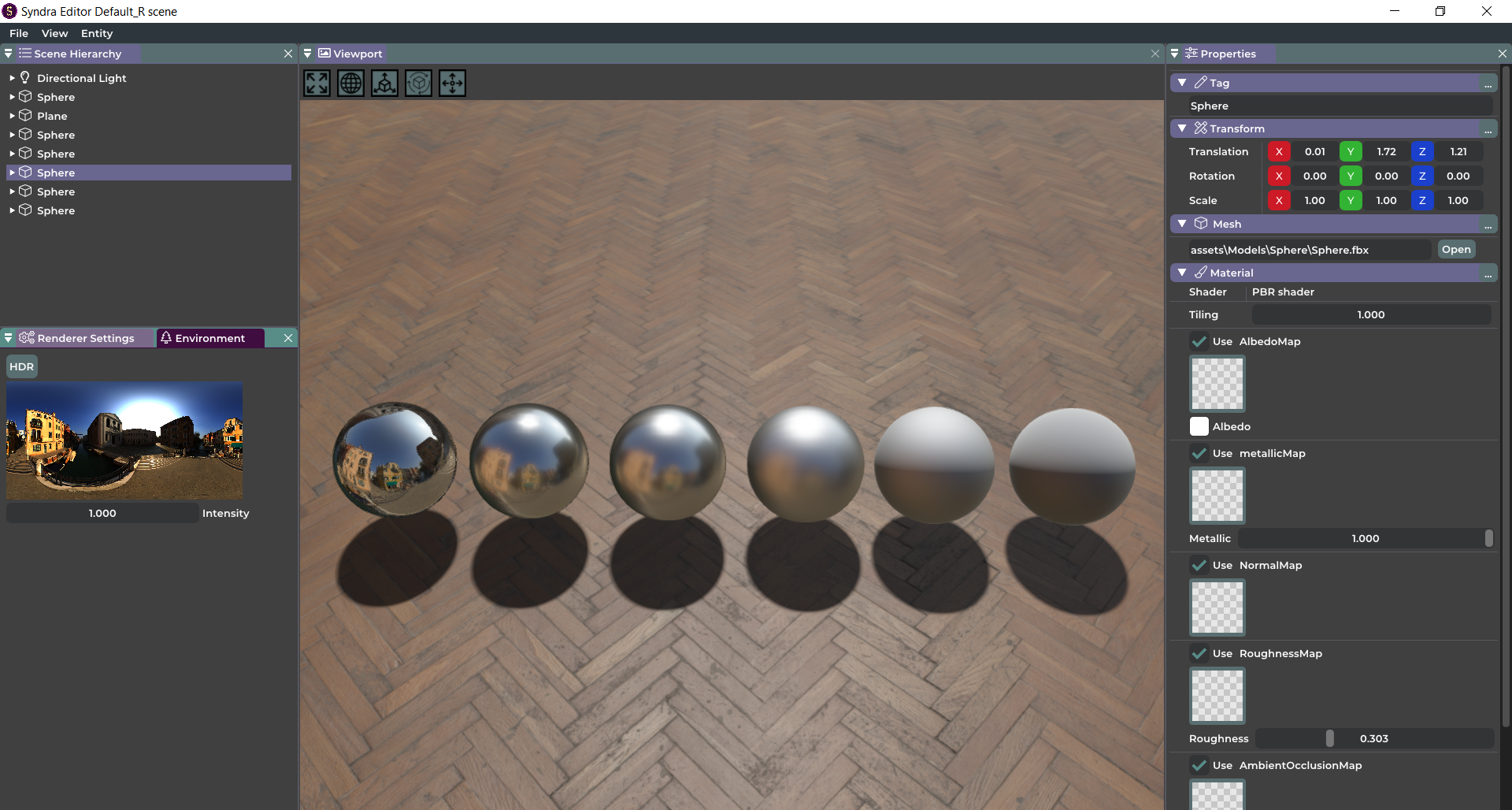
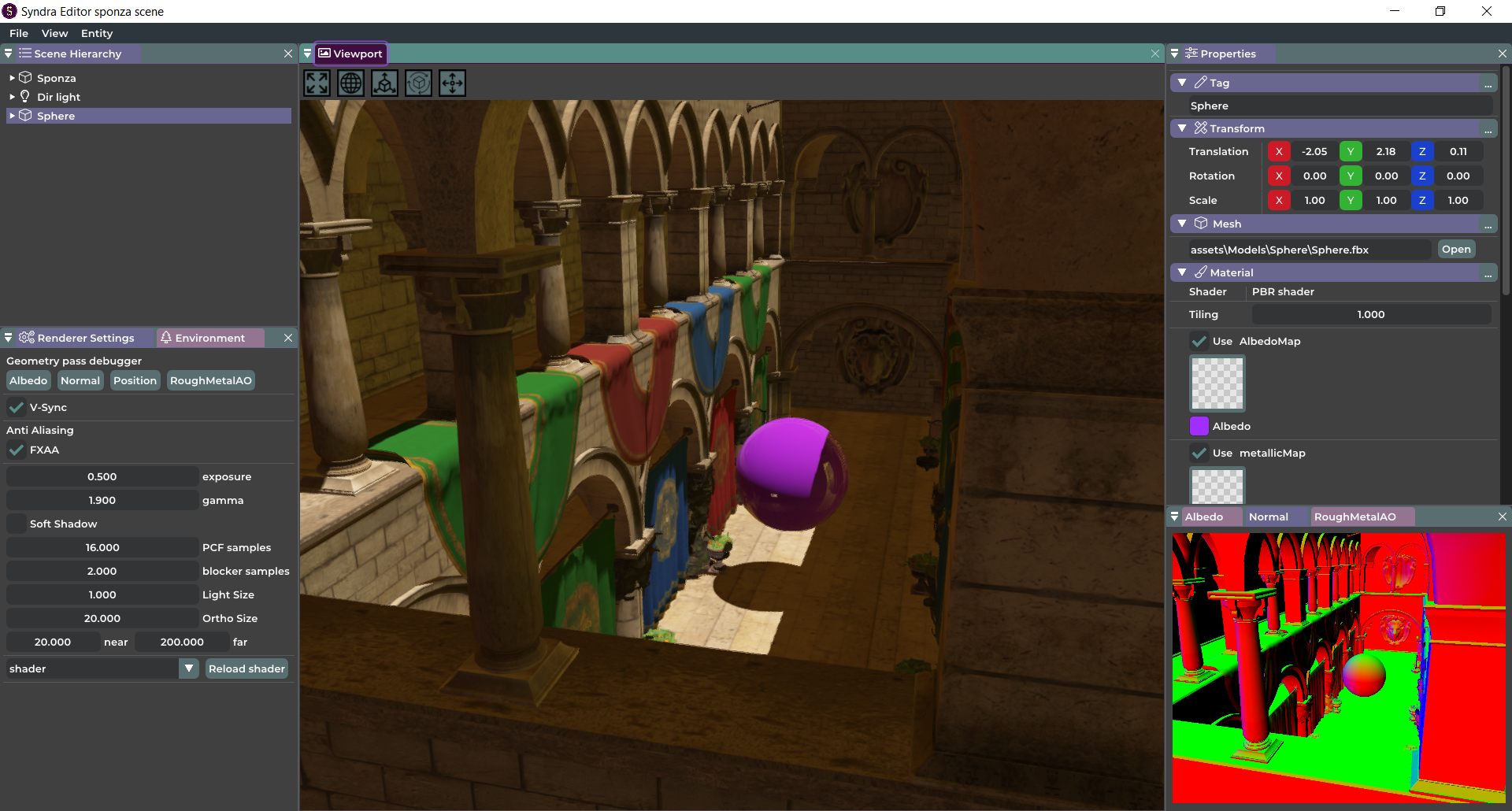
-
Engine
- Editor (with docking support)
- Entity Component System (ECS)
- Event system
- Console logging
- Model and texture loading:
- glTF 2.0 (
.gltf/.glb) via fastgltf - Additional model formats via Assimp
- glTF 2.0 (
- Scene saving and loading using YAML serialization and deserialization
- Debug visualizer (GBuffer, HDRI map, ...)
- Immediate mode GUI
- Component editor (material, mesh, light, tag and camera)
- Viewport gizmos
-
Rendering
- Vulkan deferred renderer (default backend)
- OpenGL fallback renderer
- PBR Rendering (Cook-Torrance BRDF)
- Materials (with texture loading)
- Dynamic shadows
- Different light types (directional, point lights and spot lights)
- Soft shadows using PCSS algorithm
- Image Based Lighting (IBL)
- Fast Approximate Anti-Aliasing (FXAA)
- Normal mapping
-
Trello Page contains all the upcoming features.
-
Engine
- Asset manager and content Browser
- Physics engine
- CPU and GPU profiling
- Scripting system
-
Rendering
- More debug visualizers (grid, wireframe, ...)
- SSAO (Screen Space Ambient Occlusion)
- SSR (Screen Space Reflection)
- Procedural atmospheric sky
- Point light shadows
- Bloom
- Compute shaders for IBL calculations
Syndra only supports Windows for now. Visual Studio 2019+ is recommended.
Start by cloning the repository with git clone --recursive https://github.com/ErfanMo77/Syndra.
If the repository was cloned non-recursively previously, use git submodule update --init --recursive to clone the necessary submodules.
Install Vulkan SDK 1.4+ and make sure the VULKAN_SDK environment variable is set (CMake uses it to locate shaderc/spirv libraries).
Then, run scripts/setup.py to update submodules and generate a Visual Studio 2022 solution via CMake. After installing all the prerequisites, you can compile and run the engine in Visual Studio.
You can also generate the solution manually:
cmake -S . -B build -G "Visual Studio 17 2022" -A x64
Build editor/sandbox binaries:
cmake --build build --config Debug --target Syndra-Editor Sandbox
- Default backend:
vulkan - CLI override:
--renderer=vulkanor--renderer=opengl - Environment override:
SYNDRA_RENDERER=vulkan|opengl - Precedence:
--renderer(CLI) overridesSYNDRA_RENDERER, andSYNDRA_RENDERERoverrides the default.
Example:
bin/debug-windows-x86_64/Syndra-Editor/Syndra-Editor.exe --renderer=opengl
- Vulkan backend requires Vulkan API 1.4 capable hardware/driver.
- Vulkan path uses dynamic rendering and synchronization2.
- Vulkan deferred path includes direct lighting, shadows, optional FXAA, and equirectangular environment IBL.
- Syndra supports glTF 2.0 scene/model loading (
.gltfand.glb) throughfastgltf. - In the editor:
- Select (or create) an entity.
- Add a
Meshcomponent. - Click
Openin the Mesh panel and choose a.gltfor.glbfile.
- Multi-mesh glTF files are imported as a parent-child hierarchy (one child entity per mesh).
- Other non-glTF formats continue to load through Assimp.
- Build
Syndra-EditorandSandboxin Debug from a clean state. - Run the automated smoke matrix:
powershell -ExecutionPolicy Bypass -File scripts/smoke_renderer_matrix.ps1 -Configuration Debug - Launch editor with default backend (no args) and verify it selects Vulkan.
- Launch editor with
--renderer=vulkanand--renderer=opengland verify both start. - Vulkan smoke: load default scene, resize viewport, close app, verify no validation errors.
- Vulkan smoke: entity picking, gizmos, directional shadows, FXAA toggle.
- OpenGL smoke: editor boots and viewport interaction works as fallback path.
- Scene compatibility: legacy scenes/materials load without manual shader-name edits.
- GLFW : Handling windows and mouse and keyboard events.
- Glad : OpenGL functions loader.
- spdlog : Console debugger logging.
- stb_image : Reading and loading textures.
- ImGui : Immediate mode GUI used in editor UI.
- ImGuizmo : Editor gizmos.
- Entt : Used in Entity Component System (ECS).
- GLM : Matrix and vector operations.
- fastgltf : glTF 2.0 parser/loader used for
.gltfand.glb. - Assimp : Loading non-glTF 3D model formats.
- yaml-cpp : Scene serialization and deserialization.
- Vulkan SDK : Shader compilation and reflection.
- Windows 10.
- Vulkan 1.4 capable GPU driver/runtime.
- Microsoft Visual C++ Redistributable for Visual Studio 2019.
ErfanMo77 - Erfan Momeni
LearnOpenGL Great OpenGL tutorials!
The Cherno game engine series
Logo design : AmirMohammad Abedini
Licensed under the Apache License 2.0, see LICENSE for details.