Library functions that are useful to interrogate and manipulate the AUI Tree.
The historial reasoning for this library was that the original versions of Genero 1.2, 1.3 etc a lot of the methods you see in ui.Dialog, ui.Form were not available. If developers wanted to hide fields, change action text etc, they had to resort to what was called DOM Tree or AUI Tree manipulation techniques to actually change the values in the AUI Tree. As Genero has progressed, a lot of methods have been added to the ui.Dialog and ui.Form classes that save the Genero developer from having to create their own functions to do this. What remains in this library are functions where an equivalent method does not exist in the Genero language yet. This library used to be a lot bigger and gets smaller with each release, as you can see only a handful of functions remain.
The basic technique is to find a node in the AUI Tree and set or get the attribute value.
Run the program, and then look at the code that is behind the scenes for any functionality you are interested in
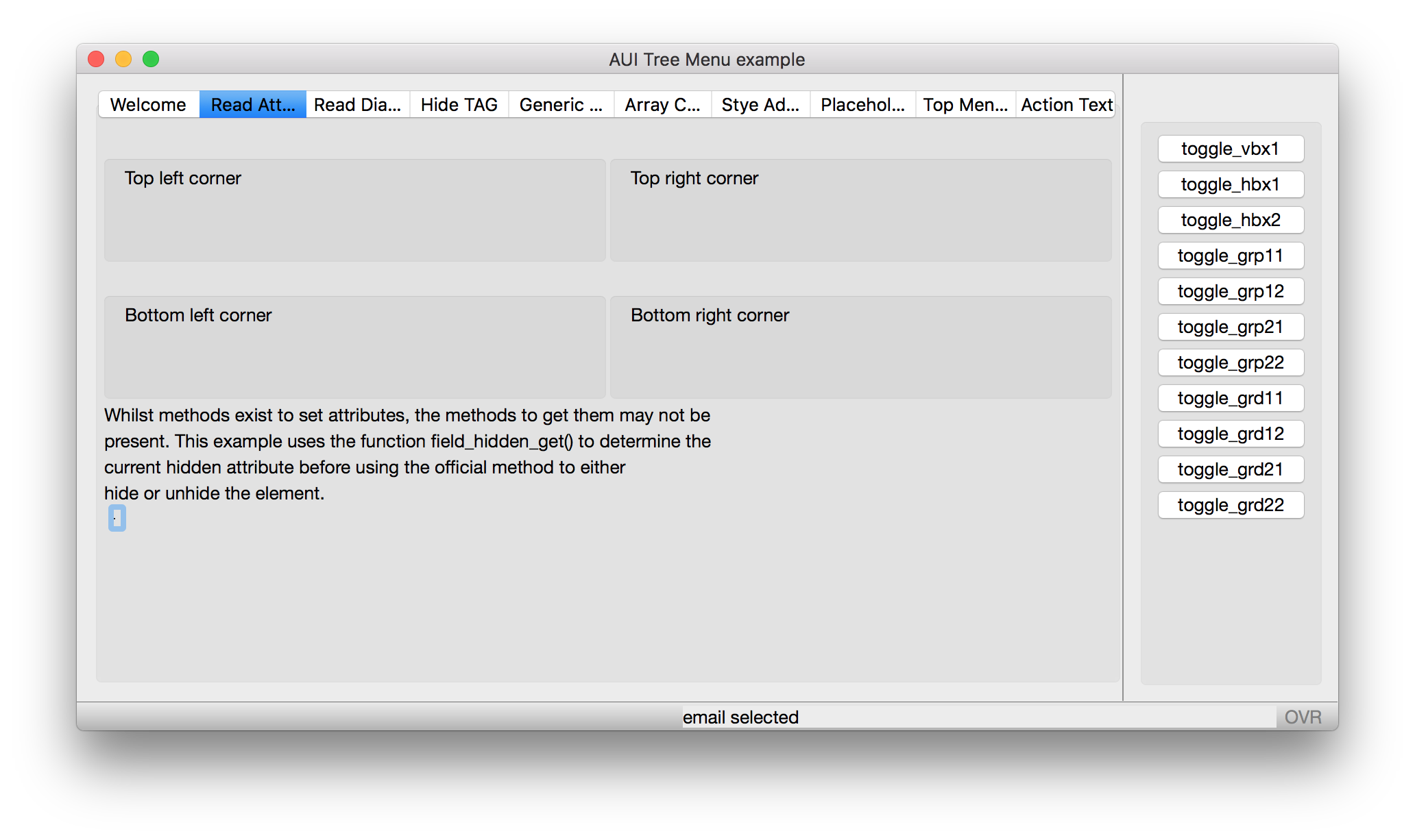
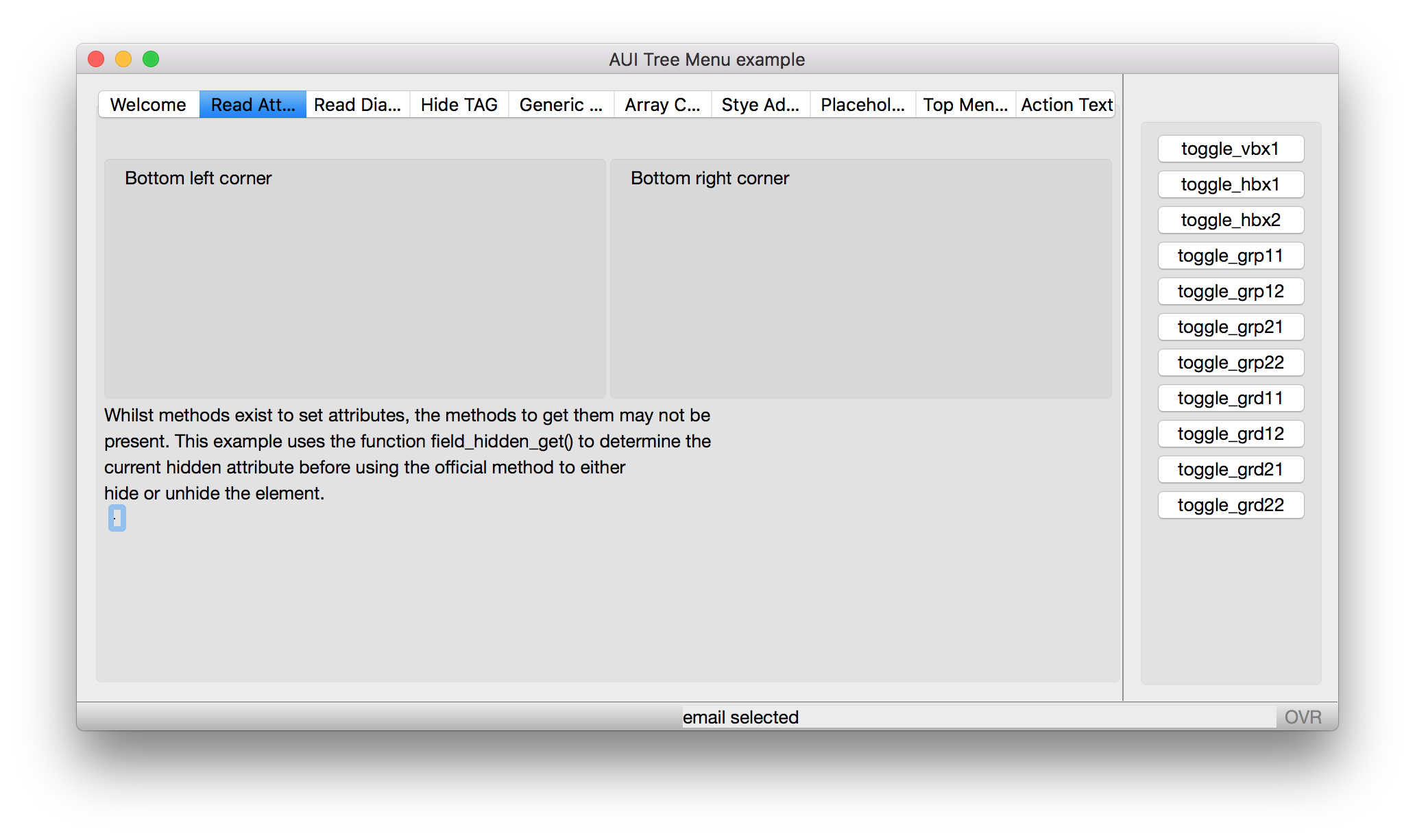
This example toggles the hidden status of various containers. It reads the current hidden value, and then sets it to the opposite. The screenshot shows the before and after of a VBOX being hidden
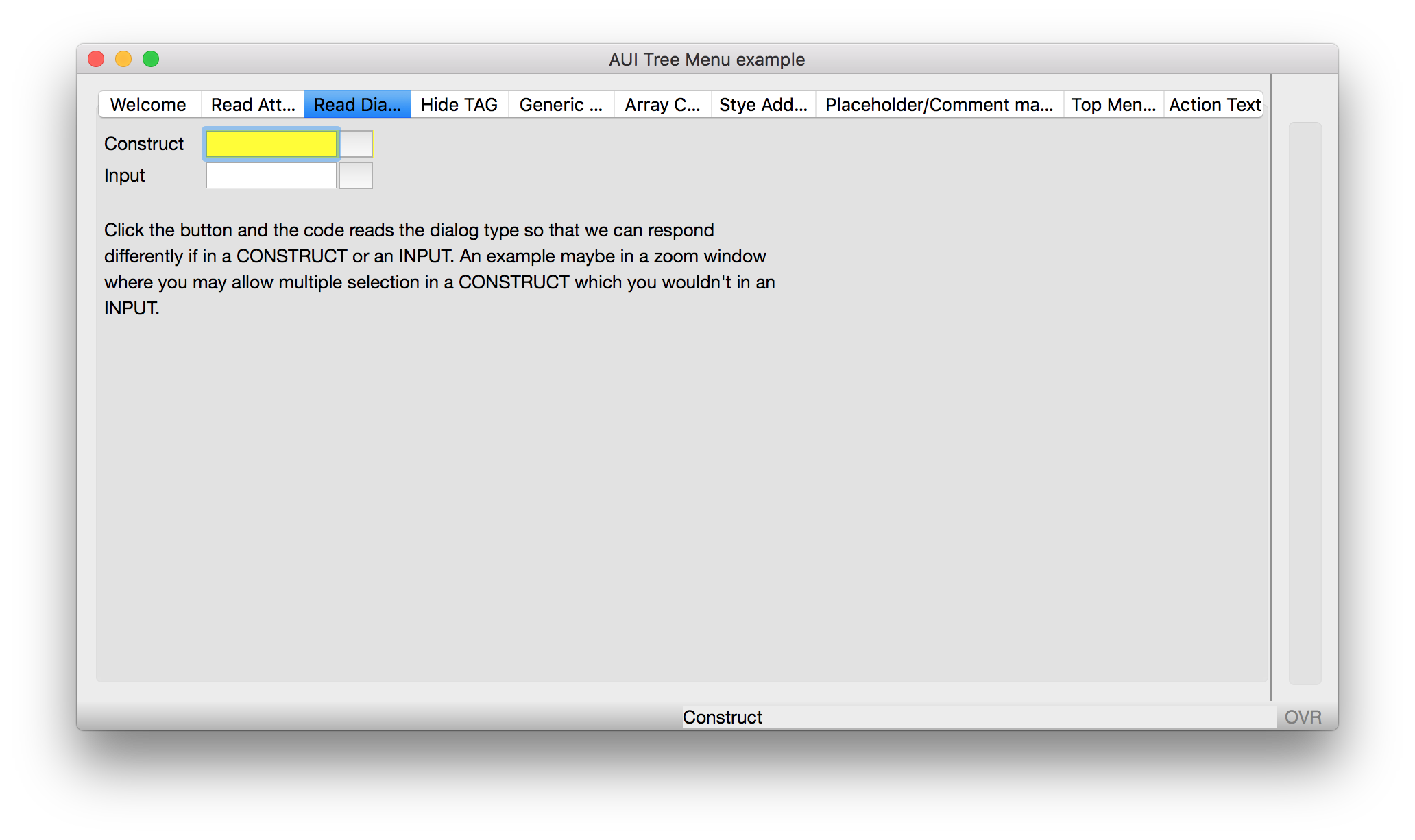
Identify if currently in an INPUT or CONSTRUCT. Useful for generic code that may have to behave differently depending upon where called from. The screenshot shows output when in a CONSTRUCT in the MESSAGE panel
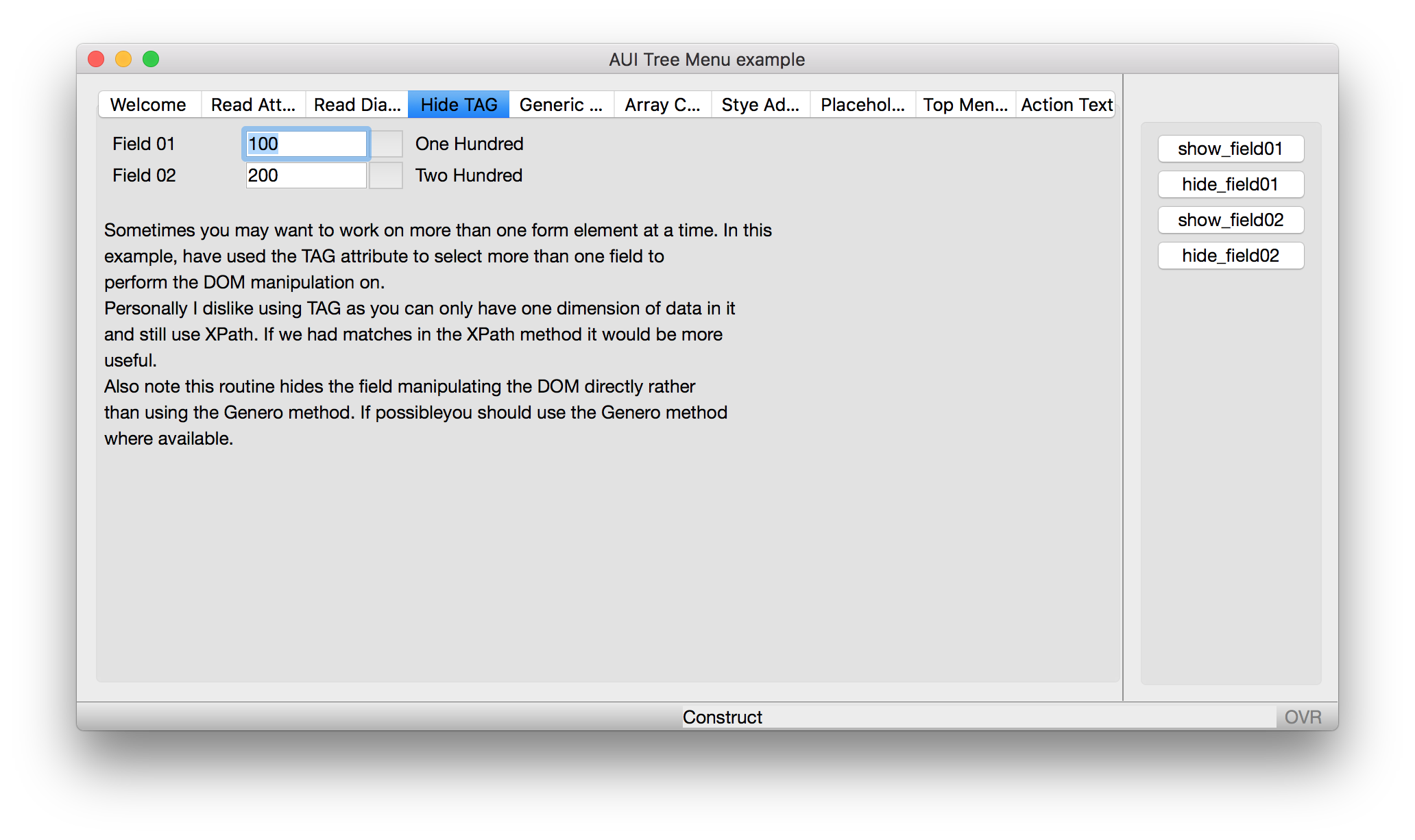
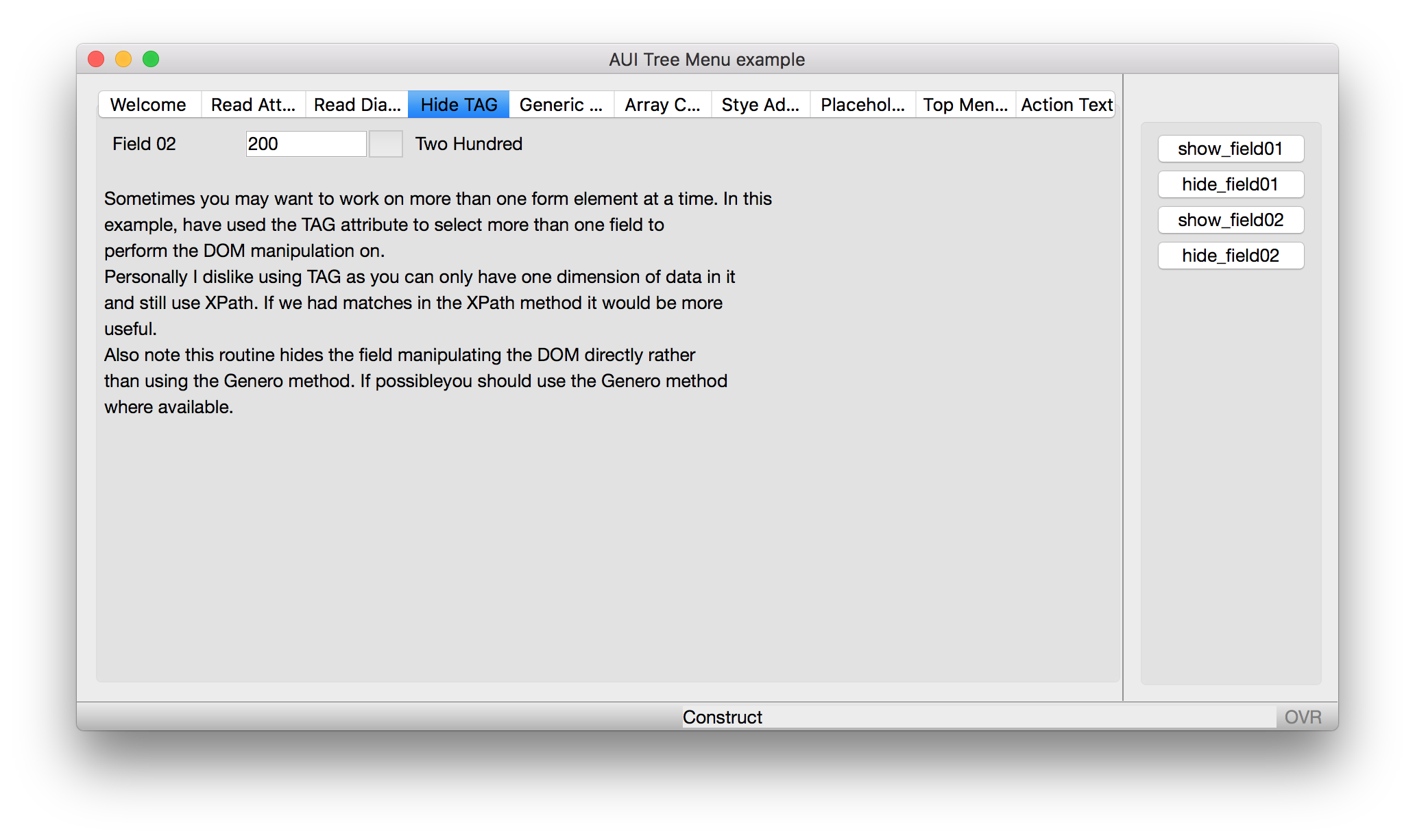
Use the TAG attribute to group a fields title label and description label so that when you hide a field, you do not have to explicitly hide the title or the description label. Screenshot shows before and after as a field (and its title and description) are hidden
Techniques for copying an Entire Array.

(intention is to port this off as a seperate example one day)
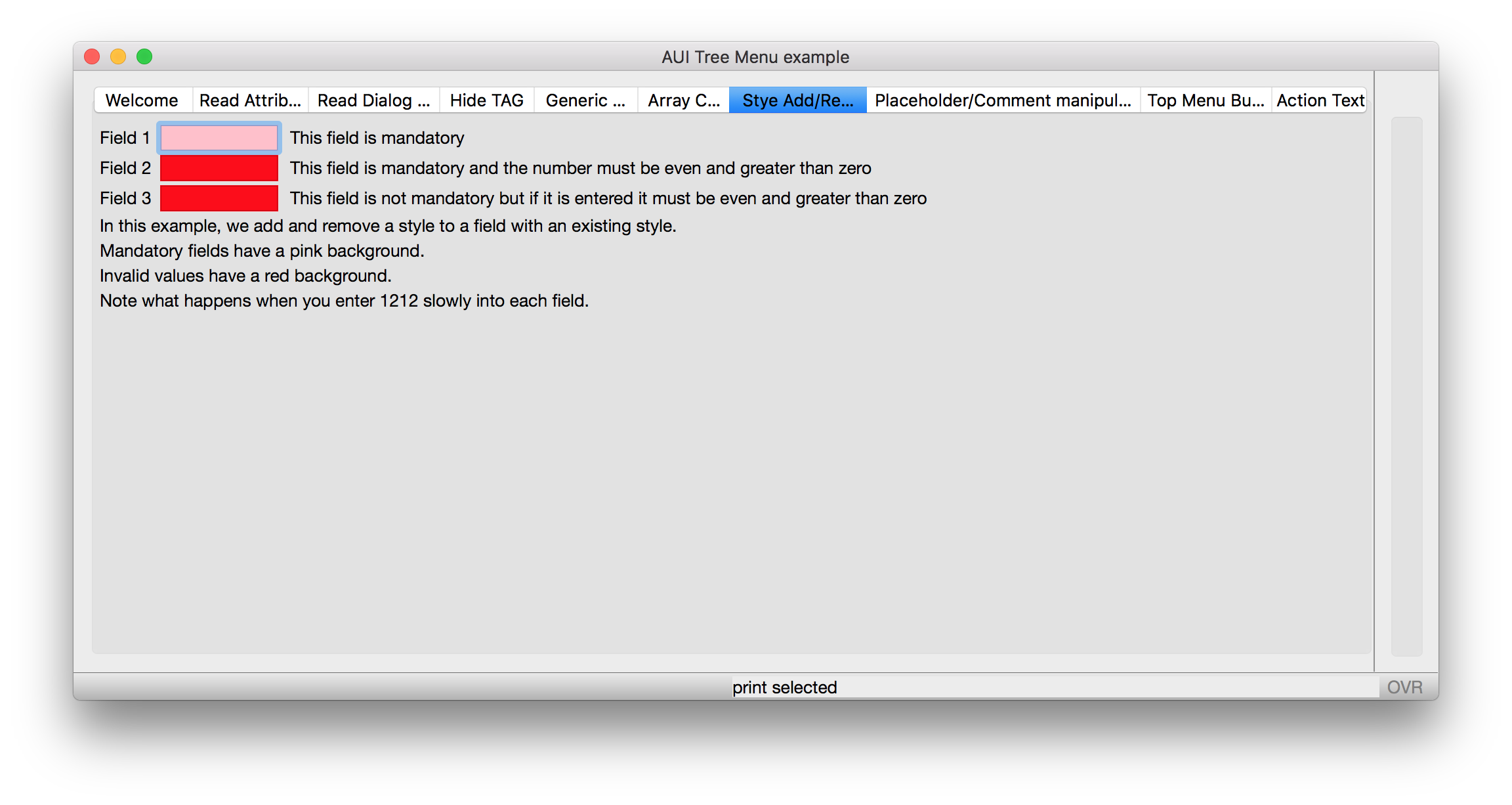
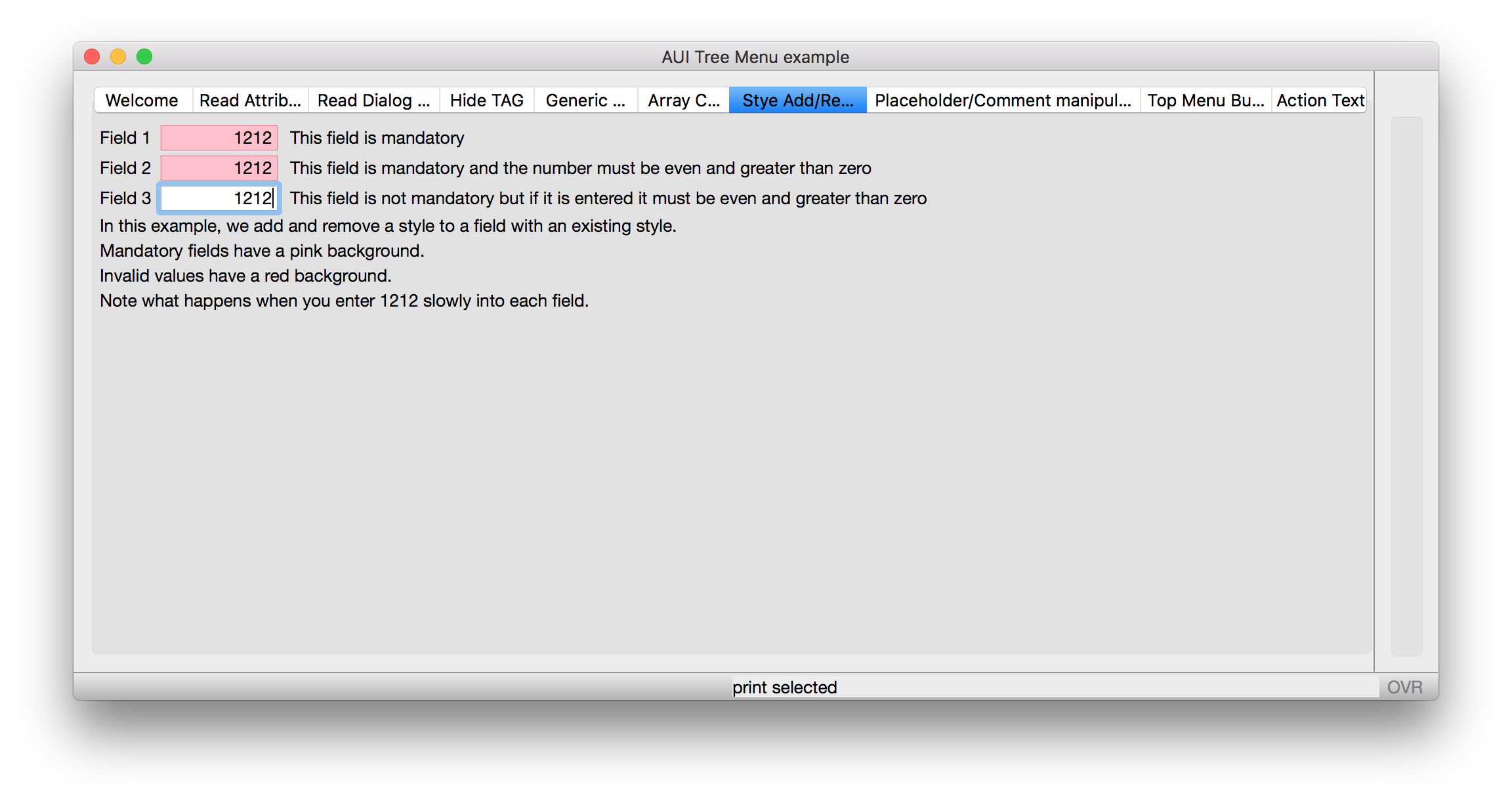
Add or remove a style to a field based on current value. The screenshot shows as value entered, style changes
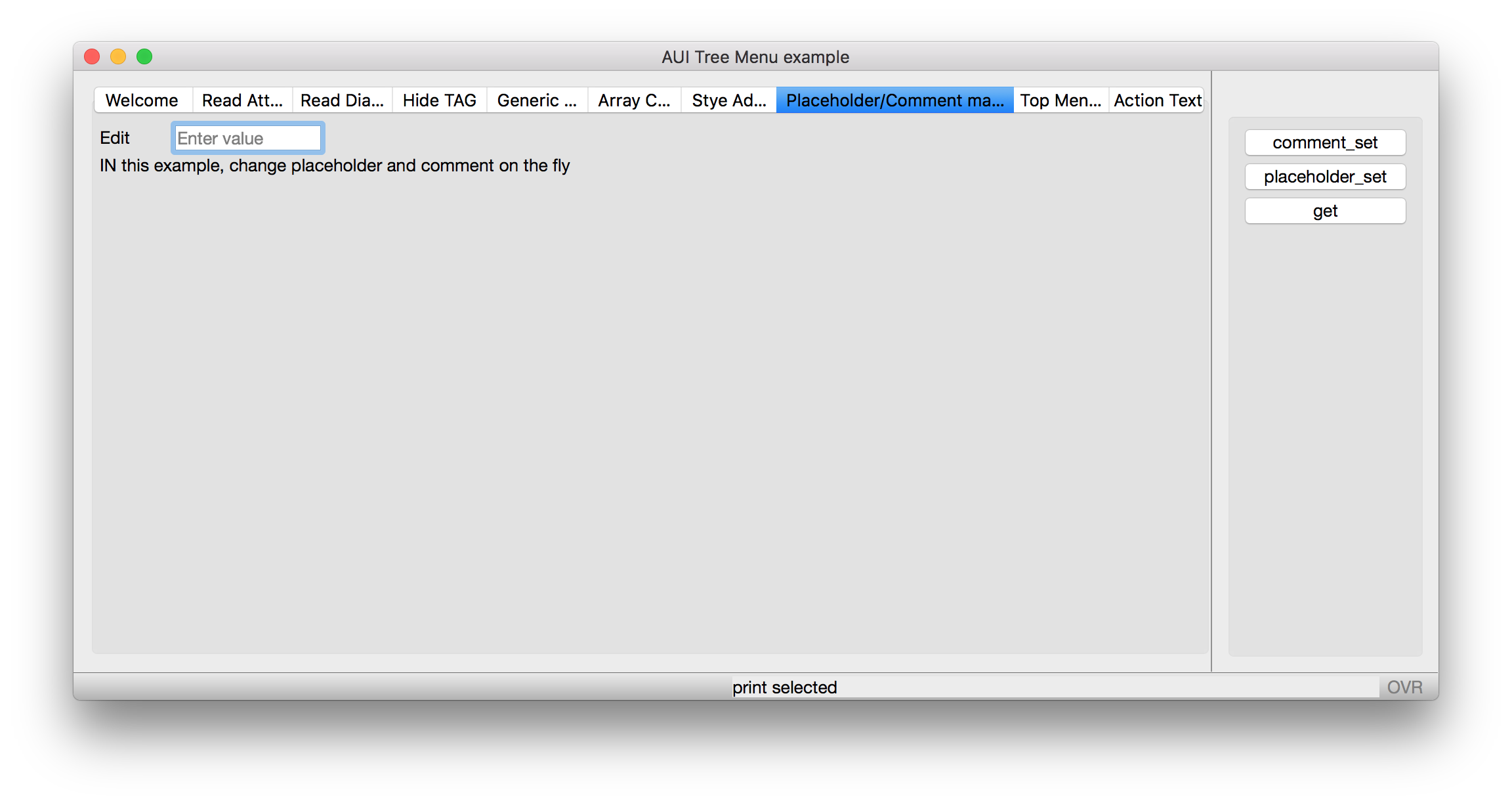
Change comment, placeholder value at runtime. SCreenshot shows placeholder added to field

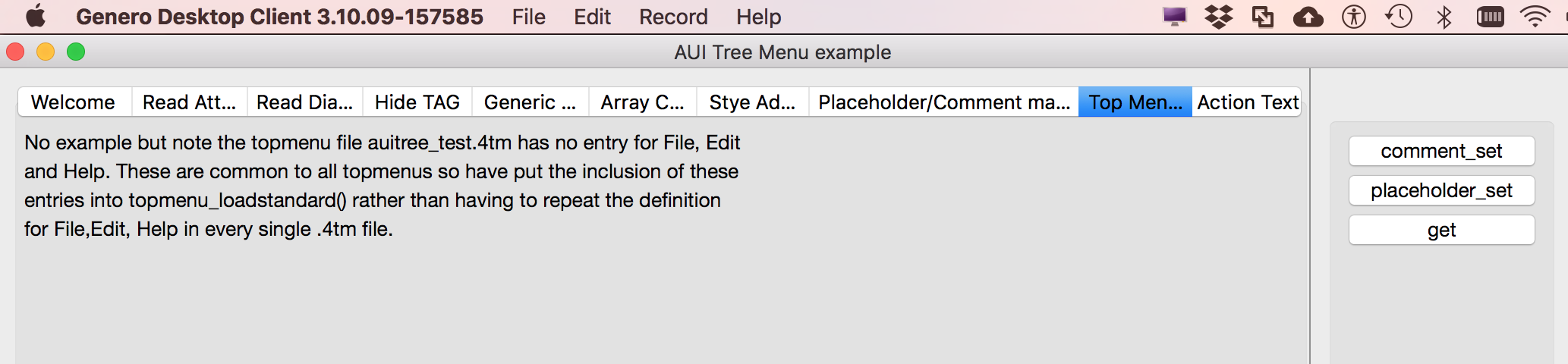
Add standard items to each TopMenu, in this case a File, Edit on the left and Help on the right. Screenshot shows Topmenu with File, Edit on left, Help on right
Port off arraycopy as a separate example