The first and only Blender add-on that imports Farming Simulator 22 & 25 .i3d files directly — full scene, materials, textures, ready for editing, re-export-clean to the official Giants i3d Exporter.
📖 New here? Read the Wiki for the full guide: installation, the import/export workflow, the N-panel tools and preferences, all with screenshots.
No external extraction tool, no command-line gymnastics: the .i3d.shapes binary is decoded natively in Python. Geometry, splines, skin weights, lights, cameras, references, notes, terrain — everything that ships in an FS22/FS25 i3d file becomes proper Blender datablocks you can inspect,
modify, and (mostly) round-trip back into the Giants Editor through the Giants i3d Exporter.
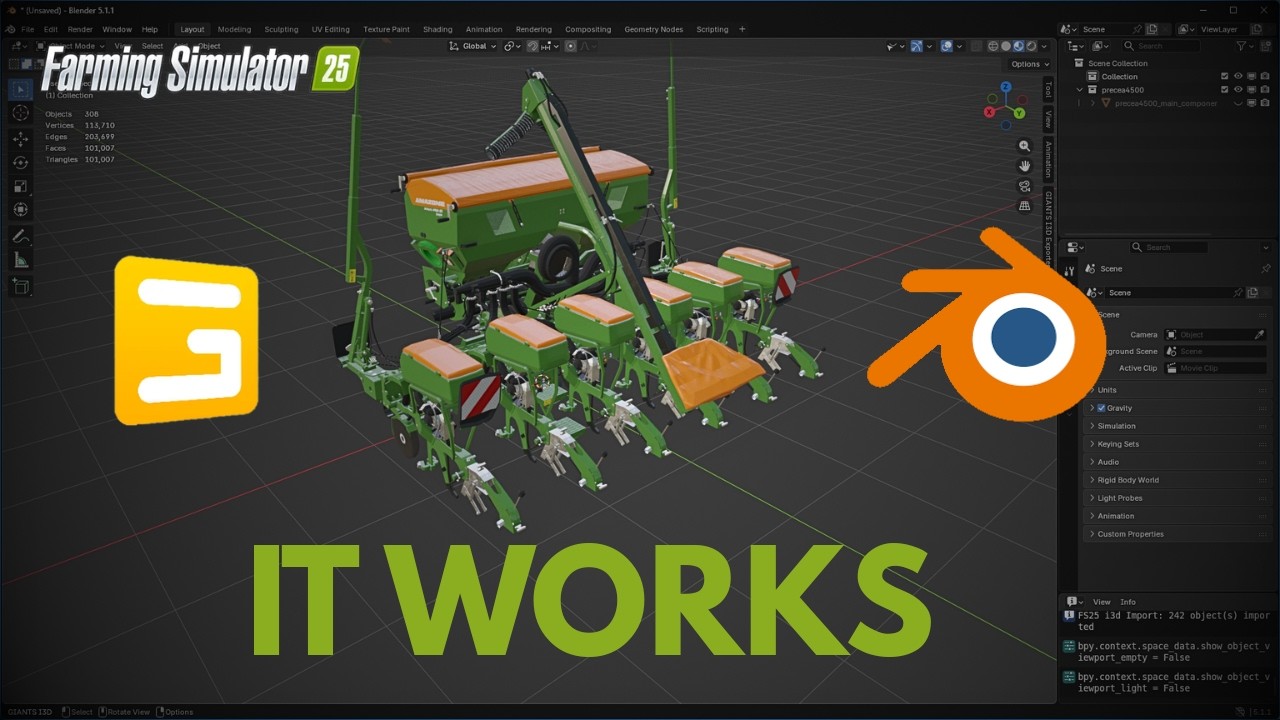
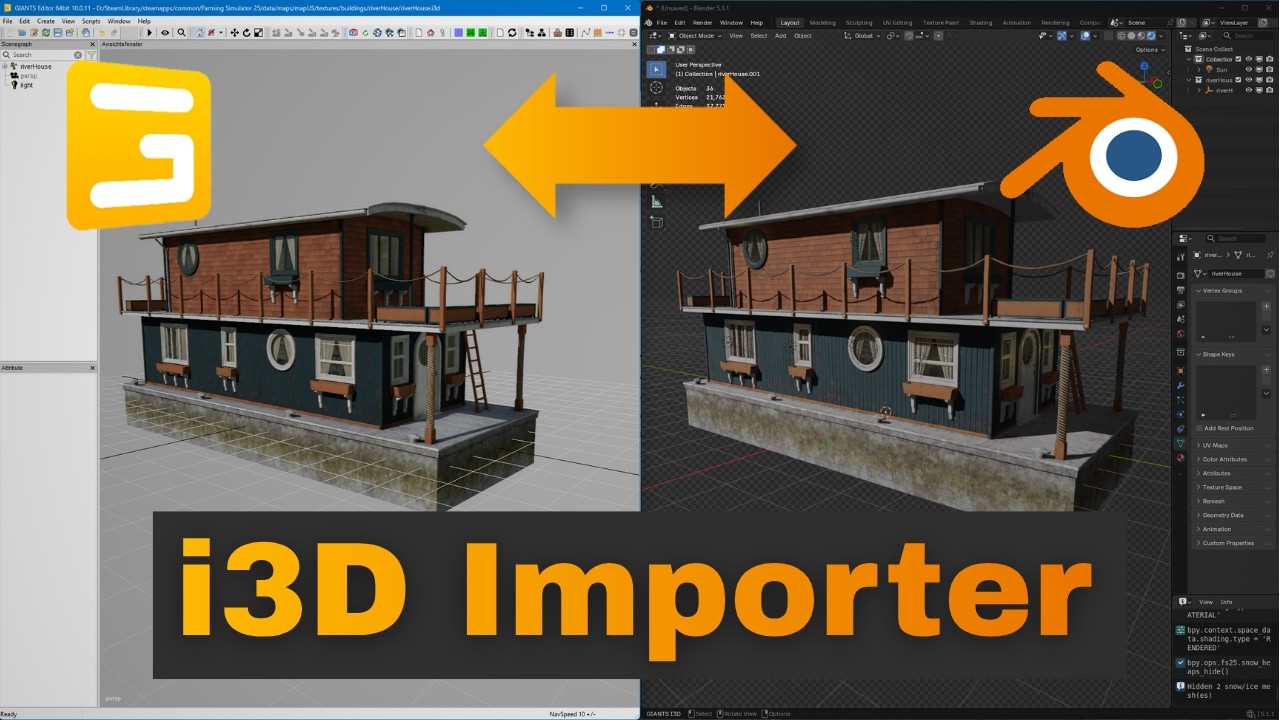
- Full scene tree: meshes, materials, textures, lights, cameras, splines, reference nodes (with patch for the exporter), also terrain!
- Native Python decoder for
.i3d.shapesv7 / v9 / v10 (no external tool required) - Shared meshes are split up into individuals + merged back upon export
- Skin weights for vehicle-implement bones - verified in-game. Joints round-trip back to their original place in the scenegraph via a shared armature + "Child Of" constraints (a leftover empty
zzz_armaturegroup can be deleted in the Giants Editor after import) - Tree import - full FS25 trees: detailed trunk (LOD0) and the leaf/branch attachments (LOD0Attachments), with a seasonal leaf debug material and a Tree Season switch (Summer/Autumn/Winter/Spring)
- Optional scenegraph order preservation - adds a sort-order name prefix so the Giants Exporter reproduces the original Giants Editor node order on re-export (toggle in preferences / the import dialog)
- Merge groups & merge-children splitting
- Splines (open and closed)
- Heightmap-based terrain as a Plane + Displace modifier (terrain as preview only, not exportable, see Known limitations)
- Re-export material — clean round-trip with the Giants Exporter, preserves every
<CustomParameter>and<Custommap>and also options on the shape - PBR debug material (optional) — visually mimics the Giants Editor look, with editable sliders for vehicle brand colors, multitints, clear coat, scratches/dirt/snow/wetness, parallax, etc.
- Pair-aware: switch any mesh between debug and re-export material with a click; changes to debug sliders can be synced back to the export material before re-export
- Multiple imports in the same scene possible — per-import UUIDs disambiguate materials that share
material_idacross files
- UV1, UV2, UV3, UV4 channels
- Corner vertex colors
- Every i3d attribute (visibility, weather masks, navMesh masks, collision flags, clip distance, ...) survives as a Blender custom property — re-export-ready
$data/...resolved against the configured FS25 game folder- DDS preferred over PNG when both exist
- $-substitution also works for terrain heightmap files
- Optional Y-up → Z-up bake at import
- Auto-hide objects flagged
visibility="false"ornonRenderable="true"(matches the Giants Editor render-view behavior)
- Store Config panel — load a vehicle/placeable config XML and switch its store configurations right in Blender, like in the in-game shop: designs, motor variants, attacher options, folding presets, solar panels on buildings, and more. Object changes are applied game-exact (visibility, translation/rotation/scale, including one-sided changes that fall back to the node's original state) plus per-option material swaps.
- Configuration sets — the shop's preset chooser (e.g. working-width presets) pins all controlled sub-configurations at once.
- Wheels — wheel configurations load the real tires, rims, hubs and wheel weights from the shared tire/rim files, resolved exactly like the game does it (baseConfig inheritance, per-wheel overrides, dimension-generated configs, direct-filename wheels). Includes tire-brand selection per configuration and a None button that removes all loaded wheel parts again — the cleanest state for a re-export, since the game loads wheels dynamically anyway.
- Twin wheels — additional wheels including their discs and both connector types (rimDual cage and hubDual clamps), with the connector geometry baked shader-exact.
- Shader-exact rims — the FS rim shader sizes and dishes every rim procedurally from a
widthAndDiamparameter; the preview bakes that deformation into the mesh (and Prepare for Export restores the pristine mesh + writes the parameter onto the export material, so GE and the game deform it themselves). - Rim color preview — recolor rims/weights per the vehicle's rimColor configurations; painting follows the shapes-file material slot names, so parts that stay black in-game stay black here too.
- Known gap: the color configurations (base/design color palettes incl. the generated default colors) have no picker yet — coming as the next feature block.
- Material Switch — toggle the selected meshes between debug and re-export materials
- FS25 Material Settings — sliders for every
material parameterof the active debug material, plus a Sync to Export Material button that copies the slider values back to the paired export material'scustom Parameterproperties (required before re-export) - FS25 Debug View — overlay masks or vertex colors on the active material for inspection
- FS25 Snow + Ice — show/hide all snow/icicle meshes; reminds you to un-hide them before re-export
- FS25 Invisible GE-objects — show/hide all objects that were auto-hidden because they are invisible in the Giants Editor (e.g. collision volumes); reminds you to un-hide them before re-export
- Tree Season - for imported trees, switch the seasonal leaf debug look (Summer / Autumn / Winter / Spring); appears only when a tree-branch material is present in the scene
- i3dMappings - load a vehicle/placeable config XML and assign its
<i3dMapping>ids to the imported objects, then view and edit a node's Mapping ID (written so the Giants exporter picks it up on re-export); also fills the exporter's XML Config Files list so you only pick the file once - Store Config (preview) - after loading the config XML: switch store configurations, load wheel configurations with tire brand and rim color, apply configuration-set presets; Show All Config Parts and Default Config reset buttons included
- Prepare for Export - one click gets the scene export-ready: shows snow/GE-invisible parts, resets the config preview, restores pristine (un-baked) wheel meshes, switches everything to the re-export materials and writes the rim/connector shader parameters onto them
- Viewport switches to Material Preview shading
- All imported objects are framed (Numpad-
.-equivalent) - Clip-end is bumped to 10000 when an imported object is larger than 500 units (whole maps no longer disappear behind the default far clip)
- prefills Game path & export path in the Giants id3 exporter so you don't have to set it every time
- Blender 5.1 or newer
- Farming Simulator 25 (or FS22) installed locally — needed to resolve
$data/...texture and shader paths. The add-on never modifies your game files. - Operating system: Windows is regularly tested and supported. Linux and macOS should work in principle since the decoder is pure Python and the add-on has no native binaries, but they are untested — please open an issue if you try them.
- Optional: the Parallax Node Extension for true parallax occlusion mapping in debug materials (a simpler bump-mapping fallback is used otherwise)
- Download the latest
blender_i3d_importer.zipfrom the Releases page. - Open Blender.
- Drag the
.zipfile from your file manager onto the Blender window. - Confirm the install prompt.
- Download the latest
blender_i3d_importer.zipfrom the Releases page. - In Blender,
Edit→Preferences→Add-ons. - Click the dropdown arrow in the top-right →
Install from Disk... - Select the downloaded
.zipfile. - Enable the add-on by ticking the checkbox next to its name.
Edit→Preferences→Add-ons→ find i3d Importer.- Expand its preferences. They are grouped in three sections:
- Paths — set FS25 game data folder to your FS25 installation root (the folder that contains the
data/subfolder). Optionally set Re-export output folder. - Import Defaults — defaults for the per-import operator options (axis correction, auto-hide, debug materials, etc.).
- Terrain — default LOD, base color for the terrain preview, and the comma-separated list of
<CombinedLayer>names to load (up to 5; default covers ASPHALT, GRASS, MUD, FOREST_LEAVES, FOREST_GRASS).
- Paths — set FS25 game data folder to your FS25 installation root (the folder that contains the
File → Import → Farming Simulator i3d (.i3d)
In the import dialog you can override per-import options that default from the add-on preferences (axis correction, auto-hide, debug materials, terrain LOD, base color, layer names).
After import, the 3D viewport sidebar (press N) offers the i3d Importer tab with the workflow panels listed under N-panel workflow tools.
Read the Wiki for the full user guide. Or watch the ▶Tutorial video:
The re-export materials are designed to round-trip cleanly through the official Giants i3d Exporter for Blender. Two optional patches against the Giants exporter ship in blender_i3d_importer/patches/ and fix the following issues in the exporter:
KeyError: 'i3D_referenceChildPath'on ReferenceNodes (most vehicles and many buildings have these)- Every re-exported material gets
emissiveColor="1 1 1 1"even when the original had none — a default-value bug in the exporter
See blender_i3d_importer/patches/README.md for application steps (a few-line edit in two files of the exporter, detailed instructions included).
Vehicle and placeable config XMLs reference nodes in the i3d through an <i3dMappings> block, which lives in the XML, not in the i3d. After import, open the i3dMappings box in the i3d Importer tab, click Load Config XML, and pick the matching vehicle.xml / placeable.xml: the importer assigns each mapping id to the right object and fills the exporter's XML Config Files list. You can then view and edit a node's Mapping ID in the same box - this works around a Giants exporter bug on Blender 5.1+ where the exporter's own field cannot set a custom id. See the i3dMappings wiki page.
Before re-export: click Prepare for Export (top of the i3d Importer tab) — it un-hides snow/GE-invisible parts, resets the store-config preview, restores the pristine wheel meshes, switches every imported mesh to its re-export material and writes the rim/connector shader parameters. In detail, that covers what used to be manual steps:
- If you used the Material Settings sliders, click Sync to Export Material so the changes are persisted on the export materials.
- If you used the Snow + Ice or Invisible GE-objects hide toggles, un-hide them — the Giants Exporter writes
visibility="false"to the XML based on the Outliner eye state. - If you used the Material Switch to Debug, switch back to Export (debug materials carry extra preview nodes that are not round-trip-clean).
- If you loaded wheels just for the preview, click None in the Wheels section first — the game loads wheels dynamically at runtime, so an export without them avoids duplicate static wheels and keeps the
<i3dMappings>index paths identical to the original XML.
- Terrain is one-way. The Giants Blender Exporter cannot emit a
<TerrainTransformGroup>. The terrain mesh is for in-Blender preview / backgroundMesh-snapping only. The importer prints a WARNING in the log when terrain is loaded. - Reference-node recursion. Sub-i3ds referenced by a node are not loaded automatically; they remain as empties with the original
i3D_referenceFilenamecustom property. The Giants exporter writes them back correctly on re-export, but only if you apply thereferenceChildPath-patch (see above). - Skinned-mesh armature leftover. Re-exporting a skinned mesh leaves one empty
armaturetransform group in the scenegraph (the Giants exporter does not collapse armatures). It is harmless and can be deleted in the Giants Editor; the joints themselves round-trip to their original place via "Child Of" constraints. - i3dMappings on bones are not assigned. When you load a config XML, mappings that target a skinned bone/joint (rare) are not assigned to any object; the importer lists them in a warning so nothing is lost silently. All mappings that target regular objects, including merge-group members, are assigned.
- Color configurations have no picker yet. Base/design color palettes (including the game-generated default colors and
useBaseColorreferences) are not offered in the Store Config panel yet — planned as the next feature block. - Merge groups bound to distant nodes. A rare merge-group pattern whose bind nodes live elsewhere in the tree (e.g. the detached coupler hoses on some sprayers) is not distributed yet and clumps at the origin; the game replaces those visuals at runtime anyway.
- This add-on — GPL-3.0-or-later. See
LICENSE. .i3d.shapesdecoder — Python port of the C# logic from I3DShapesTool by Donkie, MIT-licensed. SeeNOTICEfor the full attribution.
Nadine Brinkmann — YouTube
If this add-on saves you time or unlocks a workflow you could not do before, a star on the repo or a comment on the channel is appreciated.
You can also support the project here: https://ko-fi.com/nadinebrinkmann