Telecast
Since v1.2.0, You have telecast feature.
- send specific chat by command
/telecast(SeeUse commands) - telecasting chats from specific chat room(group) to MagicMirror without command. (See
Telecast chats)
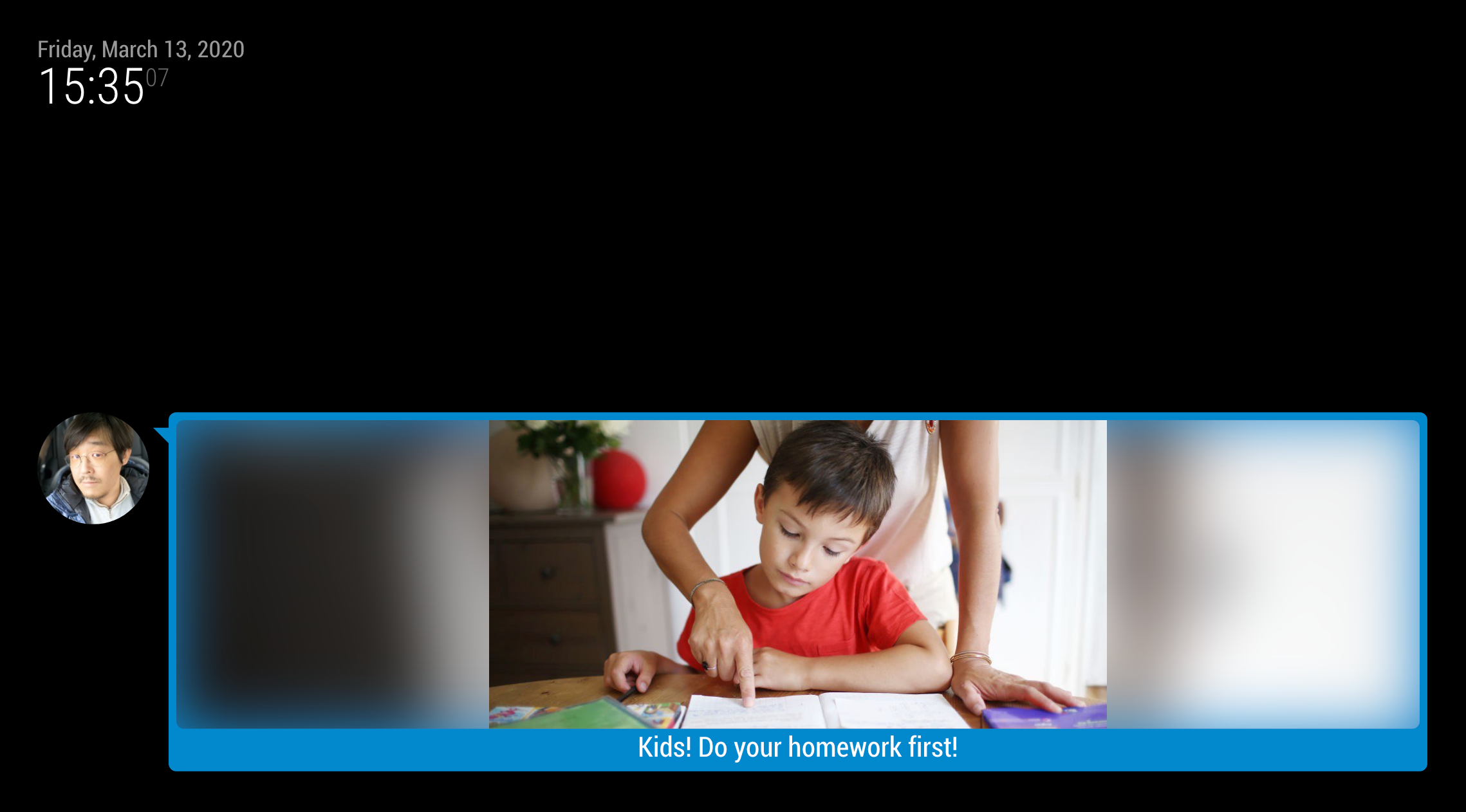
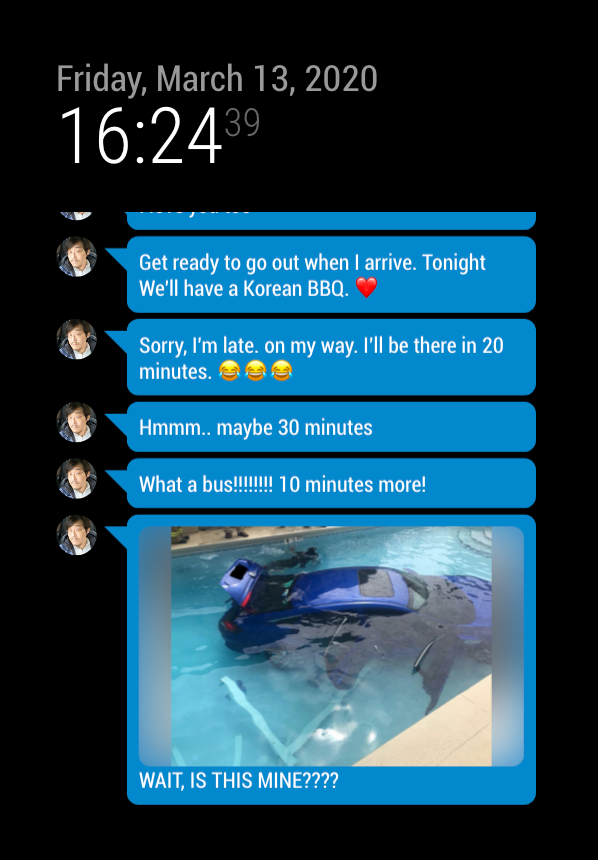
- To enable telecasting chats from room(group) without command, you need 2 things before.
- Your telegramBot needs
privacy:disabled. You can setup privacy mode of bot with@botfather. - You should know
chatIdof target chat room and your bot is a member of that group. To getchatId, use/mychatidcommand in that room after inviting bot.
- Your telegramBot needs
- Be careful to use. Bot could obtain private user information (name, profile photo, username and conversations), so you should know what you are doing. Explain to members and get consents before using. All rights and responsibilites are yours.
- All photos and text messages(except reply to bots) from human members will be telecasted.
- To use this feature, set
telecast: {chatId}.
telecast: "-1111111", // "-1111111" will be chatId of target room.- Instead, a user can explicitly telecast his message with command
/telecast. For example;/telecast Kids! Time to go to bed!will telecast the message "Kids! Time to go to bed".
telecast: true,- To send a photo, write caption with command
/telecast.
telecast: null, // or `false`If you are using this on *_bar, *_third, middle_center, telecastLimit:1 would be recommended.
You can override CSS in your css/custom.css