




MS iCal is a self-hosted application that connects to your Microsoft calendars and publishes them as iCal feeds that can be subscribed to by other calendar applications. Although Microsoft does allow iCal links to be created, it seems it does not allow it for "Your Family" calendar, which is what this application is designed for.
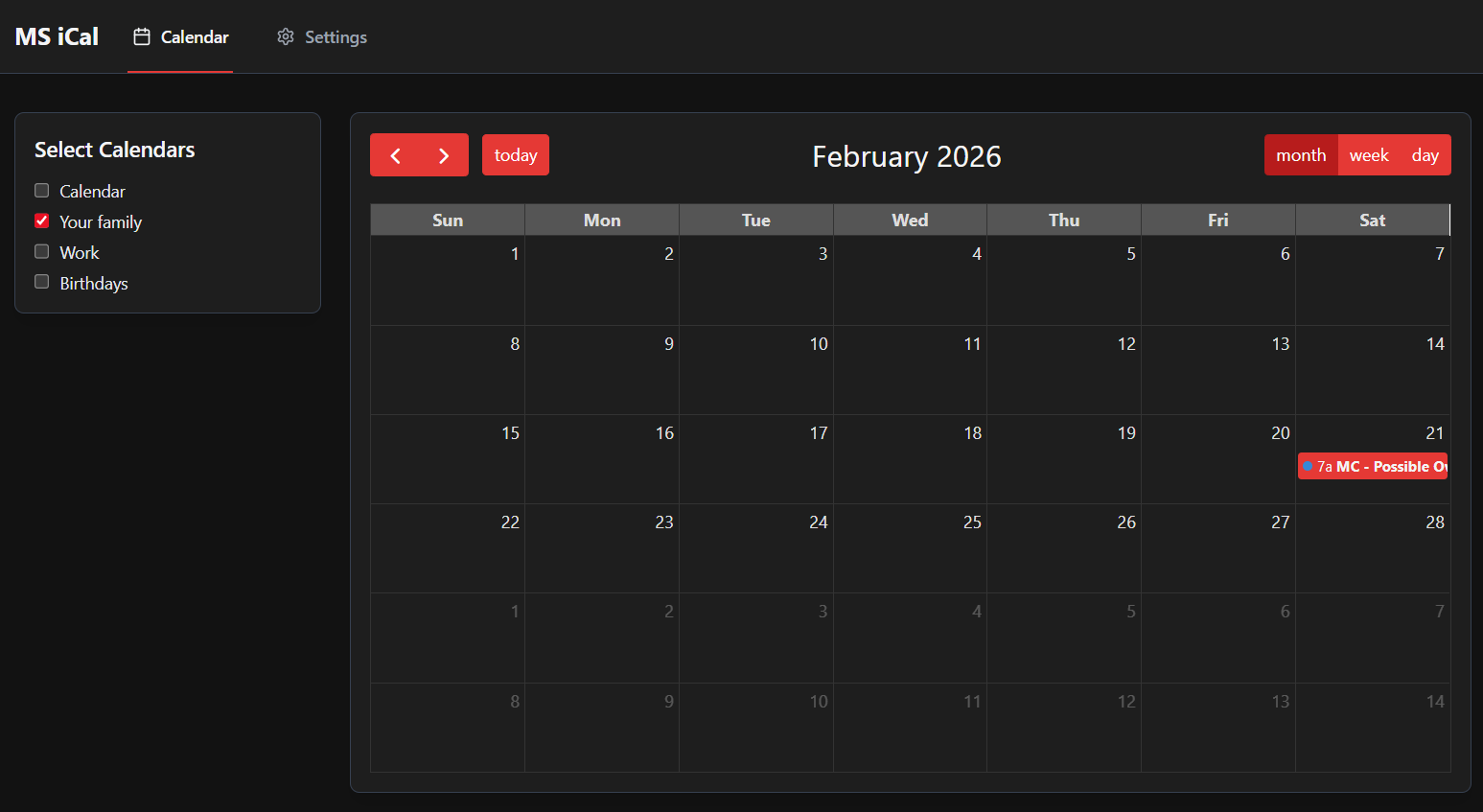
- Microsoft Calendar Access - Connect to your Microsoft account and access all your calendars
- Web Calendar View - View your events in a clean, modern calendar interface
- iCal Feed Publishing - Generate subscription URLs for your calendars
- Multi-Calendar Support - Select which calendars to include in each feed
- Automatic Refresh - Feeds update automatically at configurable intervals
- Secure - Tokenized feed URLs with encrypted credentials
Note: The
/configdirectory is mapped to where you want the database and application data to be saved. This ensures your data persists even when the container is updated or removed.
# Create a directory for persistent data
mkdir -p /opt/ms-ical

# Run the container
docker run -d \
  --name ms-ical \
  -p 5600:5600 \
  -v /opt/ms-ical:/config \
  -e PUID=1000 \
  -e PGID=1000 \
  ghcr.io/migz93/ms-ical:latest
Then access the application at http://docker-host-ip:5600
Tip: Set
PUIDandPGIDto match your user ID to avoid permission issues. Runid -uandid -gto find your UID and GID. If not specified, defaults to 1000:1000.
Create a docker-compose.yml file:
version: '3.8'

services:
  app:
    image: ghcr.io/migz93/ms-ical:latest
    container_name: ms-ical
    network_mode: bridge
    ports:
      - "5600:5600"
    volumes:
      - /opt/ms-ical:/config
    environment:
      - PUID=1000  # Set to your user's UserID
      - PGID=1000  # Set to your user's GroupID
    restart: unless-stopped
Then run:
docker-compose up -dFor setup instructions, usage guide & troubleshooting, check the wiki.
MS iCal was developed with the use of AI technologies (Windsurf with Claude 4.5 Sonnet). We can't verify that best practices were followed nor that the code is free of vulnerabilities. Therefore we recommend:
- Local Network Only: For optimal security, run MS iCal on your local network rather than exposing it directly to the internet
- Use VPN: If remote access is needed, consider using a VPN
- Use HTTPS: If exposing to the internet, use a reverse proxy with HTTPS (Caddy, nginx, etc.)
- Regular Backups: Keep regular backups of your database file located in the config directory
- Updates: Check for updates regularly as security improvements may be released
Contributions are welcome! Please feel free to submit a Pull Request.
MIT