Pathway Requester

With the Pathway Requester Block, you can request and set a pathway in the linked Signalbox by applying a redstone signal to this block.
To do this, the signal box must be linked to the Pathway Requester Block with SHIFT+click using the Linking Tool.
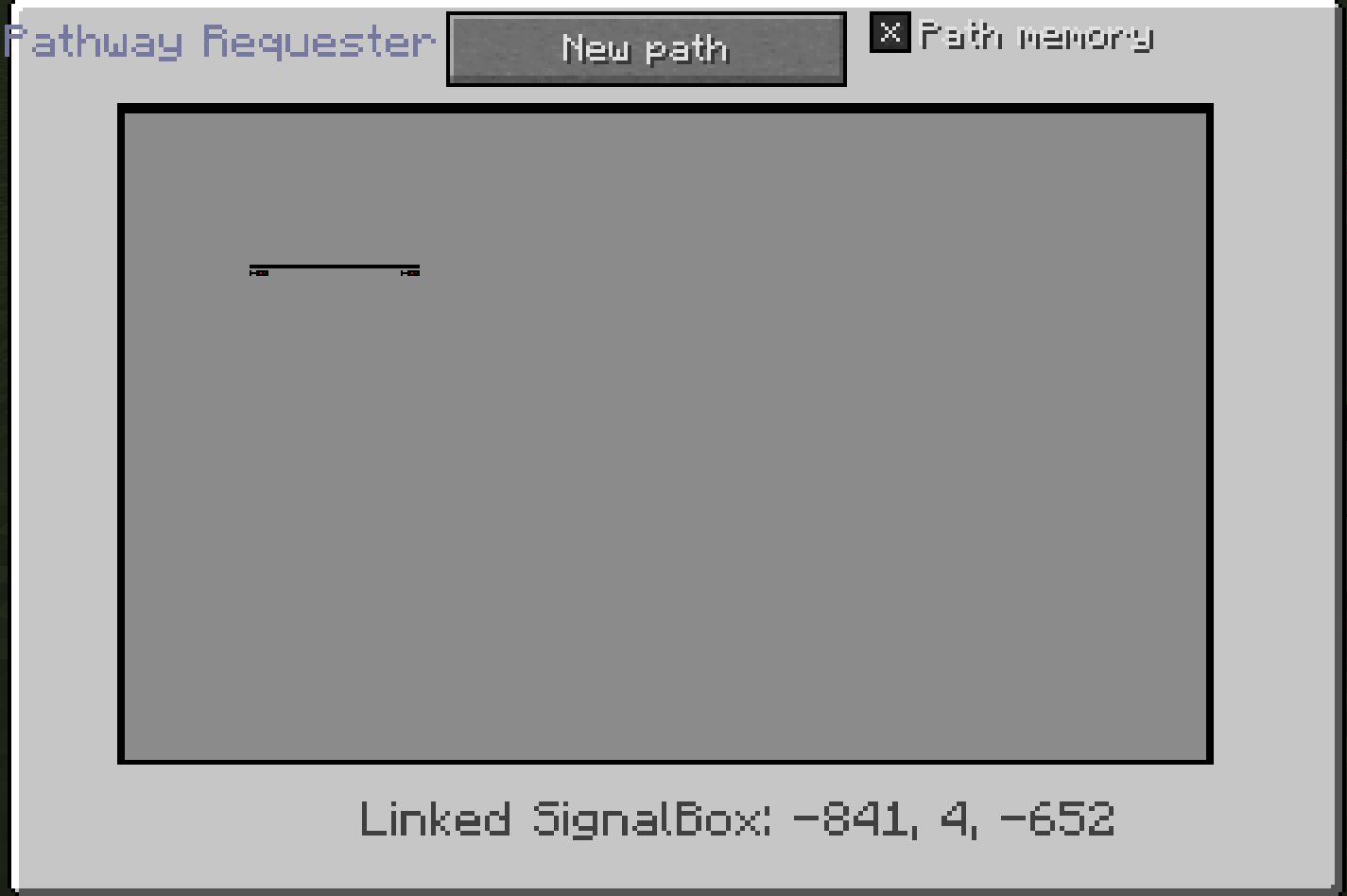
At the bottom centre you can see the linked signal box.
The layout of the signal box is shown in the centre.
At the top centre, you can define a new path that is to be requested and set.
If you want to be able to save the requested path if it is already occupied, you can tick the path memory at the top left.
To select a new path, go to New path and select a start and destination signal between which a pathway is possible. The two signals are then highlighted in green.
If you now send a redstone signal to the pathway requester block and a pathway is possible between the signals, the pathway is then set automatically. For each requested pathway you need a new Pathway Requester Block.