Status: Maintenance (expect bug fixes and minor updates)
This repo is based on procgen default repo (Blog Post)
-> The only created game is "ecoinrun" so far (e stands for easy).
ecoinrun uses only (static) saws as enemy (between 1-4)
-> Position of the agent, coin, as well as the potential saw(s) enemies are retrieved into env.get_info()[0]

-> The heist env has also been modified to retrieve number of collected keys.
utils_procgen.pycontains theInteractiveEnvobject that allows to call an interactive environment from a written script (makes it easy to debug)test_procgen.pyis a small script that allows you to understand how to get the position of the different objects in the game (they are filtered based on their visibility on the screen)
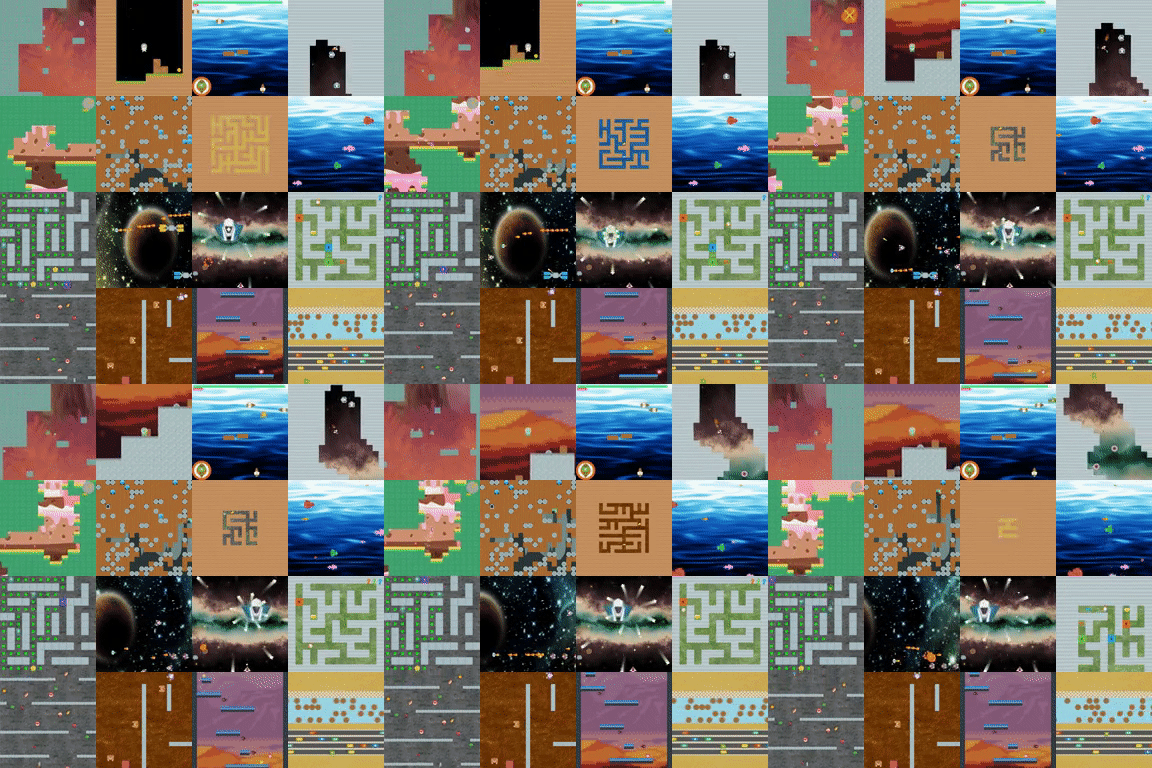
First make sure you have a supported version of python:
# run these commands to check for the correct python version
python -c "import sys; assert (3,7,0) <= sys.version_info <= (3,10,0), 'python is incorrect version'; print('ok')"
python -c "import platform; assert platform.architecture()[0] == '64bit', 'python is not 64-bit'; print('ok')"
If you want to change the environments or create new ones, you should build from source. You can get miniconda from https://docs.conda.io/en/latest/miniconda.html if you don't have it, or install the dependencies from environment.yml manually. On Windows you will also need "Visual Studio 16 2019" installed.
git clone git@github.com:k4ntz/procgen.git
cd procgen
python3 -m venv env
source env/bin/activate
pip install -U pip wheel
pip install -e .
# this should say "building procgen...done"
python -c "from procgen import ProcgenGym3Env; ProcgenGym3Env(num=1, env_name='coinrun')"
# this should create a window where you can play the coinrun environment
python -m procgen.interactive
The environment code is in C++ and is compiled into a shared library exposing the gym3.libenv C interface that is then loaded by python. The C++ code uses Qt for drawing.
Once you have installed from source, you can customize an existing environment or make a new environment of your own. If you want to create a fast C++ 2D environment, you can fork this repo and do the following:
- Copy
src/games/bigfish.cpptosrc/games/<name>.cpp - Replace
BigFishwith<name>and"bigfish"with"<name>"in your cpp file - Add
src/games/<name>.cpptoCMakeLists.txt - Run
python -m procgen.interactive --env-name <name>to test it out
This repo includes a travis configuration that will compile your environment and build python wheels for easy installation. In order to have this build more quickly by caching the Qt compilation, you will want to configure a GCS bucket in common.py and setup service account credentials.
To export game information from the C++ game code to Python, you can define a new info_type. info_types appear in the info dict returned by the gym environment, or in get_info() from the gym3 environment.
To define a new one, add the following code to the VecGame constructor here: vecgame.cpp
{
    struct libenv_tensortype s;
    strcpy(s.name, "heist_key_count");
    s.scalar_type = LIBENV_SCALAR_TYPE_DISCRETE;
    s.dtype = LIBENV_DTYPE_INT32;
    s.ndim = 0,
    s.low.int32 = 0;
    s.high.int32 = INT32_MAX;
    info_types.push_back(s);
}
This lets the Python code know to expect a single integer and expose it in the info dict.
After adding that, you can add the following code to heist.cpp:
void observe() override {
    Game::observe();
    int32_t key_count = 0;
    for (const auto& has_key : has_keys) {
        if (has_key) {
            key_count++;
        }
    }
    *(int32_t *)(info_bufs[info_name_to_offset.at("heist_key_count")]) = key_count;
}
This populates the heist_key_count info value each time the environment is observed.
If you run the interactive script (making sure that you installed from source), the new keys should appear in the bottom left hand corner:
python -m procgen.interactive --env-name heist
If you get an error like "Could not find a version that satisfies the requirement procgen", please upgrade pip: pip install --upgrade pip.
To try an environment out interactively:
python -m procgen.interactive --env-name coinrun
The keys are: left/right/up/down + q, w, e, a, s, d for the different (environment-dependent) actions. Your score is displayed as "episode_return" in the lower left. At the end of an episode, you can see your final "episode_return" as well as "prev_level_complete" which will be 1 if you successfully completed the level.
To create an instance of the gym environment:
import gym
env = gym.make("procgen:procgen-coinrun-v0")
To create an instance of the gym3 (vectorized) environment:
from procgen import ProcgenGym3Env
env = ProcgenGym3Env(num=1, env_name="coinrun")
bigfish- It is possible for the player to occasionally become trapped along the borders of the environment.caveflyer- In ~0.5% of levels, the player spawns next to an enemy and will die in a single step regardless of which action is taken.jumper- In ~7% of levels, the player will spawn on top of an enemy or the goal, resulting in the episode terminating after a single step regardless of which action is taken.miner- There is a low probability of unsolvable level configurations, with either a diamond or the exit being unreachable.
Rather than patch these issues, we plan to keep the environments in their originally released form, in order to ease the reproducibility of results that are already published.
env_name- Name of environment, or comma-separate list of environment names to instantiate as each env in the VecEnv.num_levels=0- The number of unique levels that can be generated. Set to 0 to use unlimited levels.start_level=0- The lowest seed that will be used to generated levels. 'start_level' and 'num_levels' fully specify the set of possible levels.paint_vel_info=False- Paint player velocity info in the top left corner. Only supported by certain games.use_generated_assets=False- Use randomly generated assets in place of human designed assets.debug=False- Set toTrueto use the debug build if building from source.debug_mode=0- A useful flag that's passed through to procgen envs. Use however you want during debugging.center_agent=True- Determines whether observations are centered on the agent or display the full level. Override at your own risk.use_sequential_levels=False- When you reach the end of a level, the episode is ended and a new level is selected. Ifuse_sequential_levelsis set toTrue, reaching the end of a level does not end the episode, and the seed for the new level is derived from the current level seed. If you combine this withstart_level=<some seed>andnum_levels=1, you can have a single linear series of levels similar to a gym-retro or ALE game.distribution_mode="hard"- What variant of the levels to use, the options are"easy", "hard", "extreme", "memory", "exploration". All games support"easy"and"hard", while other options are game-specific. The default is"hard". Switching to"easy"will reduce the number of timesteps required to solve each game and is useful for testing or when working with limited compute resources.use_backgrounds=True- Normally games use human designed backgrounds, if this flag is set toFalse, games will use pure black backgrounds.restrict_themes=False- Some games select assets from multiple themes, if this flag is set toTrue, those games will only use a single theme.use_monochrome_assets=False- If set toTrue, games will use monochromatic rectangles instead of human designed assets. best used withrestrict_themes=True.
Here's how to set the options:
import gym
env = gym.make("procgen:procgen-coinrun-v0", start_level=0, num_levels=1)
Since the gym environment is adapted from a gym3 environment, early calls to reset() are disallowed and the render() method does not do anything. To render the environment, pass render_mode="human" to the constructor, which will send render_mode="rgb_array" to the environment constructor and wrap it in a gym3.ViewerWrapper. If you just want the frames instead of the window, pass render_mode="rgb_array".
For the gym3 vectorized environment:
from procgen import ProcgenGym3Env
env = ProcgenGym3Env(num=1, env_name="coinrun", start_level=0, num_levels=1)
To render with the gym3 environment, pass render_mode="rgb_array". If you wish to view the output, use a gym3.ViewerWrapper.
If you are using the gym3 interface, you can save and load the environment state:
from procgen import ProcgenGym3Env
env = ProcgenGym3Env(num=1, env_name="coinrun", start_level=0, num_levels=1)
states = env.callmethod("get_state")
env.callmethod("set_state", states)
This returns a list of byte strings representing the state of each game in the vectorized environment.
- You should depend on a specific version of this library (using
==) for your experiments to ensure they are reproducible. You can get the current installed version withpip show procgen. - This library does not require or make use of GPUs.
- While the library should be thread safe, each individual environment instance should only be used from a single thread. The library is not fork safe unless you set
num_threads=0. Even if you do that,Qtis not guaranteed to be fork safe, so you should probably create the environment after forking or not use fork at all.