A lightweight, customizable crosshair overlay for competitive gaming on Windows.








Download • Documentation • Report a bug • Request a feature • Support
LightCrosshair is a lightweight crosshair overlay for Windows 10/11, designed for players who want a simple, customizable, and non-invasive overlay for borderless or windowed games.
It focuses on the essentials: a visible crosshair, profile-based configuration, quick hotkeys, optional performance information, and a design that avoids game injection or hook-based backends.
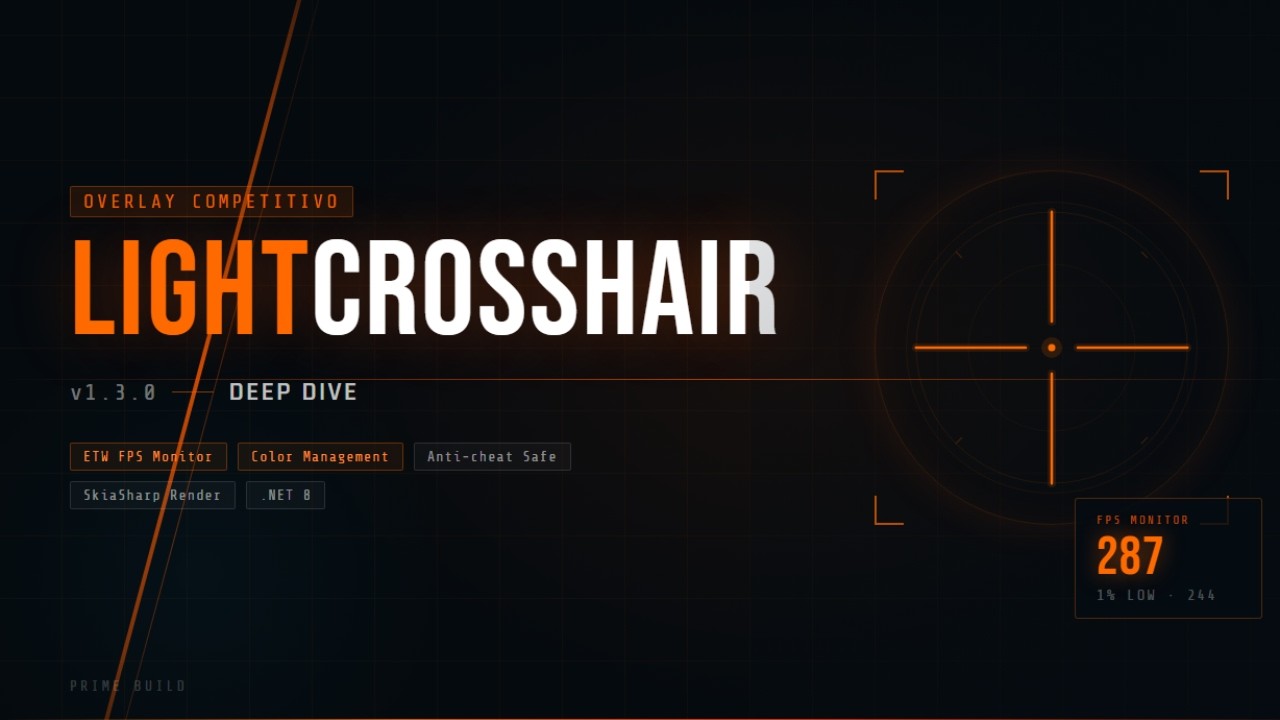
Watch the demo on YouTube


| Crosshair overlay | Settings window | Profiles |
|---|---|---|
assets/screenshots/overlay.png |
assets/screenshots/settings.png |
assets/screenshots/profiles.png |
Suggested folder structure:
assets/
└── screenshots/
    ├── overlay.png
    ├── settings.png
    └── profiles.png
- Custom crosshair overlay with configurable shape, size, thickness, gap, color, opacity, and outline.
- Profile workflow for switching quickly between different games or visibility needs.
- Visibility presets for high-contrast setups without changing in-game rendering.
- Optional performance overlay with Off, Minimal, and Detailed display modes.
- GPU driver integration for supported NVIDIA and AMD-related display/color features.
- Frame Cap Assistant for target-FPS guidance.
- Non-injected design: no game hooks, no injection, and no native runtime backend.
- Borderless/windowed friendly for better overlay visibility.
- Reorganized Settings UI.
- Improved GPU Driver and Display Settings layout.
- Moved NVIDIA Digital Vibrance controls into Display Settings.
- Moved Frame Cap Assistant into the GPU Driver tab.
- Added read-only GPU sync and color-management status indicators.
- Added help tooltip indicators for unsupported or advanced features.
Download the latest version from the GitHub Releases page.
You can install LightCrosshair from the Windows Package Manager with:
winget install --id PrimeBuild.LightCrosshair --exactIf the package is not found immediately after a new release, update your WinGet sources and try again:
winget source update
winget install --id PrimeBuild.LightCrosshair --exact- Installer:
LightCrosshair-Setup-1.6.0.exe - Portable ZIP x64:
LightCrosshair-v1.6.0-x64.zip - Portable ZIP ARM64:
LightCrosshair-v1.6.0-ARM64.zip
- Download the installer from the latest release.
- Run the installer.
- Launch LightCrosshair from the Start Menu.
- Download the ZIP that matches your CPU architecture.
- Extract it to a folder you control.
- Run
LightCrosshair.exe. - Open Settings with
Alt + Lor by clicking the tray icon.
- Windows 10 or Windows 11.
- .NET 8 Windows Desktop Runtime for framework-dependent builds.
- Borderless windowed or windowed game mode is recommended for overlay visibility.
- Launch LightCrosshair.
- Open Settings with
Alt + Lor from the tray icon. - Customize your crosshair.
- Save profiles for different games or preferences.
- Enable the performance overlay only when needed.
| Hotkey | Action |
|---|---|
Alt + X |
Toggle crosshair visibility |
Alt + C |
Next profile |
Alt + V |
Previous profile |
Alt + L |
Toggle Settings window |
- LightCrosshair does not inject into games.
- Exclusive fullscreen can hide normal overlays; use borderless windowed or windowed mode when possible.
- Frame Cap Assistant provides guidance only and does not enforce a real FPS cap.
- Frame-generation and pacing diagnostics currently use conservative heuristics, ETW-style present telemetry analysis, and optional RTSS fallback paths where available. Full PresentMon integration remains a future target and is not advertised as an implemented live runtime backend yet.
- Some games or anti-cheat systems may block overlays or behave differently.
- No overlay can guarantee universal compatibility with every game.
git clone https://github.com/PrimeBuild-pc/LightCrosshair.git
cd LightCrosshair
dotnet restore
dotnet build LightCrosshair.sln --configuration Release
dotnet test LightCrosshair.sln
Publish framework-dependent output:
dotnet publish LightCrosshair/LightCrosshair.csproj --configuration Release --runtime win-x64 --self-contained false /p:PublishSingleFile=true /p:PublishReadyToRun=true /p:PublishTrimmed=false- Framework: .NET 8 Windows desktop app.
- Graphics: SkiaSharp primary renderer with automatic GDI fallback.
- Settings: profile-based configuration stored under the user profile.
- Performance: cached rendering and config-driven redraws to keep idle overhead low.
Bug reports, focused feature requests, documentation improvements, and tested pull requests are welcome.
Before opening a pull request, please run:
dotnet build LightCrosshair.sln
dotnet test LightCrosshair.sln
Recommended development setup:
- Visual Studio 2022 or VS Code.
- .NET 8 SDK.
- Windows 10/11 for desktop app testing.
This project is licensed under the MIT License. See LICENSE.
If LightCrosshair is useful to you, consider supporting the project.





Every star, issue report, feature request, and donation helps keep the project alive.
Made with ❤️ for the gaming community.