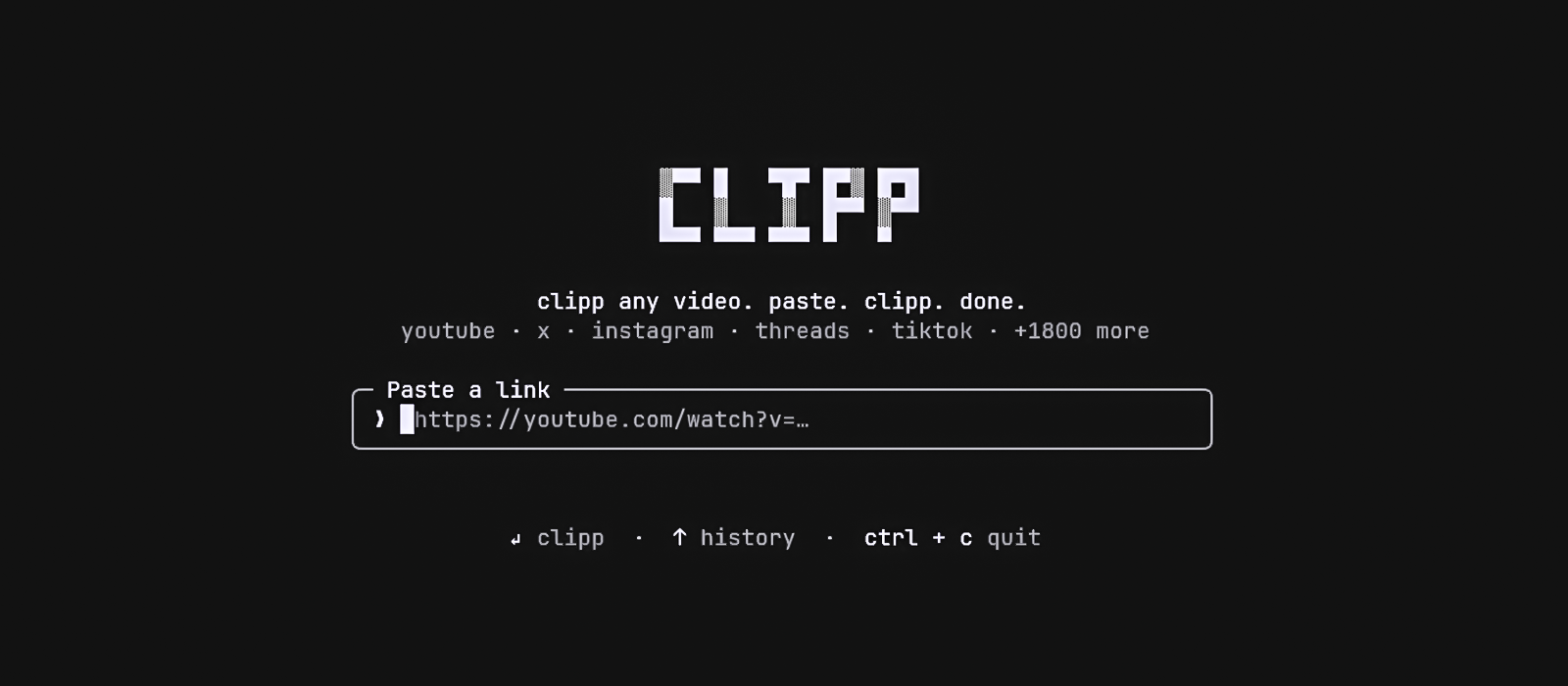
clipp any video from YouTube, X, Instagram, Threads & 1800+ sites — right from your terminal.
paste. clipp. done.
clipp is a Node.js CLI tool. You can run it instantly without installation using npx, or install it globally on Windows, Mac, and Linux:
Install Globally (Windows, Mac, Linux):
npm install -g clipp-cli(Note: You may need to restart your terminal after installing for the
clippcommand to be recognized!)
Run Without Installing:
npx clipp-cliBypass the prompt entirely by feeding clipp a URL directly:
# Launch interactively
clipp

# Fetch a URL directly
clipp https://youtu.be/dQw4w9WgXcQ

# Options
clipp -h      # show help
clipp -v # show versionWhen you provide a link, clipp takes over the terminal (full-screen, centered — and restores your scrollback on exit).
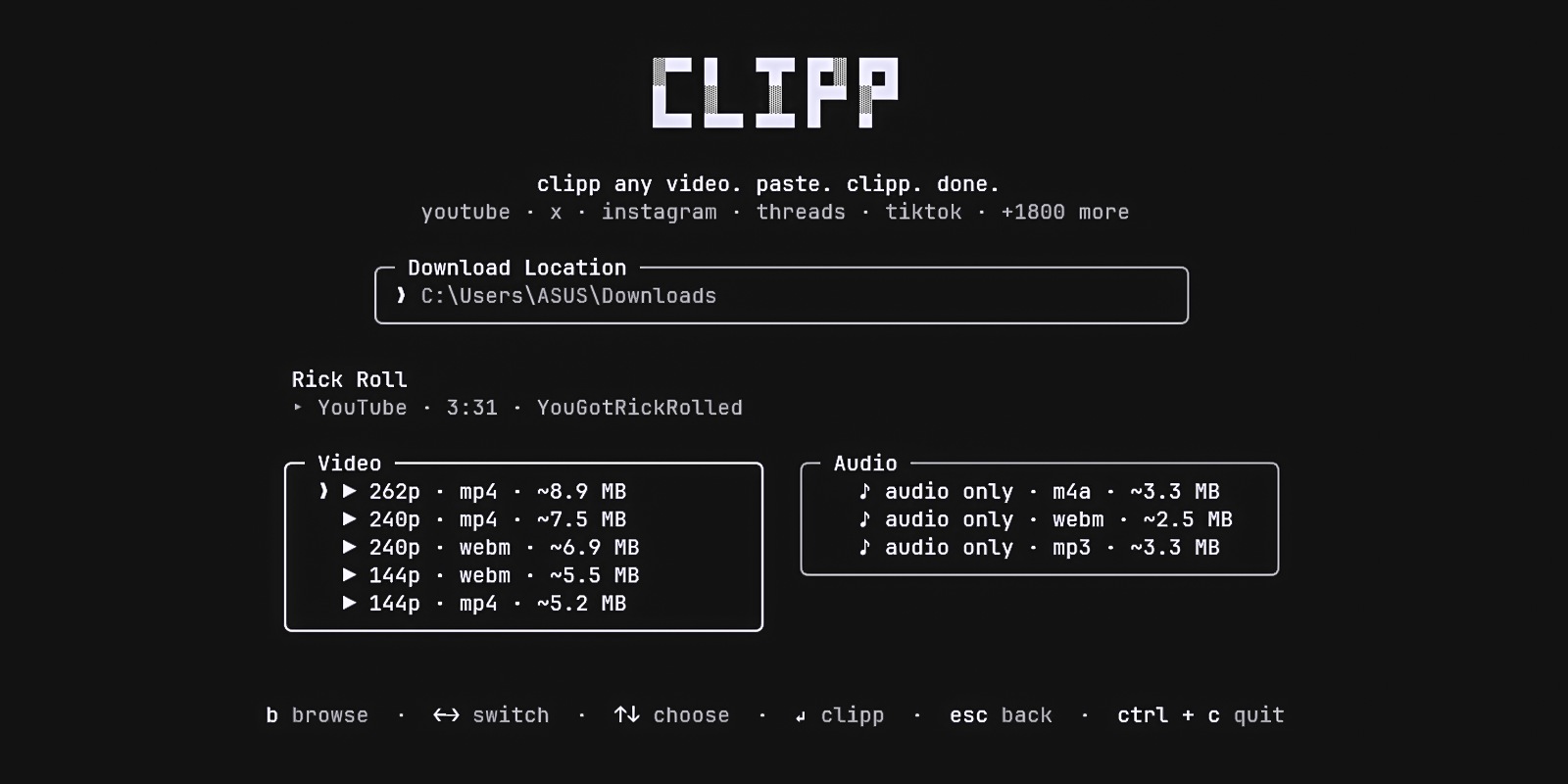
Switch between the Video and Audio panels using ←/→, and pick a specific format using ↑/↓ (or j/k). Want to save it somewhere specific? Press b to open your OS's native file manager and choose a target folder. Hit Enter to download!
esc goes back, and ^c quits. Or just use your mouse — the format lists and the footer hints are fully clickable, and clicking the clipp logo takes you back home.
- Incredibly Fast: Just paste a URL and hit Enter.
- Dual Panels: Choose cleanly between available Video and Audio formats natively.
- Cross-Platform Folder Picker: Automatically uses the native, modern folder browser on Windows, Mac, and Linux to pick download locations.
- Beautiful TUI: Built with React and Ink.
- Auto-managed Engine: Silently fetches and auto-updates its own private, isolated copy of
yt-dlp— completely immune to local dependency conflicts or outdated global installs.
This project is MIT licensed.