Notify is a versatile note-managing and sharing platform designed to help users create, manage, and share their notes with the community or keep them for personal use. The application also features an integrated chatbot to answer user queries and provide real-time support.
- Note Creation & Editing:
Create notes using an advanced editor that supports rich text formatting, tables, code snippets, and more. - PDF Attachment:
Attach and manage PDFs within each note. - Note Sharing:
Share notes with the community or keep them private.- Organized into Community, Personal, and Draft categories.
- User Authentication:
Secure login via Google Auth. - Password Recovery:
Reset password using a magic link sent to the registered email. - Chatbot Assistance:
A Lenma-powered chatbot is available to answer questions and assist users. - Responsive UI:
A modern and responsive design ensuring a smooth experience across devices.
- Frontend: React.js
- Backend: Appwrite
- Rich Text Editor: Tiptap Editor
- Chatbot: Lenma-powered Chatbot
- Authentication & Recovery: Google Auth & Magic Link
- Navigation Bar:
- Unauthenticated Users: Options to Sign In and Sign Up.
- Authenticated Users: Options to visit Profile or view User Notes.
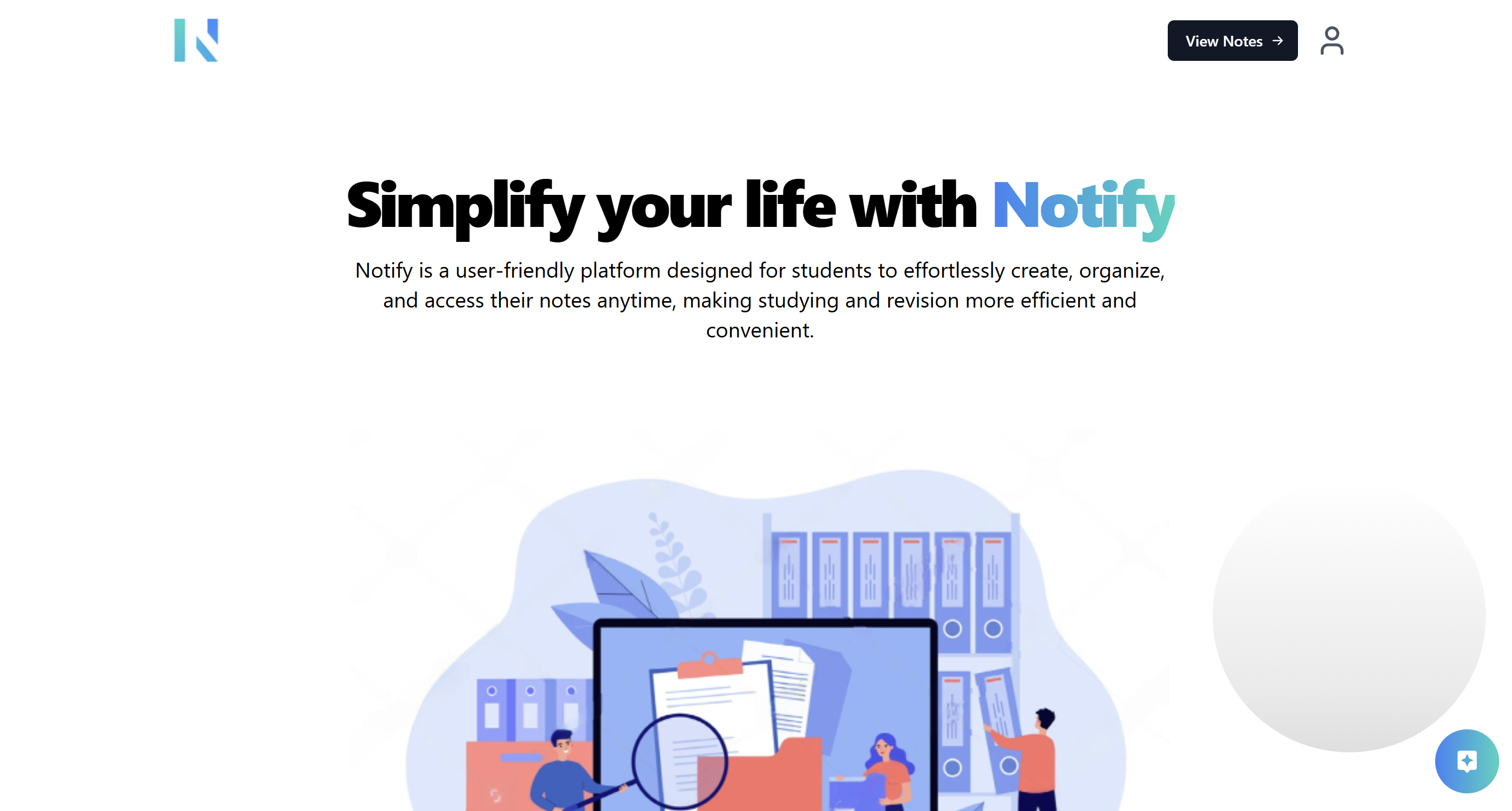
- A clean landing page with introductory content and calls-to-action.
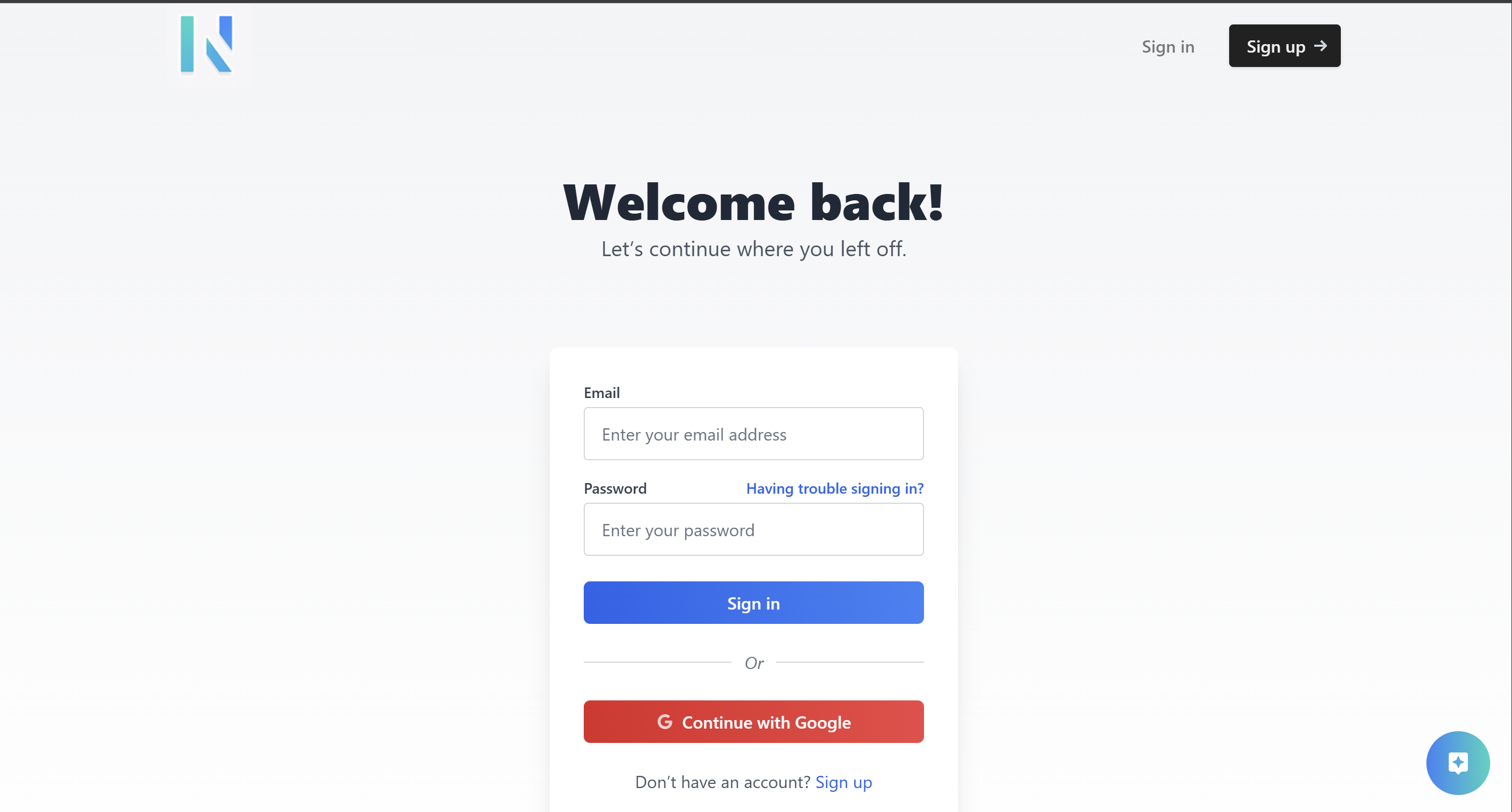
- Users can authenticate using Google Auth.
- Upon successful authentication, users are redirected to the Notes Page.
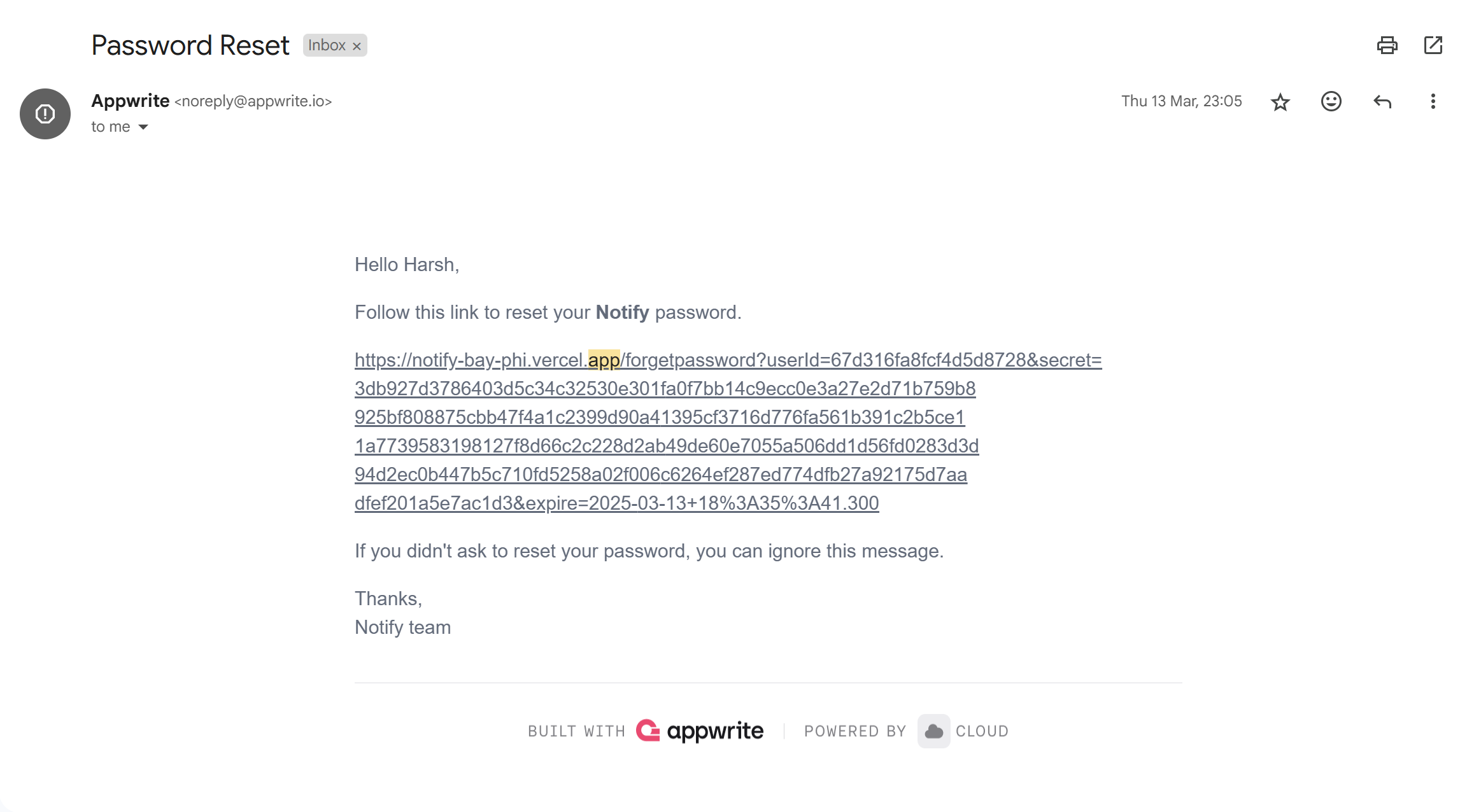
- If a user forgets their password, they can enter their registered email address.
- A magic URL will be sent to their email.
- Clicking the magic link will redirect them to a password reset page, allowing them to set a new password.
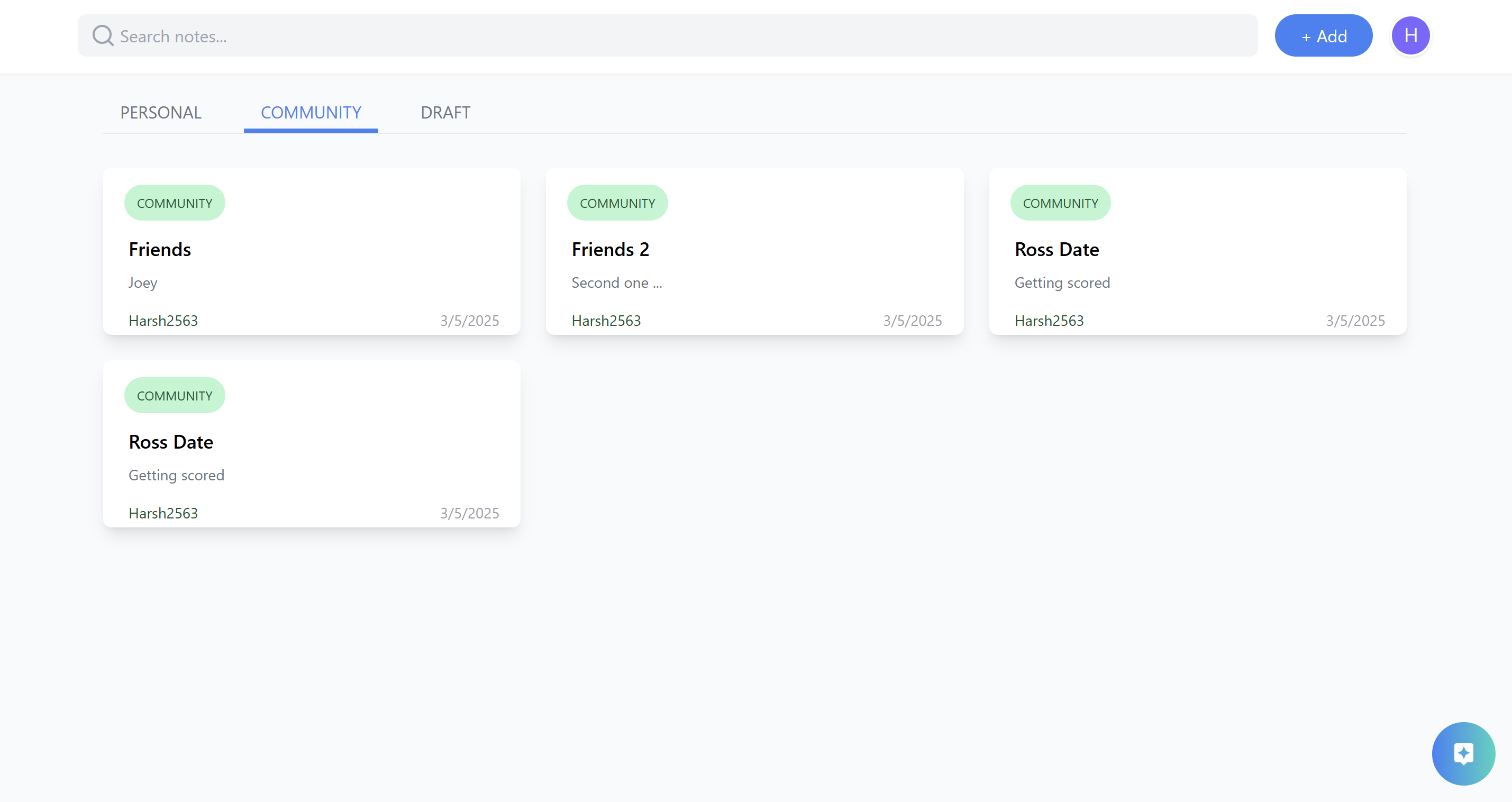
- Note Categories:
- Community: Notes shared with all users.
- Personal: Private notes accessible only by the user.
- Draft: Notes saved as drafts if not posted.
- Actions:
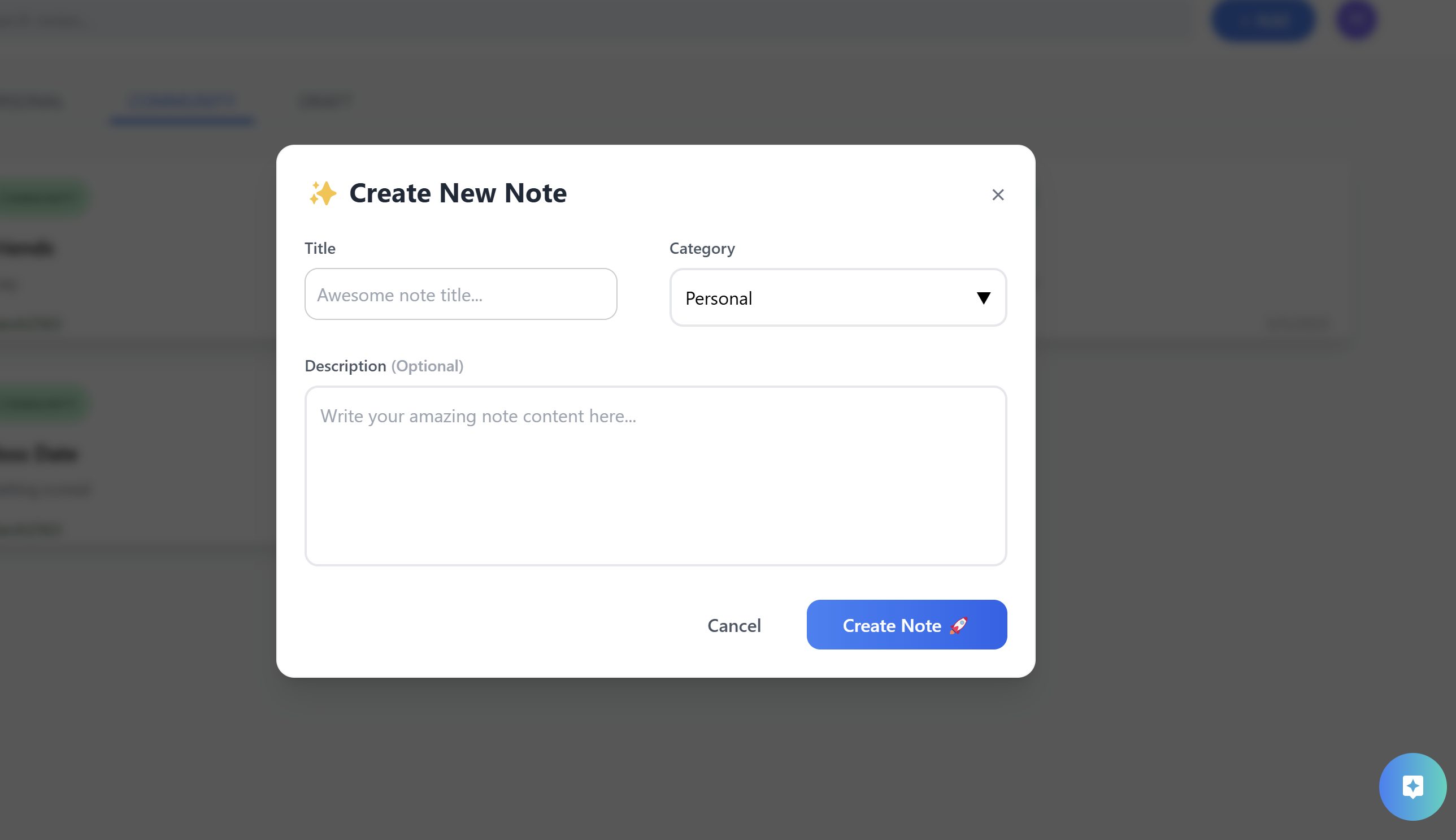
- Add Note: Click the add button at the top to open a popup for entering new note details.
- Search: Use the search bar next to the add button to filter notes.
- Display of available notes based on the selected category.
- After creating a note, users are directed to an editor with advanced options:
- Rich Formatting: Add tables, highlight text, choose fonts, and insert code snippets.
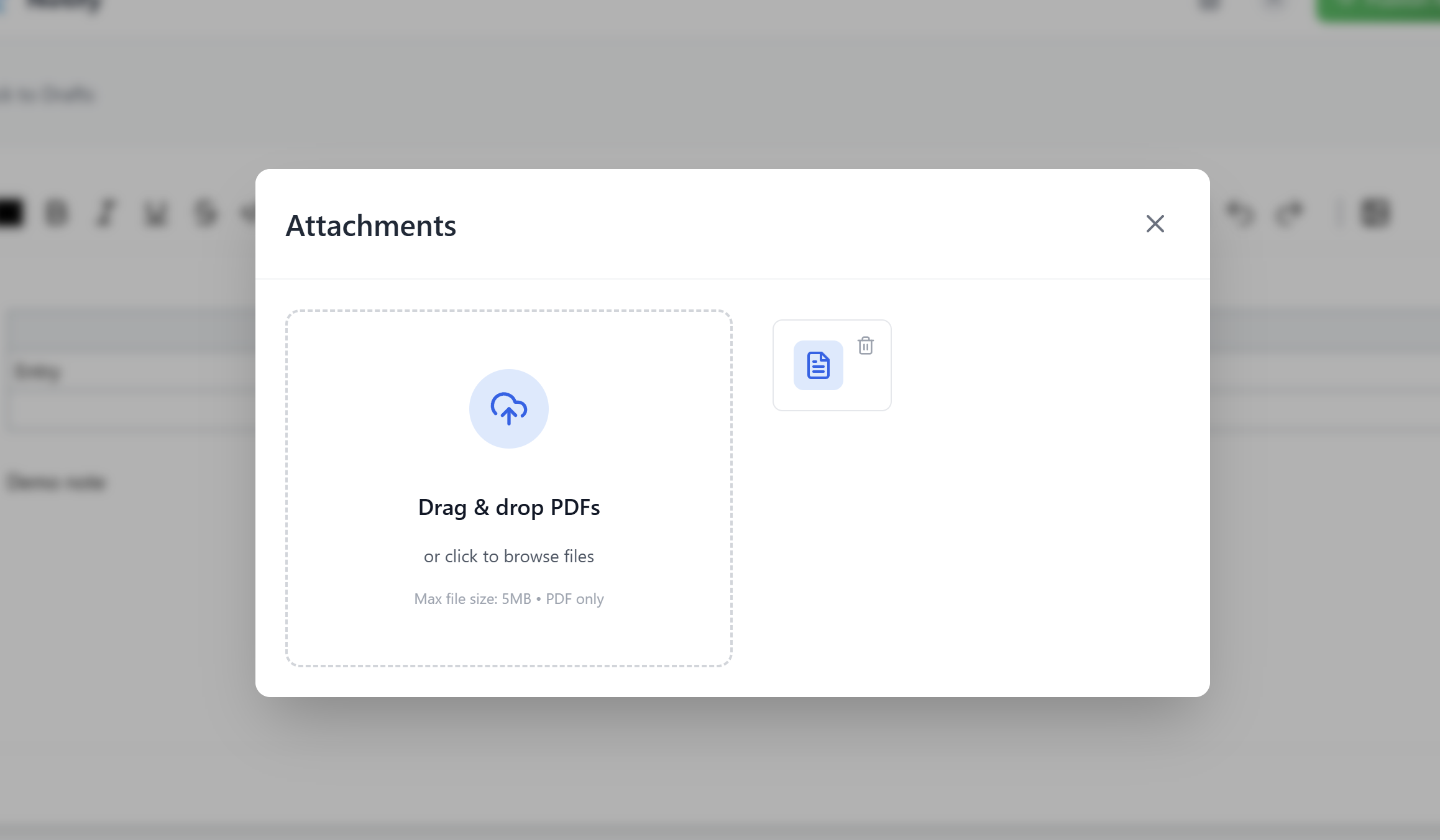
- PDF Management:
- Click the PDFs Option (top-right) to view attached PDFs.
- Use the Add PDF Button to upload new PDFs.
- Post & Draft Saving:
- Clicking Post publishes the note.
- Changes are auto-saved as a draft if not posted.
- A built-in chatbot is available on every page to help answer questions and resolve doubts.
-
Landing Page:
-
Sign In / Sign Up Page:
-
Forgot Password Email:
-
Profile Page:
-
Notes Page:
-
Create Note Pop Up:
-
Upload PDF Pop Up:
-
Note Editor:
-
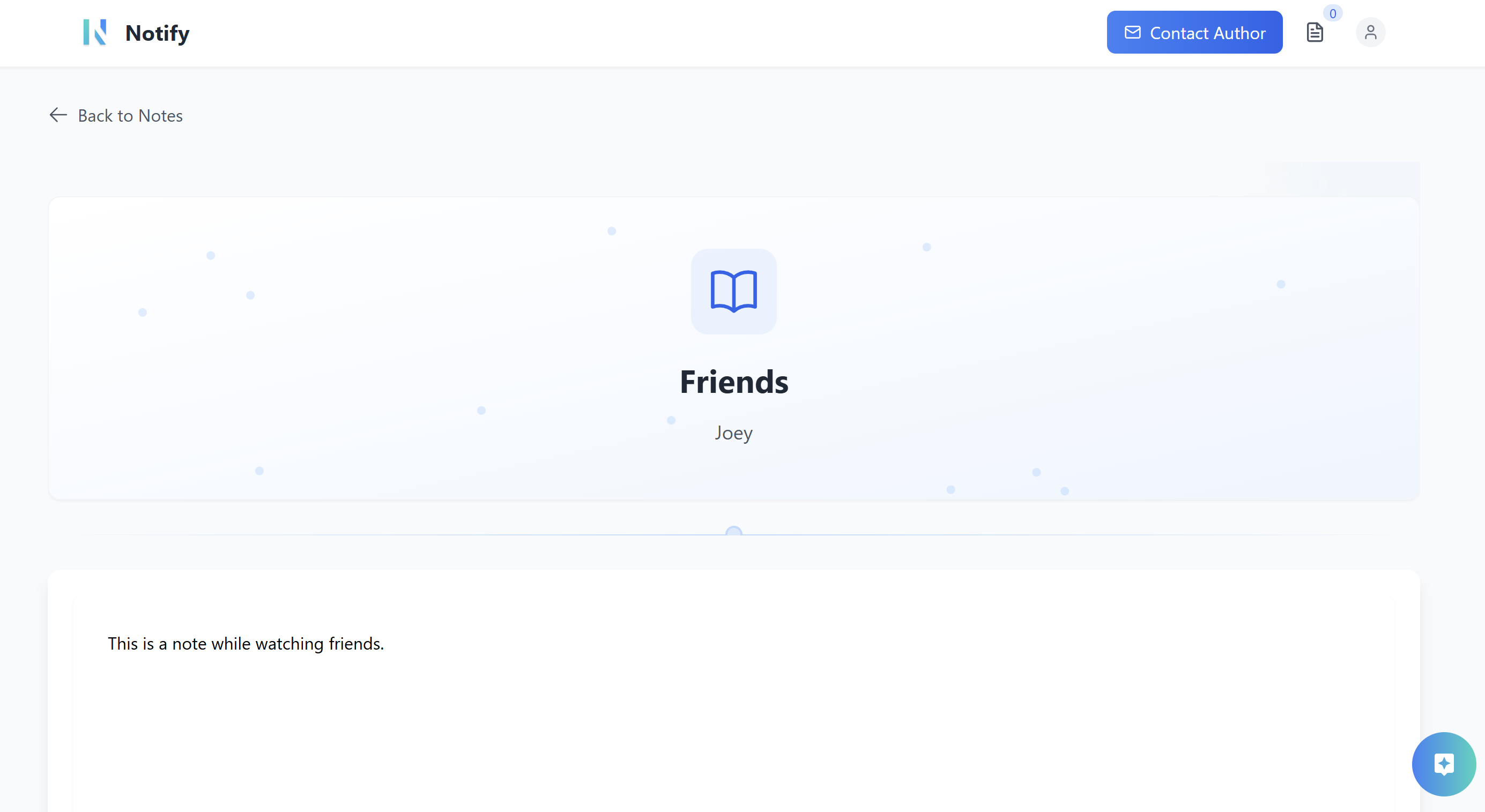
Note Page:


-
Clone the Repository:
https://github.com/Rahull004/Notify.git cd Notify -
Install Dependencies:
npm install
-
Start the Application:
npm run dev
-
Environment Setup:
- Configure any required environment variables for Google Auth, backend APIs, and password recovery in a
.envfile.
- Configure any required environment variables for Google Auth, backend APIs, and password recovery in a
-
Authentication:
Sign in or sign up using Google Auth to access your personalized dashboard. -
Password Recovery:
Reset your password using the forgot password option, which sends a magic link to your email. -
Managing Notes:
Create, edit, and manage your notes across various categories. -
Rich Note Editing:
Utilize the advanced editor for enhanced note creation and attach PDFs as needed. -
Community Interaction:
Share your notes with the community and interact with others. -
Chatbot Support:
Use the integrated chatbot for any queries or guidance.
Contributions are welcome! Please fork the repository and submit a pull request with your changes.
Happy note sharing! 🚀