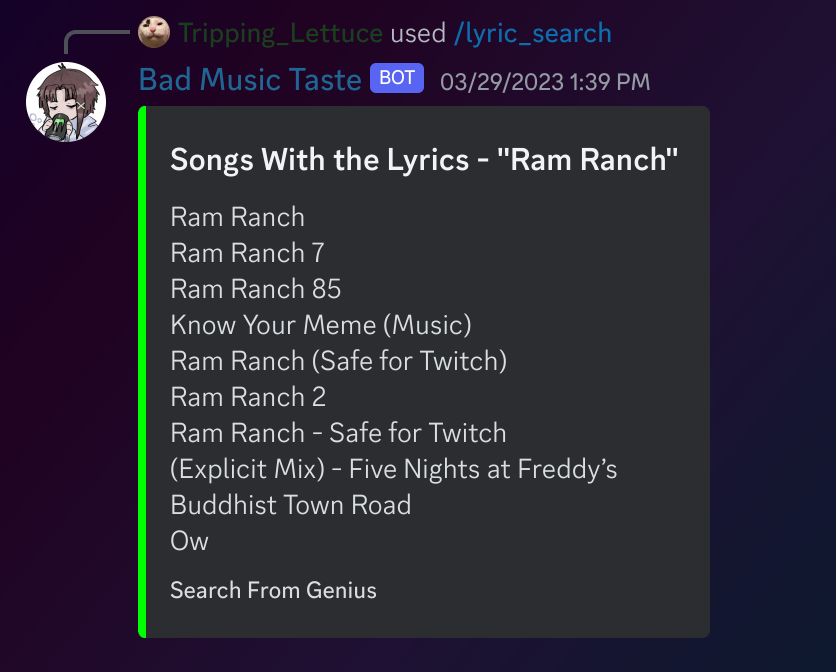
Discord Bot that displays currently listening too, liked music, writes descriptions for songs, recommends similar music, shows lyrics, search music by lyrics, like songs within discord.
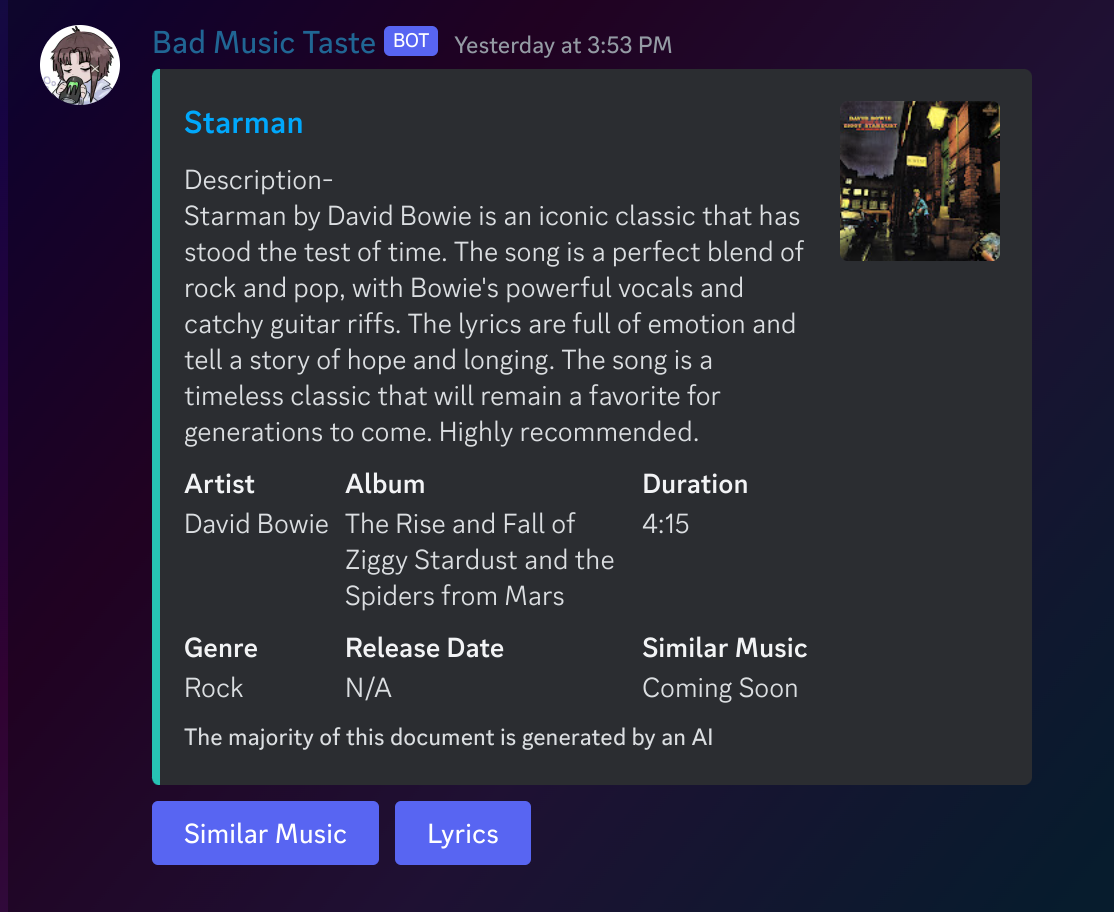
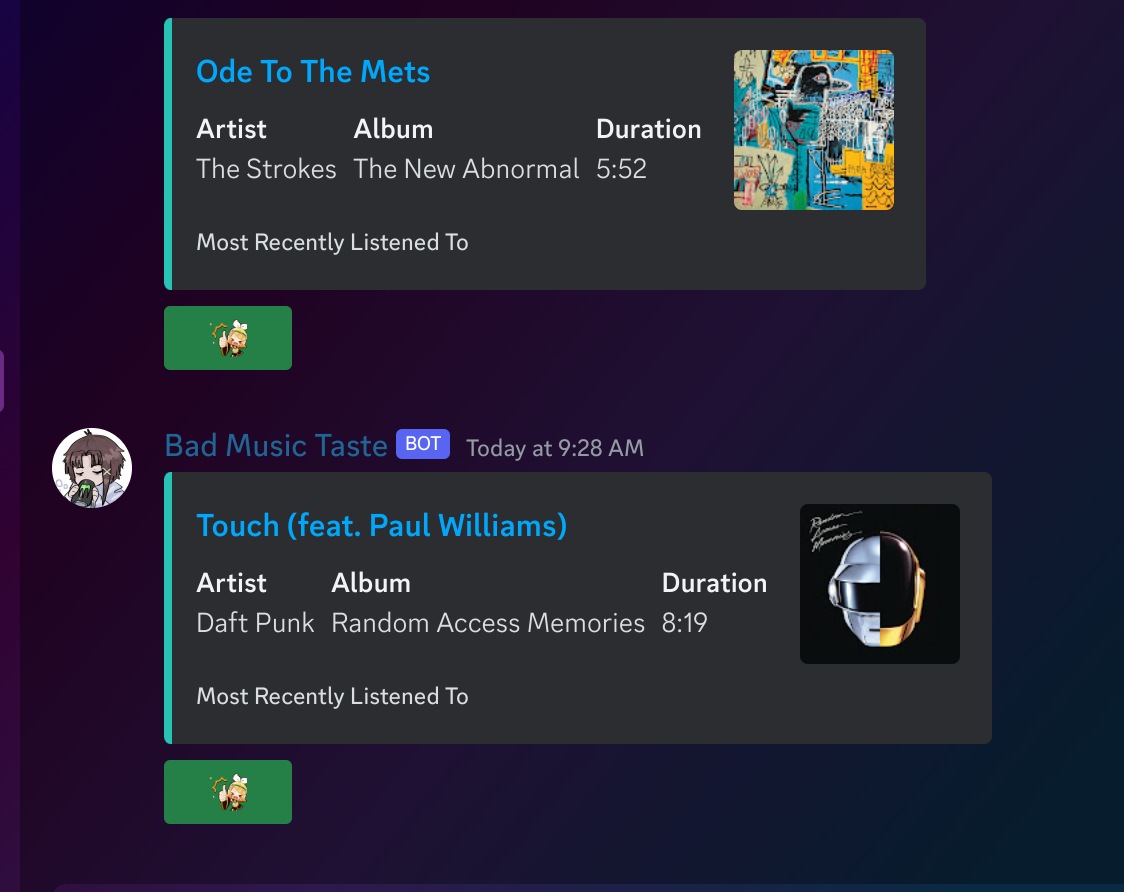
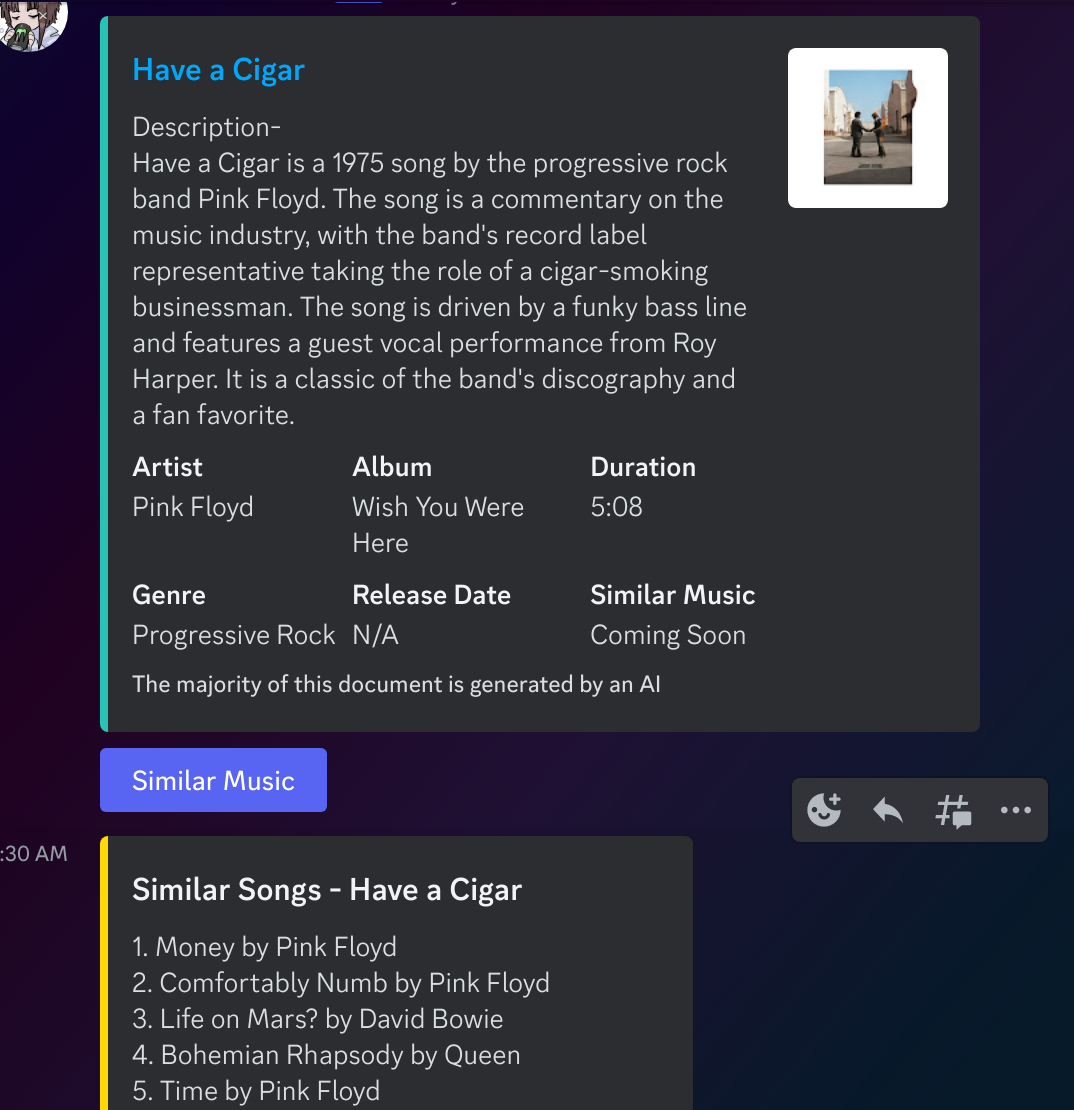
Setting up everything for this bot is a lot so make sure to review the steps below
pip install discord.py
pip install ytmusicapi
pip install openai
pip install lyricsgenius
Discord.py 2.0 - https://discordpy.readthedocs.io/en/stable/index.html YTMusicAPI - https://ytmusicapi.readthedocs.io/en/stable/index.html OpenAI API - https://platform.openai.com/docs/introduction Genius API - https://lyricsgenius.readthedocs.io/en/master/
Setting Up the header_auth for YTMusic can be done in chrome or firefox Documentation (SetUp) - https://ytmusicapi.readthedocs.io/en/stable/setup.html
To run authenticated requests, set it up by first copying your request headers from an authenticated POST request in your browser. To do so, follow these steps:
Open a new tab Open the developer tools (Ctrl-Shift-I) and select the “Network” tab Go to https://music.youtube.com and ensure you are logged in Find an authenticated POST request. The simplest way is to filter by /browse using the search bar of the developer tools. If you don’t see the request, try scrolling down a bit or clicking on the library button in the top bar.
FireFox Verify that the request looks like this: Status 200, Method POST, Domain music.youtube.com, File browse?... Copy the request headers (right click > copy > copy request headers)
Chrome Verify that the request looks like this: Status 200, Name browse?... Click on the Name of any matching request. In the “Headers” tab, scroll to the section “Request headers” and copy everything starting from “accept: /” to the end of the section
In your code To set up your project, open a Python console and call YTMusic.setup() with the parameter filepath=headers_auth.json and follow the instructions and paste the request headers to the terminal input: This is going in your headers_auth file
from ytmusicapi import YTMusic
YTMusic.setup(filepath="headers_auth.json")
The verifcation should have a very long span so dont worry about reverifying
OpenAI/Geunis are easy to get just make an account and get the token id Input the token in live_song.py
Lyrics Button just broke out of no where if someone wants to fix that slash command still works thou