| Name | |
|---|---|
| Brendan Baker | Brendan2.Baker@live.uwe.ac.uk |
| Samuel Sloman | Samuel2.Sloman@live.uwe.ac.uk |
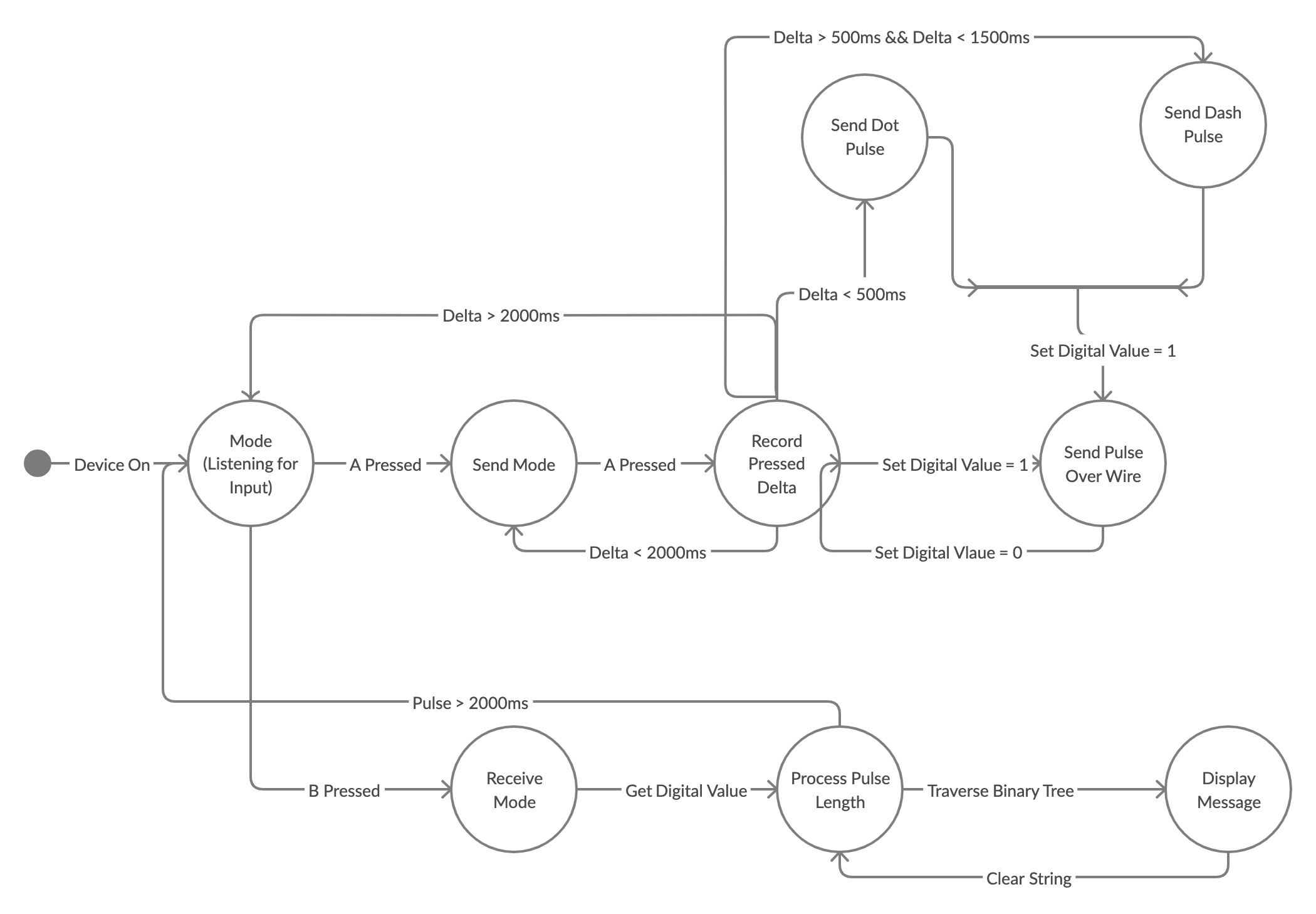
Morse code is a method used in telecommunication to encode text characters as standardized sequences of two different signal durations, called dots and dashes. We've implemented a C++ variant off morsecode on 2 BBC-microbit controller's using crocodile clips for sending and recieveing signals.
-
After connecting the two microbits both will display an antenna image on the microbit.
-
The user who wishes to be reciever presses button B and they are put in recieve mode.
-
The sender then can start communicating through dots(less than 0.5 seconds) or dashes (1.5 - 2 seconds) the sender is required to pause after each letter, whilst the pause is progress the antenna will display then will be cleared indicating the micorbit is ready for the next letter. Holding button A for more than 2 seconds will send the whole message to the reciever and both will be taken back to the mode menu upon where the users can reselected their roles.
-
A good test to try is SOS which is displayed below, further detail of all the letters are available here: Morsecode
    yt target bbc-microbit-classic-gcc

    yt build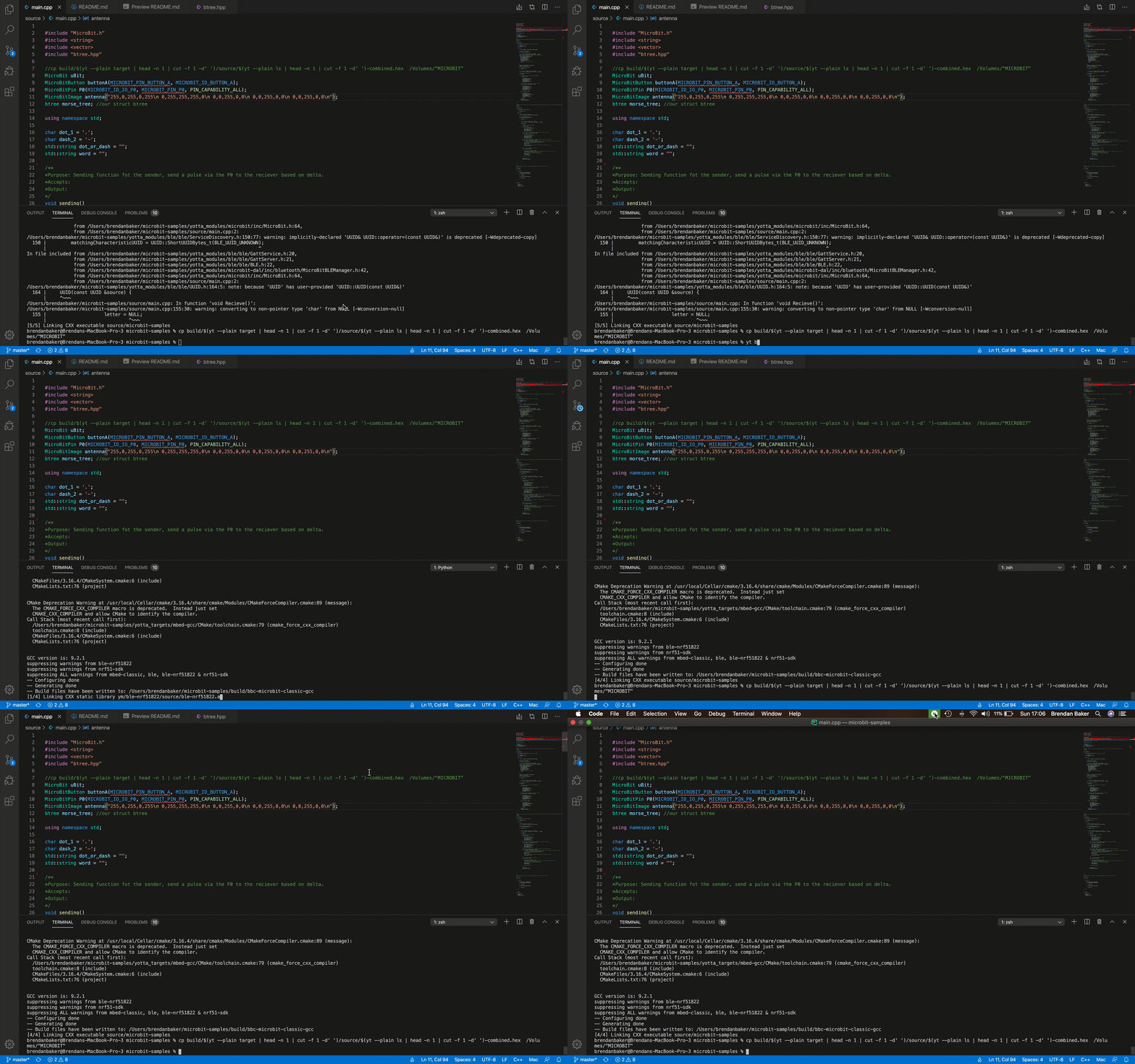
yt buildTo copy the code from your IDE to the Microbit is dependant on what operating system you're using, check out the correct commands here.
To keep morsecode as realistic as possible we decided to use a binary tree which is how the original morseocde was used. We create a header file called "btree.hpp". The function taking the paramenter is "code" shown below.
char code(const char *str){Here we set the current node to the root and shift left for a dot or right for a dash. As such, if we wanted to search for the letter "E" we would assigned it like so.
node *dot1 = new node('E');
        root_->left_ = dot1;
To further keep our variant realistic, the Microibt's communicate by the reciever getting a pulse length from the sender, and based on this length the reciever stores a dot or dash "getDigitalvalue" was used for this detecting a pulse.
while (P0.getDigitalValue() == 1){We also wanted to have a rhythm to our morsecode similar to original so we wanted to have a concurrent smooth transmisson, to achieve this the reciver is seeing the dots or dashes in realtime, and the sender can send continously until the sender is ready. Ensuring the reciever will not interurpt the sender. We created a third timer which would indicate a space between words this increases usability as the user can send the whole message at the end and reciever can see this message scroll across their display.
      while(!buttonA.isPressed()){

          //wait is assigned loop time - reading
      uint64_t wait = system_timer_current_time() - reading;
       //Wait greater than 750ms indicates a space between letter
      if(wait > 750 && transmit == true){
          uBit.display.print(antenna);
          P0.setDigitalValue(1);
          uBit.sleep(1700);
          uBit.display.clear();
          P0.setDigitalValue(0);
          transmit = false;
           //break out for the next letter
          break;
      }
Below is the original binary tree search used for the morsecode, which we modelled our binary tree on.