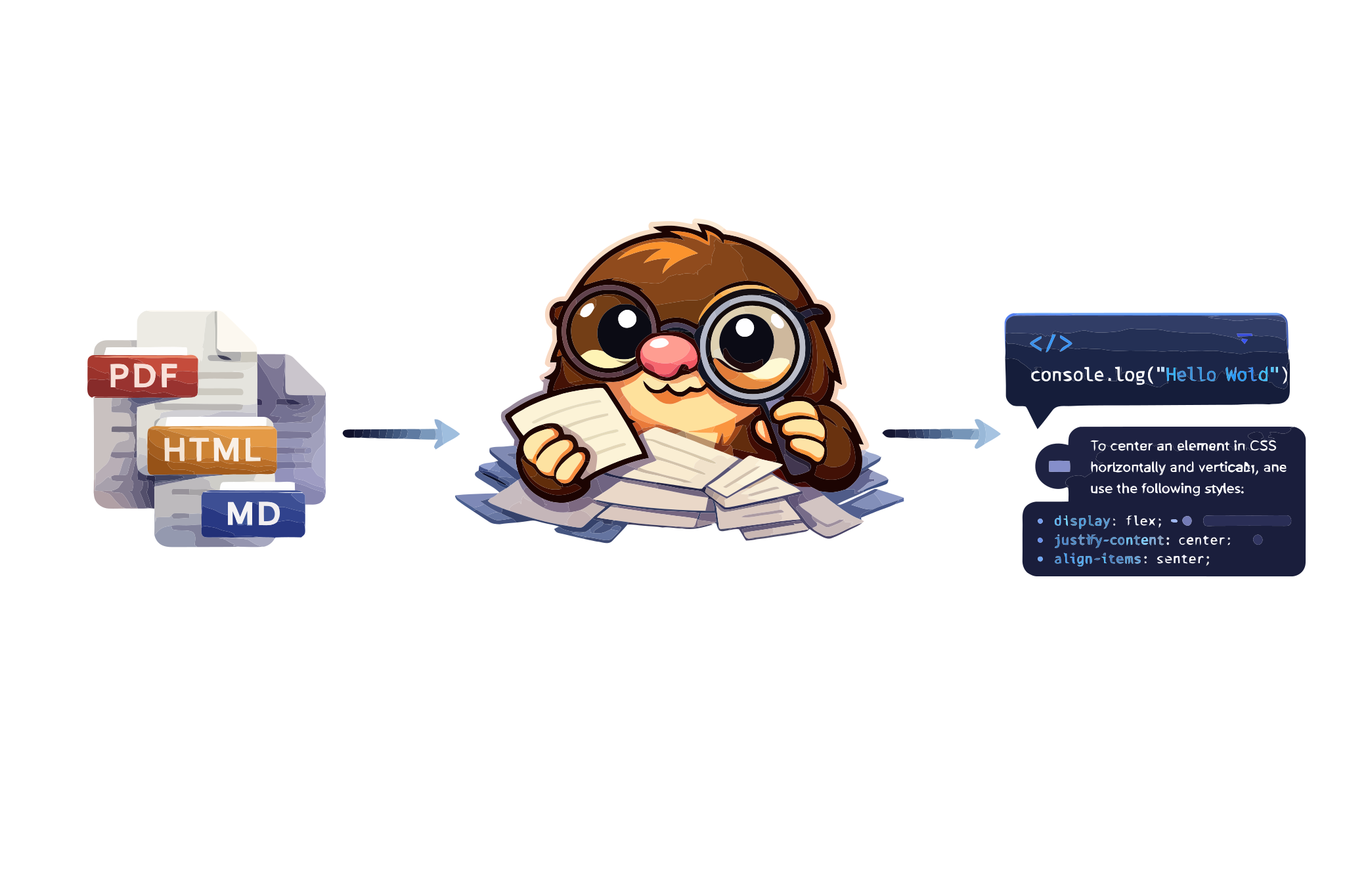
Dig through any documentation with AI





Docmole is an MCP server that lets you query any documentation site from AI assistants like Claude, Cursor, or any MCP-compatible client. The mole digs through docs so you don't have to.
- 🔍 Universal docs support — works with any documentation site
- 🏠 Self-hosted RAG — LanceDB vectors + OpenAI embeddings, no Python needed
- ⚡ Zero-setup mode — instant access to Mintlify-powered sites
- 🧠 Multi-turn conversations — remembers context across questions
- 🔗 WebFetch compatible — links converted to absolute URLs
- 🔌 MCP native — works with Claude, Cursor, and any MCP client
- 🦙 Ollama support — fully local mode, no API keys needed
- 📄 Generic HTML extraction — support for non-Mintlify documentation sites
- 🔄 Incremental updates — only re-index changed pages
To use Docmole, run it directly with bunx (no install needed):
bunx docmole --helpOr install globally:
bun install -g docmoleWorks on macOS, Linux and Windows. Requires Bun runtime.
Index and query any documentation site. Requires OPENAI_API_KEY.
# One-time setup — discovers pages and builds vector index
bunx docmole setup --url https://docs.example.com --id my-docs

# Start the MCP server
bunx docmole serve --project my-docs
Add to your MCP client:
{
  "mcpServers": {
    "my-docs": {
      "command": "bunx",
      "args": ["docmole", "serve", "--project", "my-docs"]
    }
  }
}For sites with Mintlify AI Assistant — no API key needed:
bunx docmole -p agno-v2{
"mcpServers": {
"agno-docs": {
"command": "bunx",
"args": ["docmole", "-p", "agno-v2"]
}
}
}Docmole has a built-in CLI for all operations:
# Mintlify mode (proxy to Mintlify API)
docmole -p <project-id>

# Local RAG mode
docmole setup --url <docs-url> --id <project-id>
docmole serve --project <project-id>
docmole list
docmole stop --project <project-id>
Run docmole --help for all options.
┌─────────────┐     ┌─────────────┐     ┌──────────────────────┐
│ MCP Client  │────▶│   Docmole   │────▶│ Embedded: LanceDB    │
│ (Claude,    │◀────│ MCP Server  │◀────│ Mintlify: API proxy  │
│  Cursor...) │     └─────────────┘     └──────────────────────┘
└─────────────┘
Local RAG Mode: Crawls documentation, generates embeddings with OpenAI, stores in LanceDB. Hybrid search combines semantic and keyword matching.
Mintlify Mode: Proxies requests to Mintlify's AI Assistant API. Zero setup, instant results.
| Documentation | Project ID |
|---|---|
| Agno | agno-v2 |
| Resend | resend |
| Mintlify | mintlify |
| Vercel | vercel |
| Upstash | upstash |
| Plain | plain |
Find more: Open DevTools → Network tab → use the AI assistant → look for
leaves.mintlify.com/api/assistant/{project-id}/message
| Environment Variable | Default | Description |
|---|---|---|
OPENAI_API_KEY |
— | Required for local RAG mode |
DOCMOLE_DATA_DIR |
~/.docmole |
Data directory for projects |
~/.docmole/
├── projects/
│   └── <project-id>/
│       ├── config.yaml      # Project configuration
│       └── lancedb/         # Vector database
└── global.yaml              # Global settings
See AGENT.md for detailed documentation including:
- Architecture details
- Backend implementations
- Enterprise deployment guides
PRs welcome! See the contributing guide for details.
- Mintlify for amazing documentation tooling
- Anthropic for Claude and the MCP protocol
- LanceDB for the vector database
The Docmole codebase is under MIT license.