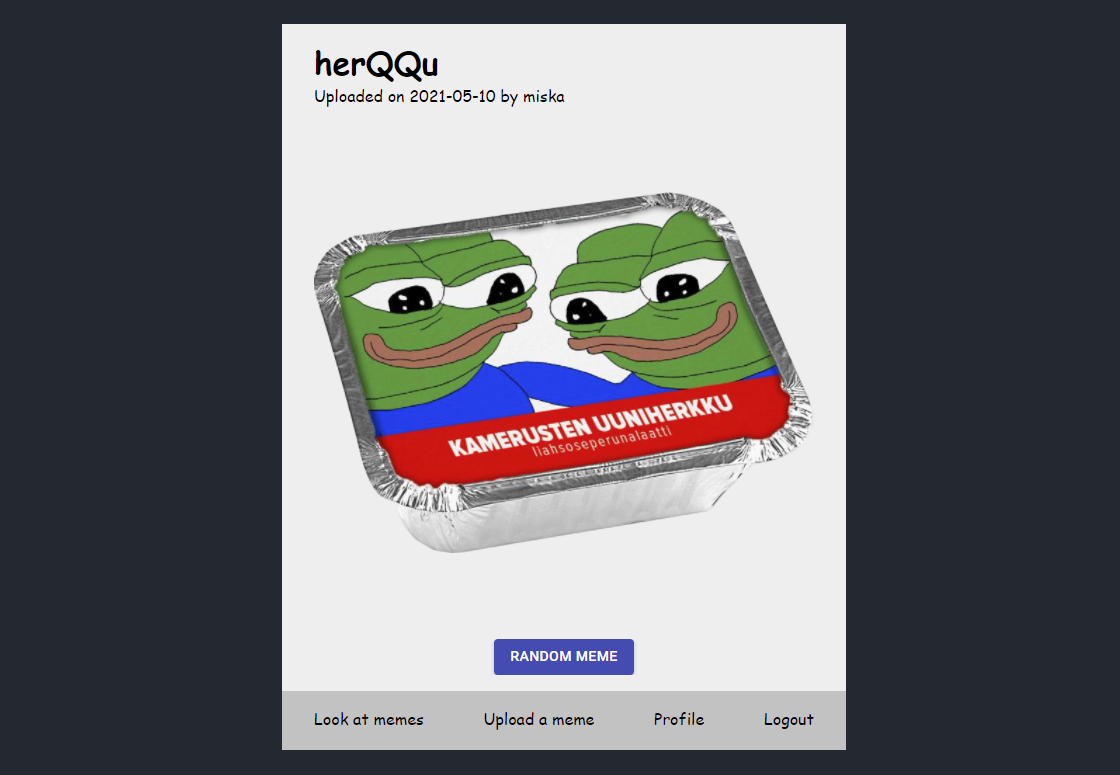
Meme Gallery is an application in which users can upload pictures (memes) and then view randomly selected memes that others have uploaded. The back-end is done with NodeJS and Express, while the front-end is handled with React and some MaterialUI components. Front-end communicates with the back-end via REST api. All data is saved in a MongoDB Atlas cluster and uploaded image files are stored locally in the server's filesystem.
The main objective of this project was to create a functional back-end and therefore the front-end is not fully finalized and even has some (critical) bugs. Due to time limitations I am not able to fix these problems, but the back-end should be working properly just keep in mind that some the error indicators in the front-end are not displaying properly. There are a few main features I want to point out: The connection between the client and server is made secure by token authentication. Whenever a user logins on the page, he or she is given token that matches the entry inside the database. Most of the actions the server handles require the user to provide a token that is checked from the database. Each token is valid for 1 hour. Another security feature is that stored passwords are encrypted and salted, and never saved in a plain text format.
In short, the front-end application makes bunch of requests to the REST server which either lets the user to register and login, or to view memes and upload them; Nothing too complicated.
There is some testing data included in the repository and MongoDB Atlas -database and the corresponding files (memes) are included in this repository.
When running the project first time both back-end and front-end modules need to get node packages installed. This can be done by executing the following command in the respective directories.
npm install
After the required packages are installed the server and client can be started separately inside the main folder with the following commands.
npm run server
npm run client