A set of user-scripts to enhance your Dead Frontier gaming experience with organized layout and quality-of-life improvements.
- Install Tampermonkey from Chrome Store.
- Click the Install button for each script below (or visit the file and click raw).
- After redirecting, click Install in Tampermonkey.
- Refresh your Dead Frontier page.
- If prompted, select Always allow this domain.
Any kind of suggestions, problems or bugs let me know at


- Layouts Script
- Prices Script
- Items Script
- Market Script
- Missions Script
- Cheapest Script
- Favorites Script
- Sources


- Comfortaa Font (change code to any Google Font)
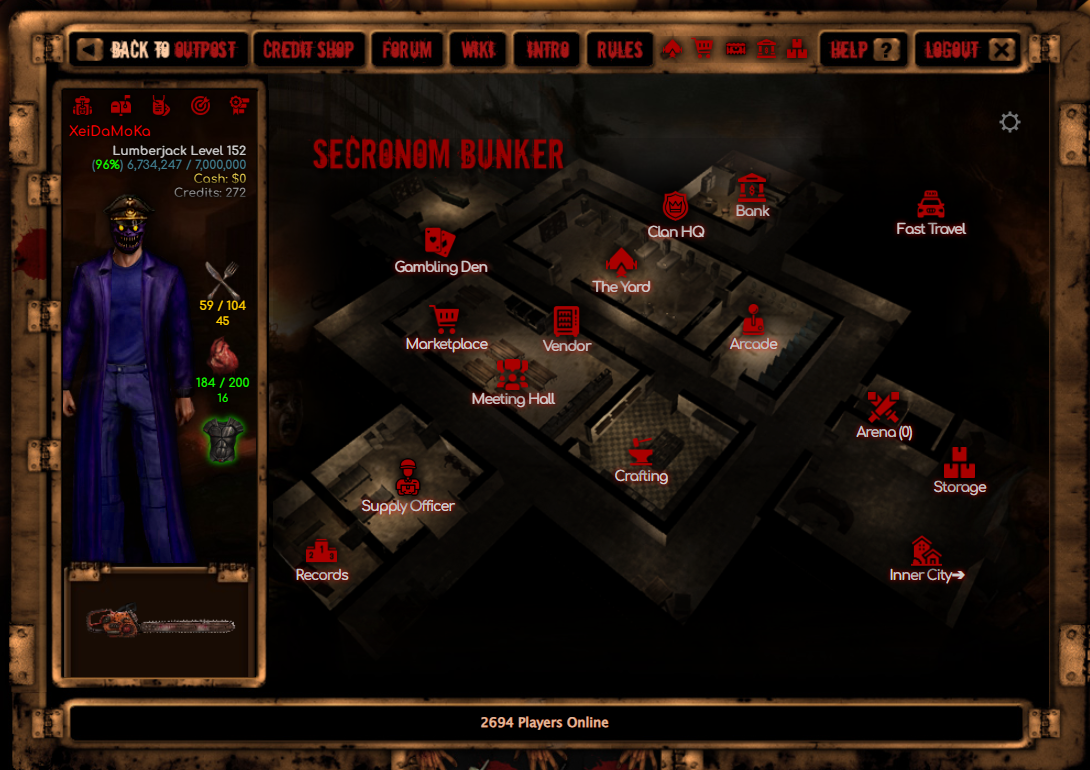
- Organizes the side bar layout
- Adds icons to Outpost locations
- Hold icons to add to favorites (includes collection book)
- Dynamic weapon sidebar layout depending on weapons equipped
- Adds colored XP % for next level (red > yellow > green)
- Removes % from status and adds missing value
- Removes 100% text and adds green glow to the image
- Boss Map toggle on top of the page
- OA warning system in page
- Remove Facebook button


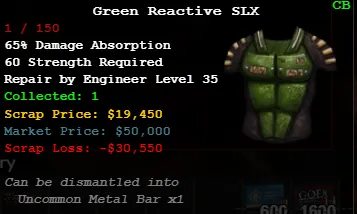
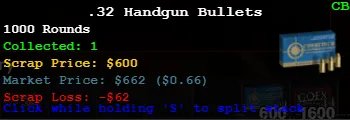
- Lowest market prices in tooltip on item hover (60sec) (color dependent)
- Displays difference between scrap and market price
- For bullets shows full price for your quantity in the cheapest market price per unit
- Collection Book in tooltip (visit once each category tab to update)


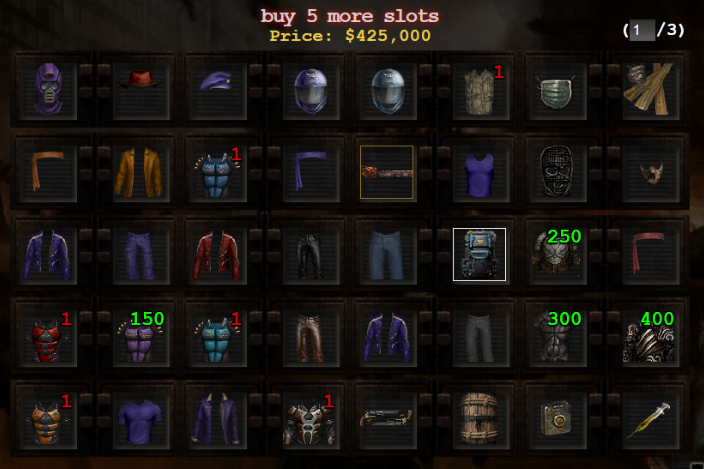
- Fixes the item images for the colored version
- Repositions / Zooms items in their slots
- If an item is missing, add it at the top of the code (or DM me)


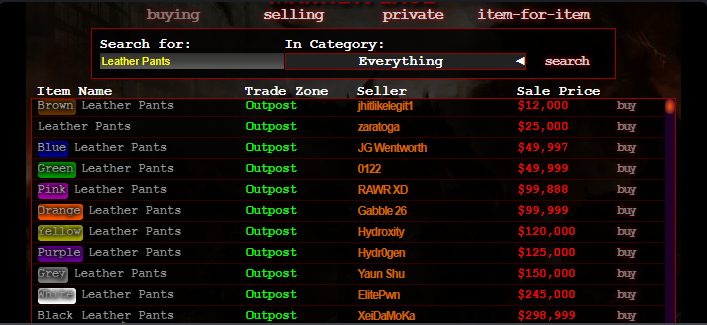
- Colors the item names in the market
- Drag & Drop items in the Market Display to normal search
- Drag & Drop on the favorited Market icon from any page (requires Layout script)
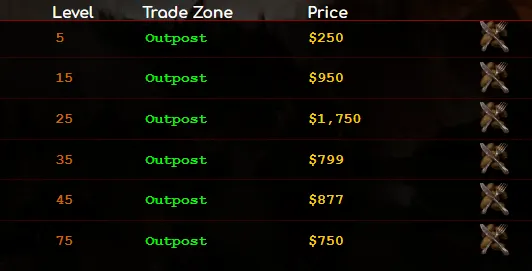
- Drag & Drop in the Search bar to search for services
- Shows only the cheapest service per level
- Shows the value of sold items in message headers



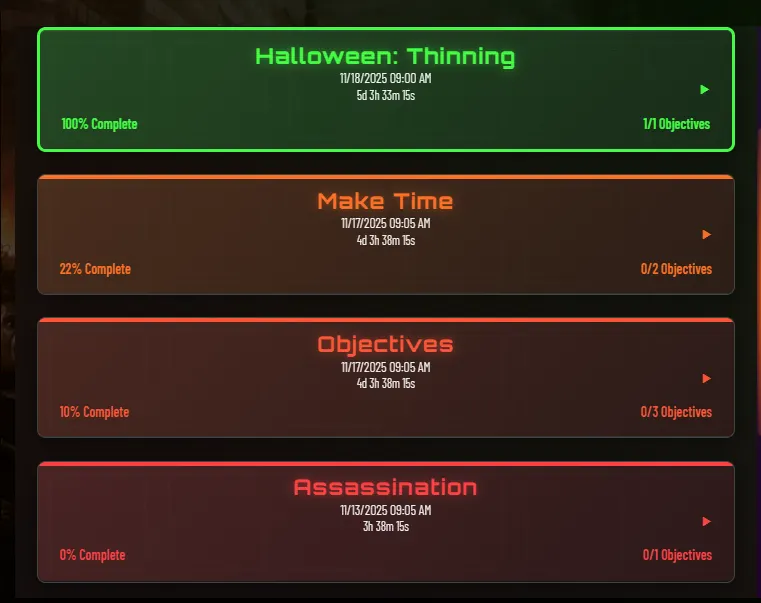
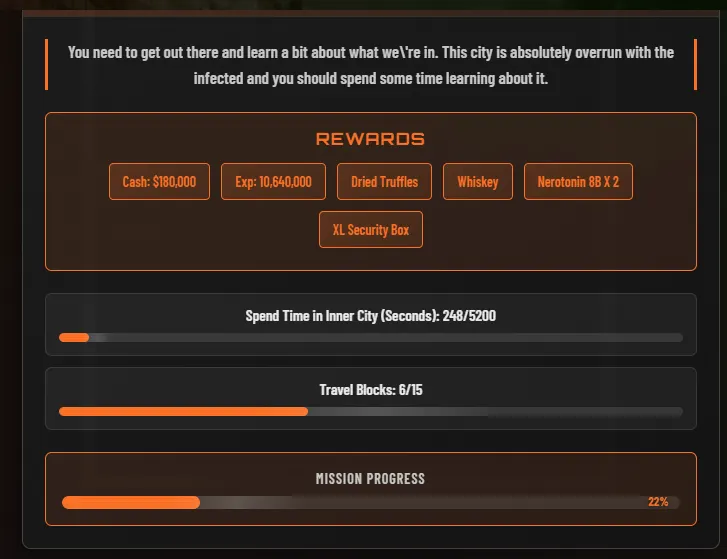
- Redesigns the missions layout


- Works only in Inner City inventory
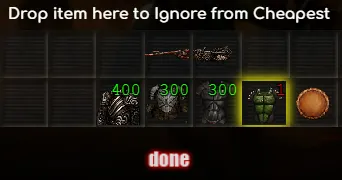
- Highlights the cheapest item in scrap in yellow
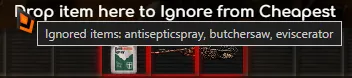
- Drop the item in the text area to ignore/un-ignore
- Ignored items highlighted in red when text is hovered


(This script is just enhancements for the Layout script favorite feature)
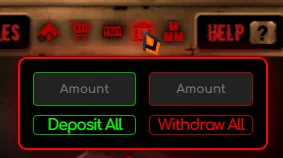
- Adds deposit and withdraw to Bank icon
- Each click in the value input is your chosen value (edit code)
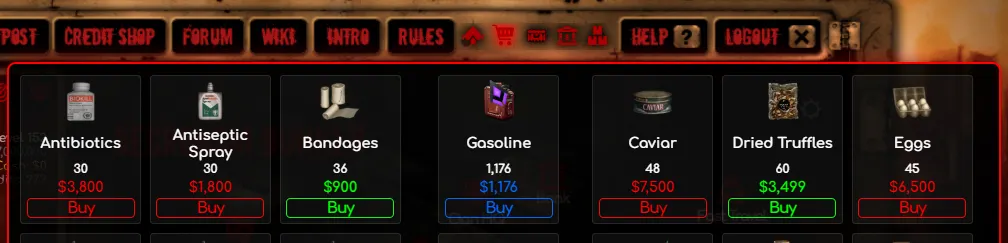
- Market icon shows medical , bullets and food (change code for the items you want)
- Green highlist in the Cheapest by points assuming service (edit values in code)
- Compares prices with value to show the cheapest
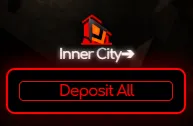
- Replaces money on hand warning with deposit all button


- XeiDaMoKa
- Zega: Inspiration for many script concepts
- HotRods: Pending permission
- AI: Made some things easy, others not so much