The GameMaker command-line interface gm-cli is a helpful tool to edit, compile, package, and run your GameMaker projects.
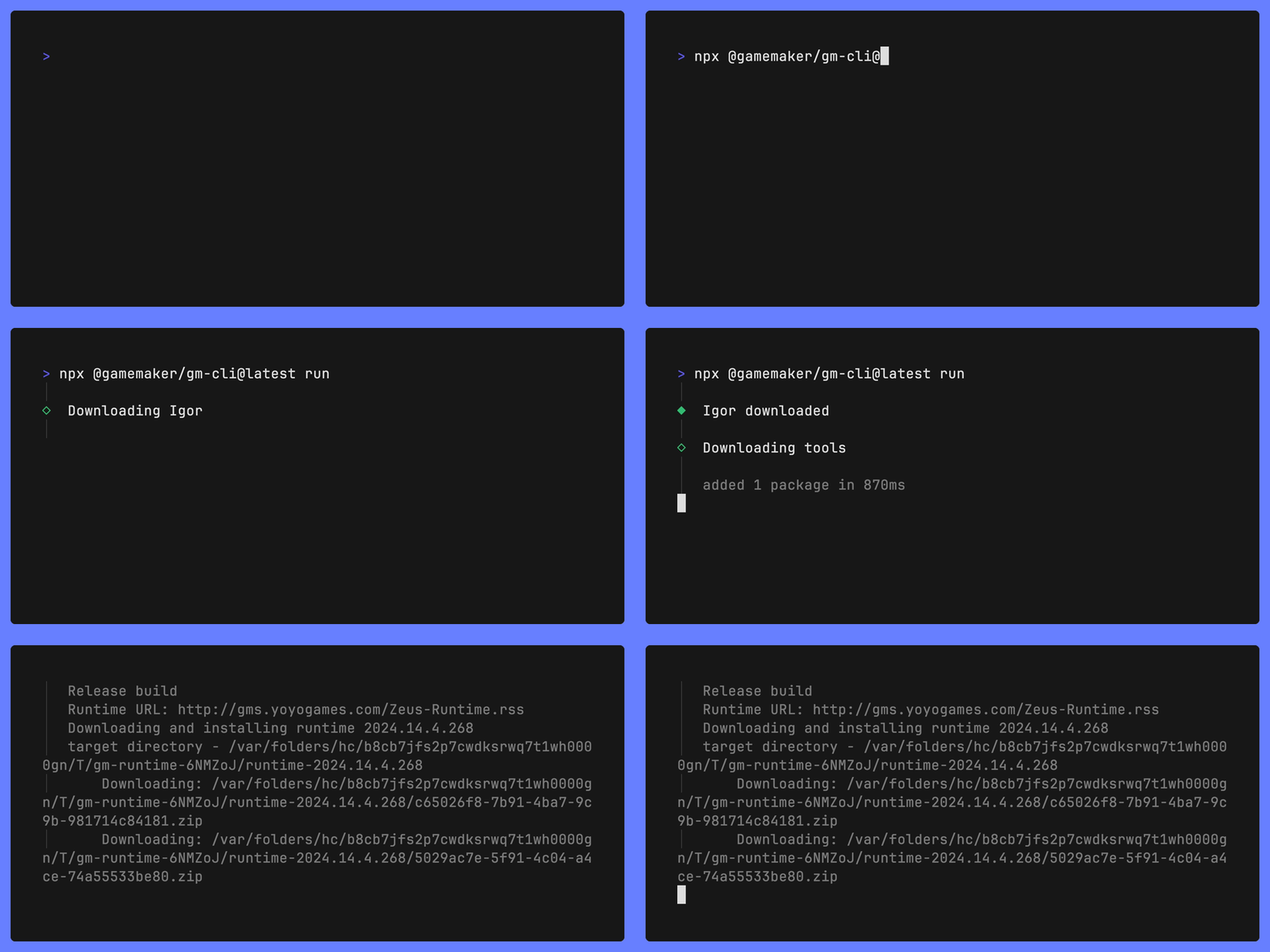
IMPORTANT: You must first install nodeJS which comes with the tools
npmandnpx.
Run:
npx @gamemaker/gm-cli@latest --help...or if your prefer to install gm-cli globally
npm install -g @gamemaker/gm-cli@latest
gm-cli --help
GameMaker CLI has many commands, to learn more about them, use the --help flag. For example, to see how the compile command works, run:
npx @gamemaker/gm-cli@latest compile --help
Use gm-cli init to create a new project, either from a blank game or a template.
npx @gamemaker/gm-cli@latest initIf you wish, it will also help you setup more advanced feature like:
- GitHub automation pipelines to compile and package your project
- AI agent integration (AGENTS.md, MCP, Claude config)
GameMaker CLI can automatically download the runtime and all other tools needed to compile and run your projects.
Try running one of these commands in a folder with a .yyp file:
npx @gamemaker/gm-cli@latest run
npx @gamemaker/gm-cli@latest compile
npx @gamemaker/gm-cli@latest package
Note that there are many options, like target, runtime and toolchain to configure if you wish. Use the --help flag for more details. For example:
npx @gamemaker/gm-cli@latest compile --runtime=vm --target=operagx --toolchain=gms2@2024.14.3.260
Use gm-cli resourcetool to programmatically make changes to your project files without having to use the IDE. Try it out inside a project:
gm-cli resourcetool eval "resource list"There are many ways of using ResourceTool, the most convenient is with an AI agent using the Model Context Protocol gm-cli resourcetool mcp. But you can also use it yourself in interactive session gm-cli resourcetool repl or as a script.
GameMaker CLI automatically gives you a guest license, so there is no need to sign in. But if you prefer to use your own access key from https://gamemaker.io/en/account/access-keys. You may run:
npx @gamemaker/gm-cli@latest login <my key>
The command gm-cli manual can be used to semantically search GameMaker Manual. Use the open subcommand to open a a web page in your browser. You can also get results in a specific language through --language. Try it out:
gm-cli manual open "sprites" --language=esNote: The GameMaker CLI is made for the community and we welcome your feedback! Please suggest features or tell us about any issues you are having.
Many features are planned to soon be added to gm-cli. These include:
GameMaker CLI will have full support to manage more targets for the GMS2 runtime as well as the new GMRT toolchain.
Test today by setting environment variable GAMEMAKER_CLI_UNSTABLE_FEATURES=1
Currently every project using gm-cli has its own local .gmcache directory. This means it takes a long time to install a copy of the runtime for every project. This will be much improved with shared caches and manifest file format (similar to pyprojects.toml and package.json).
Test today by setting environment variable GAMEMAKER_CLI_UNSTABLE_FEATURES=1
The ask subcommand displays an article directly in your terminal,
gm-cli manual ask "data structures"Direct integration with gx.games to share your games!
gm-cli will expose its internals as a TypeScript library that you can use to more easily make your own editor tools.
gm-cli will support opening projects in the IDE (or your preferred editor) and likely also help you download the IDE itself.