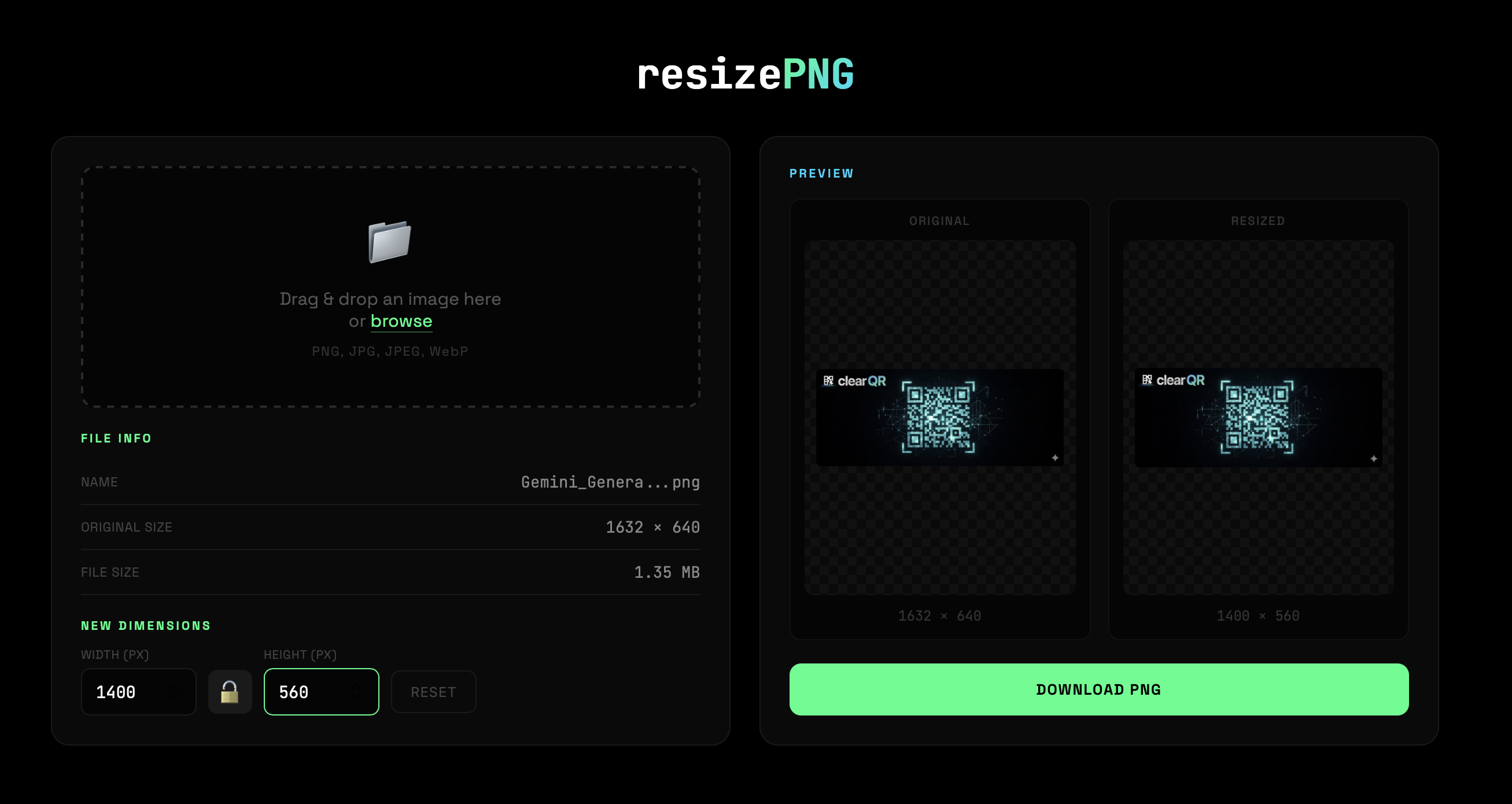
A simple image resizer that runs entirely in your browser. No uploads, no servers, no tracking.
- 100% Local Processing - All resizing happens in your browser. Your images never leave your device.
- Drag & Drop - Simply drag an image onto the page or click to browse
- Multiple Format Support - Accepts PNG, JPG, JPEG, and WebP files
- Aspect Ratio Lock - Maintain proportions or resize freely
- Live Preview - See original and resized images side-by-side
- High-Quality Downscaling - Uses progressive step-down algorithm for better results
- Upscale Warning - Alerts you when resizing may reduce quality
- PNG Export - Always exports as PNG format
- Open
image-resizer.htmlin any modern browser - Drag and drop an image or click to browse
- Enter your desired width and/or height (1-10000 px)
- Toggle the aspect ratio lock if needed
- Click Download PNG to save your resized image