

YouTube Player is a high-performance, modern Android application developed as part of an Android App Development Masterclass. This project serves as a comprehensive deep dive into the Kotlin programming language and the Android Ecosystem.
It demonstrates the seamless integration of the YouTube Android Player API, allowing users to stream videos and playlists directly within a custom-built environment. This project isn't just an app; it's a testament to mastering professional Android development workflows.
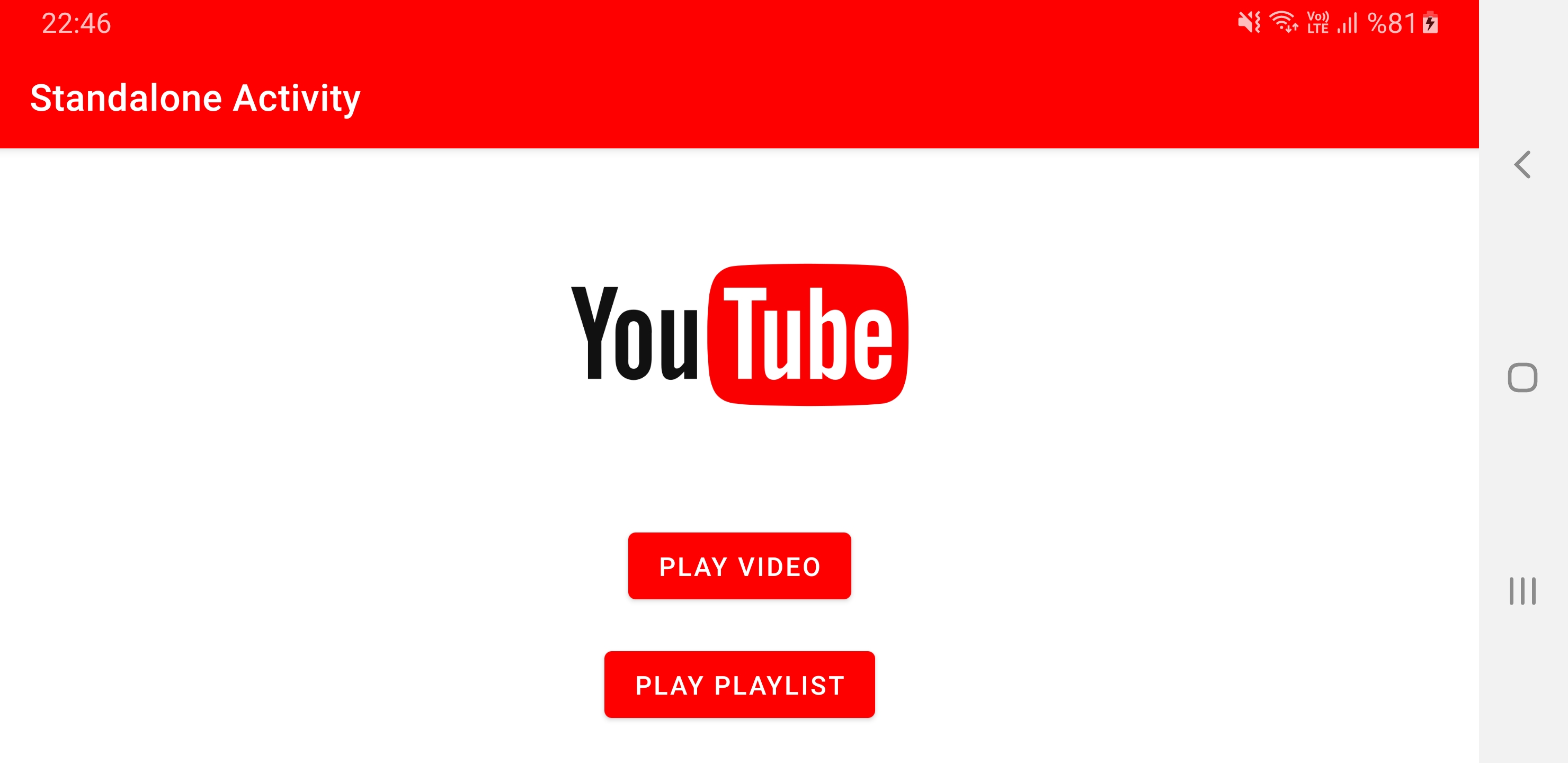
The journey begins at the Dashboard, where users can choose between an embedded player experience or a standalone intent-based approach.
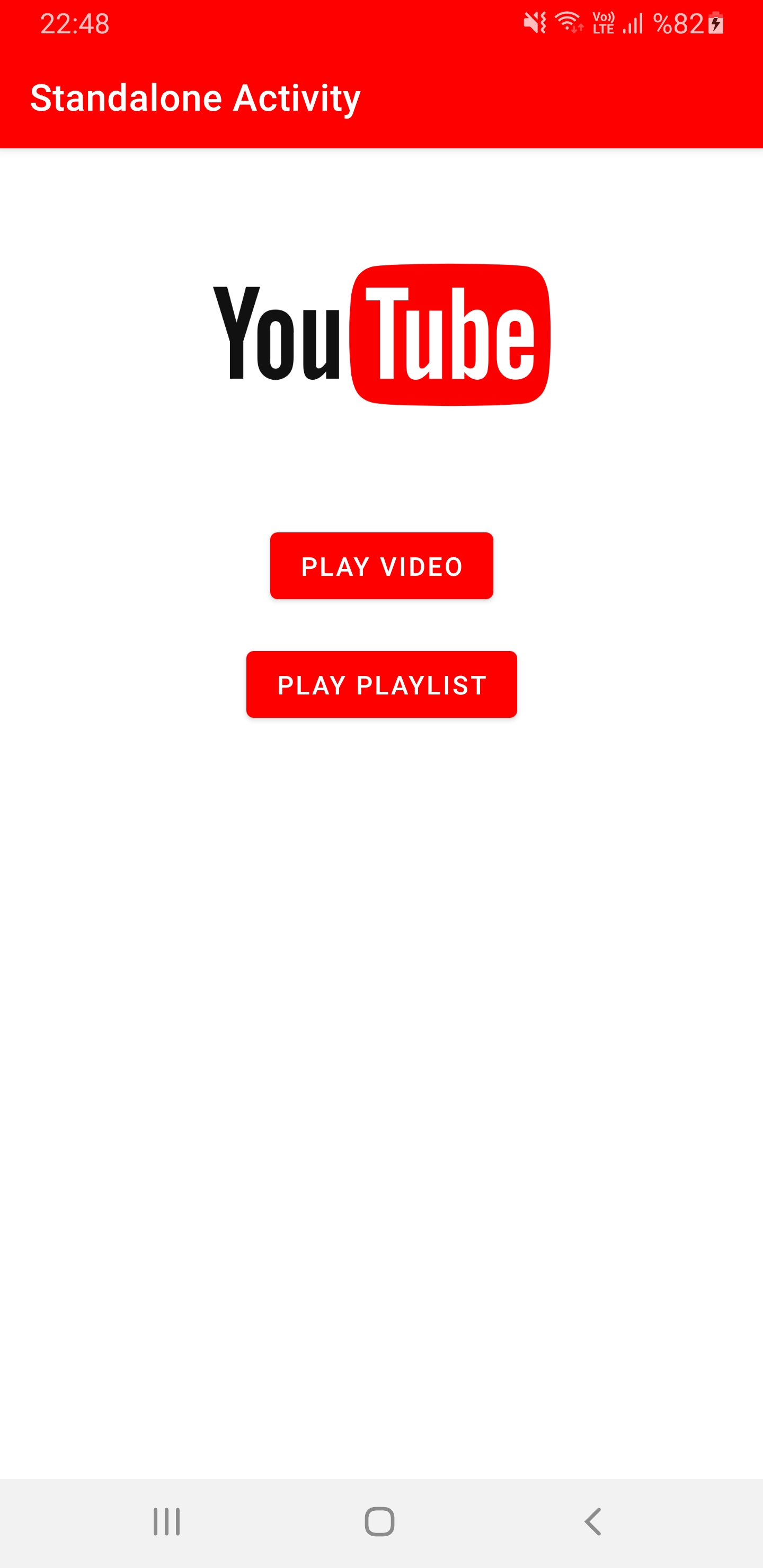
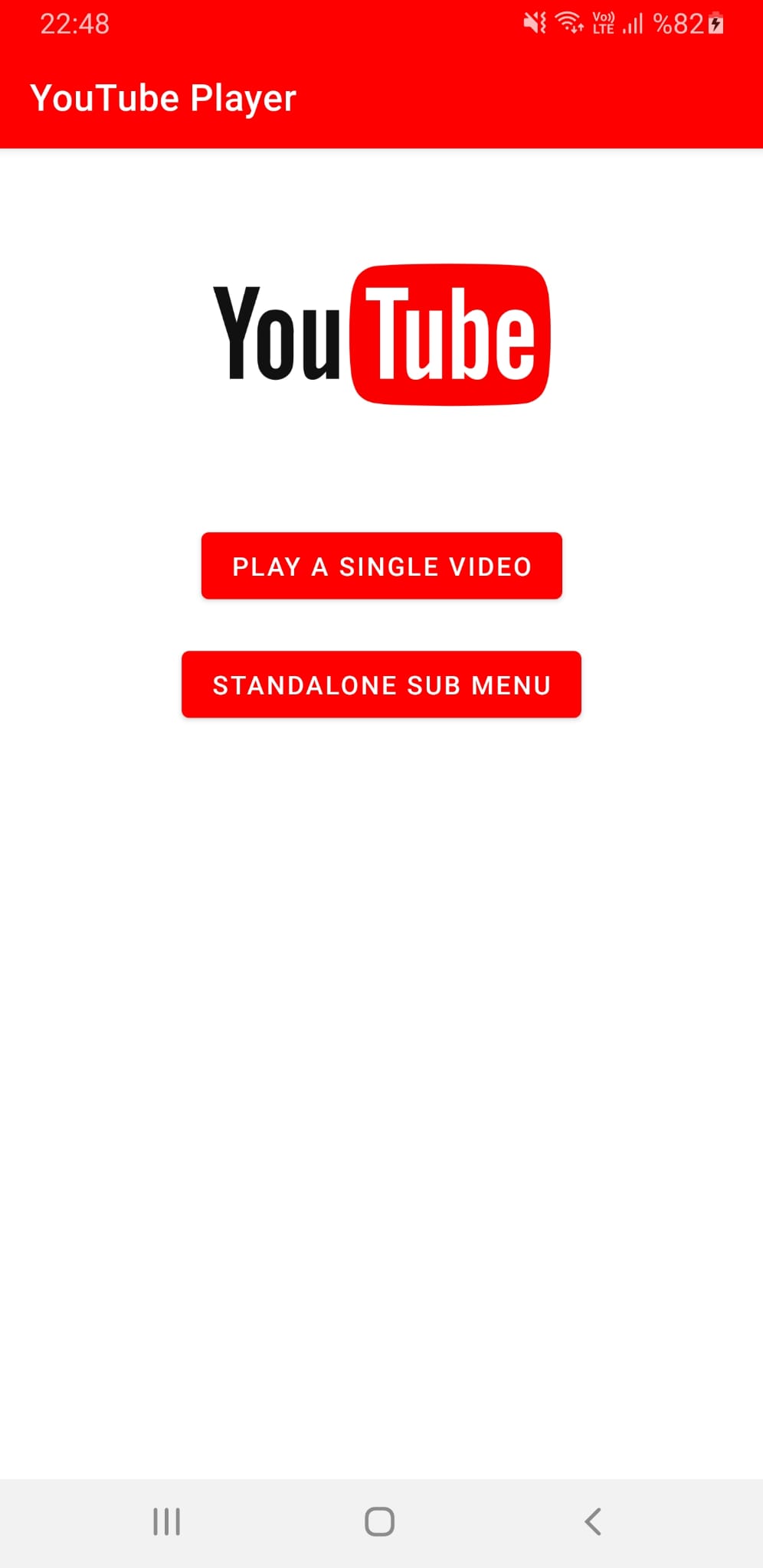
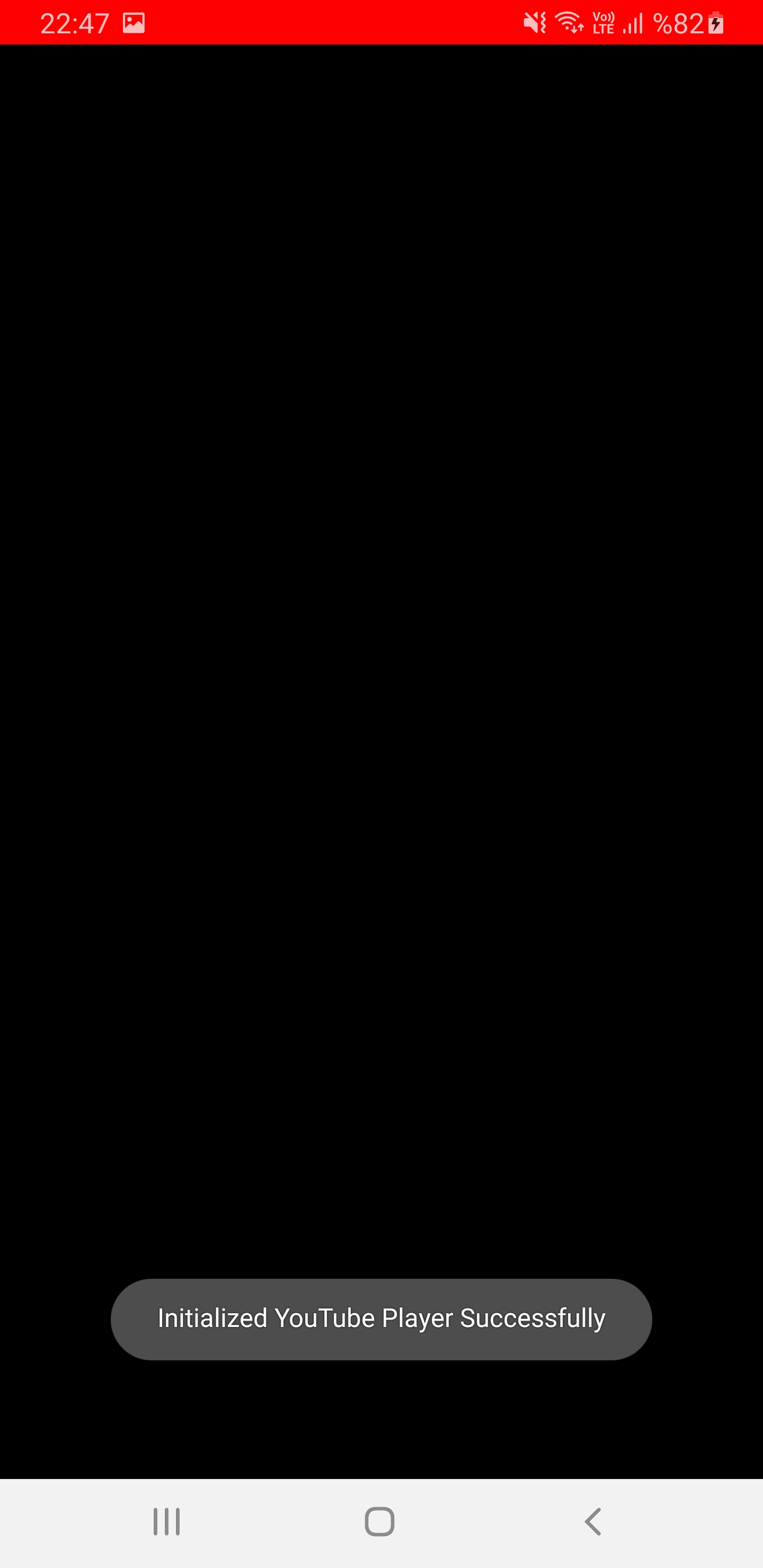
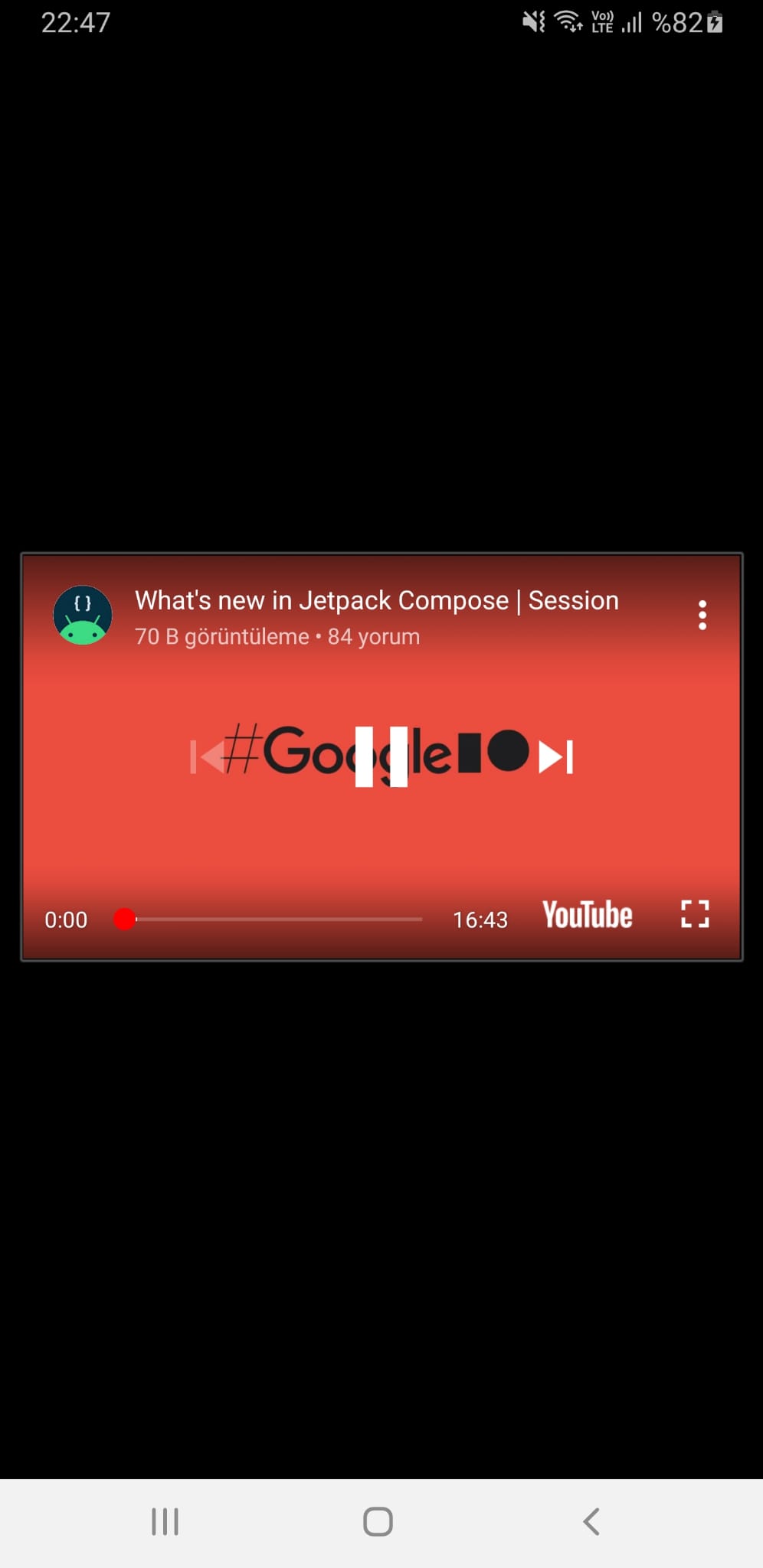
Integrated playback allows for a seamless experience without leaving the application.
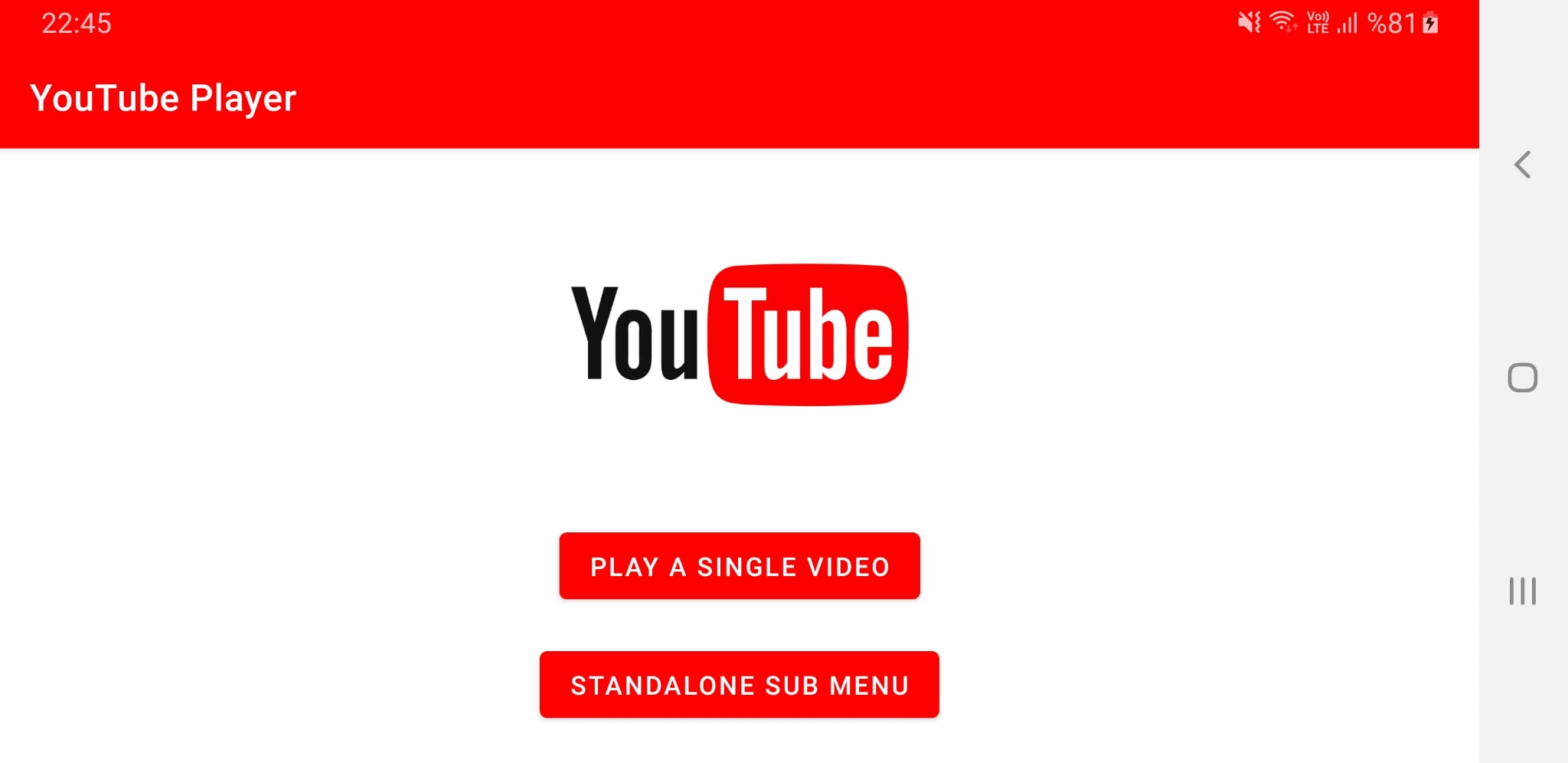
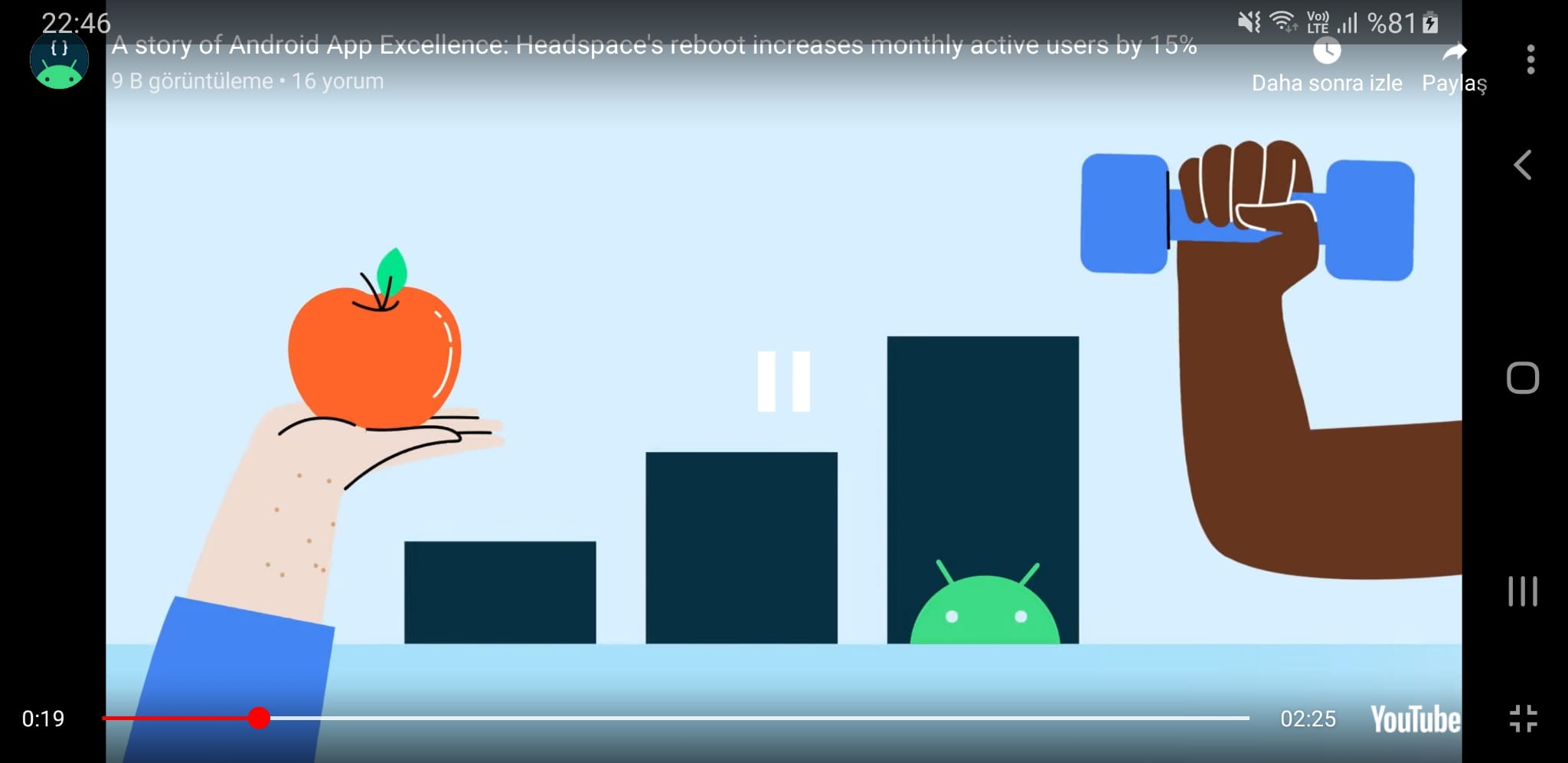
- 🎥 Integrated Video Playback: Seamlessly play YouTube videos within the app using
YouTubePlayerView. - 📂 Playlist Support: Full support for loading and navigating through YouTube playlists.
- 🛠️ Standalone Player: Launch the official YouTube player via Intent for a native experience.
- 🎮 Playback Controls: Granular control over play, pause, seek, and buffering states.
- 📱 Responsive Design: Optimized layouts for a fluid user experience across various screen sizes.
- 🔔 Event Handling: Real-time feedback using
PlaybackEventListenerandPlayerStateChangeListener.
The project is built following the Model-View-ViewModel (MVVM) architectural pattern to ensure separation of concerns, testability, and maintainability.
graph TD
    subgraph View_Layer
        A[MainActivity]
        B[YoutubeActivity]
        C[StandaloneActivity]
    end

    subgraph Logic_Layer
        VM[ViewModel]
    end

    subgraph Data_Layer
        API[YouTube API Service]
        JAR[YouTubeAndroidPlayerApi.jar]
    end

    View_Layer <--> Logic_Layer
    Logic_Layer <--> Data_Layer
sequenceDiagram
    participant User
    participant Main as MainActivity
    participant YT as YoutubeActivity
    participant SA as StandaloneActivity
    participant API as YouTube API

    User->>Main: Tap "Play Single"
    Main->>YT: Launch YoutubeActivity
    YT->>API: Initialize(API_KEY)
    API-->>YT: SUCCESS
    YT->>API: loadVideo(VIDEO_ID)

    User->>Main: Tap "Standalone Menu"
    Main->>SA: Launch StandaloneActivity
    User->>SA: Tap "Play Video"
    SA->>API: Intent: ACTION_VIEW
    API-->>User: Open YouTube App
| Category | Status | Tech Used |
|---|---|---|
| Language | ✅ | Kotlin 1.7+ |
| UI | ✅ | View System / XML |
| Architecture | ✅ | MVVM Architecture |
| Libraries | ✅ | Jetpack (AppCompat, KTX) |
| Tooling | ✅ | Android Studio Dolphin+ |
app/src/main/java/com/gamebit/youtubeplayer/
├── MainActivity.kt        # Dashboard entry point
├── YoutubeActivity.kt     # Embedded player implementation
└── StandaloneActivity.kt  # Intent-based player controls

app/src/main/res/layout/
├── activity_main.xml      # Dashboard interface
├── activity_youtube.xml   # Player interface
└── activity_standalone.xml # Standalone control interface
- Language: Kotlin - Modern, expressive, and safe.
- Layout: ConstraintLayout - For complex, flat hierarchies.
- API: YouTube Android Player API - Official Google API.
- Components: Material Design - For a modern look and feel.
- Extension: Kotlin Android Extensions - Synthetic view binding.
- Clone the repository:
git clone https://github.com/yourusername/YouTubePlayer.git
- Obtain a YouTube API Key:
- Go to Google Developers Console.
- Create a project and enable the "YouTube Data API v3".
- Generate an API Key.
- Add the Key to the project:
- Create/Update
app/src/main/res/values/keys.xml:<resources> <string name="GOOGLE_API_KEY">YOUR_API_KEY_HERE</string> </resources>
- Create/Update
- Run the app:
- Open in Android Studio and hit Run!
- Udemy Masterclass: Inspiration and guidance for this educational project.
- Google Developers: For providing the YouTube Player API documentation.
Made with ❤️ for learning Android Development