A gamepad calibration tool for the Retroid Pocket 5 and Mini
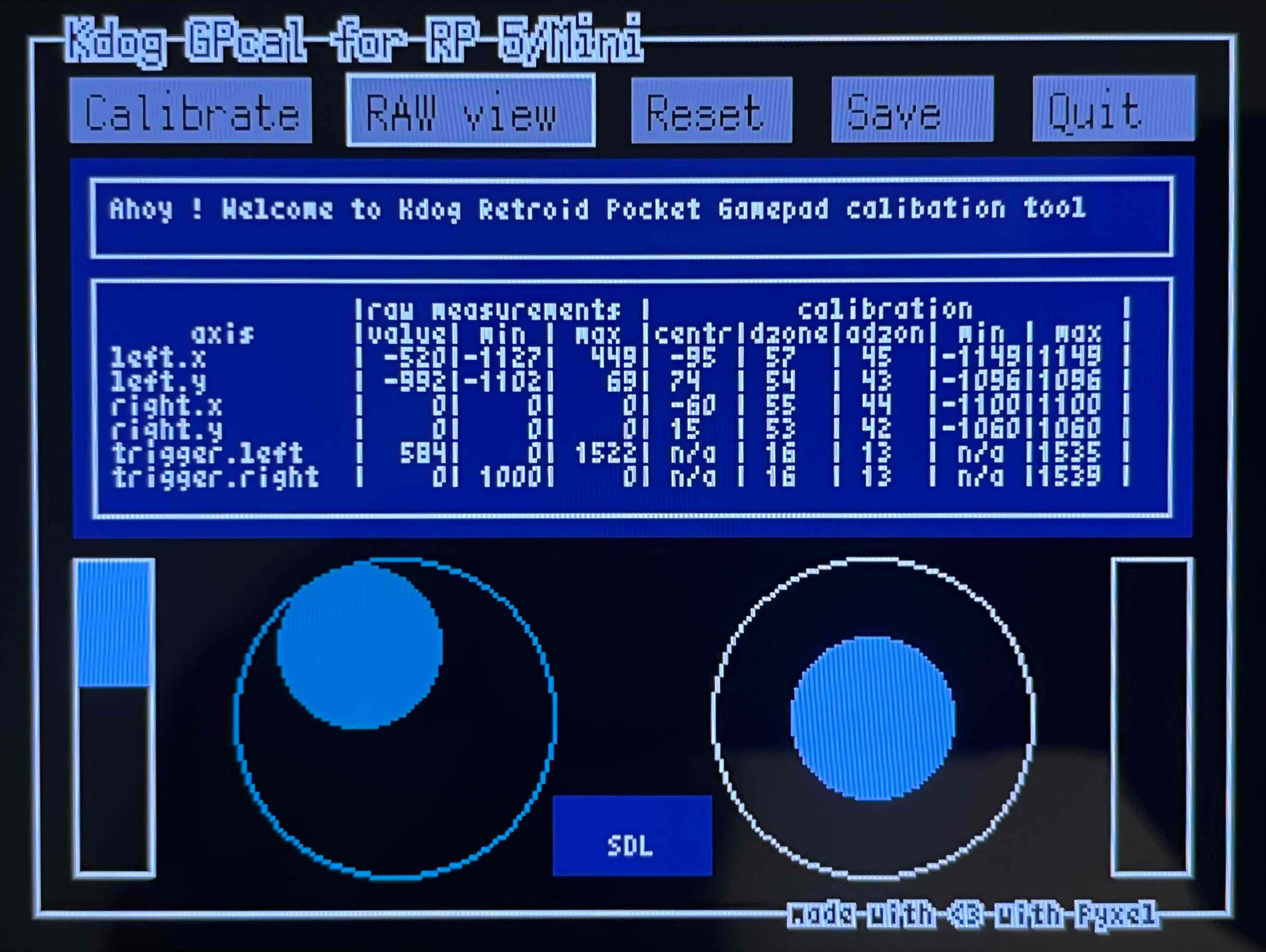
The actual version of the tool uses the PortMaster running environment. It needs to be installed in the ports directory.
You also need to use a special build of the kernel for the moment as the patch of the kernel driver is not available yet in the CFW.
Start the tool from the Ports list.
| Button | Action |
|---|---|
| DPAD | select a button/control |
| A | OK |
| B | Cancel/Back |
Choose Calibrate and select a control you want to calibrate, then follow the instructions.
Just press B
Use the Reset button
Use the Save button. A bash script will be written in the HOME directory. Run this script to restore the parameters.
Use the Quit button.
No, they'll be restored to default after a reboot. If you want them permanent you can run the bash script on each boot.
This tool calibrates the raw value of the controller which have an unfixed and undetermined range of values that depends on the hardware and the calibration applied (center, deadzone, antideadzone). An SDL gamepad controller uses fixed ranges of value (typically -32768 to 32767), which are calculated from the raw value and the calibration parameters. When you enable the SDL view the position on stick and trigger visuals are calculated like SDL would do, typically the stick can not go ouside of the limit.
You need first to install the Pyxel library. The easiest way is to setup a virtual env for Python:
python3 -m venv pyxel
source pyxel/bin/activate
pip install --upgrade pip
wget "https://github.com/kitao/pyxel/raw/refs/heads/main/python/requirements.txt"
pip install -r requirements.txt
pip install pyxel
Then just run pyxel run main.py