
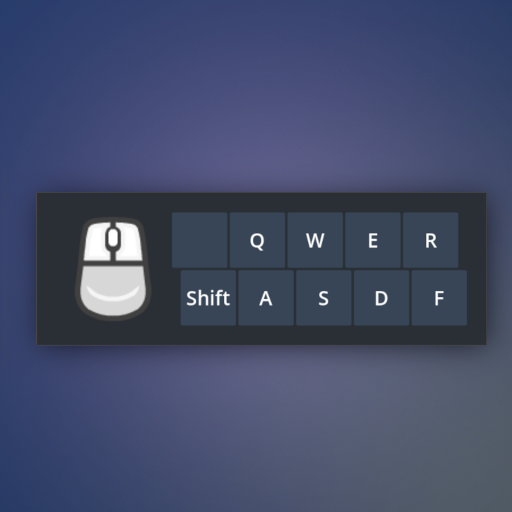
Simple overlay used to show input events during tutorials.
preview.mp4
Overlay for:
- SHIFT
- Q
- W
- E
- A
- S
- D
- F
- Mouse LMB
- Mouse RMB
- Mouse MMB
- Scroll
You can configure the overlay screen position and scale via
Project → Project Settings → addons/input-overlay/.
To change the appearance of the overlay you can edit the theme
overlay-theme.theme. This theme contains settings for:
- Panel
- Internal margins
- Font size
MIT