Conceived as a JupyterLite demo, this has run afoul of JupyterLite's
out-of-date pillow version (has 10.2, need 11.0). For the moment,
you have two ways available to run the notebooks.
This requires installing Python, Jupyter Lab, and Pillow. If you know how to do all that... are you sure you should be taking an introductory Python tutorial?
curl -LsSf https://astral.sh/uv/install.sh | sh
or
powershell -c "irm https://astral.sh/uv/install.ps1 | iex"
Next, grab the code:
git clone https://github.com/dayton-dynamic/yerface.git
or Download the zip file and unzip
cd yerface

uv run jupyter lab
My apologies for directing you to a commercial service.
Sign in to Google Collab and work through as many of these as you have the inclination to!
- yerface
- Functions
- Your Meme
- (Optional) Filters
- (Optional) Randomness
- (Optional) A Blank Playground
Instead of using the direct links, you can...
Under "Open notebook", choose "GitHub", and enter
https://github.com/dayton-dynamic/yerface
A list of Paths will appear; scroll down to the very bottom:
content/yerface.ipynb

JupyterLite deployed as a static site to GitHub Pages, for demo purposes.
➡️ https://jupyterlite.github.io/demo
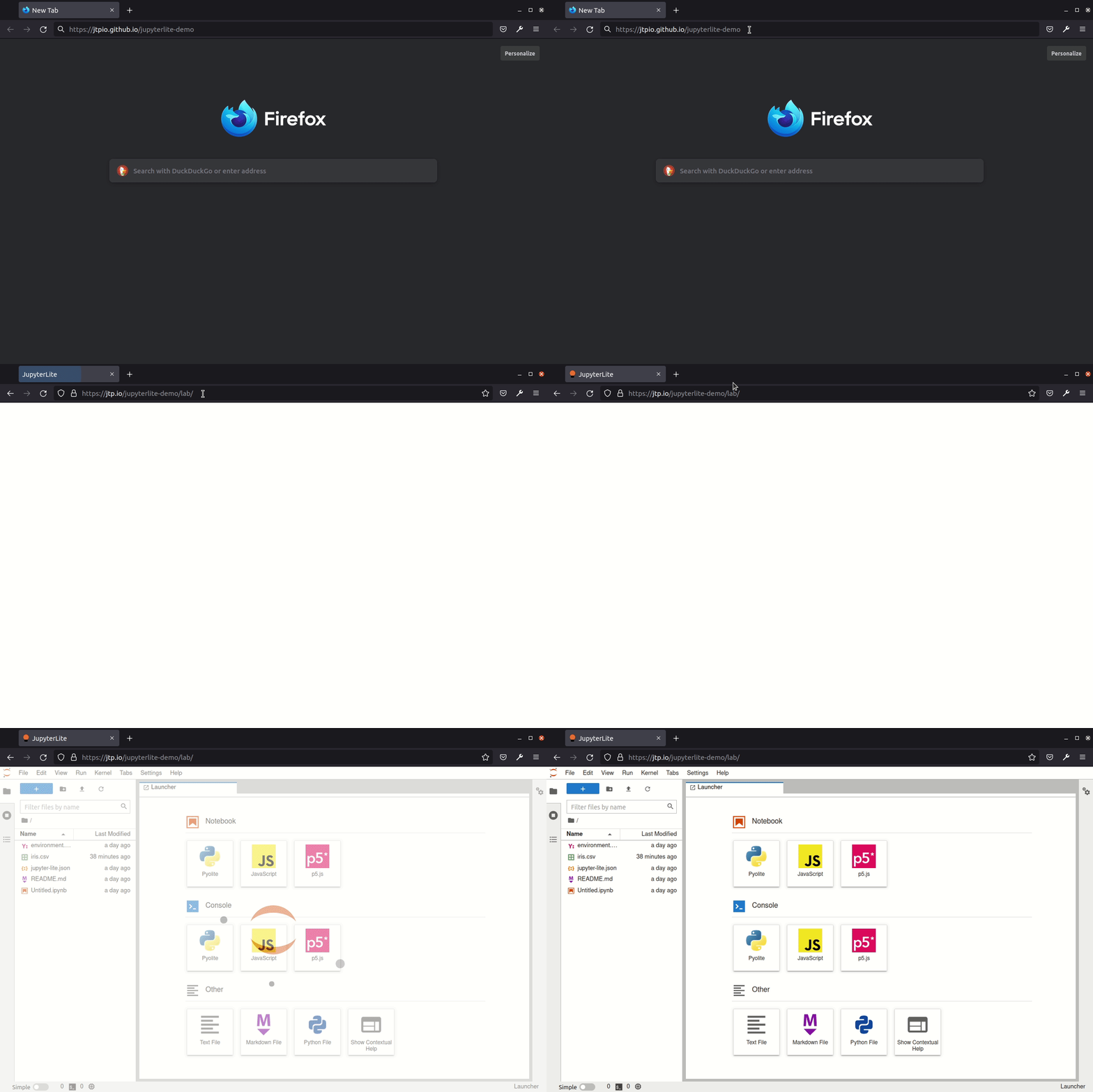
JupyterLite is being tested against modern web browsers:
- Firefox 90+
- Chromium 89+
Check out the guide on the JupyterLite documentation: https://jupyterlite.readthedocs.io/en/latest/quickstart/deploy.html
For more info, keep an eye on the JupyterLite documentation: