This chrome extension allows a user to generate notes instantly and download its PDF locally
Quicky.Notes.mp4
- Open the extension
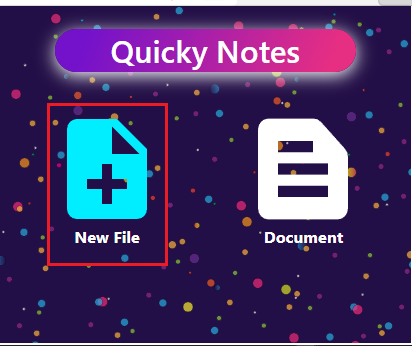
- Click on
New Filebutton. - Enter the name in the alert box and click
OK
- Open the extension
- Create a new file. If exist, click and open it.
- Close the extension and chose a portion of a text on any webpage
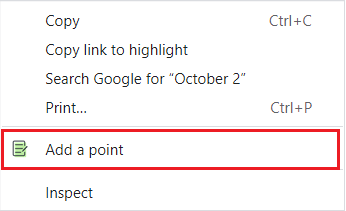
- Right click top open menu and click
Add a pointitem \
- Open the extension and choose a file
- Click on
Save PDFbutton. \

- Open the extension and choose a file
- Click on
Deletebutton. \

- Open the extension and choose a file
- Click on
Garbageicon \

- Visit chrome://extensions/
- Ensure Developer mode is checked
- Click Load unpacked extension...
- Locate and select the directory
build
- Clone repo
git clone https://github.com/dhimanAbhi/quicky-notes.git npm installnpm buildto build the app- To run on chrome, from here follow Installation from source steps