













The modern outfitters' solution. The front-end of a clothing merchant website. All styling is vanilla CSS3! Click here to visit our demo and deployment!
- A
config.jsfile in theserverdirectory which exports a GitHub API key with Hack Reactor Permissions
git clonethis repository, or download its zip file.- Run
npm run buildto bundle the client code with Webpack. - Run
npm startto start the proxy server. - Open a browser and navigate to
localhost:3000to view the results.
- In order to view other products, append
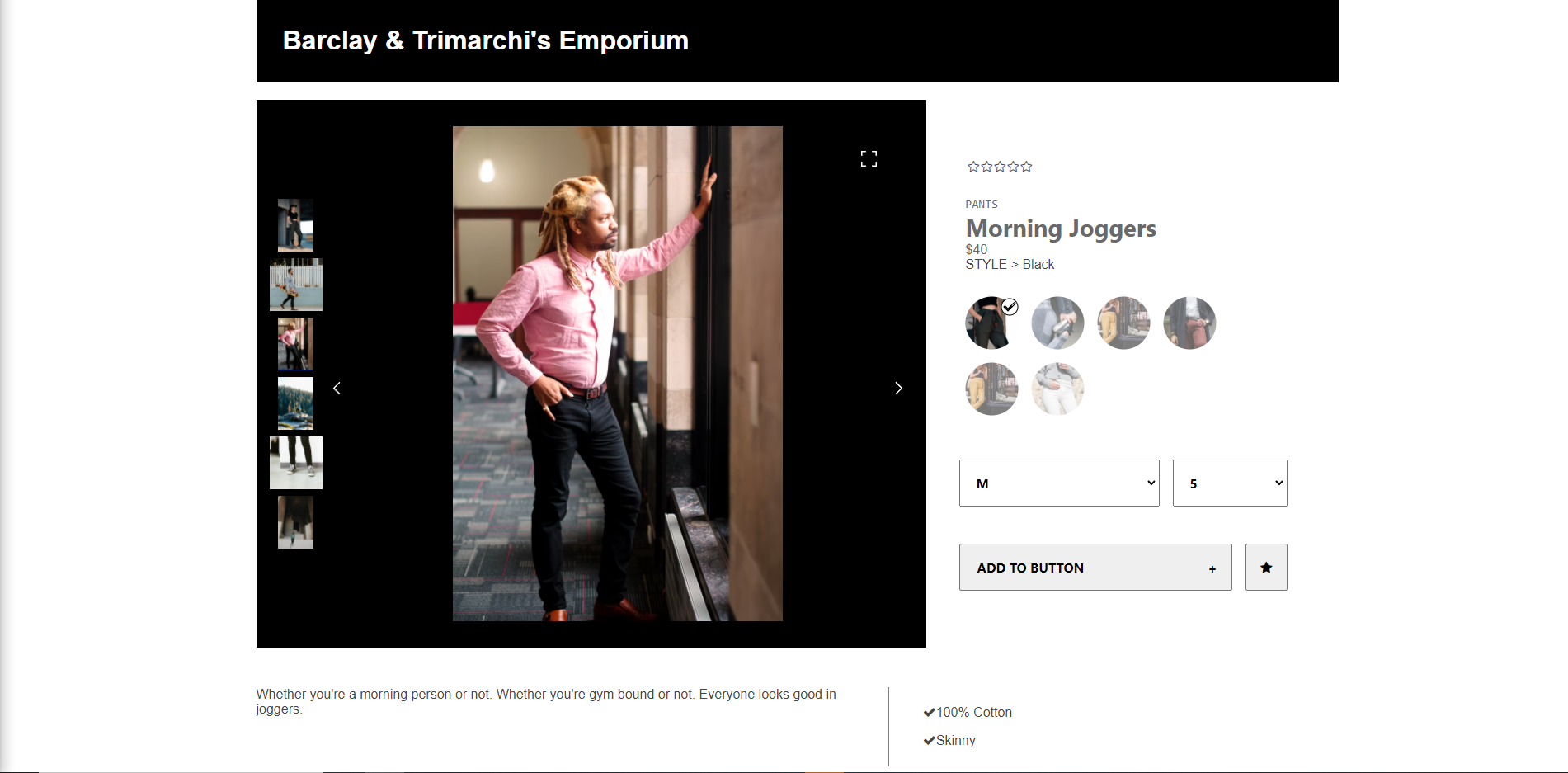
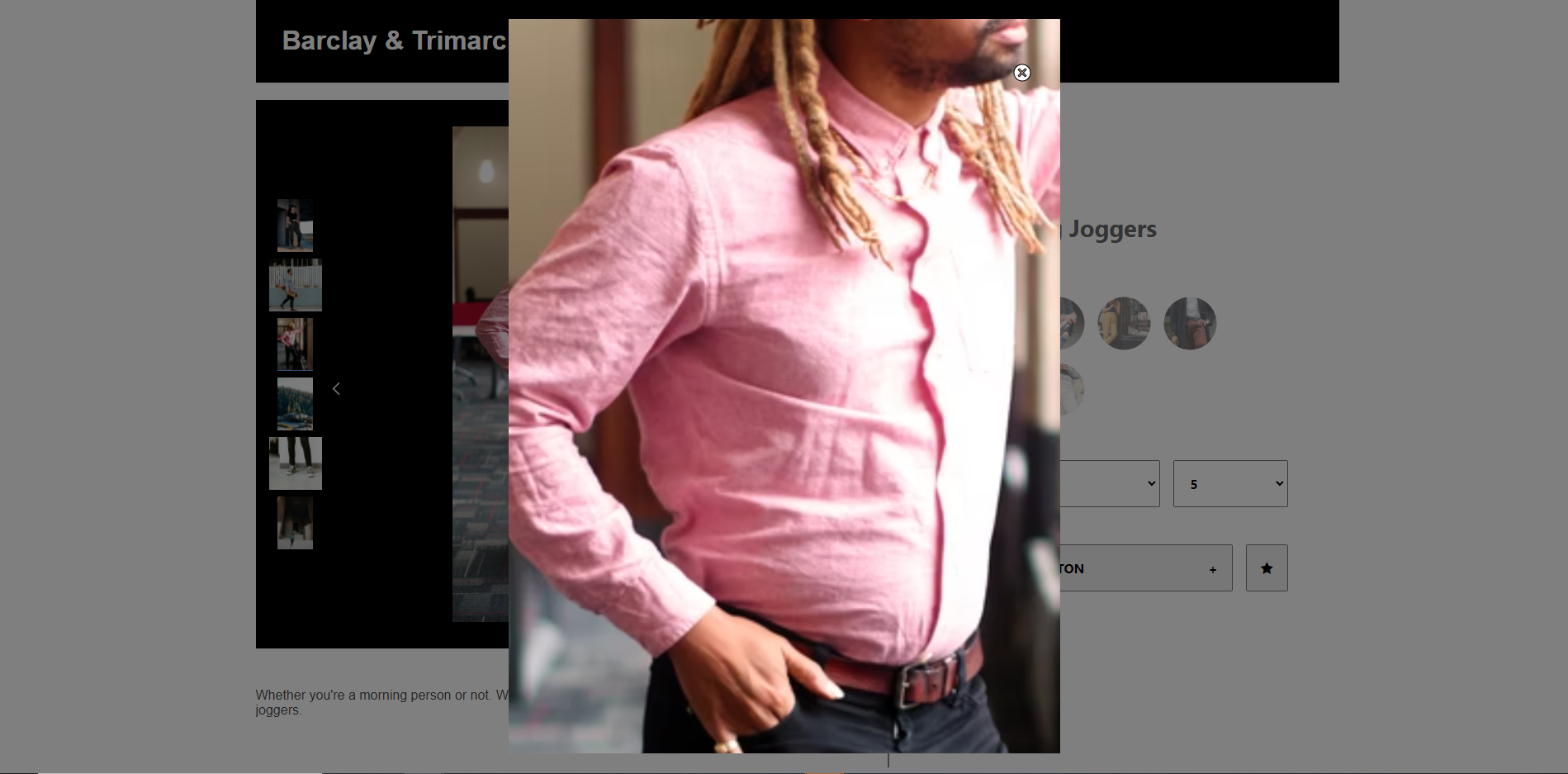
/4641*where*is greater than or equal to zero and less than or equal to four. e.g. https://adb-barclay-trimarchi-emporium.herokuapp.com/46412- In the upper portion, clicking on an image will cause a zoomed, modal window to pop-over the window. Clicking again will engage the panning zoom.
- Clicking the thumbnails on the left-side of the main image will cause that thumbnail to become the main image. Clicking the arrows on either side of the main image will scroll through the images.
- Clicking one of the circular nodes to the right will cause the product style to change. This affects the images/thumbnails available, as well as the sizes and quantity, listed below.
- Size and quantity can be selected from the dropdown menus to the right.
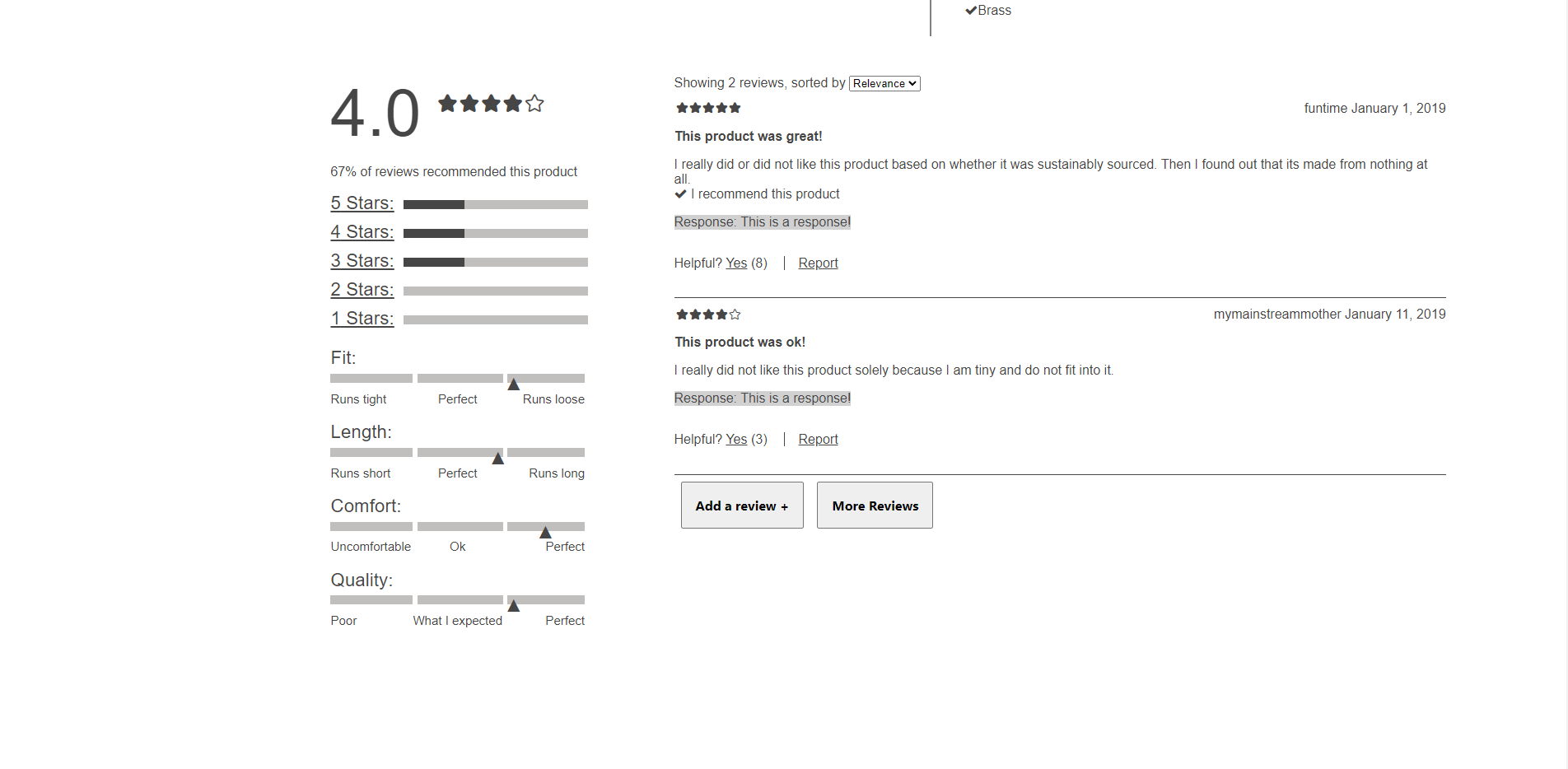
- The reviews can be filtered by the number of stars. Clicking
4 Starson the left side of the Reviews component will filter all but four-star reviews. Clicking other stars numbers will add those to the listing. Clicking any selected numbers will cause those to be removed. - Reviews can be sorted by
Newest,Helpfulness, orRelevance, via the dropdown menu on the right side. - Reviews can be rated as helpful or reported via the buttons below each review.
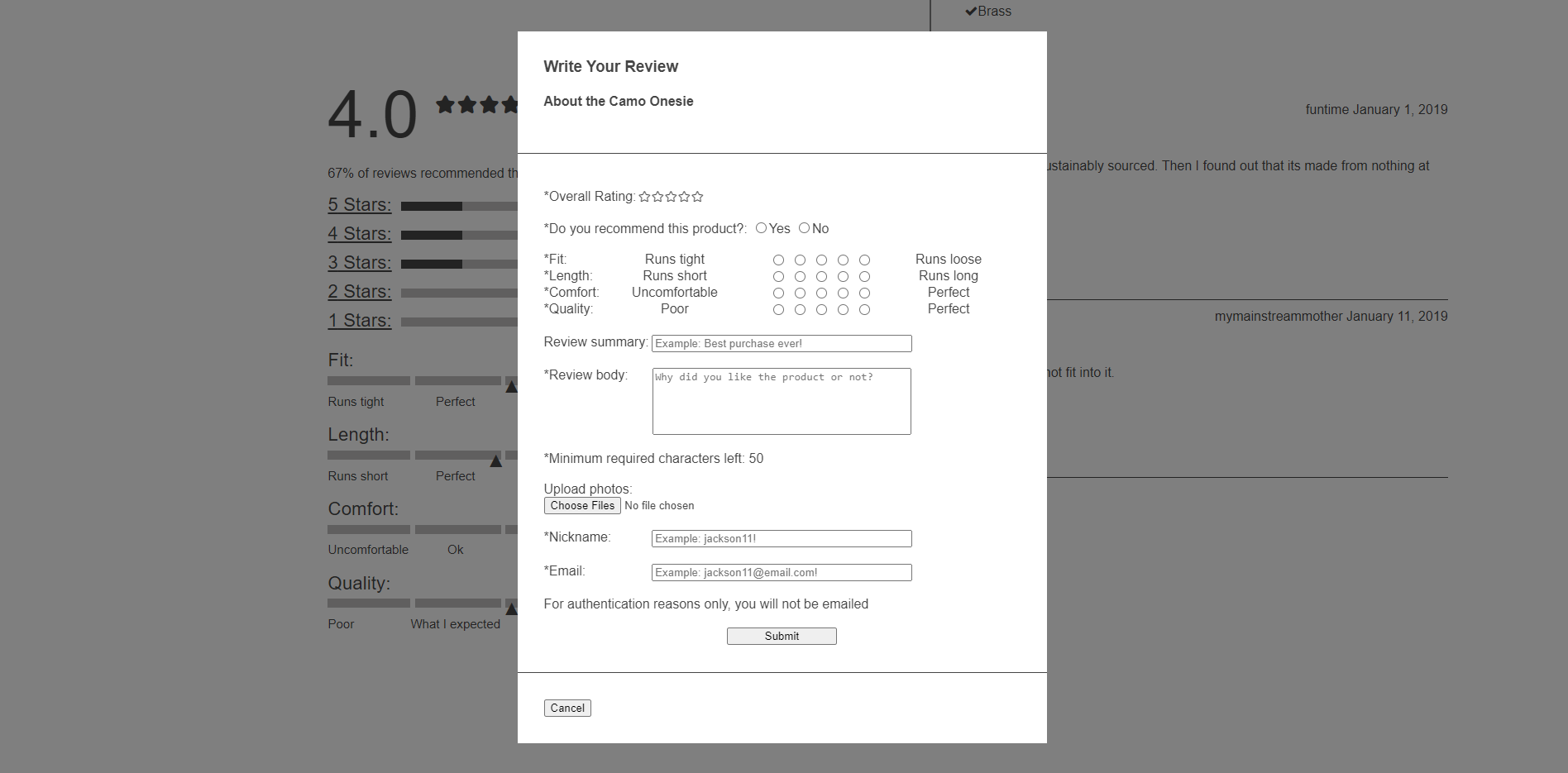
- Reviews can be added via a bottom button.
- More reviews can be retrieved via the other bottom button.
August 2021 - Version 1.0 Released
Future Plans
- Improve performance via Lighthouse recommendations
- Add keyboard listeners for image navigation