
MudExRichTextEditor is a custom reusable control that allows us to easily consume Quill combining in a MudBlazor project Features with MudBlazor Theme Support. This compnent also works without a MudBlazor Project:
- Exports editor contents in Text, HTML, and Quill’s native Delta format
- Allows value binding
- Provides a read only mode, suitable for displaying Quill’s native Delta format
- Allows custom toolbars to be defined
- Allows custom themes
- Has an inline editor mode that also allows custom toolbars
Quill is a free, open source WYSIWYG editor built for the modern web. With its modular architecture and expressive API, it is completely customizable to fit any need.
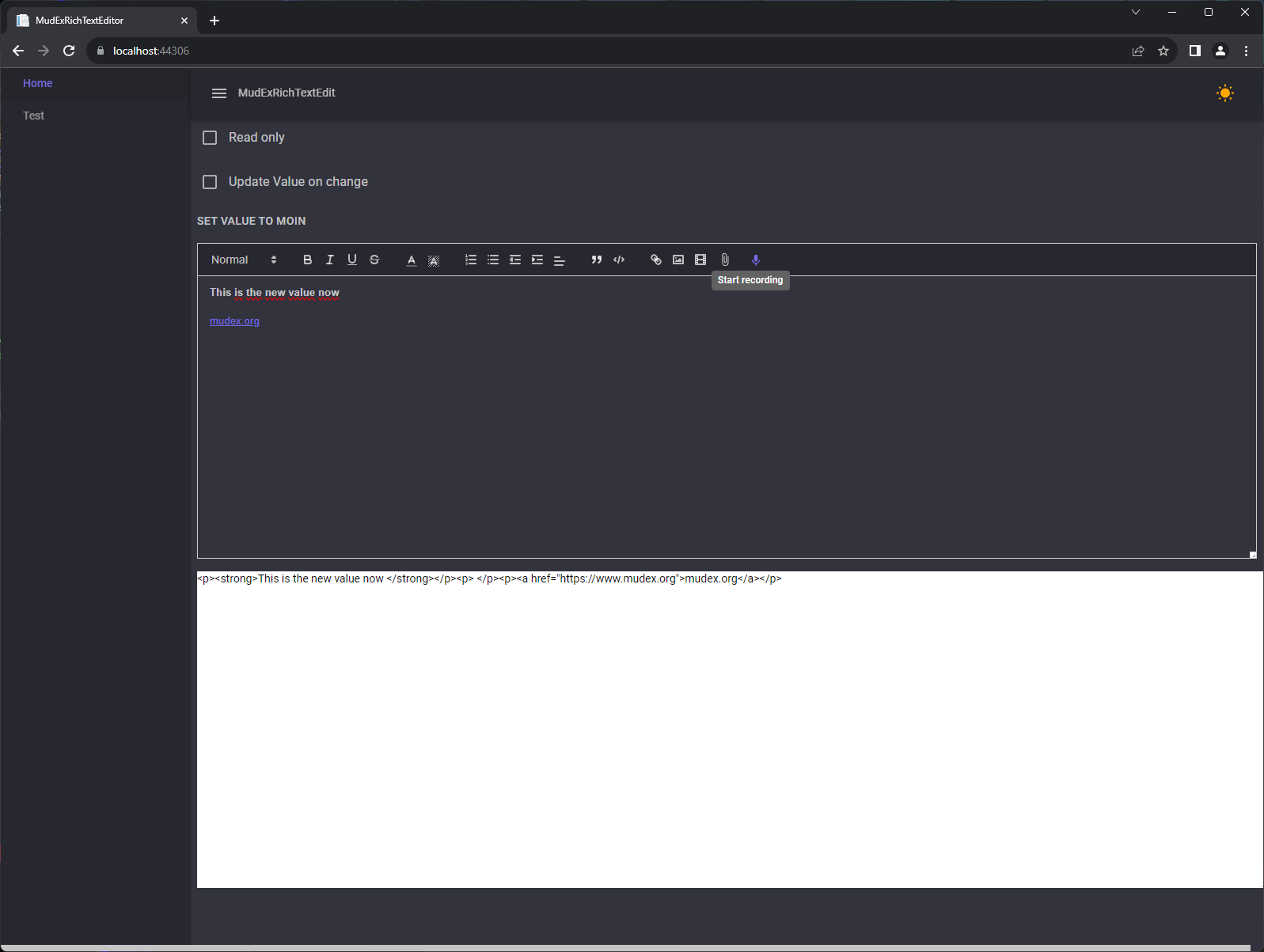
Images inserted in the editor (including from attachments) can be resized directly by clicking on them. Resize handles will appear at the corners, allowing you to drag and adjust the image size. This feature is enabled by default in the Standard and Full presets via the QuillBlotFormatterModule.
To enable image resizing in custom configurations, include the QuillBlotFormatterModule:
@using MudExRichTextEditor.Extensibility

<MudExRichTextEdit Modules="@_modules" />

@code {
    private IQuillModule[] _modules = [
        new QuillBlotFormatterModule(),
        // other modules...
    ];
}- Install the NuGet package MudExRichTextEditor
Add the following line to your _Imports.razor file
@using MudExRichTextEditorAnd this is enough now you can simply use the component in your pages
@page "/"

<MudCheckBox Label="Read only" @bind-Checked="_readOnly" />

<MudExRichTextEdit @ref="@Editor"
                   ReadOnly="@_readOnly"
                   Height="444"
                   Class="m-2"
                   Placeholder="Edit html">

</MudExRichTextEdit>

@code {
    bool _readOnly = false;
	MudExRichTextEdit Editor;
}