
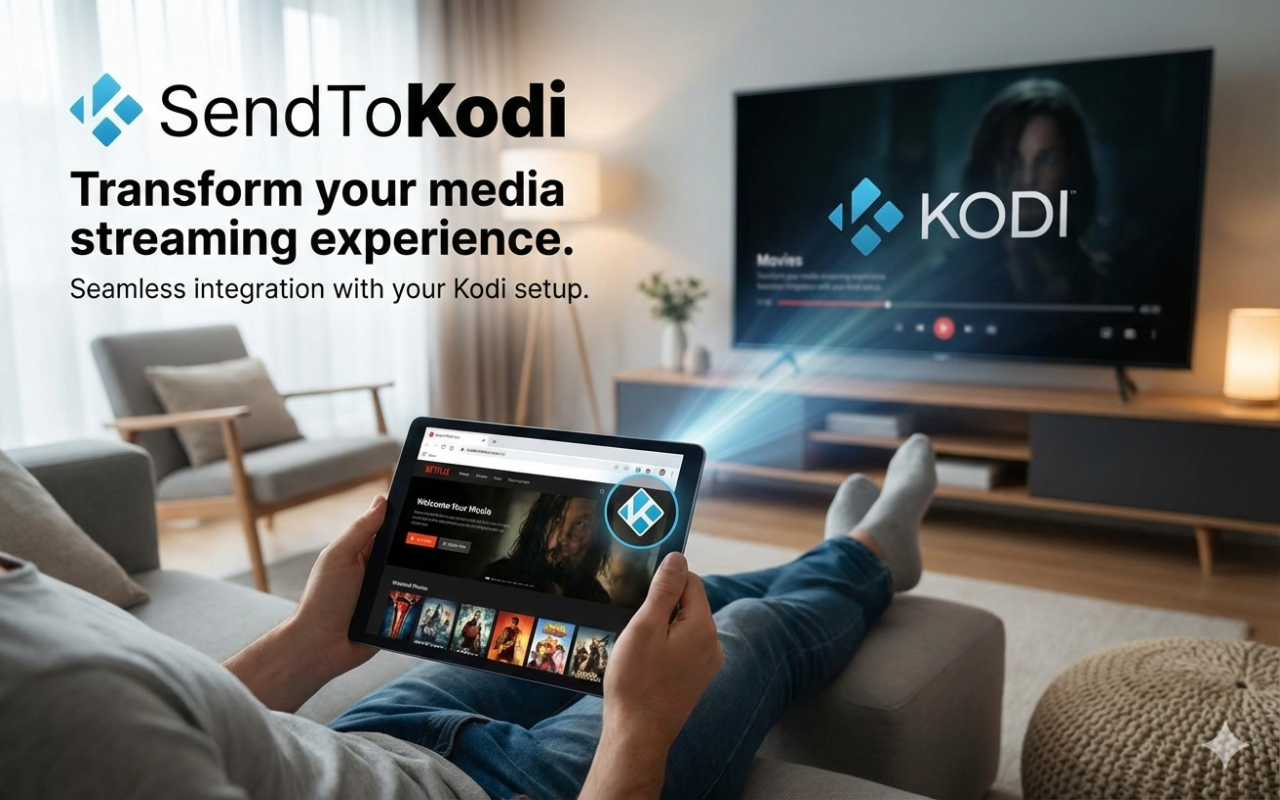






Send video or audio links from your browser or phone directly to Kodi. SendToKodi resolves supported websites to playable streams using yt-dlp.
- 🎬 Stream links from supported websites directly in Kodi
- 🌐 Works with browser extensions and mobile share flows
- 📋 Playlist support via
.m3u - 🔧 JSON-RPC and plugin integration support
- 💾 Optional auto-download before playback
- Install the SendToKodi Kodi add-on (steps below).
- Install one of the companion apps/extensions.
- Share or send a video URL to Kodi and start playback.
This add-on is not in the official Kodi add-on repository. For automatic updates, first add the SendToKodi repo:
- Download repository ZIP for Kodi 19+:
- In Kodi, go to Add-ons → Install from zip file and install the ZIP.
- Then go to Add-ons → Install from repository and install
plugin.video.sendtokodi.
Reference: Kodi Add-on Manager
- Kodi 19+
script.module.inputstreamhelper(required for adaptive playback checks)script.module.requests
Dependencies are installed automatically by Kodi when installing the add-on.
Extension source & issues: firsttris/chrome.sendtokodi
- Kore (official Kodi Android remote)
- If prompted, set SendToKodi as the preferred add-on in Kore settings.
- The official iOS SendToKodi app is currently retired.
- Apple Shortcut (iOS + macOS)
Settings Details (click to expand)
Open in Kodi via:
Add-ons → My add-ons → Video add-ons → SendToKodi → Configure
- Enable legacy Python embed workarounds (advanced)
Compatibility toggle for older/edge Python embedding behavior. Keep disabled unless you are troubleshooting runtime issues. - Auto-download resolved media before playback
Downloads media to disk first instead of immediate streaming playback. - Media download path
Folder used for auto-downloaded files. Default:special://profile/addon_data/plugin.video.sendtokodi/downloads
- JavaScript runtime mode (auto|deno|quickjs)
Select how JavaScript extraction/runtime tasks are handled:auto: prefer best available runtime automaticallydeno: force Denoquickjs: force QuickJSdisabled: disable JavaScript runtime usage
- QuickJS binary path
Path to your QuickJS executable if you use QuickJS mode. - Auto-update Deno JavaScript runtime
Automatically keeps the managed Deno runtime current. - Installed Deno version
Read-only display of currently installed Deno. - Manage Deno version / Update Deno now
Manual version selection and immediate update actions. - Deno version override (advanced)
Pin/override Deno version manually (for advanced troubleshooting).
- Auto-update yt-dlp
Keeps yt-dlp updated automatically (recommended). - Installed yt-dlp version
Read-only display of installed yt-dlp. - Manage yt-dlp version / Update yt-dlp now
Manually select a version or trigger an immediate update. - yt-dlp version override (advanced)
Pin/override yt-dlp version manually.
- Check if my kodi supports adaptive streaming
Runs InputStream Adaptive capability check. - Use original manifest (experimental)
Uses the source manifest path instead of generated alternatives. - Use DASH manifest builder (kodi 19+ only) (experimental)
Enables internal DASH MPD builder for compatible playback flows. - DASH MPD server idle timeout (seconds)
Refresh interval for the generated DASH manifest: after this many idle seconds, the next manifest request triggers a regeneration. - Ask which stream to play
Prompts for stream selection when multiple variants are available. - Audio-only HLS: disable Opus for native m3u streams
Improves compatibility for some native audio-only HLS playback cases. - Maximum resolution
Caps playback stream width (or set Adaptive for automatic quality).
- Supported sites: yt-dlp supported websites
- Call from playlists: playlist-example.m3u
- Send URLs via JSON-RPC: Example JSON-RPC request
- Call from another Kodi plugin: Plugin call example
- Add item to Kodi queue: Queue integration example
Developer Integration Examples (click to expand)
{
  "jsonrpc": "2.0",
  "method": "Player.Open",
  "params": {
    "item": {
      "file": "plugin://plugin.video.sendtokodi/?url=https%3A%2F%2Fsoundcloud.com%2Fspinnin-deep%2Fsam-feldt-show-me-love-edxs-indian-summer-remix-available-june-1"
    }
  },
  "id": 1
}{
"jsonrpc": "2.0",
"method": "Player.Open",
"params": {
"item": {
"file": "plugin://plugin.video.sendtokodi/?url=https%3A%2F%2Fvk.com%2Fvideo-124136901_456239025&yt-dlp-options=%7B%22username%22%3A%22user%40email.com%22%2C%22password%22%3A%22password%20with%20spaces%22%7D"
}
},
"id": 1
}yt-dlp-options is passed directly to yt-dlp as a JSON object, so you can provide any supported yt-dlp options.
For backward compatibility, the legacy ydlOpts option key is still supported.
# Preferred (explicit query param, URL-encoded):
xbmc.executebuiltin("ActivateWindow(10025,'plugin://plugin.video.sendtokodi/?url=<urlencoded_stream_or_playlist_url>',return)")

# Legacy format (still supported):
xbmc.executebuiltin("ActivateWindow(10025,'plugin://plugin.video.sendtokodi/?<stream_or_playlist_url>',return)")# Adds a playable item to Kodi's video playlist without starting playback immediately.
xbmc.executebuiltin("RunPlugin(plugin://plugin.video.sendtokodi/?action=queue&url=<urlencoded_stream_url>&title=<urlencoded_title>)")- Create a new HTTP
POSTrequest. - Use your Kodi endpoint, e.g.
http://kodi:kodi@192.168.0.138:8080/jsonrpc. - Set body type to raw
application/json. - Paste one of the JSON-RPC examples and send.
Note: in plugin URLs, query values must be URL-encoded (for example url=... and optional title=...).
Development Setup (click to expand)
Run unit tests locally (recommended: inside a virtual environment):
- Install venv support (Ubuntu/Debian):
sudo apt install python3-venv- Create a virtual environment in the project root:
python3 -m venv .venv- Activate it (choose your shell):
-
fish:
source .venv/bin/activate.fish -
bash/zsh:
source .venv/bin/activate
- Install test dependencies and run tests:
python -m pip install --upgrade pip
python -m pip install -r requirements-dev.txt
pytest
Coverage reports are generated automatically:
- Console report with missing lines
coverage.xmlfor CI integrationshtmlcov/index.htmlas a human-readable report
- Symlink (recommended)
# Standard Kodi install
rm -rf ~/.kodi/addons/plugin.video.sendtokodi
ln -s /home/tristan/Projects/plugin.video.sendtokodi ~/.kodi/addons/plugin.video.sendtokodi

# Flatpak Kodi install
rm -rf /home/tristan/.var/app/tv.kodi.Kodi/data/addons/plugin.video.sendtokodi
ln -s /home/tristan/Projects/plugin.video.sendtokodi /home/tristan/.var/app/tv.kodi.Kodi/data/addons/plugin.video.sendtokodi
Restart Kodi (or disable/enable the add-on) after changes.
- Install local ZIP
zip -r plugin.video.sendtokodi-local.zip . -x "*.git*" "__pycache__/*" ".pytest_cache/*"Then install via Add-ons → Install from zip file.
- Stream does not play: verify the URL works with yt-dlp and confirm the site is supported.
- Adaptive playback issues: run Check if my Kodi supports adaptive streaming in Settings → Adaptive.
- Runtime/extractor issues: update Deno and yt-dlp from Settings (Update ... now actions).
- QuickJS mode does not work: check that QuickJS binary path points to an existing executable.
Useful checks outside Kodi:
# Verify a URL can be resolved/playlisted by yt-dlp
yt-dlp --simulate "<url>"

# Show final direct media URL selected by yt-dlp
yt-dlp -g "<url>"Contributions are welcome. Please open an issue or submit a pull request.
This project is licensed under MIT. See LICENSE.md.