cd your_workspace
git clone https://github.com/gemutsruhe/SnakeGame.git- Open Console window suitable for OS(ex. windows : cmd)
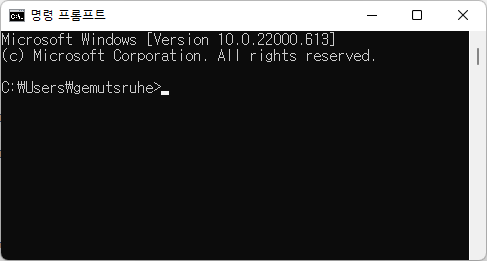
- Go to the directory where the jar file exists
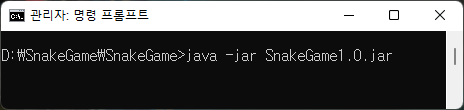
3-1. Enter "java -jar SnakeGame1.0.jar"
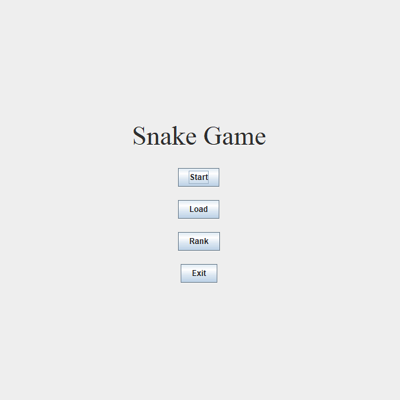
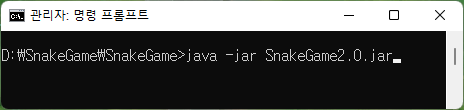
3-2. Enter "java -jar SnakeGame2.0.jar
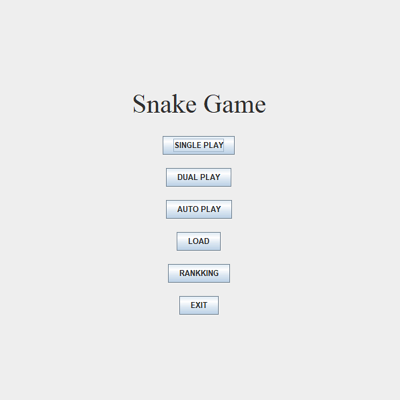
-
Open Eclipse ( or other IDE )
-
File > Switch WorkSapce > your work space
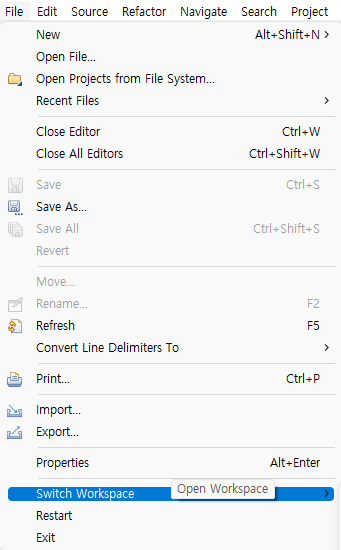
-
In Project Explorer, Select Import projects...
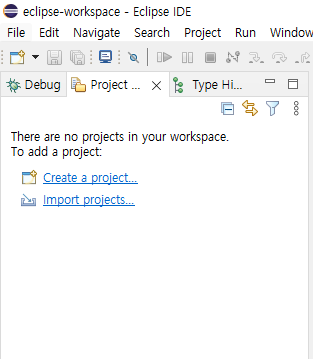
-
In General folder, Select Existing Projects into Workspace and Click Next Button
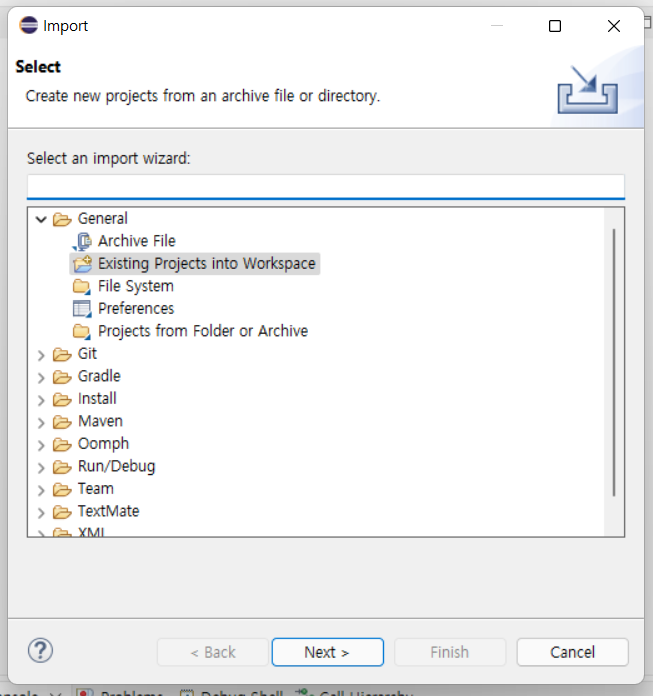
-
Select root directory on cloned folder and Click Finish
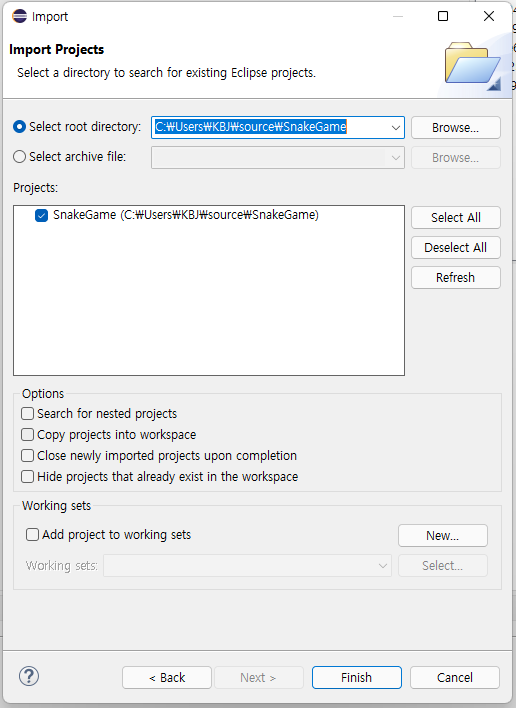
-
Run Project by pressing F11 Button or Run Icon