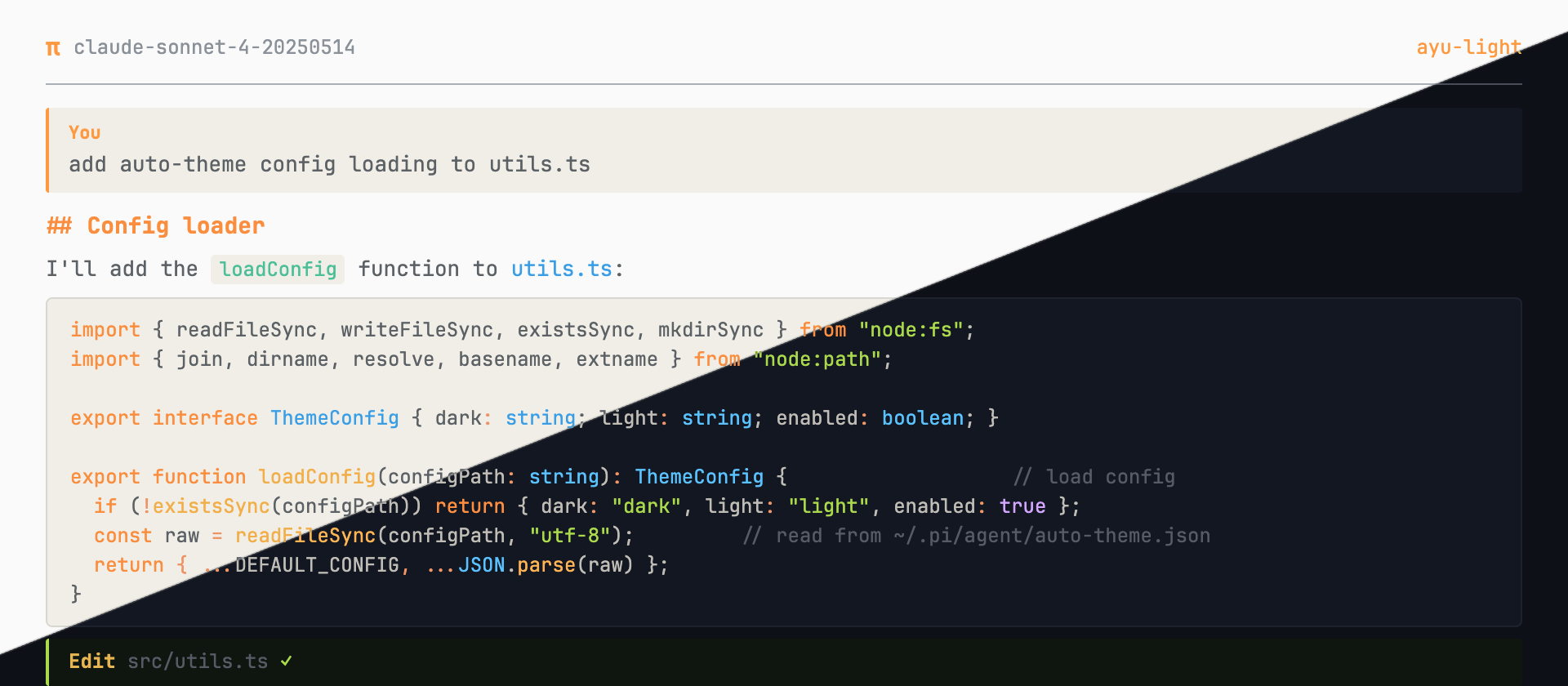
Automatically switch pi themes based on macOS system appearance.
Polls system dark/light mode every 3 seconds and applies the matching theme. Works with any installed pi themes.
pi install npm:pi-auto-theme-switcherOr add to ~/.pi/agent/settings.json:
{
  "packages": ["npm:pi-auto-theme-switcher"]
}On first run, auto-theme maps to pi's built-in dark and light themes. Use /auto-theme config to pick your preferred themes:
/auto-theme config
This opens a picker for both dark and light mode themes from all installed themes.
| Command | Description |
|---|---|
/auto-theme |
Show current config and status |
/auto-theme config |
Pick which themes map to dark & light mode |
/auto-theme on |
Enable auto-switching |
/auto-theme off |
Disable auto-switching |
{
  "packages": [
    "git:github.com/iodic/pi-ayu-themes",
    "npm:pi-auto-theme-switcher"
  ]
}
Then run /auto-theme config and select ayu-dark for dark mode and ayu-light for light mode.
Saved to ~/.pi/agent/auto-theme.json:
{
  "dark": "ayu-dark",
  "light": "ayu-light",
  "enabled": true
}macOS only. Uses defaults read -g AppleInterfaceStyle to query system appearance. No-op on other platforms.
Publishing is automated by GitHub Actions when a vX.Y.Z tag is pushed. The tag version must match package.json.
One-time setup: add an npm automation token as the GitHub repository secret NPM_TOKEN.
npm version patch --no-git-tag-version
git add package.json extensions/auto-theme.ts
git commit -m "fix(auto-theme): describe change"
git tag v$(node -p "require('./package.json').version")
git push origin main --tagsMIT