
With a clean and modern interface, the ✨To-Do List✨ was designed to be
super intuitive – add, edit, and mark your tasks as completed effortlessly.
Access the ✨To-Do List✨ by clicking here!
Note
This project was developed as a way to apply my knowledge of Vanilla JavaScript.

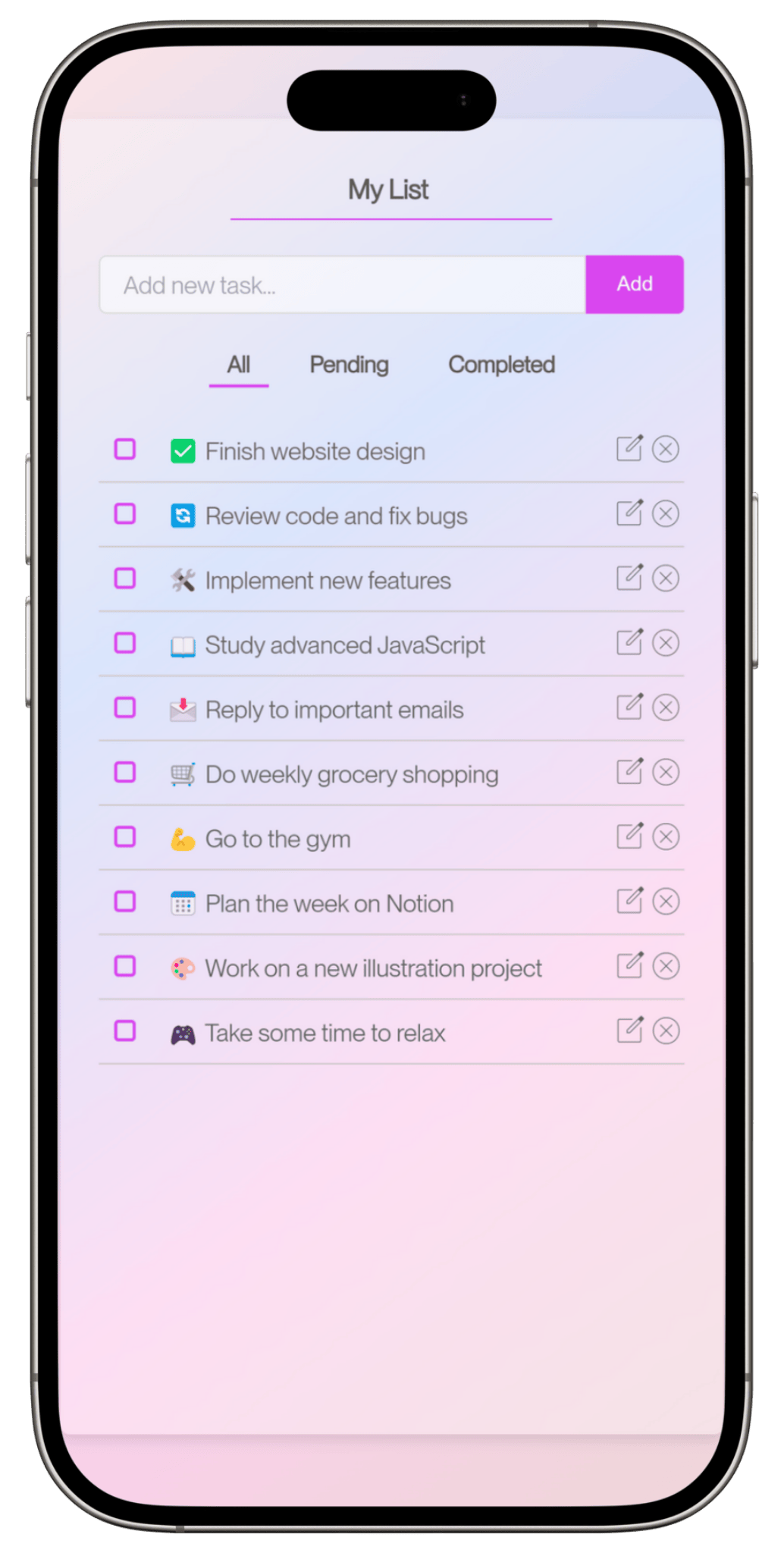
Besides being user-friendly & responsive, the current version of ✨To-Do List✨ includes the following features:
- ☑️ Adds tasks using the button or by pressing "Enter".
- ☑️ Automatically clears the input field after each task is added.
- ☑️ Keeps focus on the input field after adding a task.
- ☑️ Displays tasks with buttons to delete and edit.
- ☑️ Wraps long task texts for better readability.
- ☑️ Filters tasks into: All, Pending and Completed.
- ☑️ Allows dragging and dropping tasks to reposition them.
- ☑️ Marks tasks as completed with a style change.
- ☑️ Tasks and list name are stored in
localStorage. - ☑️ Data remains accessible even after reloading the page.
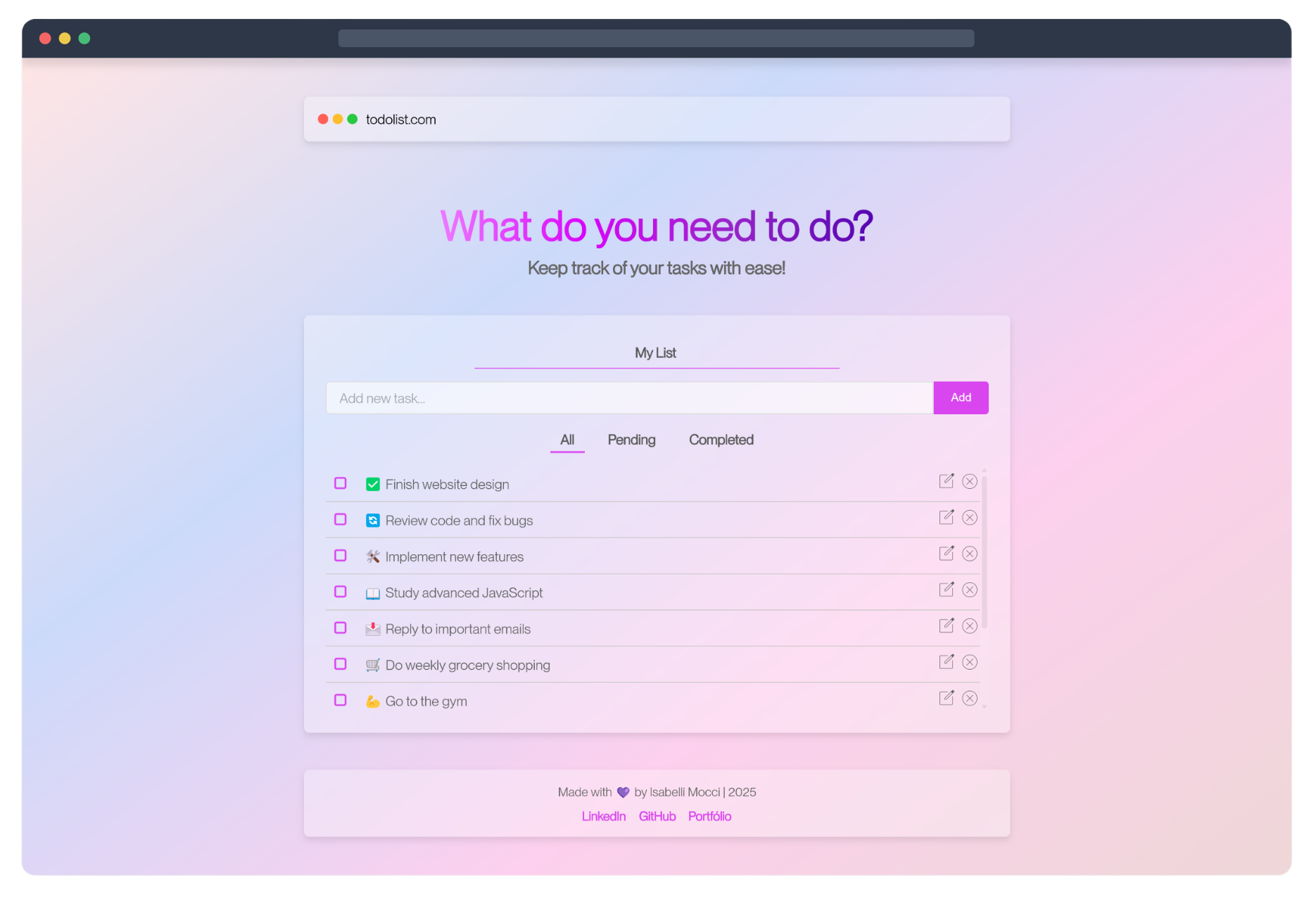
The interface of ✨To-Do List✨ was designed to be clean and functional, focusing on the user experience.
With soft colors, modern typography, and the glassmorphism effect, the design conveys lightness
and clarity, helping users focus on what really matters: their tasks!✨
❓How to clone this repository:
-
Open your terminal.
-
Clone the repository using the following command:
git clone https://github.com/isabelli-mocci/to-do-list.git
-
Access the project folder:
cd to-do-list -
Open the project in your favorite code editor (e.g., VS Code).
-
To run the project locally, simply open the
index.htmlfile in your browser. -
If you make changes and want to push them back to GitHub, follow these steps:
-
Add the modified files:
git add . -
Commit your changes:
git commit -m "description of changes" -
Push to the remote repository:
git push origin main
-
If you want to contribute to this project, feel free to fork it and submit a pull request with improvements or fixes!
🔹 Desired upgrades for future versions:
- Customizable themes: Option for users to choose between different themes.
- Subtasks: Ability to add nested tasks.
- Login and database: Implementation of authentication to sync tasks across devices.
- Alerts and notifications: Automatic reminders for tasks with deadlines.
🏆 MIT License
This repository is open-source, so feel free to use, reuse, and distribute it!
Just don't forget to credit me where necessary! 😉
- Fonts: Google Fonts.
- Icons: Material Symbols - Google Fonts.
- Favicon: Icons created by Freepik - Flaticon.
- Glassmorphism Effect: CSS Glass Generator.
- JavaScript: Concepts from the course "JavaScript e TypeScript – do Básico ao Avançado" by Luiz Otávio Miranda.

|
📬 Contact us: |

