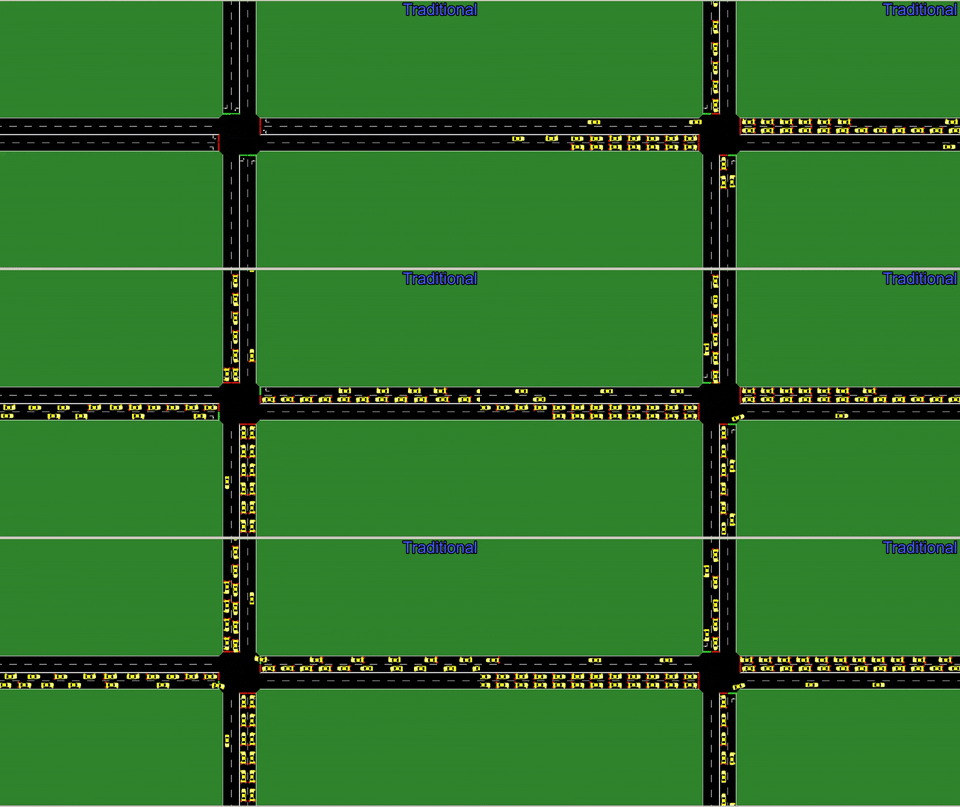
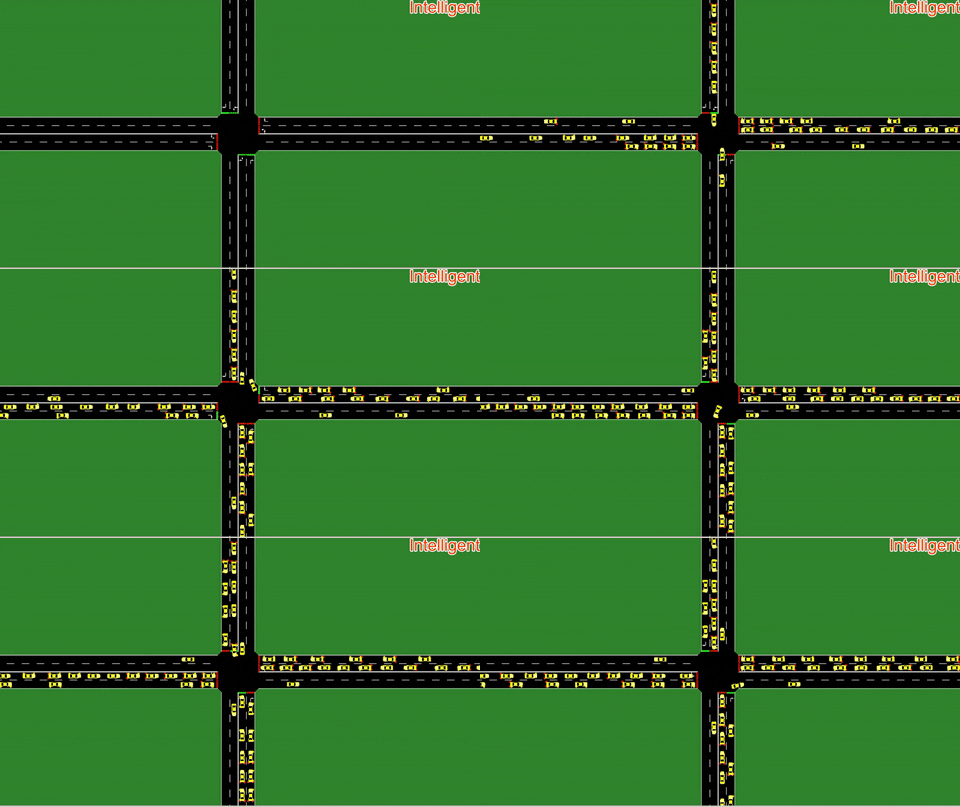
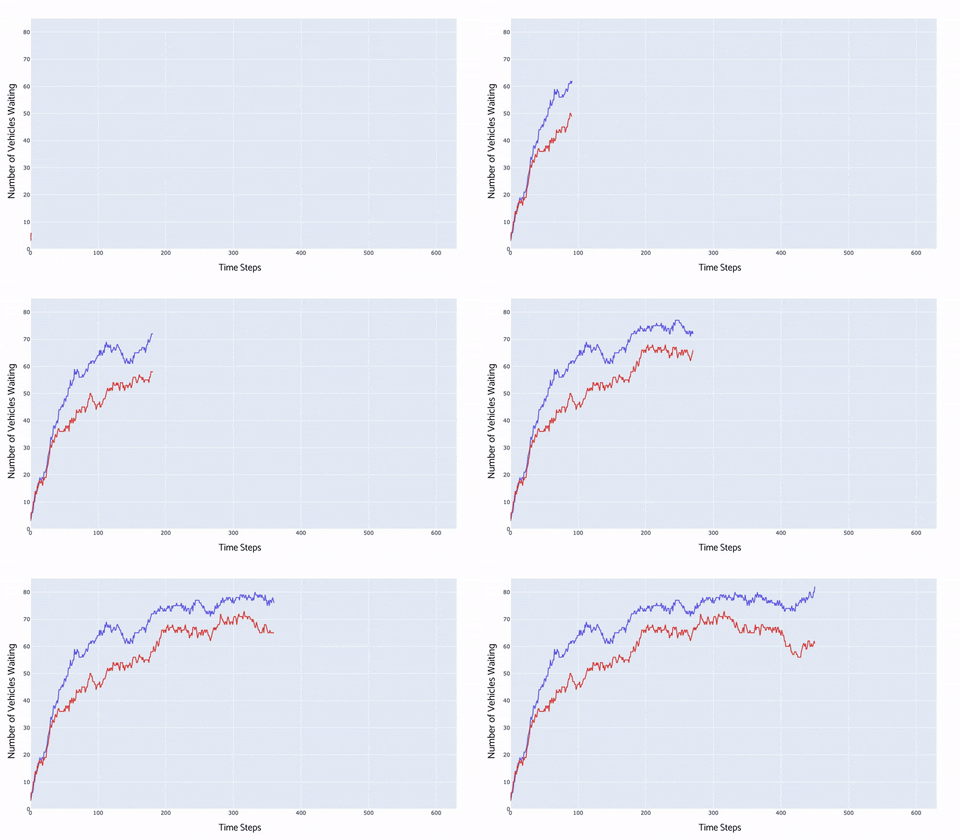
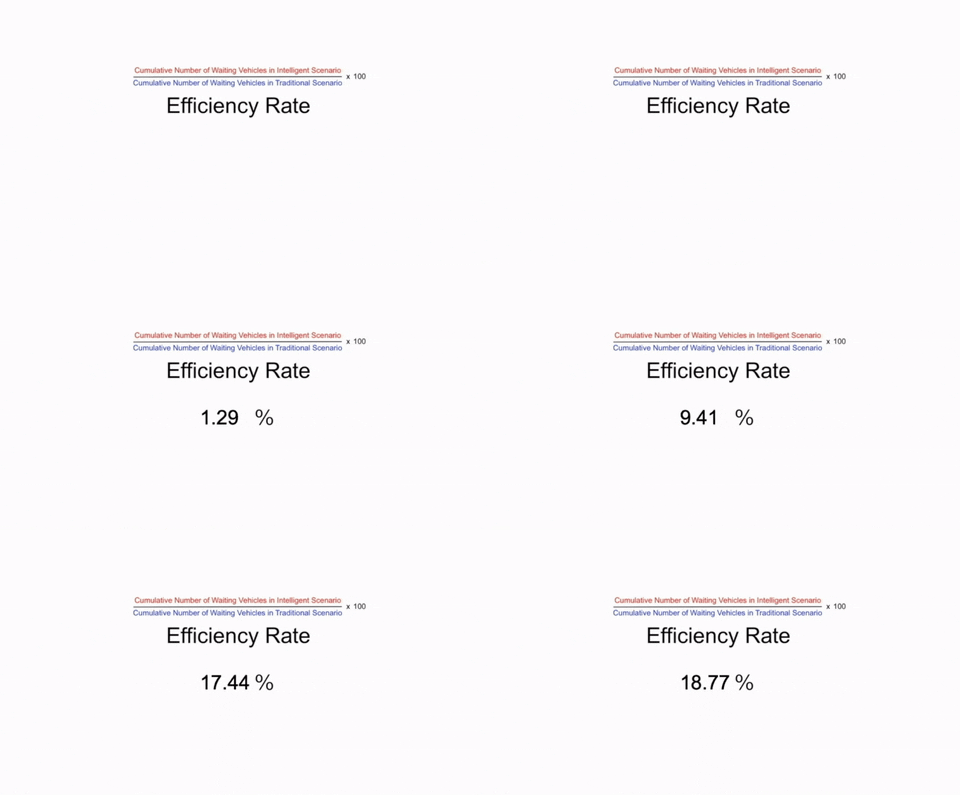
This project is about performance improvement of traffic lights by using Reinforcement Learning algorithm being semi-supervised learning.
Reinforcement Learning, the root of Intelligent Traffic Lights, based on interaction between agent and environment. It is really easy to cover these two conceptual words with feasible examples.
Consider a playgarden with lots of stuffs for playing and chilling. Let's suppose cute and tiny cat hid itself under the playsand. In this scenario, you can think agent as a cat and environment as a garden. We have also some extra food for cutie somewhere in there. The constraint is so simple and straightforward; the cat does not know where the food is in the environment. Every step of it to the food (target) can be unpredictible; which means the cat can be come closer to the food or move away from it. We have already learned Agent and Environment with their representations during this part of story. So, what can "coming closer to the food" and "moving away from it" evoke to you? Every step gives a different state from previous one and chance to make a new action for food. So, "coming closer" should be reward whereas "moving away" is punishment for our target (also known as food). The cat maybe will make 10 times, 20 times or 2000 times try. Every iteration will be experimental and saved in its brain; which means a similar step is recognized from the point of cat's view. Finding the next food in the same garden (environment) will be easier than first time since it has already learned alternative moves, obstacles and shortcuts.
This example with tangible expressions hopefully provides better understanding and comprehension for you. After i told you the story about reinforcement learning, we can keep going with this project and start deep diving into details.
Agent was a cat and environment was a playgarden as i mentined before. This example may be easily adapted to any story. Agent can become traffic lights and environment is traffic for instance. We also need input dataset for traffic lights training itself and can select vehicles as dataset. That is exactly what i did so far for my project. The environment used vehicle data to generate state and reward number and sent them to the agent.

Above image belongs to snapshot of state matrix. Each index in orange grid represents particular section of its lane and keeps track of vehicle intensity if there exist. Last 4 indexes in red grid represent available signal phase.
Reward is calculated using SARSA algorithm. This algorithm is quite similar with Q-learning. The difference between them is that SARSA makes random movement, whereas Q-learning selects maximum action point. Q-learning is mostly preferred when we have final state (like food hid somewhere in the garden) in the environment. There is no any exact target in this scenario.

As you can see above snapshot, each phase tag represents one signal block which consist of 12 signals. It means that there are 12 traffic signals in our intersection scenario and 4 version of traffic lights actively working in sequence. Agent generates 4 possible number acting as 4 traffic lights and makes a random selection among them. Selected number represents the particular version of traffic light and particular signal block as well.
- Check whether pip3 exists or not
$ pip3
$ pip3: command not found- If you get 'command not found' message like above, try this:
$ python3 get-pip.py- Install tensorflow version 1.4.0
$ python3 -m pip install --ignore-installed --upgrade tensorflow==1.14.0- Install numpy
$ python3 -m pip install numpy- Copy-paste below statements separately on your terminal (Installation of SUMO)
$ brew cask install xquartz
$ brew update
$ brew tap dlr-ts/sumo
$ brew install sumo- Open .bash_ profile to add environment variable SUMO_ENV
$ cd
$ nano .bash_profile
-
Add export SUMO_HOME="/usr/local/opt/sumo/share/sumo" as it seems image above and save the file (respectively click control+x - press Y - Enter)
-
Restart your computer