A modern, single-page application template for creating interactive learning experiences on any subject.
I'm learning robotics, but I was struggling with understanding several concepts that aren't well explained with just static text and images. You could theoretically watch YouTube videos, but that lacks interactivity. Then I remembered SOTA LLMs know many concepts and can easily create interactive demonstrations for more difficult topics. Thus the creation of this platform. This repo is a generalized version of my personal platform, for anyone that wants to give it a try.
- Modular Content System - Each topic is a self-contained JavaScript module for easy creation and maintenance
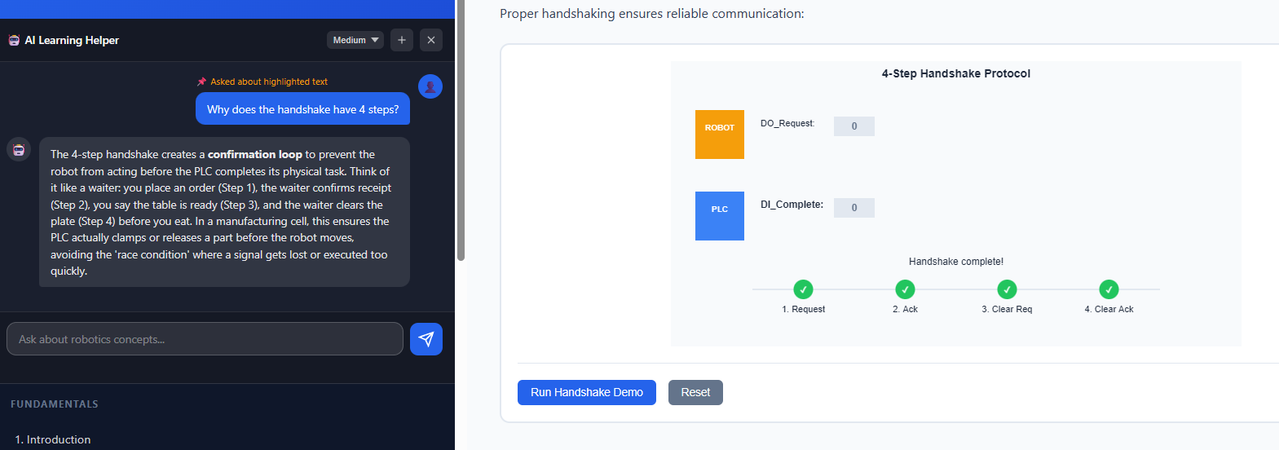
- Interactive Visualizations - Canvas-based diagrams and simulations with utility helpers
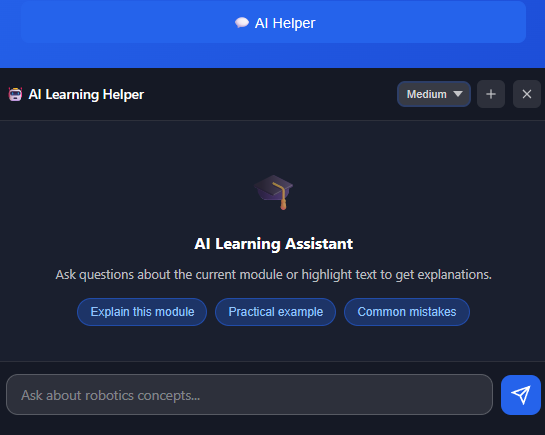
- AI Chat Assistant - Integrated LLM tutor powered by LM Studio (OpenAI-compatible API). Supports contextual help based on current module and selected text.
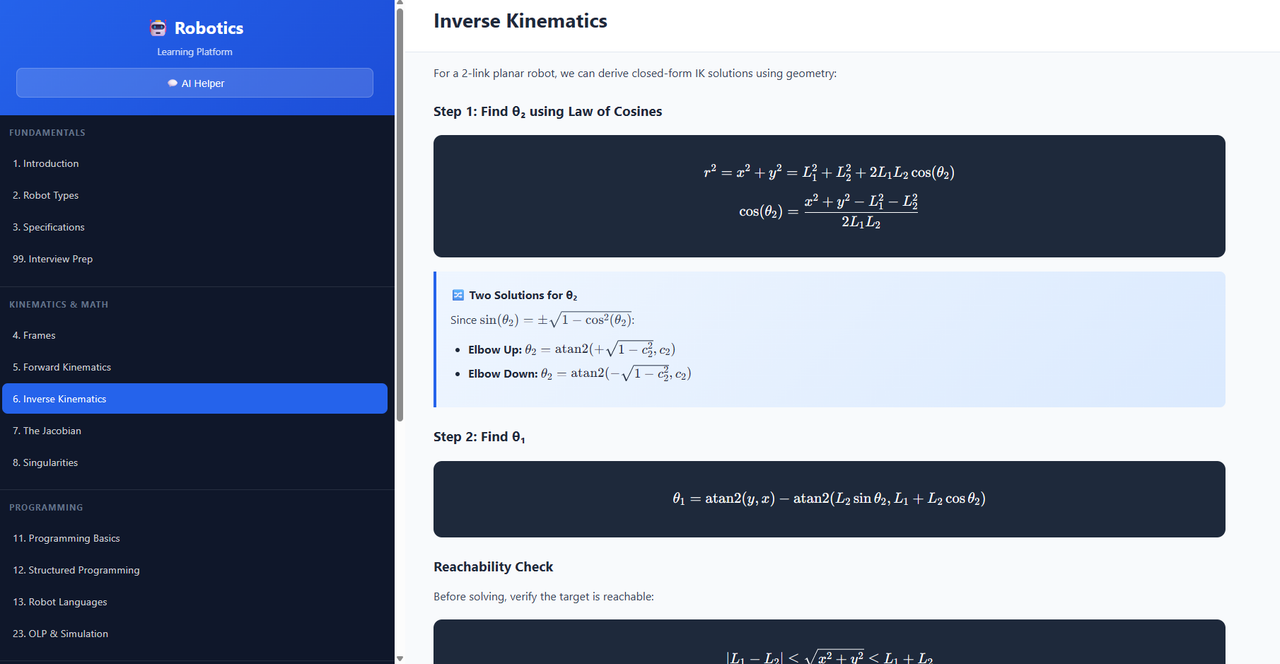
- Math Rendering - KaTeX support for LaTeX-style equations
- Interview Prep Mode - Built-in Q&A reveal pattern for self-testing
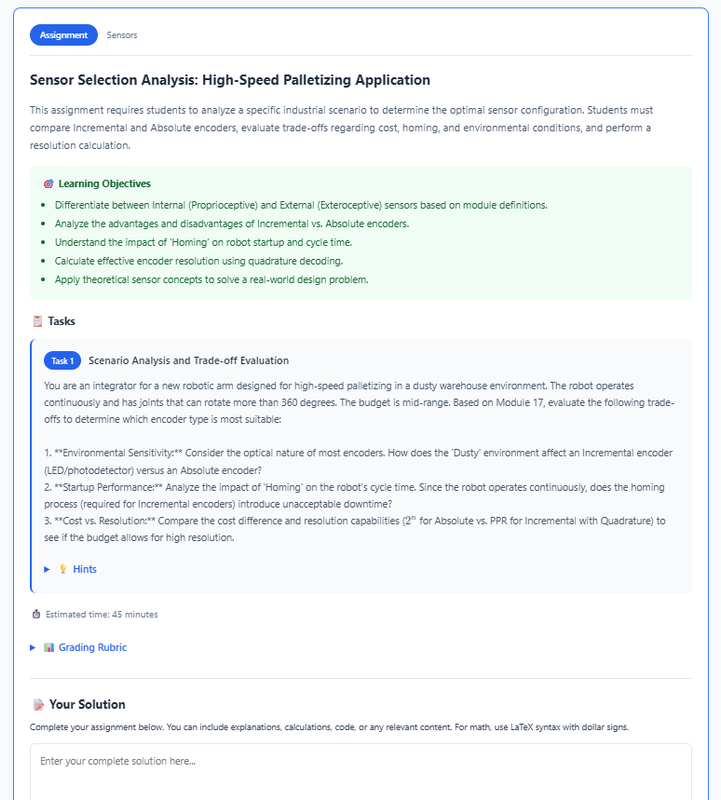
- AI Assignment Generator - LLM-powered assignments with grading and feedback (Module 97)
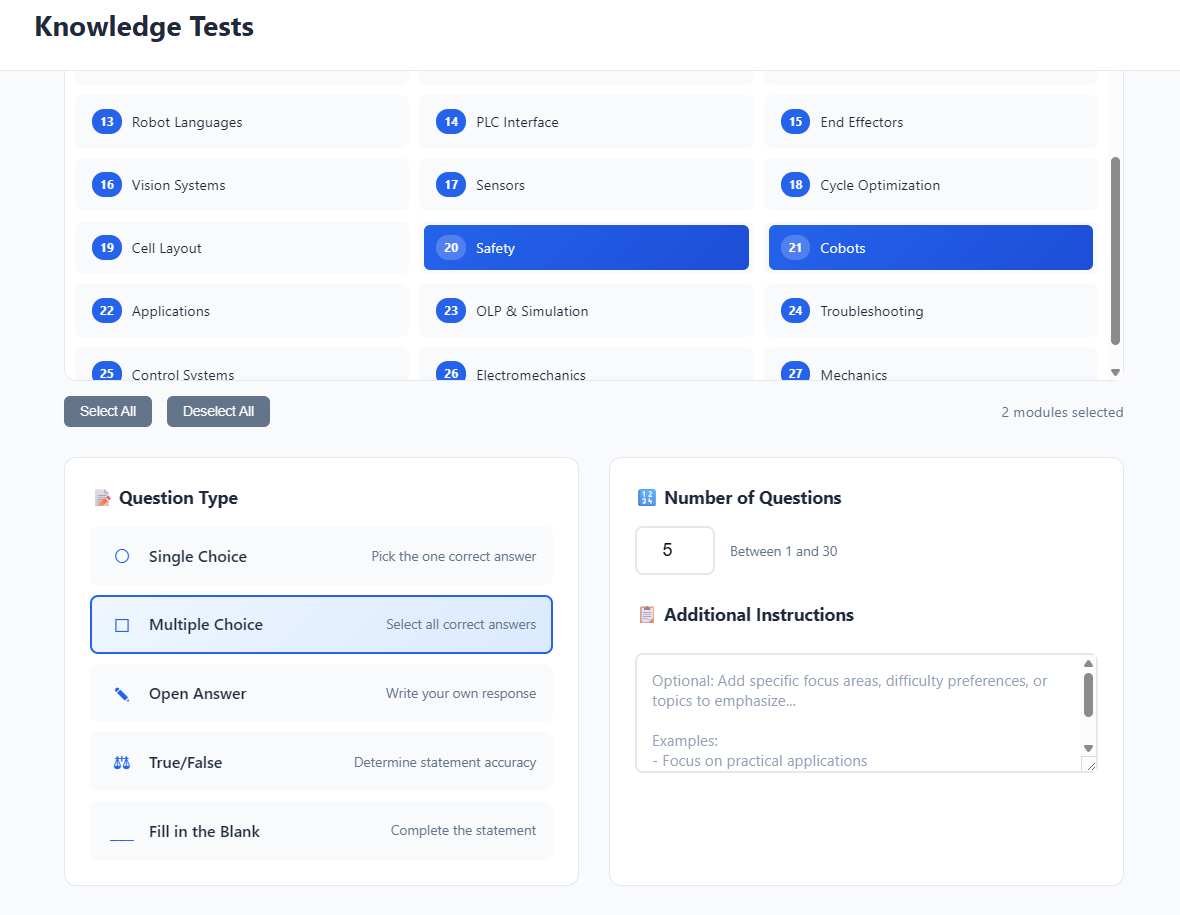
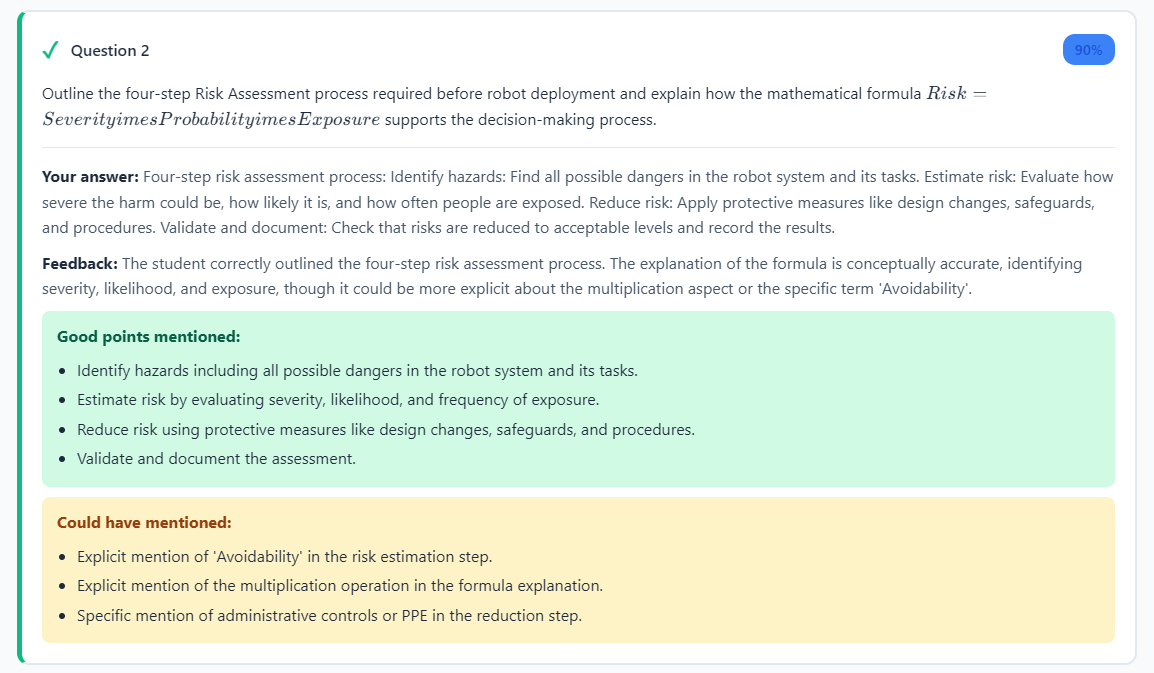
- Interactive Test Generator - Auto-generated quizzes with multiple question types (Module 98)
- Progress Tracking - Visual progress bar and navigation
- Fully Customizable - Easy to brand and extend for any subject
- 2026-01-31: Added AI assignment generator (module 97) and interactive test generator (module 98).
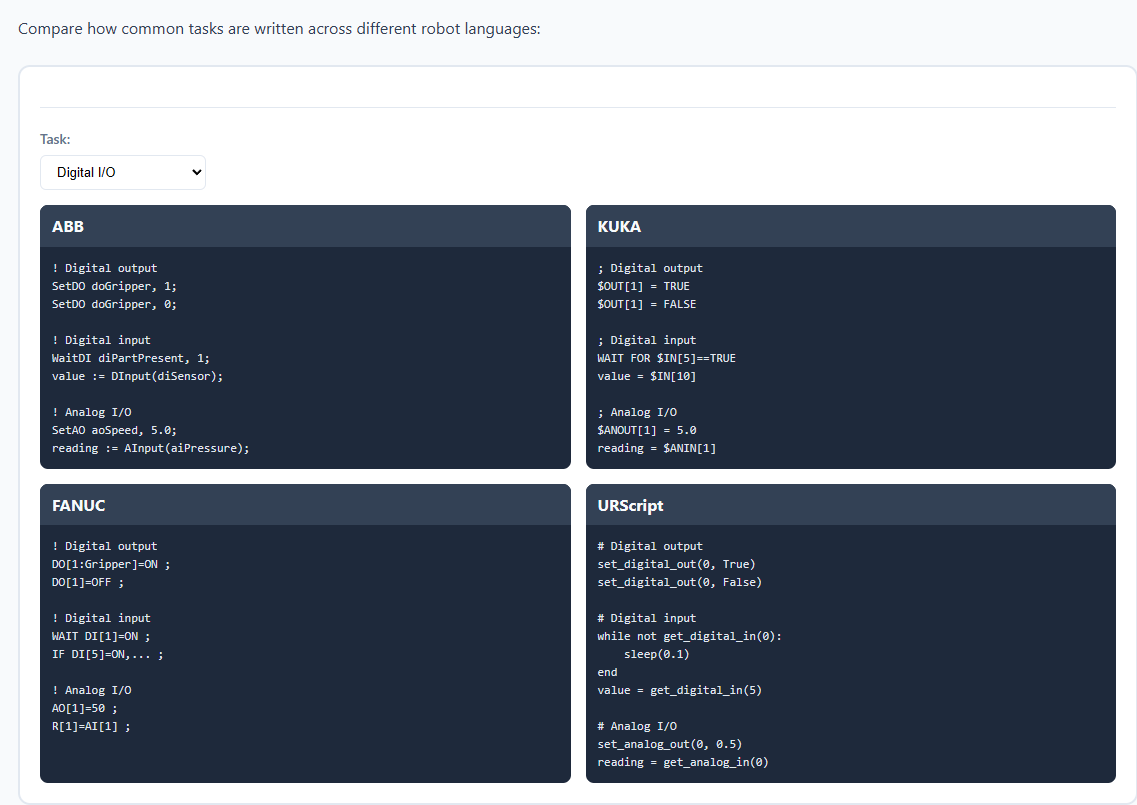
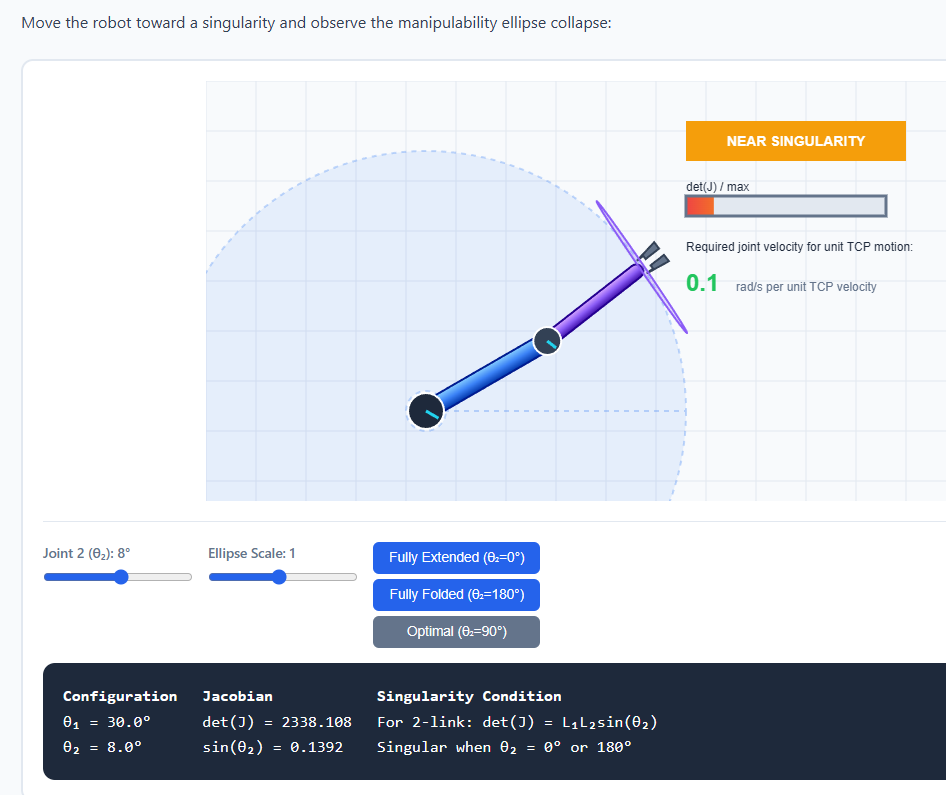
The following screenshots are from a properly developed version of the platform. Your version will look more barebones until you add your own content modules.
- Pure JavaScript (ES6+)
- HTML5 Canvas for visualizations
- CSS3 with custom properties
- KaTeX for math rendering
- LM Studio API for AI chat
git clone <your-repo-url>
cd AcceleratedLearningPlatform
Open index.html in your browser, or use a local server:
# Python
python -m http.server 8000

# Node.js
npx http-server- Download and install LM Studio
- Load a model (e.g.,
gemma-2b,mistral-7b, orGLM 4.7 Flash. Usually bigger models yield better results, but you may want to fit it entirely within VRAM for good generation speeds. As of writing, I can recommend GLM 4.7 Flash at Q5_K_XL for RTX 5090. Leaves enough of VRAM for roughly 60k tokens of context.) - Enable CORS and start the local server on
http://127.0.0.1:1234 - Update model name in
js/chat-helper.jsif needed. Adjust samplers as needed.
- Branding: Update title and sidebar header in
index.html - Colors: Modify CSS variables in
css/styles.css - AI Prompt: Configure system prompt in
js/chat-helper.js - Content: Create modules in
js/modules/
Personally I started out using the currently best model on the market. I started with giving it my university background, the target as for what I want to learn, and then I asked it to populate the curriculum file with a comprehensive list of topics that that'll let me bridge my current knowledge gap. You may want to give the LLM a websearch MCP for more up-to-date info if the subject is fast-moving.
With this done, I passed the curriculum file back to the LLM, and then I asked it to generate the content for each module one by one. I instructed it to include interactive visualizations wherever applicable, and to use the utility functions provided in the platform. I also asked it to include info boxes, examples, and exercises to reinforce learning. Lastly, I asked it to be exhaustive for each module.
Finally, I asked it to generate interview questions for the interview module, focusing on common pitfalls and misconceptions.
In general I'd say this approach works quite well and basically all information generated was factually correct. However few interactive visualizations required slight fixes to work properly. Overall this approach saved me a lot of time compared to writing everything manually and actually allowed me to focus on learning.
├── index.html                 # Main entry point
├── ARCHITECTURE.md            # Detailed technical documentation
├── SETUP_GUIDE.md             # Step-by-step customization guide
├── TOPICS_CURRICULUM.md       # Curriculum planning & tracking
├── css/
│   ├── styles.css             # Global styles and variables
│   └── modules.css            # Module component styles
└── js/
    ├── app.js                 # Main application controller
    ├── module-registry.js     # Module registration system
    ├── chat-helper.js         # AI chat integration
    ├── modules/               # Your content modules
    │   ├── module-01-introduction.js
    │   ├── module-02-example-topic.js
    │   ├── module-97-assignments.js   # AI assignment generator
    │   ├── module-98-tests.js         # Interactive test generator
    │   └── module-99-interview-questions.js
    └── utils/                 # Utility libraries
        ├── math-utils.js      # Math & vector operations
        ├── canvas-utils.js    # Drawing helpers
        └── animation-utils.js # Animation system
registerModule({
    number: 3,
    title: 'Your Topic Title',
    shortTitle: 'Topic',        // Optional: for navigation
    section: 'core',            // Category: fundamentals, core, or advanced

    content: `
        <section class="module-section">
            <h2>Section Heading</h2>
            <p>Your content here...</p>

            <div class="info-box">
                <h4>💡 Key Point</h4>
                <p>Important information to highlight.</p>
            </div>
        </section>
    `,

    init: function() {
        // Optional: Setup interactive elements
    }
});init: function() {
const canvas = document.getElementById('my-canvas');
if (!canvas) return;
const ctx = canvas.getContext('2d');
function render() {
CanvasUtils.clear(ctx, canvas, '#f8fafc');
CanvasUtils.drawGrid(ctx, canvas, 50);
// Your drawing code...
}
render();
}degToRad(),radToDeg()- Angle conversionlerp(),clamp(),map()- Value interpolationvectorAdd(),vectorNormalize(),distance()- Vector ops
clear(),drawGrid(),drawAxes()- Canvas setupdrawArrow(),drawCircle(),drawLine()- Shape drawingdrawLabel()- Text rendering
startAnimation(),stopAnimation()- Animation controltween()- Value animationeasingFunctions- Easing presets (easeIn, easeOut, elastic, bounce)
- ARCHITECTURE.md - Complete technical reference
- SETUP_GUIDE.md - Customization walkthrough
- TOPICS_CURRICULUM.md - Curriculum planning template
| Shortcut | Action |
|---|---|
Ctrl + / |
Toggle AI chat panel |
Enter |
Send chat message |
Shift + Enter |
New line in chat |
- RAG capabilities for AI chat to access external resources (e.g. Wikipedia, Arxiv, etc).
- Unlikely but whiteboard mode for questions about specific scenarios, to be presented to the LLM as images.
This project was partially built using Claude 4.5 Opus since I'm mediocre at JS and had to use it as a crutch for more complex logic. Additonally, the AI chat functionality is designed to work with local LLMs via LM Studio, ensuring user data privacy. Good part of docs is also AI-assisted, but all code is manually reviewed and tested.
MIT License - Feel free to use and modify for your own learning projects.