We were tasked with creating a swing arm from the drawings and measurements we were given.
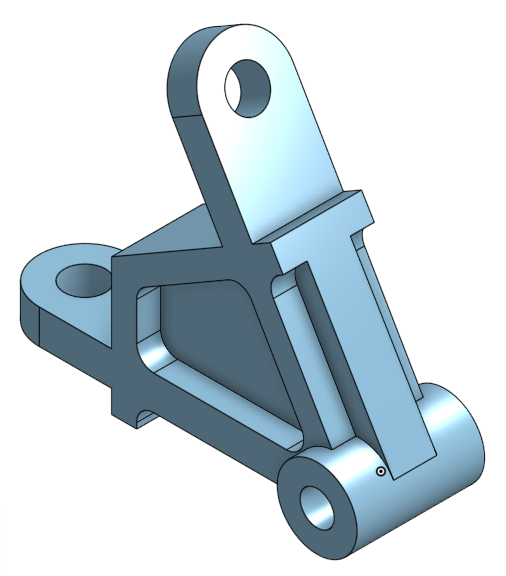
In all I was confident going in to this project but when the first problem arose (it wasn't the right mass) I was taken aback. The most important thing about the drawings and dimentions is that not EVERYTHING will be directly mentioned. THAT was the source of my problems.
We were assingned to create a multi-part object within only one studio with the designs and measurements intact.
Question 1
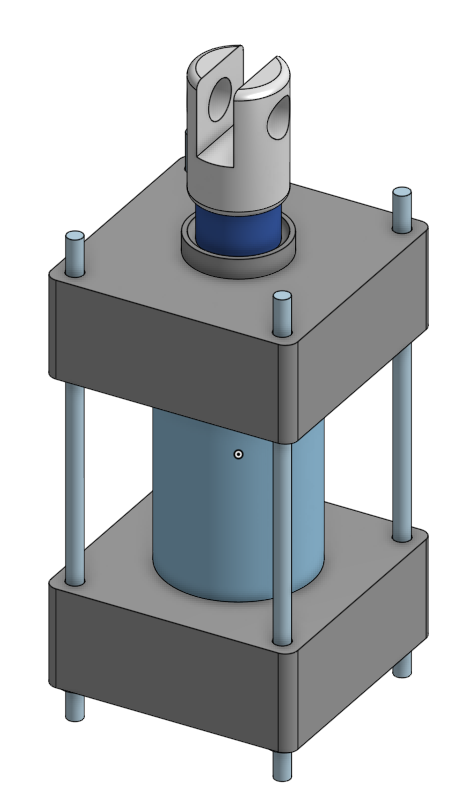
Question 2
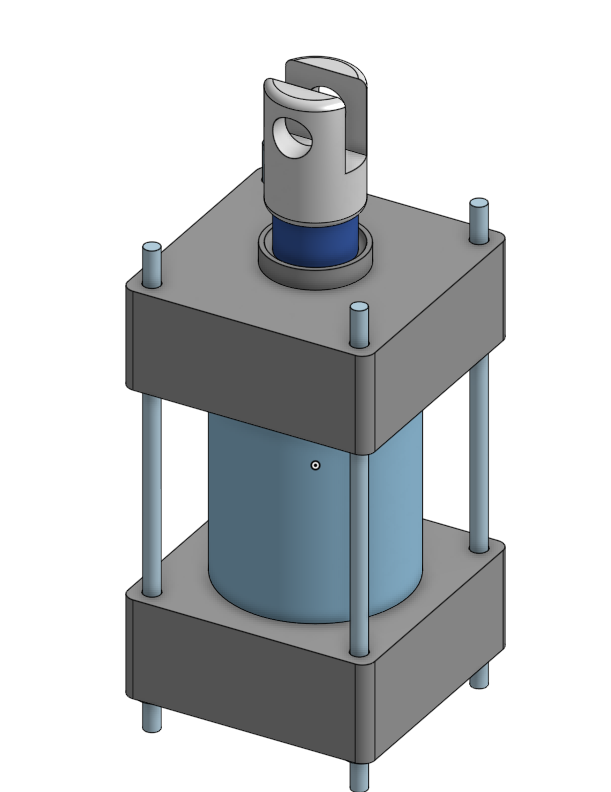
Question 3
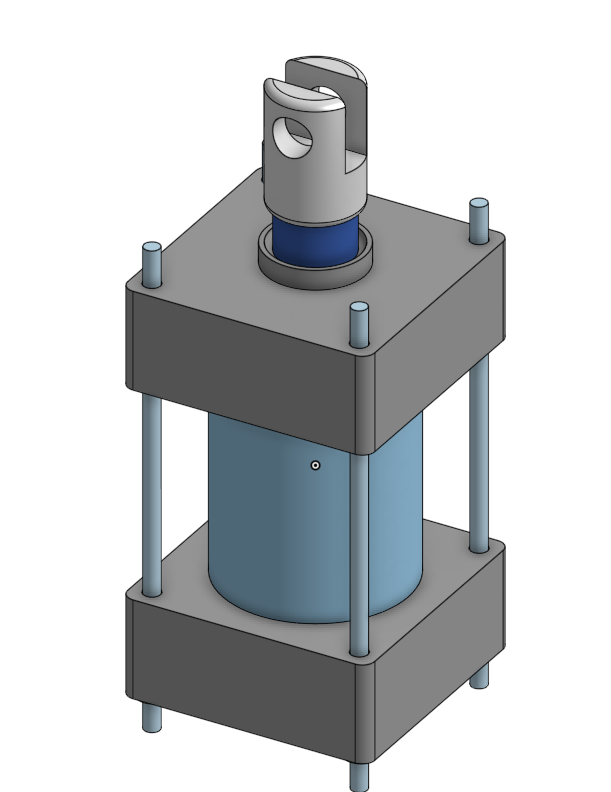
Question 4
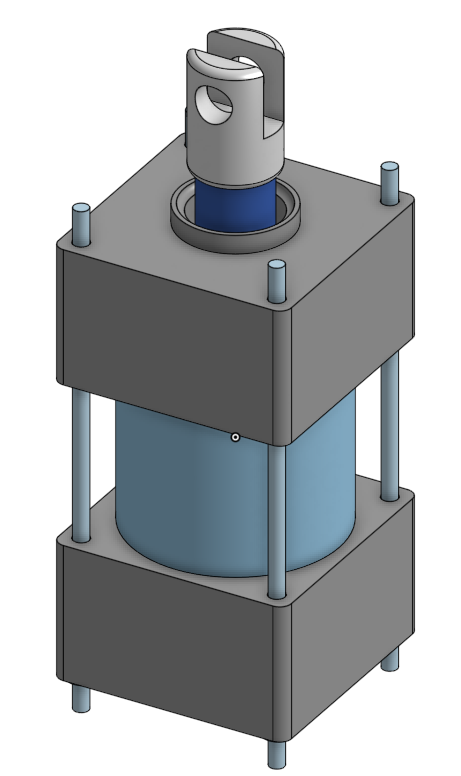
This assingment like the last had a prevolent issue that being the misconceptions of size and space given in the design and measurements. During the question segment of the project, I had issues making new branches and making the onshape system cooperate with me so that I could get the desired weight.
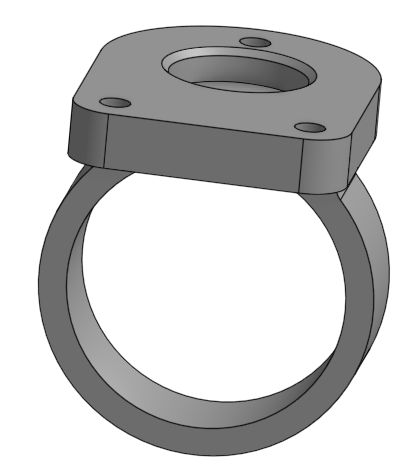
I was partnered with Chris to create a Top, Ring, and Key for our collective project
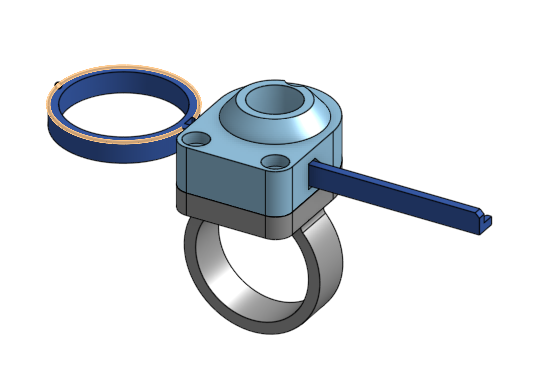
In all this process went pretty smoothly, me and Chris worked well to create this. NO problems besides a sketch not showing up in which we just made it visible again.
Me and Chris were tasked with creating a Key and Prop for our document
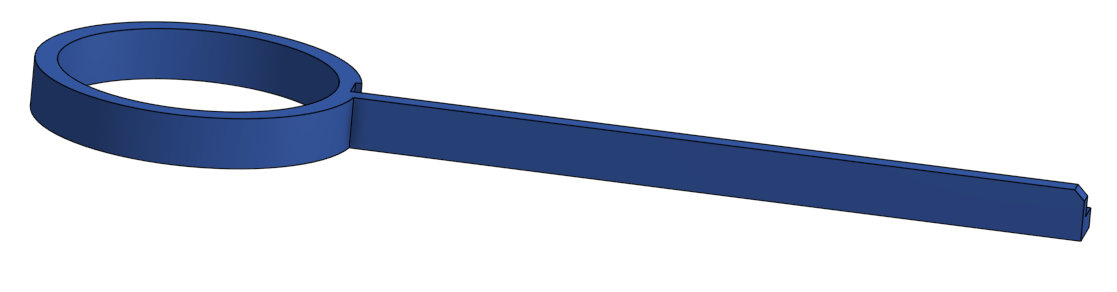
This assingment went smoothly as well! Me and Chris worked together and followed the instructions well. There were no major hiccups besides learning the sweep tool. I was confused at first but then learned eventually.
Me and Chris were assinged to create a laucher for the project with the given instructions provided.
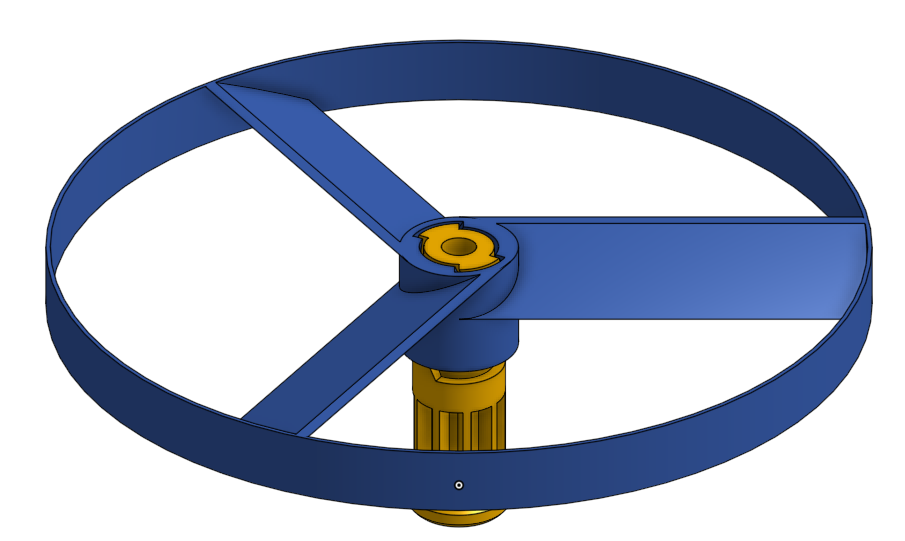
For the most part this project went well. But there was one point where I struggled. And that was when I tried to use the revolute mate. I had a small period in where I mated the two desired objects in the wrong order, eventually that problem was fixed.
We were tasked with learning the branch and merge feature in onshape. And using those features properally.
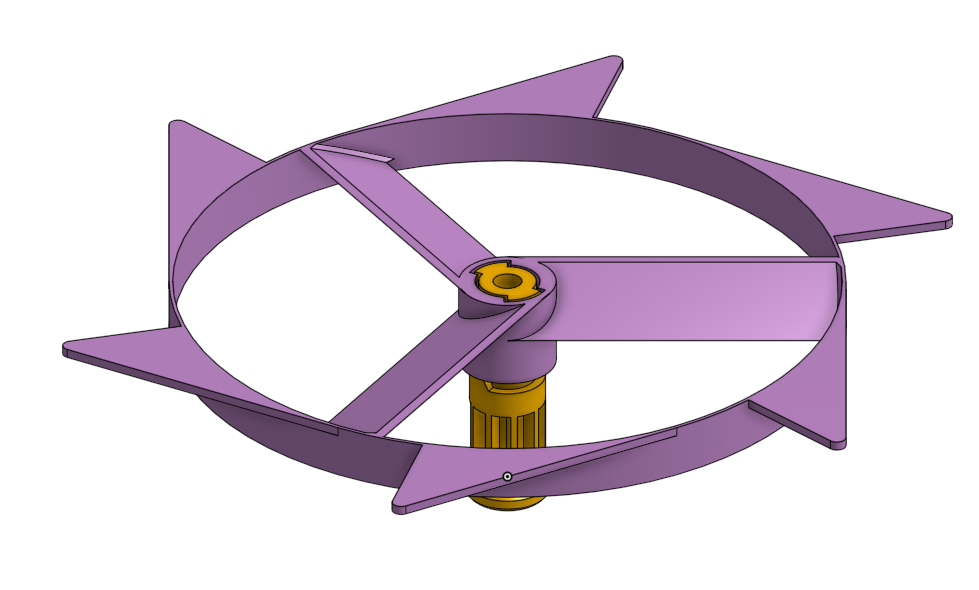
Learning the branch function was difficult. At first I was just fumbiling around. But then I decided to closely follow the instructions of the page. I learned how to do it after some trial and error.
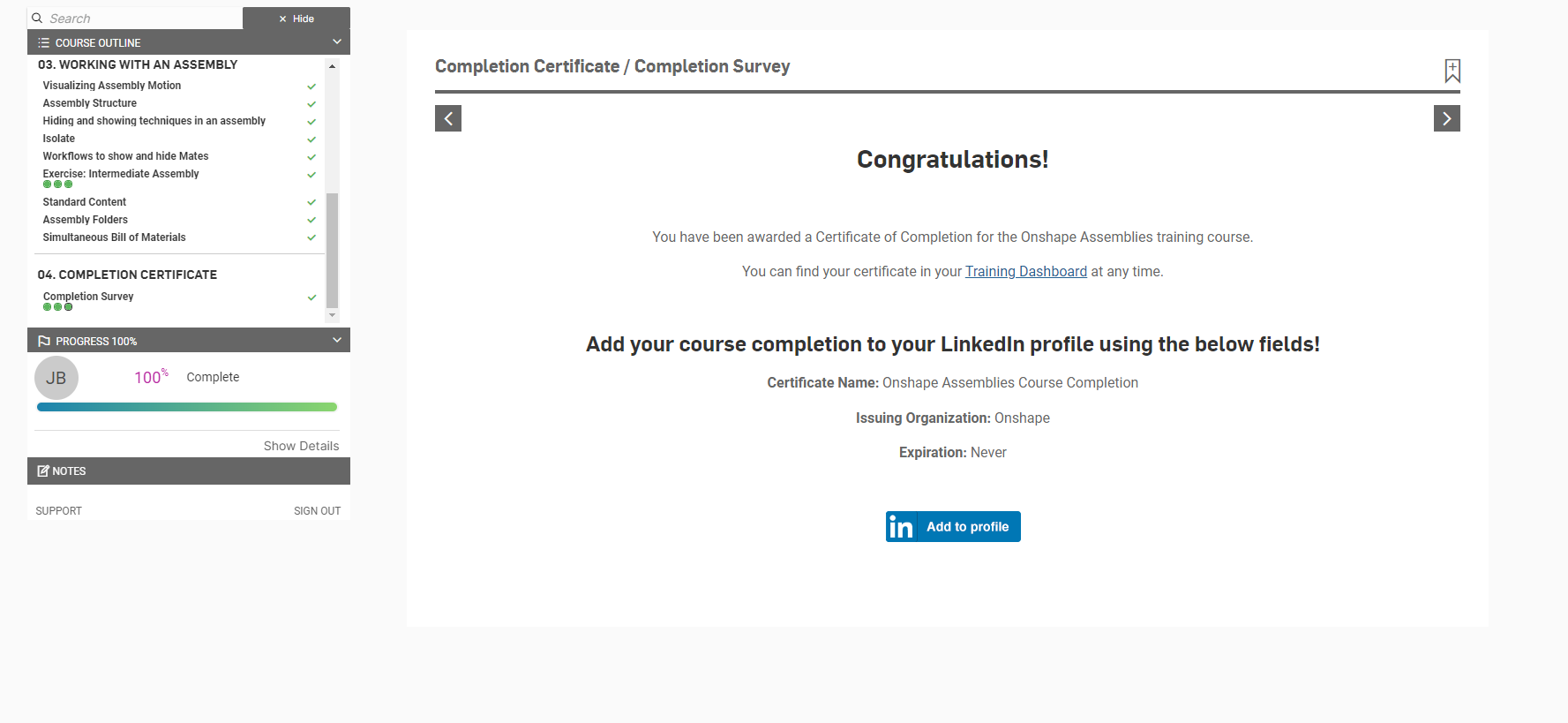
We were required to take a multi part course all about Onshape assembilies.
Overall this section talked about starting an assembly and moving a part to the origin. It was straightforward and to the point.
This section explained the many Mates there are in the Onshape world giving me a bigger understanding on how all the mates work.
This section explains the complecated interworkings of mechanics that will greatly improve your efficentcy and knowledge in Onshape. This includes: Isolation, Hiding Mates, Assembily Folders, etc.
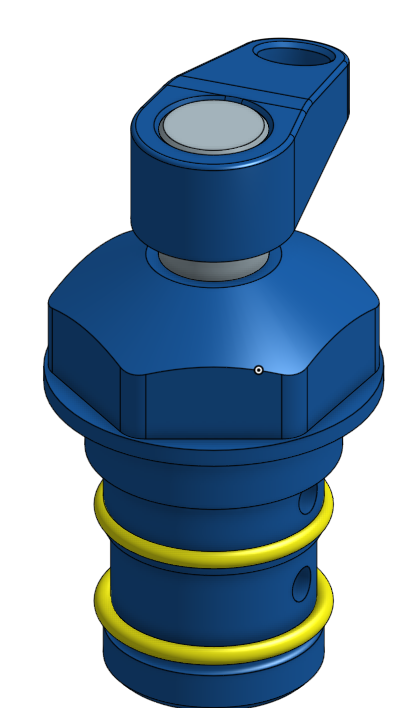
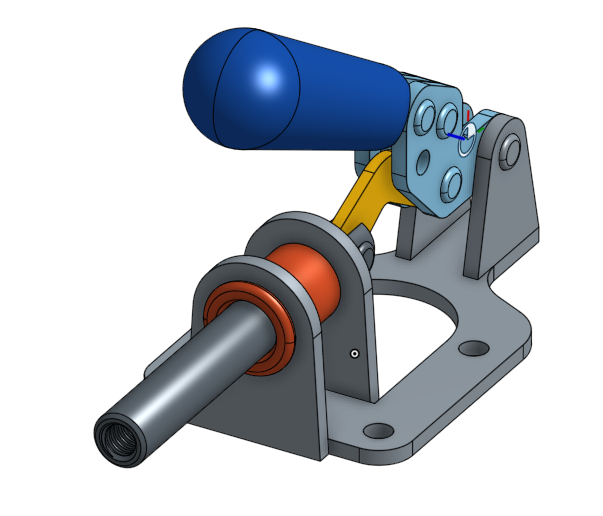
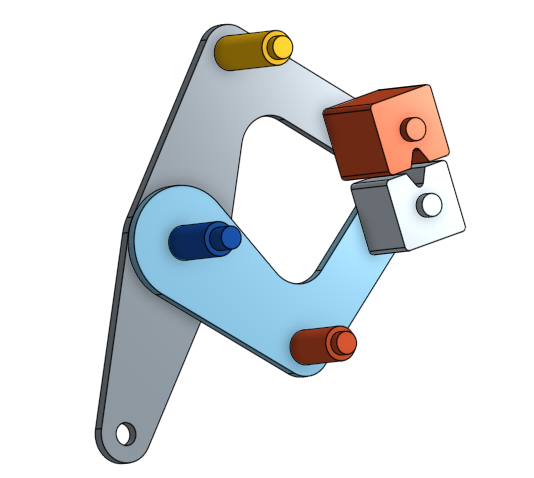
Overall it was fun to put these pieces together to create the final assembly. The most important part of doing this type of assingment is that you should always make sure you properly connect each piece (double check it!).
This is a test that spans multiple different problems relating to Onshape.
joshua-bleakley-dbb9e1b2-3a06-434a-9cf2-45676b8ed18b-certificate.pdf
This test, if you do the practice and really attempt to understand it, can be relatively smooth. I'm quite pleased to say that I am Onshape certified. As long as you do the practice there isn't much stopping you from success.