M5Stack Core2 using Library 'M5Core2' Coding with Visual Studio Code with plugin PlateformeIO
Background in App
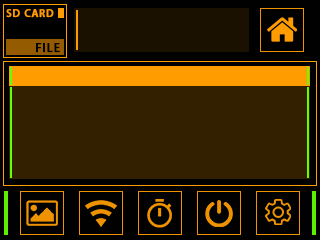
Background Home All App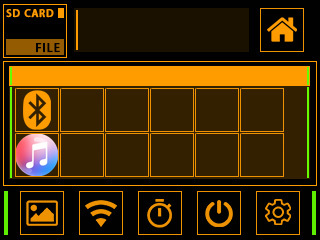

Background Home All App

- Download (and unzip) this repository
- Download and Install Visual Studio Code https://code.visualstudio.com/
- Install the PlatformIO Extension
- Install ESP32 Platform on PlatformIO
- Open the MultiApp Project folder on PlatformIO
- Click the BUILD button !
- To access the App, Click on M5Stack the Internal logo

An Improvement which proposes to integrate:
- Bluetooth scan / connect
- Wifi scan / connect
- Games
- Music player
- Calculator
- Calendar
- Other applications..
Documentation can be found at https://www.arduino.cc/reference/en/libraries/m5core2/
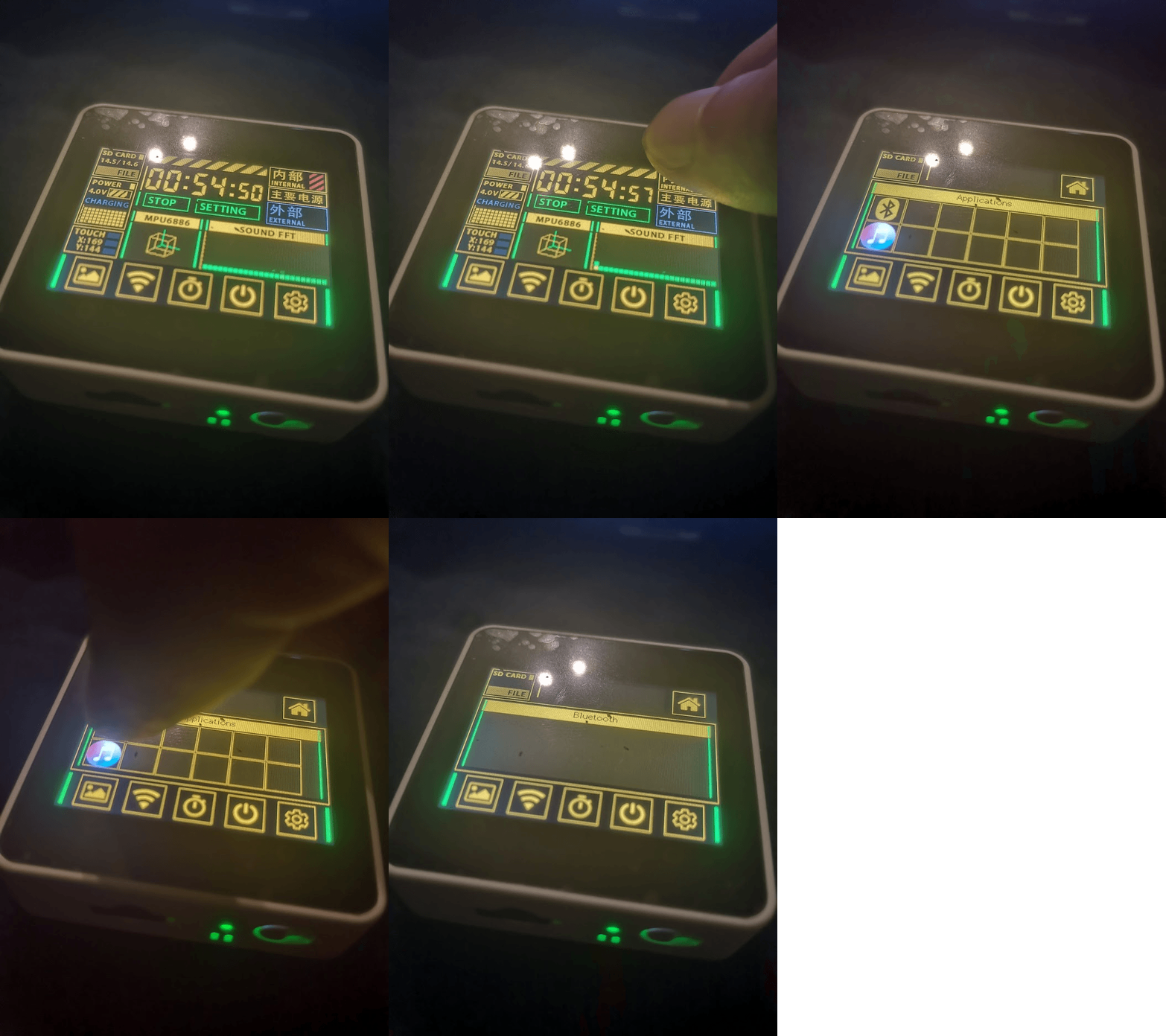
Lib : M5Core2, ArduinoECCX08 and FastLED are Included. The Script The script contains examples of common use
/!\ The project is still in the testing phase and a beta version will be available soon. /!\
Please visit https://github.com/joueurgear/M5Stack-Core2-FactoryDemo-Upgrade/archive/refs/heads/main.zip
For build instructions, see: soon
For building our documentation, see: docs/README.md.