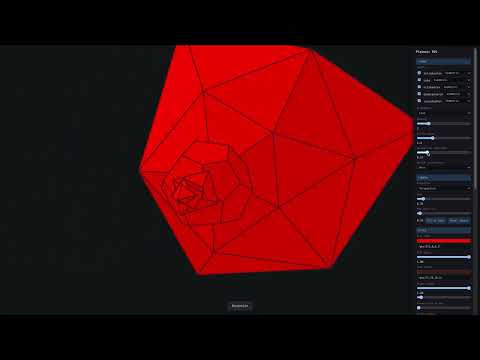

Run the app in a browser. You need Node.js (v18 or newer) installed.
Unzip the folder, open a terminal in that folder, then run:
npm install
npm run dev
Then open the URL shown (e.g. http://localhost:5173/) in your browser.
To run the built version instead:
npm install
npm run build
npm run preview
Then open http://localhost:4173/.
Unzip the folder, open a terminal inside that folder, then run one of these:
Option 1 — with Node.js:
npx serve .Then open http://localhost:3000/ (or the URL shown).
Option 2 — with Python 3:
python3 -m http.server 4173Then open http://localhost:4173/.
You cannot double-click index.html; the app uses ES modules and must be served over HTTP.
| What you have | Commands |
|---|---|
Full project (no node_modules) |
npm install → npm run dev |
Full project (no node_modules) |
npm install → npm run build → npm run preview |
| Pre-built folder only | npx serve . or python3 -m http.server 4173 |
When zipping the full project, exclude the node_modules folder so the zip stays small; recipients run npm install to get dependencies.